Best Portable Power Station for Starlink and Starlink Mini: A Buyer's Guide
Fast internet can make a campsite feel a lot more connected. It can also keep you online at a remote job site or during a power outage at home. But Starlink needs a steady power source wherever you use it. A portable power station gives you that flexibility without depending on a wall outlet. The right size depends on your Starlink model, how long you need it to run, and whether you also want to charge a laptop, phone, or other gear. This guide covers Starlink power needs, what to look for in a power station, runtime calculations, two EcoFlow options, and solar setups for longer trips.
How Much Power Does Starlink Use?
Starlink uses less power than many common home appliances, but it stays on for hours at a time. That makes the total energy use more important when you're choosing a battery for camping, RV travel, remote work, or a power outage. The Starlink Mini has a lower average draw than the Standard kit, so it can run longer on the same battery. If you're comparing models, our guide to how much power Starlink uses breaks down the numbers in more detail.
Starlink kit | Average power use | Input requirements |
Starlink Mini | 25 to 40W average, about 15W idle | 12 to 48V DC, 60W |
Starlink Standard | Higher than the Mini | Check Starlink's current specifications |
The Mini's lower power draw makes it easier to pair with a portable power station. The exact runtime still depends on the battery capacity and what else you're running from it.
Starlink Mini Power Needs
The Starlink Mini can run on either DC or AC power, giving you more flexibility when pairing it with a portable power station. It also supports USB-C power with the cable accessory, but the source needs to provide at least 100W of Power Delivery at 20V/5A. Starlink says USB PD sources below 65W won't work with the Mini, so check its Mini power support information before buying a cable or adapter. Once you know your power needs, choosing a power station becomes much easier.
What to Look for in a Portable Power Station for Starlink


Think about how you'll use Starlink before you pick a battery size. Someone using a Mini for a few hours at a campsite has different needs from someone working remotely for several days. A good portable power station for Starlink should give you enough battery capacity for your planned runtime and enough ports for the rest of your gear. These are the main things to check:
Capacity: Look at watt-hours (Wh), not just the output rating in watts. A higher Wh capacity generally means you can keep Starlink and your other gear running longer.
AC outlets: A pure sine wave AC output gives you a standard way to power Starlink and other electronics. It also gives you room to plug in devices such as a laptop or monitor.
DC and USB-C ports: These ports can power compatible devices without converting battery power to AC first. That can be useful when you're trying to get the most runtime from your battery.
Solar input: Solar charging can help keep your power station running during longer trips away from the grid. It's especially useful for camping, RV travel, and remote work where an outlet isn't available.
Size and weight: A smaller power station is easier to carry between your vehicle, campsite, and work area. If you'll move it often, check both the weight and overall size before buying.
Noise level: A quieter power station is easier to have nearby while you're working or sleeping. This matters even more when Starlink is set up at a campsite or inside an RV.
Extra capacity: Don't size the battery around Starlink alone if you'll also charge a laptop, phone, lights, or other devices. Leaving some extra capacity gives you more flexibility throughout the day.
Runtime Math Made Simple
Once you know Starlink's average power draw, you can get a rough idea of how long a power station will last. A simple formula is runtime (hours) ≈ capacity (Wh) × 0.85 ÷ average watts. The 0.85 factor accounts for typical power losses during use. For the Starlink Mini, using an average draw of about 35W gives you a useful starting point. Our guide to Starlink Mini power consumption covers the Mini's energy use in more detail.
Power station capacity | Starlink Mini at about 35W | Starlink Standard* |
1,024Wh (about 1kWh) | About 25 hours | Less than 25 hours |
2,048Wh (about 2kWh) | About 50 hours | Less than 50 hours |
Actual Starlink Standard runtime depends on its average power use and your setup. These figures are estimates, not guaranteed runtimes. Your actual runtime will also drop if you're charging a laptop, phone, lights, or other devices from the same battery. If you expect to run several devices together, leave some extra capacity rather than sizing the power station around Starlink alone.
Best Portable Power Stations for Starlink
The right power station depends on how much gear you want to run alongside Starlink. A Starlink Mini user may only need enough capacity for a laptop and phone, while an RV setup may also need power for lights, appliances, or other equipment. If you're planning to use Starlink on the road, our Starlink internet review for RV travel can also help you plan your setup.
Our top picks
For a Starlink Mini, a mid-size power station can provide a full day or more of runtime while leaving capacity for other devices. The EcoFlow DELTA 3 Plus is a good fit for shorter trips and outages, while a larger 2kWh model gives you more room for longer use and additional appliances.
The EcoFlow DELTA 3 Plus is a practical fit for weekend trips and short outages where you need to keep your Starlink Mini running and charge a few other devices. If you're planning multi-day remote work or need to run a Starlink Standard kit alongside a refrigerator, a 2kWh power station gives you more battery capacity for longer use.
Solar Generator for Starlink: Staying Online Off-Grid
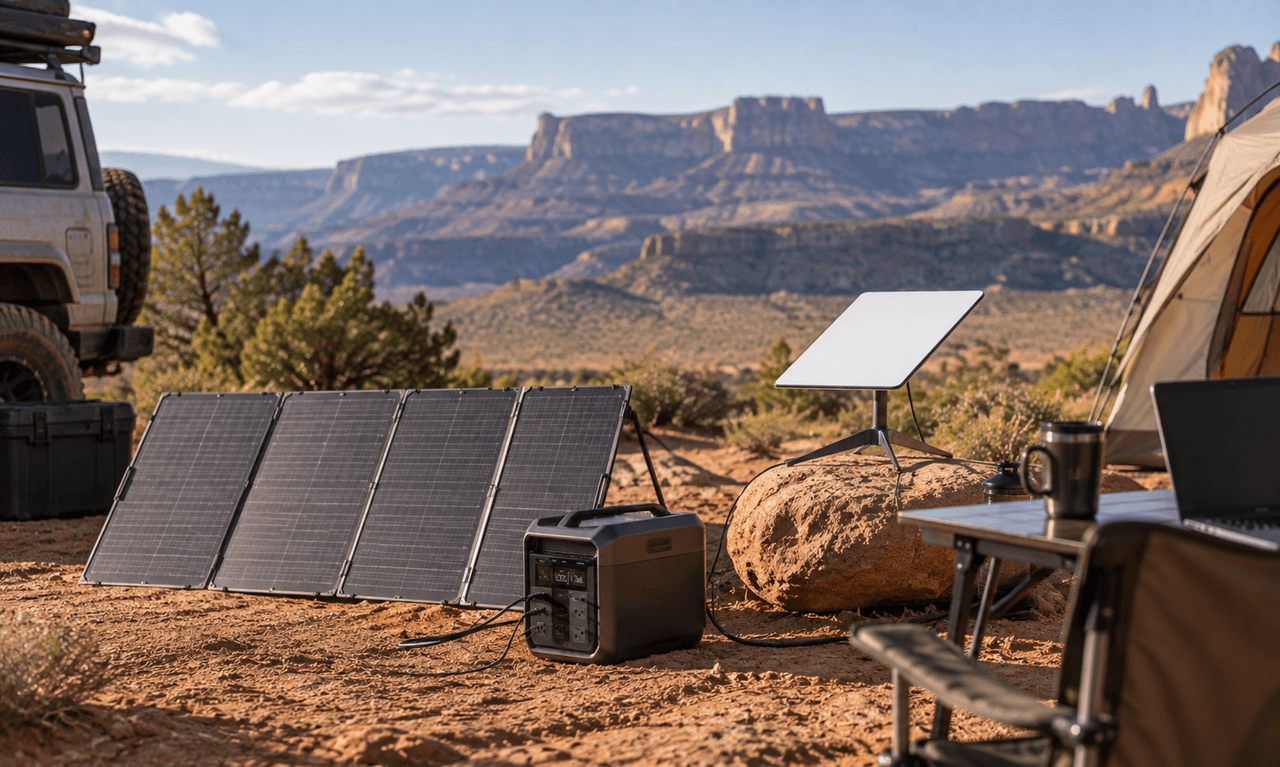
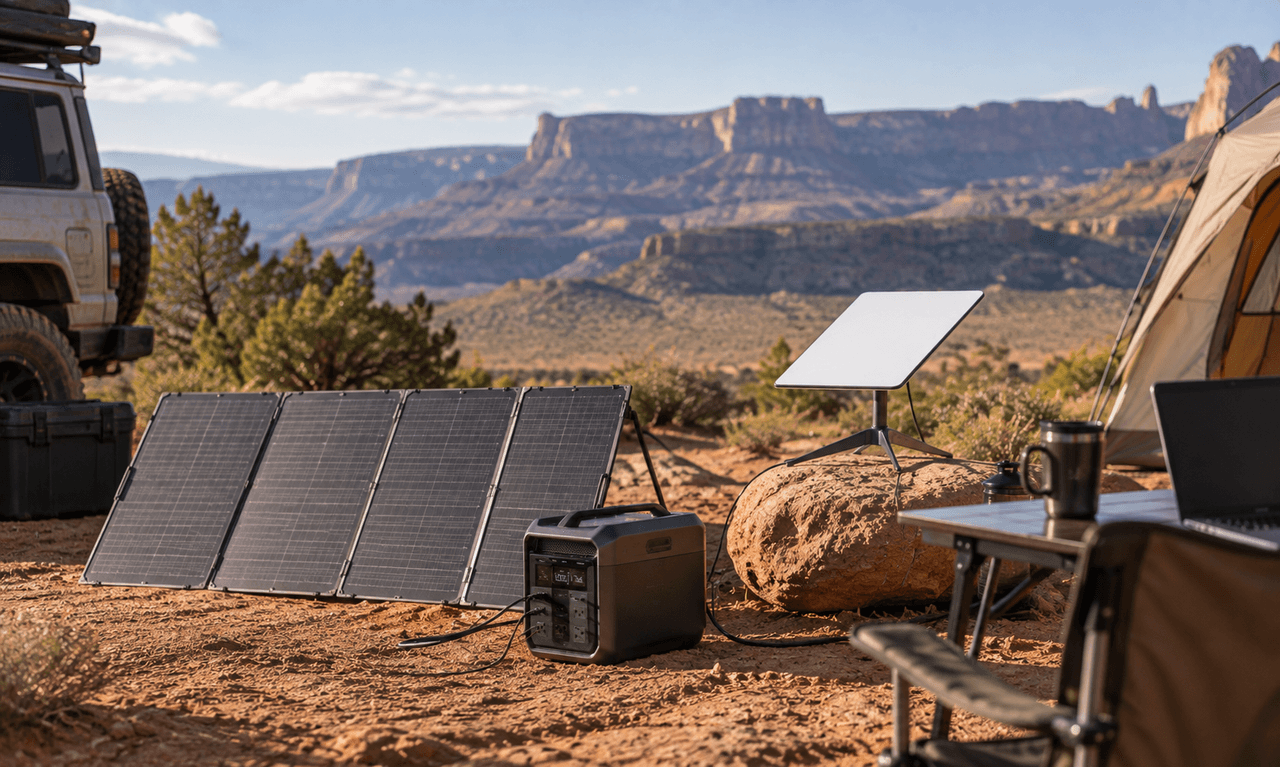
Add solar panels to a portable power station and you have a solar generator for Starlink that can recharge off-grid. This works well for camping, RV travel, remote work, and longer stays without reliable utility power. Size the solar array around your daily energy use, with extra capacity for cloudy weather and charging losses. If you're heading out during a storm, our guide to Starlink in rain, snow, and storms explains what to expect.
Tips for Off-Grid Starlink Setups
A few setup choices can make a noticeable difference when you're trying to stretch battery life away from the grid.
Give the dish a clear view of the sky: Trees, buildings, and other obstructions can interfere with the connection.
Keep solar panels out of shade: Even partial shade can reduce solar production, so place panels where they get as much direct sunlight as possible.
Use DC power when practical: A direct DC connection can reduce the conversion losses that come from changing battery power to AC and then back to DC.
Turn off Starlink Wi-Fi if you use your own router: This can remove one source of power draw from the Starlink system.
Check coverage before you leave: The FCC National Broadband Map can help you check broadband availability for a location.
Plan ahead for air travel: If you're taking a power station or spare lithium batteries on a flight, check the FAA PackSafe lithium battery rules before heading to the airport.
For longer off-grid trips, don't look at the power station and solar panels as separate purchases. Size both around the same daily energy target. That gives you a better idea of whether your setup can keep Starlink running day after day.
Conclusion
A Starlink Mini averages about 25 to 40W, so a mid-size power station can run it for a day or more, depending on capacity and other loads. Start with your expected runtime, add the power needed by your laptop and other devices, and choose a battery with some extra capacity. For longer trips, adding solar can help keep the system charged without an outlet. The EcoFlow DELTA 3 Plus and EcoFlow DELTA 3 Max give you two capacity options for different Starlink setups.
FAQs
What size portable power station do I need for Starlink?
For a Starlink Mini, a 1kWh power station can provide roughly 20 to 25 hours under the 35W example used for runtime estimates. Choose a larger battery if you need to run Starlink alongside a laptop, refrigerator, lights, or other devices.
How long will a power station run Starlink Mini?
Runtime depends on the battery capacity and the Mini's actual power draw. At about 35W, a 1,024Wh battery provides roughly 25 hours using the 0.85 efficiency estimate, while a 2,048Wh battery provides roughly 50 hours.
Can I run Starlink with a solar generator?
Yes. You can power Starlink with a portable power station while solar panels recharge the battery during the day. Size the solar setup around your daily power use, and leave extra capacity for cloudy weather, charging losses, and other devices you may need to run.
Does Starlink Mini work with USB-C power?
Yes, you can power the Starlink Mini via USB-C with the right cable accessory. Per Starlink's support info, the USB-C source must be able to deliver 100W of USB Power Delivery at 20V/5A. USB PD sources below 65W will not work. Make sure your power source meets these requirements before using USB-C to power the Mini.
What is the best portable power station for Starlink Mini?
What works best depends on how long you want to run Starlink, and what else you'll be powering. The EcoFlow DELTA 3 Plus suits smaller trips and shorter outages, while the 2,048Wh EcoFlow DELTA 3 Max gives you more capacity for longer use and additional appliances.
Can I use Starlink during a power outage?
Yes, as long as you have a suitable power source for your Starlink equipment. A portable power station can keep the system running during an outage, provided the Starlink service itself remains available and your dish has the required view of the sky.
For press requests or interview opportunities, reach out to our media team
media.na@ecoflow.com