My Charger Keeps Disconnecting: What Should I Do?
Hearing that "charging" beep when you plug in your phone and walk away, only to find your battery level hasn't increased an hour later, is super frustrating. Or, even worse, it's lower than when you started. Is the cord broken? A dirty port? An error? Before you rush to buy a new battery or device, let's see why this happens and how you can quickly fix it.
Why Is My Phone Not Charging?
If your charger won't work, there are usually four reasons: the cable, the wall adapter, the charging port on your phone, or the software. Charging involves more than just moving energy through a wire. They talk to each other. Your phone and charger communicate to determine the amount of power to send. The power stops if anything breaks that connection, from a speck of dust to a frayed wire.
The Most Common Culprits
The Cable: This is often the most likely culprit. Every day, we bend, pull, and twist our cables. The tiny wires inside might be broken even though the exterior insulation looks intact.
The Charging Port: Your pocket is a magnet for dust, lint, and other debris. This debris slowly fills the port and keeps the charger from reaching the metal contacts.
The Power Source: Occasionally, the wall plug is loose, or the computer's USB port doesn't supply enough power to charge a modern phone while it's in use.
The Phone Itself: Your phone's system can glitch sometimes, which means the battery can't charge.
Why Does My Charger Keep Going On and Off?
That "ding... ding... ding" sound of a phone connecting and disconnecting? We've all heard it. It is annoying, and it drains your power.
If you're asking, "Why does my charger keep turning on and off?", the first thing to check is the fit of the plug. The internal contacts/pins in your phone's port can wear down after years of plugging and unplugging. This means that the cable is no longer fitting in tightly. At this point, even a small vibration or bump will break the link.
This problem is also caused by a damaged cable tip. If the metal part is bent or dirty, it won't connect properly with the pins in your phone. To get a charge, you have to hold the phone at a strange angle.
Why My Fast Charging Is Not Working?
Even though you got a new charging brick and cable, your phone still isn't charging very fast. You may wonder, "Why isn't my fast charging working?" This happens most of the time because of heat or incompatible equipment.
Your Adapter Isn't Compatible
Fast charging doesn't work the same for all devices. Different phone brands use different charging technologies. Your phone will charge at the slowest, safest speed if you use a generic charger that doesn't speak its language.
The Cable Is Too Slow
Cables are not all the same. When you try to push a lot of power through an old, thin cable, your phone will slow down the speed. You need a specially made cable that can handle the extra power.
Your Phone Is Overheating
Batteries do not work well in the heat. Your phone will quickly turn off fast charging to protect itself if it feels hot, whether from the sun, games, or GPS. It won't charge faster until the device cools down.
How to Fix a Charger That Won't Stay Plugged In
If your connection isn't stable, don't worry. Most of the time, you can fix this at home in just a few minutes. To find the trouble, do these things.
Take a Look at Your Cable
Check your cable first. Check for bends near the plug and look for kinks or visible damage to the wire insulation. Even cables that look fine on the outside can be broken inside.
The Test:
Swap the Cable: Get a spare or borrow one from a friend. If the new charger works with your phone, immediately discard the old one, as damaged cables can be a serious fire hazard.
Look at the Charging Port
Most of the time, this fixes the issue. Put a bright light into your charge port. There will probably be a layer of gray lint packed at the bottom where you can't see it. This lint is like a wall, so the charger can't click in.
The Solution:
Power down your phone.
You can use a plastic dental pick or a wooden toothpick. Do not use metal, such as a needle, because it can hurt the circuits.
Carefully scrape the bottom of the port to get rid of the dust.
Blow into the port to clear it.
Use a Different Adapter
Wall adapters (the brick) don't break as much as cables, but it does happen. The brick's USB port may not be working because it's loose. Use a different adapter. Also, make sure the adapter has sufficient wattage. If the screen is on, an old 5W adapter won't be effective at charging a modern phone.
Try a Different Power Source
If you use a power strip, the problem might be with the strip itself. Plug straight into a wall outlet. Be careful when using car or laptop USB ports to charge—they're often weak. They might keep your battery from running out, but they won't charge it up fast.
Reboot Your Phone
Smartphones are really just tiny computers. The software sometimes freezes. A quick restart clears everything out. Try turning it off, then on again, and then plugging it in again to see if it works.
Look for Updates
Sometimes a bug in the OS messes up the charge. Look for software changes in your settings. A lot of the time, phone makers send out fixes to help the battery run better.
Upgrade Your Experience: The Future of Charging is Wireless
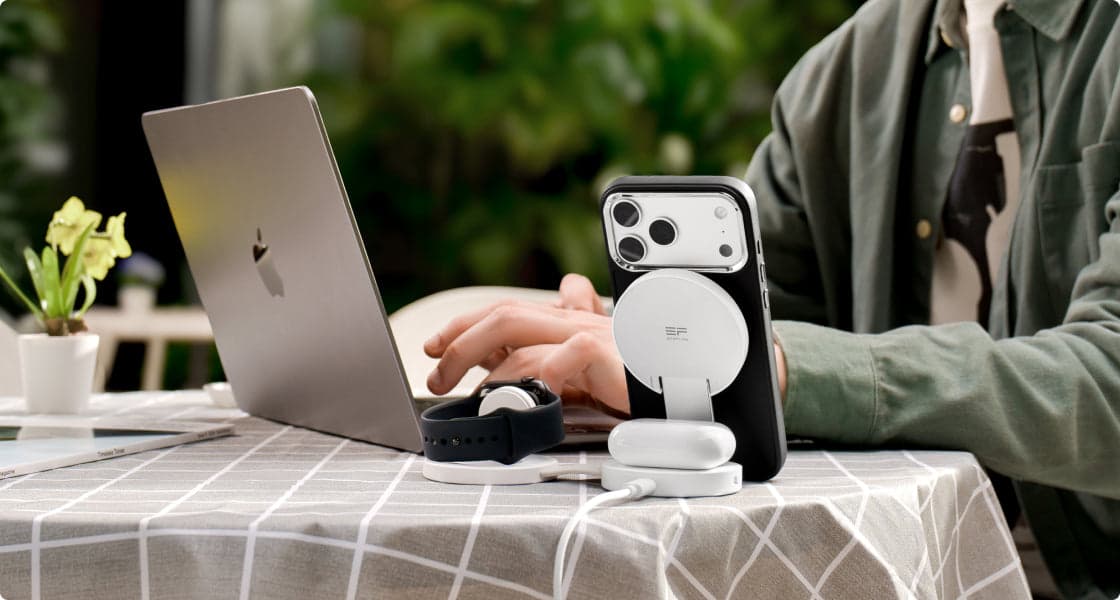
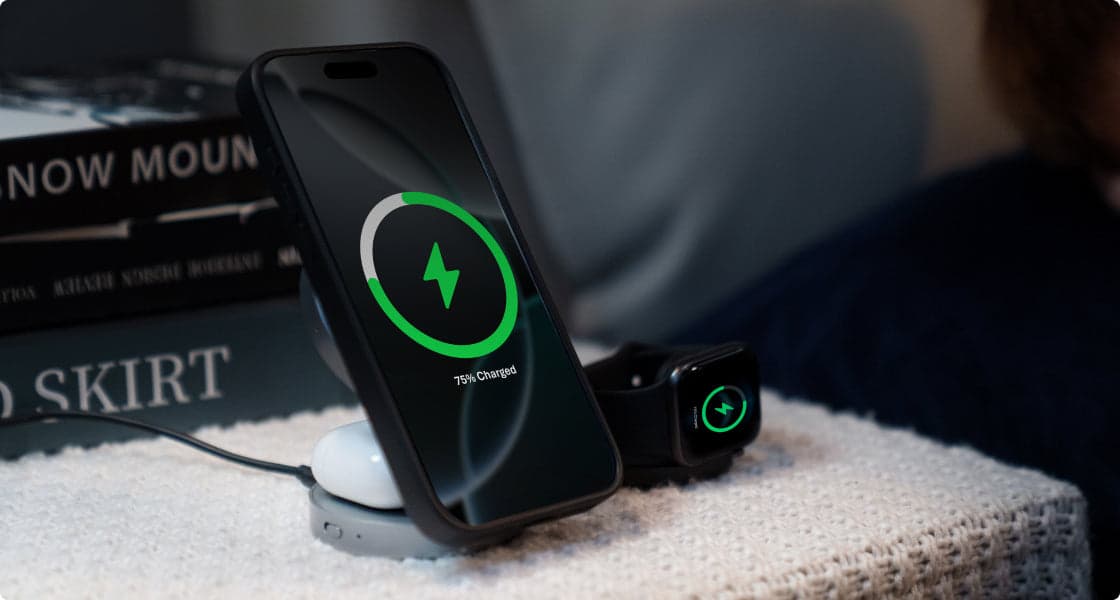
If you don't want to have to constantly clean ports, buy new cables, and deal with unruly cables, you might want to change your charging method. The best way to fix a broken port is to not use it anymore. The EcoFlow RAPID Mag Wireless Charging Station (3-in-1 Foldable) is a good way to help you live a cleaner, easier life. It isn't just a charger; it also helps organize your area.
Why Switch?
Just Snap and Go: Picture yourself at your desk or in a hotel room, and think about how easy it would be to snap your phone onto a stand. You won't have to fumble for a port in the dark or hear that annoying sound when you unplug. Your phone will always land in the right place because of the strong magnets.
Charge All at Once: Don't look for three separate outlets for your phone, watch, and earbuds. All of them are powered at once by this station. It makes packing easier and clears up your desk.
Fast and Cool: Older wireless chargers would get hot and slow down. The newest Qi2 technology is used by the RAPID Mag. This means you can charge your device quickly at 15W, and it won't get hot. This keeps your battery healthy for a longer time.
Travel Ready: It can be folded down into a small, pocket-sized disk. While you're on your trip, you don't have to give up fast charge.
When you use a magnetic wireless device, you don't damage your phone's charging port anymore. Your device lasts longer, and your desk looks better.
How to Take Care of Your Charger the Right Way
Keep your charger safe, and it will keep your phone safe. Taking care of your battery saves you money.
Don't Stretch the Cable Too Much
Cables are killed by tension. Don't bend the charging cord sharply at the phone's connector if you're using your phone while it charges. This breaks the wires inside. When you are packing up, make sure to loosely coil the cable in a circle. Don't wrap it too tightly.
Maintain Cleanliness
Get a little dust plug for your port if you work where there's a lot of dust or if you keep your phone in a bag full of crumbs. It doesn't cost much, and the port stays clean because of it. With wireless chargers, just clean them every so often to keep the connection strong.
Keep an Eye on the Temperature
Don't charge your phone when it's really hot or really cold. Don't leave it on the dashboard of a hot car or under your pillow at night. Heat makes charging take longer and damages the battery. The best way to keep things charging quickly is to do it in a cool, open place.
Use Reliable Equipment
Only use brands that are known for quality. Whether they are MFi (Made for iPhone) or officially approved cables, good gear controls the power the right way. Safety features are often missing in cheap chargers from gas stations, which can ruin your phone's charging circuit.
Optimize your charging experience
It's usually easy to fix a phone that's having connection problems. Make sure your software is up to date, your port is clean, and your connections are in good shape. Most problems can be fixed by following these steps. But as technology improves, switching to magnetic wireless options like EcoFlow can get rid of the need for wires completely. It makes the way your gadgets get power smoother and more reliable.
FAQs
Q1: Can a dirty charging port stop fast charging?
Yes, absolutely. Fast charging requires a perfect connection between all the pins in your charging port. If even one tiny pin is covered by dust or lint, your phone won't receive the proper "fast charge" signal from the adapter. To stay safe and protect the battery, your phone will automatically switch to regular slow charging speed instead.
Q2: Is it safe to use a toothpick to clean my port?
Yes, but you need to be careful when doing it. Use a wooden toothpick or plastic dental pick and work slowly and gently. Never use metal objects like paperclips, needles, or pins. Metal can conduct electricity and short-circuit the delicate pins inside your port, which could cause permanent damage to your phone's charging system and cost a lot to repair.
Q3: Why does my phone not charge past 80%?
This is not a bug; it's actually a helpful feature. Most new phones have "Optimized Battery Charging" built in. The phone intentionally stops charging at 80% and waits to charge the final 20% until just before you normally wake up. This protects your battery from sitting at 100% for hours, which causes it to degrade faster and shortens its overall lifespan significantly.
Q4: Does wireless charging hurt my battery?
In most cases, no, it doesn't hurt your battery at all. Today's wireless chargers, especially ones with the latest Qi2 technology, manage heat very well. While it's true that heat damages batteries, good quality magnetic chargers are designed to stay cool during charging. Plus, wireless charging means less wear and tear on your charging port because you're not constantly plugging and unplugging cables every single day.
Q5: Is it okay to charge my phone with my laptop charger?
Most of the time, yes, it's perfectly safe. Any modern USB-C charger will work with your phone. When you plug in your phone, it and the charger communicate with each other automatically to figure out the right power level. The charger will only send the amount of power that your phone can safely handle, so you don't have to worry about damaging it.
For press requests or interview opportunities, reach out to our media team
media.na@ecoflow.com