GreyStone Power Outage Map Guide: Report Outages, Pay Bills, and Get Help
A spring thunderstorm can move through west metro Atlanta fast. One minute the lights are on, and the next you're checking your phone to see whether the outage is affecting your neighborhood. GreyStone Power is a member-owned electric cooperative based in Hiram, Georgia, serving communities west and south of Atlanta. This guide covers how to use the GreyStone Power outage map, report an outage, pay your bill, reach customer service, and stay safe until the power comes back.
How to Use the GreyStone Power Outage Map
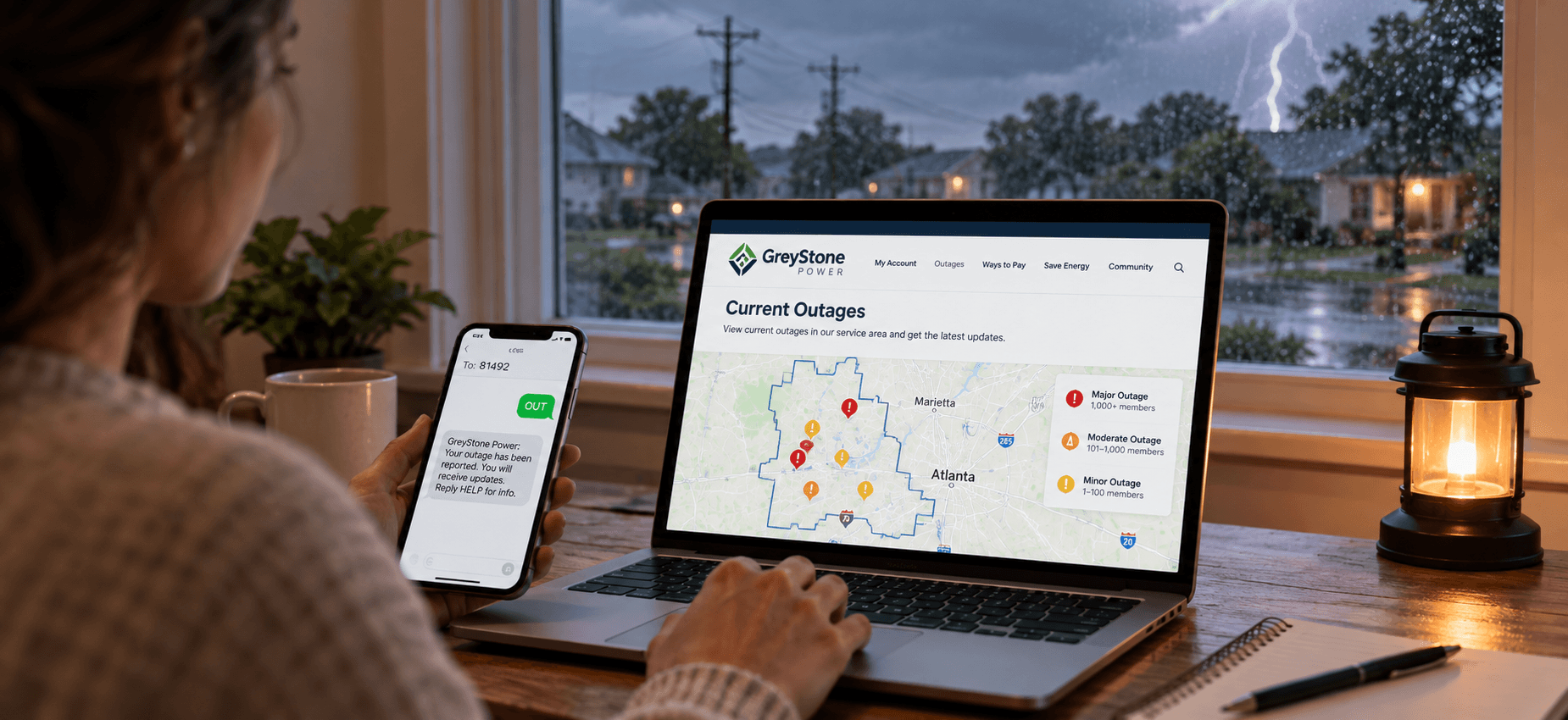
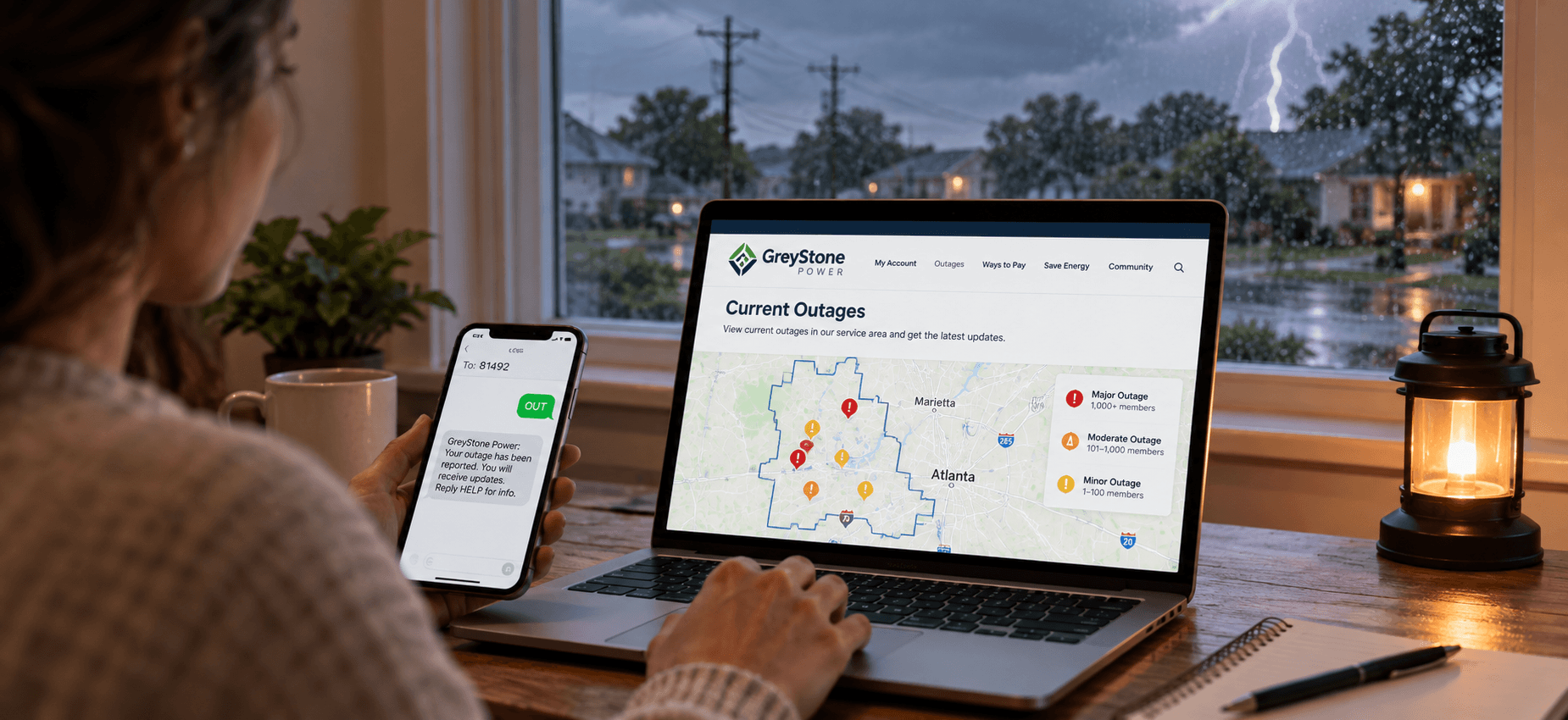
The GreyStone Power outage map shows current outages across the co-op's service area and gives members a way to follow restoration activity during a storm. The Current Outages page is the main place to check what's happening in your area. GreyStone Power serves several counties west and south of Atlanta, including Douglas, Paulding, Cobb, Fulton, Bartow, Carroll, and Coweta. During a major storm, the utility may also post separate outage updates as crews assess damage and work through repairs. If your neighborhood loses power, start with the map and look for your area. If you don't see your outage listed, report it to GreyStone rather than assuming the utility already knows about it.
How to report a GreyStone outage
GreyStone gives members several ways to report an outage. Pick the option that works best for you, especially if a storm has affected phone or internet service.
By text: Text OUT to 81492 to report an outage. You can also text ENROLL to the same number to sign up for outage alerts and receive updates.
Through the app: Use the GreyStone Power app to report an outage from your phone. You can also use the app to manage your account while you're waiting for power to return.
Online: Report the outage through GreyStone Power's website if you have an internet connection. This is also convenient if you're already checking the outage map.
By phone: Call 1-866-GREYSTONE (1-866-473-9786) to report the outage directly. Keep the number saved in your phone so it's easy to find during a storm.
If you see a downed power line, stay well away from it and don't touch the line or anything that may be in contact with it. For a broader look at storm-related outages in the state, you can also read this guide to Georgia power outages before severe weather hits.
GreyStone Power Customer Service and Bill Pay


A power outage isn't the only reason you may need GreyStone. You might need to change a payment method, ask about your account, or find the right number for a billing question. GreyStone offers several ways to handle those tasks, so you can choose between online options, the app, phone service, or traditional mail.
Need | Contact |
Member services and payments | 770-942-6576 |
Outages | 1-866-473-9786 |
Main office | 3400 Hiram Douglasville Highway, Hiram, GA 30141 |
Payment by mail | P.O. Box 6071, Douglasville, GA 30154-6071 |
Ways to Pay Your GreyStone Power Bill
GreyStone offers several ways to pay your bill, whether you prefer managing everything online or just need to make a quick one-time payment. You can choose an option based on how often you pay and whether you want to sign in to your account.
Member portal: Sign in to your GreyStone account to make payments and manage your account online. It's a convenient option if you regularly check your bill or account details.
GreyStone app: Make payments from your phone and handle other account tasks without opening a browser. This can be useful when you're away from your computer.
Quick Pay: Make a one-time payment as a guest without signing in to the full member portal. It's handy when you just need to take care of a bill quickly.
Virtual Agent: Use GreyStone's online Virtual Agent for payment and account assistance. It gives you another way to get help without calling customer service.
Automated phone line: Pay your bill by phone through the automated system. The service is unavailable from 11:50 p.m. to 12:20 a.m.
Mail: Send your payment by mail to GreyStone's payment address. Allow enough time for the payment to arrive before the due date.
Your bank's bill pay: Use your bank's bill-pay service to send the payment directly. GreyStone doesn't charge a convenience fee for this option.
GreyStone's payment processor charges a $3.50 convenience fee for credit cards and $2.50 for e-checks. The co-op also offers e-billing, Levelized Billing, and Prepaid options. If you're comparing your monthly costs, this breakdown of Georgia's average electricity bill can give you another point of reference.
Why Outages Happen in GreyStone's Service Area
Weather is a major cause of outages across west metro Atlanta. Spring and summer thunderstorms can bring high winds and falling trees, while ice storms and the remnants of tropical systems can cause problems at other times of the year. A spring 2025 storm left more than 9,000 GreyStone members across seven of the cooperative's eight counties without power. If you live in an area where severe weather can damage trees and power lines, knowing the tornado risks in Georgia can help you prepare before the next storm.
Backup Power for Georgia Homes
A long outage can become uncomfortable quickly during a Georgia summer. Losing AC can make the house hot, while a refrigerator and freezer can put food at risk if the power stays off for several hours. A battery power station can keep essential appliances and devices running without the noise or fuel of a gas generator. For larger backup needs, the EcoFlow DELTA Pro 3 can support higher-power appliances and central AC.
The EcoFlow DELTA Pro 3 is a good fit for homes that need more power during an extended outage. If you only need to keep a few essential appliances and devices running, a smaller portable setup may make more sense. The EcoFlow DELTA 3 Max offers 2,048Wh of capacity and can move from room to room as needed.
Staying Safe During a GreyStone Power Outage
A power outage can create a few safety concerns around your home, especially when storms have brought down lines or left you without refrigeration. Keep your distance from damaged electrical equipment, use generators safely, and limit how often you open the refrigerator or freezer. These basic steps can help protect your household while you wait for power to return.
Stay away from downed power lines: Never approach or touch a fallen power line, even if you think it isn't carrying electricity. Keep children and pets away from the area and report the hazard to GreyStone.
Keep the refrigerator and freezer closed: Opening the doors lets cold air escape and can shorten the time food stays at a safe temperature. Check what you need before opening the door, then close it again.
Unplug sensitive electronics: Disconnect computers, TVs, and other electronics during an outage to help protect them from potential surges when power comes back.
Run generators outdoors only: Place portable generators outside and well away from your home, doors, and windows. Never use a generator inside a house, garage, or other enclosed space.
Check on nearby neighbors: If it's safe to do so, check on older adults, people with medical needs, or neighbors who may need extra help during an extended outage.
For more practical advice on handling an outage, you can review Ready.gov's power outage guide for guidance on emergency supplies, electrical hazards, food safety, and staying safe until power is restored.
Protecting food and medicine
A refrigerator can keep food cold for about four hours if you keep the door closed. After that, food safety becomes a bigger concern, particularly during a hot Georgia summer. If you have prescription medicine that needs refrigeration, know how long it can stay at a safe temperature and have a backup plan if the outage lasts longer than expected. You can also check this guide on how long food lasts when your refrigerator loses power.
Conclusion
The GreyStone Power outage map and text alerts make it easier to follow an outage, while several reporting options help you notify the co-op when your power goes out. Save 1-866-473-9786 in your phone and sign up for outage texts before the next storm. For longer outages, the EcoFlow DELTA Pro 3 and EcoFlow DELTA 3 Max offer different levels of backup power for keeping essential appliances and devices running.
FAQs
How do I check the GreyStone Power outage map?
You can check the GreyStone Power outage map to see whether your area is affected and view available outage information. During major storms, the page can also provide updates as GreyStone works to restore service.
What is the GreyStone Power outage phone number?
To report a power outage by phone call 1-866-GREYSTONE (1-866-473-9786). That number can be useful if the website or app isn't working during a storm. Save it in your phone ahead of time so you can report an outage without having to look up the number when the power is already out.
How do I pay my GreyStone Power bill as a guest?
Make a one-time payment without logging into your account using GreyStone's Quick Pay option. This can be useful if you're paying a bill for someone else or need to make a payment without accessing the member portal.
Does GreyStone Power charge a fee to pay by card?
GreyStone's payment processor charges a $3.50 convenience fee for credit card payments. An e-check payment through the processor has a $2.50 fee, while using your own bank's bill-pay service does not carry a GreyStone convenience fee.
What counties does GreyStone Power serve?
GreyStone Power serves communities west and south of Atlanta, including Douglas, Paulding, Cobb, Fulton, Bartow, Carroll, Coweta, and Fayette counties. Eight counties are covered by its service area, so check the outage map to see if there's been an issue reported in your area.
How do I get GreyStone Power outage updates by text?
Text ENROLL to 81492 to begin receiving GreyStone's outage text alerts. Once you enrol, you can text OUT to 81492 to report an outage and receive updates on your service. Text alerts can be especially useful during storms when you want restoration information without repeatedly checking the outage map.
For press requests or interview opportunities, reach out to our media team
media.na@ecoflow.com