BGE Bill Pay: Payment Options, Login, and Account Management Guide
Managing your monthly Baltimore Gas and Electric (BGE) bill should be simple and stress-free. You can use online payments, one-time payments without logging in, AutoPay, phone payments, and in-person payment locations. In this guide, we’ll cover how to pay your bill, manage your BGE account, check your payment history, and handle common billing problems.
How Can You Pay Your BGE Bill Online?
For local residents, managing your BGE pay bill options online through a registered account or Guest Pay is the fastest and most convenient way to keep your service active without postal delays.
Log In to Your BGE Online Account
To pay online, go to the official BGE website or open the BGE mobile app on your phone and sign in. Once logged in, you can view your balance and due date, choose a payment method, and then make a payment directly online in your account.
Submit a One-Time Bill Payment
If you do not want to sign in, you can use BGE’s one-time payment option. Enter the required account information, choose an available payment method such as a bank account or credit card, confirm the payment details, and complete the transaction. Beyond managing monthly payments, some homeowners also explore a home battery system to store energy and better manage electricity usage throughout the year.
Check Payment Status and Receipt
After making an online payment, save the confirmation number or receipt for your records. You can also check your BGE account or bank or credit card statement to confirm that the payment has been reflected.
What Payment Methods Does BGE Accept?
BGE supports a wide range of payment channels, from fee-free bank debits to neighborhood cash centers. Here’s a summary of each method:
| Payment Method | Processing Time | Transaction Fees | Best For |
|---|---|---|---|
| Direct Bank Transfer (ACH / eCheck) | 1–2 business days | $0 | Standard monthly budgeting & Autopay |
| Credit & Debit Cards (via Speedpay) | Instant / Same day | Third-party vendor fee (approx. $1.95–$3.75) | Urgent same-day balance clearing |
| BGE AutoPay | Auto-deducted on due date | $0 | "Set it and forget it" convenience |
| Phone Payment (Automated System) | Immediate confirmation | $0 (by Bank ACH) / Vendor fee (if credit Card) | Quick payment without computer access |
| Mail-in Check or Money Order | 5–7 business days | $0 (Postage only) | Traditional paper record-keeping |
| Authorized In-Person Pay Stations | Same day or next day | Small local merchant fee may apply | Cash payments (Western Union, grocery kiosks) |
Pay With Bank Account or Card
First, link your bank account directly to your BGE account, then through an Automated Clearing House (ACH) withdrawal you can make payment. This is the most economical online method because BGE does not charge a fee for bank transfers. If you prefer using a Visa, Mastercard, Discover, or American Express card, payments are routed through a third-party processor (such as Speedpay/Paymentus). However, there will be third-party processing fees that apply per transaction on card payments. These additional fees will be clearly itemized on your payment confirmation screen when you authorize the charge.
Enroll in Automatic Payment Services
Setting up BGE AutoPay helps prevent late charges and missed deadlines entirely. With AutoPay, BGE will automatically deduct your full billing amount from your designated checking or savings account on your exact due date each month. The payment is typically processed on your scheduled due date.
You can enroll in AutoPay directly through the online dashboard under the Billing & Payment Options tab. You will still receive your regular monthly billing breakdown in advance via email or mail. After receiving your billing statement, you have time to review your kilowatt-hour usage and charges before the funds transfer.
Pay by Phone, Mail, or Authorized Locations
Traditional payment methods are also available if you can’t access your account or prefer not to set up an account online.
By Phone: Call BGE Customer Care at 1-800-685-0123 to utilize the 24/7 automated interactive voice response (IVR) system. Have your utility bill account number and bank routing or debit card information ready before calling.
By Mail: Detach the bottom payment stub from your paper bill, insert a personal check or money order (never send cash) made payable to Baltimore Gas and Electric Company, and send it in the provided return envelope to:
BGE
P.O. Box 13070
Philadelphia, PA 19101-3070In-Person Locations: If you want to pay with cash, visit authorized third-party payment locations across Maryland. Participating partners include: Giant Food, Safeway, Western Union, and Walmart customer service desks. Bring your current paper statement so the cashier can scan your account barcode.
How Can You Reduce BGE Energy Costs and Stay Prepared for Outages?
Mid-Atlantic summer heatwaves keep central air conditioners running constantly and together with long winter cold fronts your utility bills can be very high. Combining energy efficiency habits with smarter energy management can help homeowners minimize electricity bill costs while improving household energy resilience.
Track Your Energy Use and Monthly Bills
The first step to lowering your utility bill is to understand what drives your consumption. Depending on your account and meter setup, BGE’s online energy tools may help you review usage patterns. This helps to identify phantom power drains by checking baseline overnight energy draw. You can also adjust your thermostat by a few degrees during peak afternoon hours to lower your energy bill. Other energy-saving tips include switching to LED fixtures and running high-energy appliances, such as dryers and dishwashers, during off-peak hours.
Lower Energy Costs With Battery Storage
For BGE customers living in detached single-family homes who want a long-term solution to high power bills, a home battery storage system can be one option for managing energy use. During peak daylight hours, a solar battery system captures excess rooftop solar generation and stores it. When household demand increases in the evening, often when utility rates peak, the system discharges that stored power. This may help reduce reliance on higher-cost electricity during peak-rate periods.
The EcoFlow DELTA Pro Ultra + Smart Home Panel 2 integrates your whole home electrical system. It manages your solar input, high-capacity battery storage, and existing residential circuit panels in a centralized smart energy ecosystem. For single family detached homes, this system allows you to customize time-of-use schedules and can provide extended whole-home backup power depending on system configuration and energy usage.
Prepare Backup Power for Weather-Related Outages
Severe thunderstorms, high winds, and heavy snowfalls can cause localized grid disruptions in BGE service territories. For households that depend on reliable power for Wi-Fi, routers, medical devices, and refrigeration, a backup power system is essential.
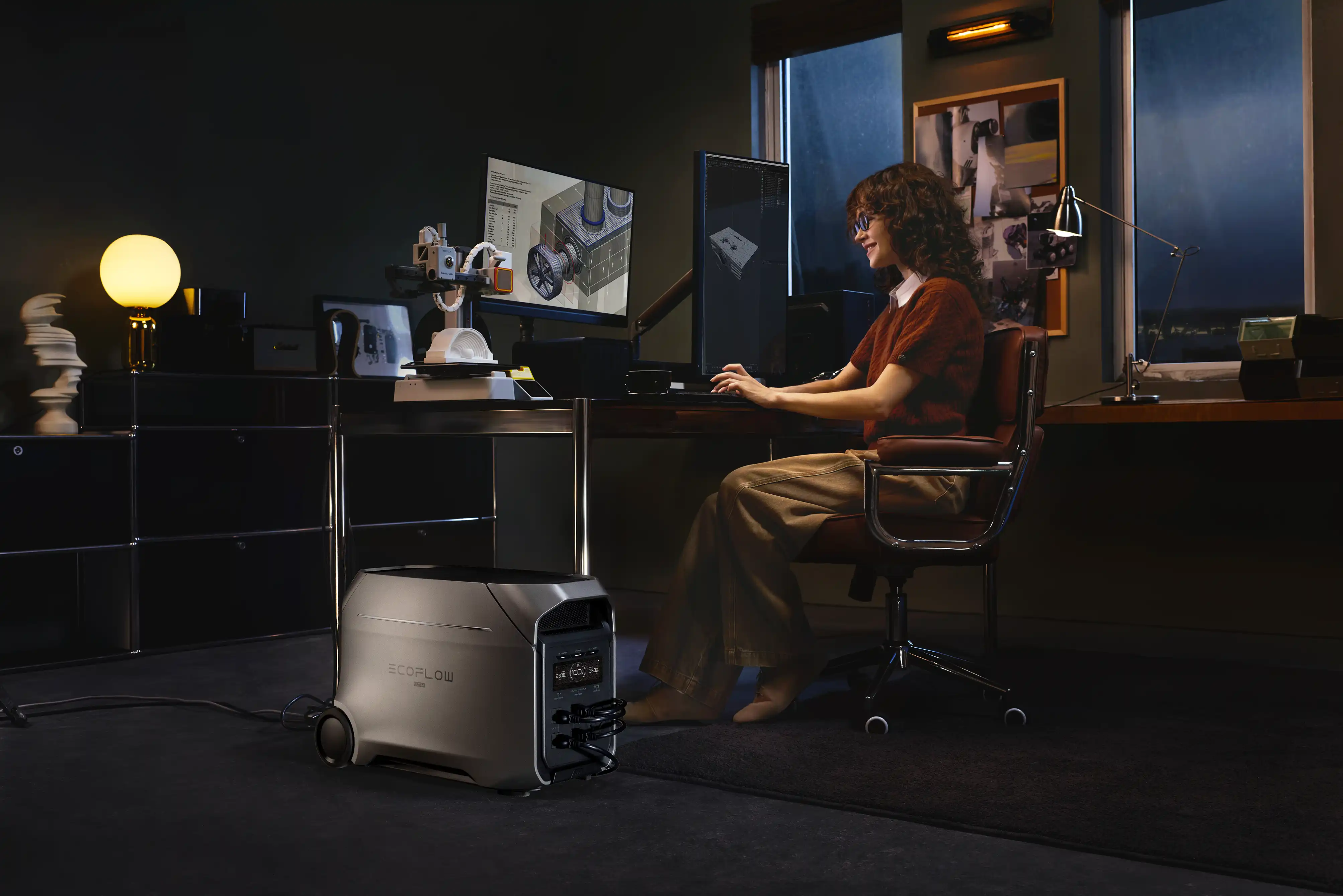
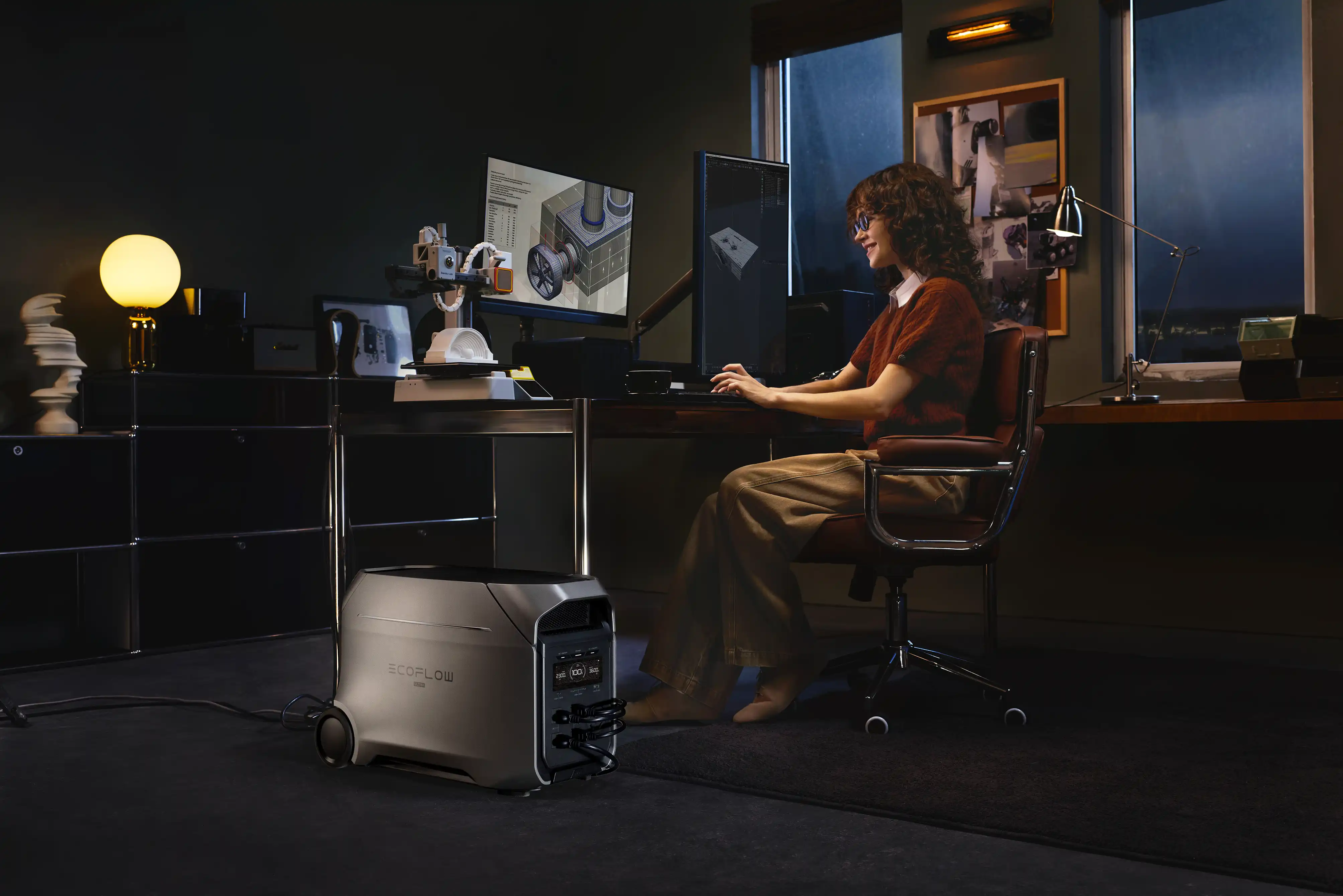
The EcoFlow DELTA 3 Ultra Plus Portable Power Station (3072Wh) is a backup power system that features dedicated Uninterruptible Power Supply (UPS) functionality. It can switch from grid power to internal battery storage in milliseconds during an outage. This rapid changeover prevents sudden shutdowns of Wi-Fi routers, home computers, desktop monitors, and network gear. The UPS makes sure your work-from-home setup and critical appliances stay up and running without interruption.
How Can You Manage Your BGE Account?
Your BGE online account lets you manage payments, view bills, and update your account information in one place.
View Bills, Balance, and Payment History
You can use your online account to check your current balance, view past bills and payments, and review your electricity and natural gas usage. Depending on the account features available, you may also be able to download or print previous statements.
Manage Paperless Billing and Notifications
When you access your account, you can select paperless billing, and choose how BGE contacts you with notifications. Available alerts may include new bill notifications, payment reminders, and outage updates by email or text. During unexpected weather disruptions, checking the BGE outage map can help residents track local outages and estimated restoration times, while home backup power solutions can help keep essential devices running when the grid is unavailable.
Update Contact Details and Account Settings
Keep your phone number, email address, and mailing information up to date so you can receive important account and service notifications. You can also manage your login details and other account settings online.
What Should You Do If You Have BGE Bill Payment Problems?
Sometimes payments are missed because of forgotten due dates, financial difficulties, or temporary access issues. No matter the cause, contacting BGE immediately can prevent administrative fees, service interruptions, and negative impacts on your credit profile.
Fix Failed or Missing Payment Issues
If you tried to make your BGE payment but it does not appear on your account, first check your bank or credit card details. Confirm that the payment was submitted successfully. If the payment is shown as being deducted but it is not reflected on your BGE balance after several business days, contact BGE customer service. Provide them your payment confirmation, ACH trace number, or card transaction details so they can locate the payment.
Manage Outstanding Balances and Reconnection Requests
If you have a past-due balance or receive a disconnection notice, contact BGE as soon as possible. Ask BGE what payment arrangements are available, or requirements to get reconnected. If your service has already been disconnected, follow BGE’s instructions to arrange payment of the required amount and complete the reconnection process.
Explore BGE Bill Support Programs
If you are having trouble paying your energy bills, you may qualify for assistance through programs such as the Maryland Energy Assistance Program (MEAP) or Electric Universal Service Program (EUSP). These programs can help eligible Maryland households with energy costs and past-due balances. Check current eligibility requirements before applying.
.webp)
.webp)
Conclusion
You can keep your BGE utility account organized the way you want it when you use BGE’s payment tools and energy-saving habits. You decide which payment method works for you between convenient automated bank transfers, quick card transactions through Guest Pay, or self-service tools on BGE’s website. Once homeowners have their monthly payment methods set, they should consider combining daily energy conservation methods with home battery storage solutions to lower energy bills. Whole home power systems, like the EcoFlow DELTA series, improve energy resilience and reduce reliance on the grid, lower utility reliance, and peace of mind through any seasonal storm.
FAQ
Can I Pay My BGE Bill Online Without Logging in?
Yes, you can pay your bill without logging in by using the BGE Guest Pay (Speedpay) portal with your 10-digit account number and ZIP code. Simply navigate to the BGE website, select the one-time payment option, and follow the on-screen prompts using a bank account, debit card, or credit card.
Can I Pay My BGE Bill with a Credit Card?
Yes, BGE accepts payments made with Visa, Mastercard, Discover, and American Express through its third-party processor, Speedpay. Keep in mind that third-party processing fees apply to individual credit and debit card transactions, whereas standard bank transfers (ACH) are completely free.
Can I View My BGE Bill History Online?
Yes, you can view and download up to 24 months of previous utility statements directly inside your registered BGE account dashboard. The bill history section includes detailed PDF copies of past bills as well as month-by-month historical energy usage charts.
Why Can't I Log into My BGE Account?
Login problems are most often caused by incorrect password entries, outdated browser cache, or temporary server maintenance on the BGE portal. Try resetting your credentials via the “Forgot Password” link, clearing your browser cookies, or logging in through the official BGE mobile application.
What Happens if I Pay My BGE Bill Late?
Missing your payment due date may result in a late payment charge added to your following statement, alongside a past-due notification. If the balance remains unpaid over an extended period, BGE may issue a formal disconnection warning and ultimately suspend utility service until the past-due balance is resolved.
For press requests or interview opportunities, reach out to our media team
media.na@ecoflow.com