Best Multi-Device Charging Stations: Organize, Charge, and Save Space Efficiently
- Why a Multi-Device Charging Station Is a Must-Have
- Key Features to Look for in the Best Charging Station for Multiple Devices
- Types of Multi-Device Charging Stations
- Advanced Power Solutions for Families and Smart Homes
- How to Organize Your Charging Area Efficiently
- Maintenance Tips for Long-Lasting Charging Stations
- Conclusion
- FAQ
In today’s connected Canadian households, whether it’s a downtown Toronto condo buzzing with activity or a quiet family home tucked into the foothills of the Rockies, there’s one challenge almost everyone can relate to: the growing tangle of devices and the even bigger tangle of charging cables that comes with them. Phones, tablets, earbuds, e-readers, or smartwatches, they all demand power, usually at the worst possible time. A multi-device charging station has quickly shifted from “nice to have” to an essential piece of modern home organization. It brings order to the daily chaos, cuts down on countertop clutter, and turns one overworked outlet into a central power hub the whole household can rely on. This guide will walk you through everything you need to know about choosing the right charging station, one that keeps your space tidy, your devices powered, and your day running smoothly.
Why a Multi-Device Charging Station Is a Must-Have
The moment you step through the door, the routine is familiar: someone’s phone is dying, your tablet didn’t charge overnight, and the smartwatch you meant to juice up is beeping low battery. It’s a scramble that plays out in countless homes across Canada every day, often made worse by mismatched cables and limited outlets. A dedicated multi-device charging station simplifies that entire experience. It pulls your devices into one consistent location and delivers organized, reliable power without the frustration of hunting for adapters or free sockets. Beyond the convenience, it becomes a small but meaningful upgrade to your home’s flow, especially in busy family spaces or work-from-home setups.
Managing the Modern Home’s Growing Number of Devices
If you take a quick look around the average Canadian home, it’s pretty clear we’ve quietly accumulated a small fleet of electronics. Most households now have multiple devices per person, phones, tablets, smartwatches, wireless earbuds, Kindles, and sometimes a second phone for work. It’s no wonder outlets disappear fast and someone is always asking, “Where’s my charger?” A multi-device charging station brings order back into the picture by pulling all those scattered cables and power bricks into one dependable spot. Instead of digging behind the sofa or borrowing someone else’s adapter, everyone can simply dock their devices at a dedicated power hub. It cuts down on clutter, keeps everything charged on schedule, and brings a little calm to the daily routine, whether you live in a busy family home or a compact city condo.
Reducing Cable Clutter and Power Outlet Overload
One of the first things you notice after switching to a proper charging station is how quickly the visual chaos disappears. Those tangled knots of cords, what most of us jokingly call “cable spaghetti”, stop piling up on kitchen counters, nightstands, and shared desks. A good station handles the mess for you, with built-in cable channels or hidden compartments that tuck away the extra slack so only the neatly arranged connectors are visible. Even better, everything runs off a single wall outlet, instead of half a dozen chargers fighting for space on a power bar. That simple change not only frees up outlets for other household items, it also reduces the risk of overheating or accidental overloads, creating a cleaner and much safer charging setup for your home.
Improving Charging Efficiency and Safety
A good charging station doesn’t just organize your devices, it charges them faster and far more safely. Smart power management automatically adjusts the output for each device, speeding up charging compared to old low watt adapters. At the same time, built-in protections like temperature control and over voltage shutoff, help prevent electrical stress and extend your devices’ lifespan. It’s a simple upgrade that makes daily charging in any Canadian home smoother and safer.


Key Features to Look for in the Best Charging Station for Multiple Devices
Choosing the right charging station isn’t just about grabbing the one with the most ports, it’s about understanding how your household actually uses its devices day to day. A well designed station should fit your habits, grow with your tech ecosystem, and make your home feel more organized, not more cluttered. Here’s what to keep an eye on when shopping for the perfect solution.
Number of Charging Ports and Compatibility
Start by taking stock of your devices, and the ones you’re likely to add in the near future. A good station should offer a mix of ports so everyone in the home can plug in without swapping cables. That means having USB-A for older accessories, high power USB-C for newer phones, tablets, and even laptops, and ideally a wireless charging pad for convenience. This blend ensures the station can handle everything from a child’s school tablet to a work laptop without hesitation.
Power Output and Fast-Charging Support
Raw power matters just as much as the number of ports. To charge multiple devices at once without slowdowns, the station needs solid total wattage and at least one or two high-capacity USB-C Power Delivery ports (45W to 100W). If you use larger tablets or USB-C laptops, these ports prevent painfully slow charging. For Android users, look for USB-A ports that support Quick Charge to keep phones topped up quickly, especially handy before rushing out the door. Additionally, having a high-quality power bank for those on-the-go moments can ensure your devices stay charged even when you’re away from home.
Safety Protections and Smart Power Management
Charging stations work hard behind the scenes, so safety should be at the top of your checklist. The best models include built-in protections to keep your devices safe from electrical mishaps. Over voltage and over current protection guard against unexpected surges, while short circuit and temperature controls shut things down automatically if something goes wrong. These smart features help extend the life of both your devices and the charging station itself.
Design and Space-Saving Layout for Home or Office
Finally, think about how the station will fit into your home. A compact, clean design is key, especially in busy Canadian households where counter space is precious. Stations with vertical dividers keep devices standing upright like books on a shelf, freeing up horizontal space and preventing clutter. Non slip pads on the bottom ensure the station stays put, even on smooth kitchen islands or office desks, helping maintain a tidy, organized charging nook.
Types of Multi-Device Charging Stations
The world of charging stations has expanded far beyond simple power strips. Today’s options cater to different lifestyles, device habits, and personal preferences, whether you’re managing a busy family’s tech or keeping a minimalist setup on your desk.
USB Charging Stations for Everyday Electronics
These are the classic, do-it-all charging stations most Canadians gravitate toward. They usually come in a compact block-style design with several USB-A and USB-C ports, often tucked neatly behind dividers or inside a slot-based organizer. This makes them perfect for households with a mix of devices, Android phones, older tablets, Bluetooth speakers, e-readers, and everything in between. Their biggest advantage is flexibility: you can charge many devices at once without eating up every outlet in the living room or kitchen.
Wireless and Magnetic Charging Docks for Smartphones
If convenience is your priority, wireless docks provide a clean, cable-free experience. Qi-compatible pads let you simply drop your phone in place, ideal for nightstands or office desks where quick access matters. Magnetic power banks or magnetic chargers, especially MagSafe models for modern iPhones, elevate this experience further by snapping your device into perfect alignment every time. This not only speeds up wireless charging but also eliminates the typical frustration of misalignment or slow trickle charging.
Apple Charging Stations for iPhone, Watch, and AirPods
For households deep in the Apple ecosystem, a dedicated Apple charging station brings everything together in one tidy hub. These sleek docks typically include a wireless pad for your iPhone, a vertical stand for your Apple Watch charging puck, and a cradle that positions your AirPods case perfectly. The unified layout creates a clean, intentional setup, great for nightstands or home offices, and it ensures all your devices charge efficiently without the usual cable clutter. For added convenience, a power bank for iPhone can ensure you never run out of charge when you’re on the go.
Tip: If you’re using an iPhone 12 or newer, opt for a MagSafe-compatible station for faster wireless charging and effortless alignment.
Cool Charging Stations with LED Indicators and Smart Displays
For tech savvy users who appreciate real time info, modern charging hubs go a step further with built in indicators and displays.
LED Indicators: These small lights show which devices are actively charging, helpful for shared family stations or busy office desks.
Smart Power Screens: Some advanced hubs display real time wattage output per port, giving you instant insight into how quickly your devices are charging.
Advanced Power Solutions for Families and Smart Homes
While a regular multi-device charging station works well for phones and tablets, many Canadian households now juggle far more demanding electronics. Between laptops for remote work, gaming consoles, smart home hubs, and school devices, the power needs of a modern family can easily outgrow what a standard dock can offer. Add in the reality of winter storms or rural living, where outages are common and it becomes clear why a more capable solution is worth considering.
Power All Your Devices Efficiently
In busy homes where everyone is charging something, traditional charging docks often hit their limits. They simply don’t have the wattage or the number of high speed ports required to run everything at once, especially when laptops or power hungry tablets enter the mix.
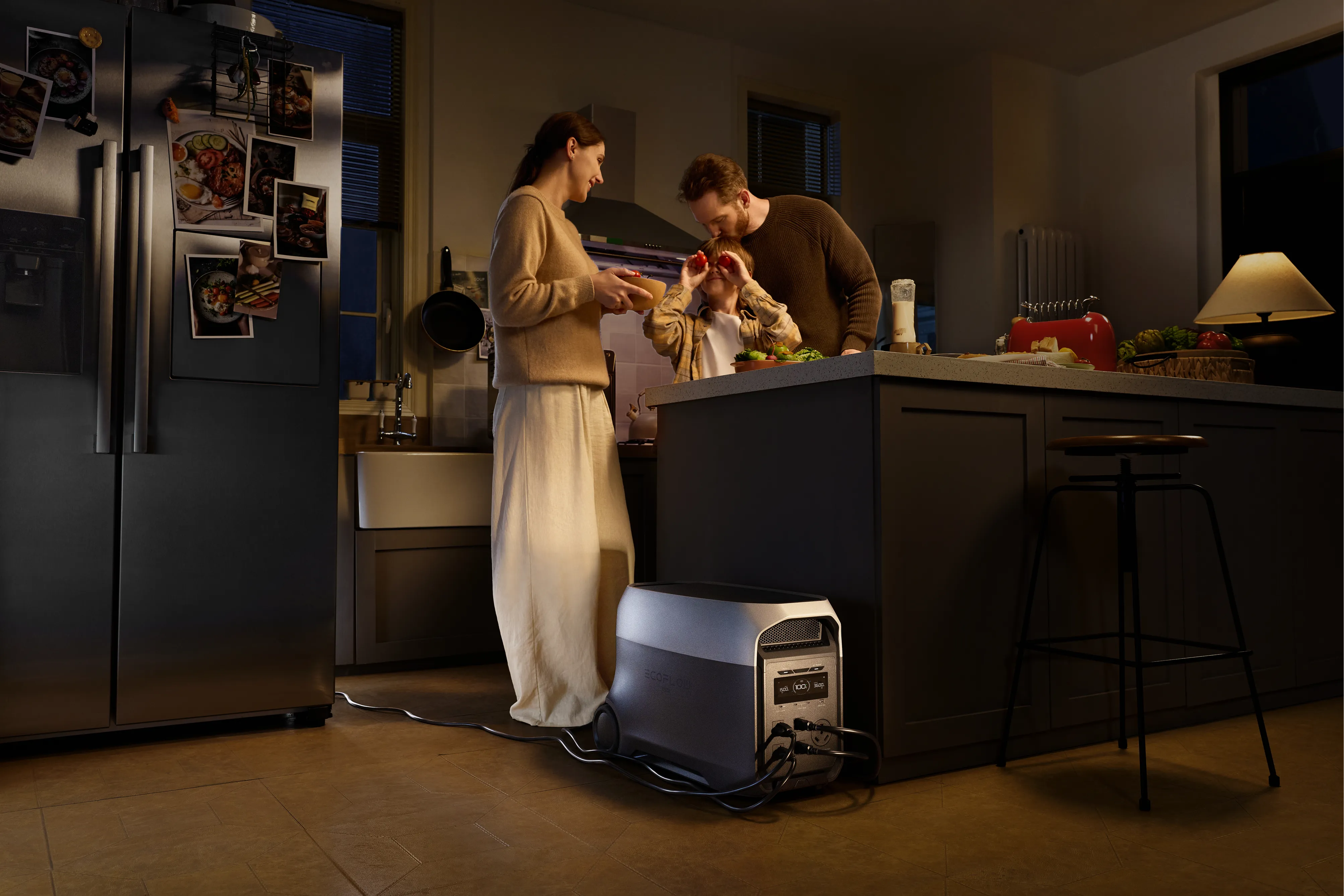
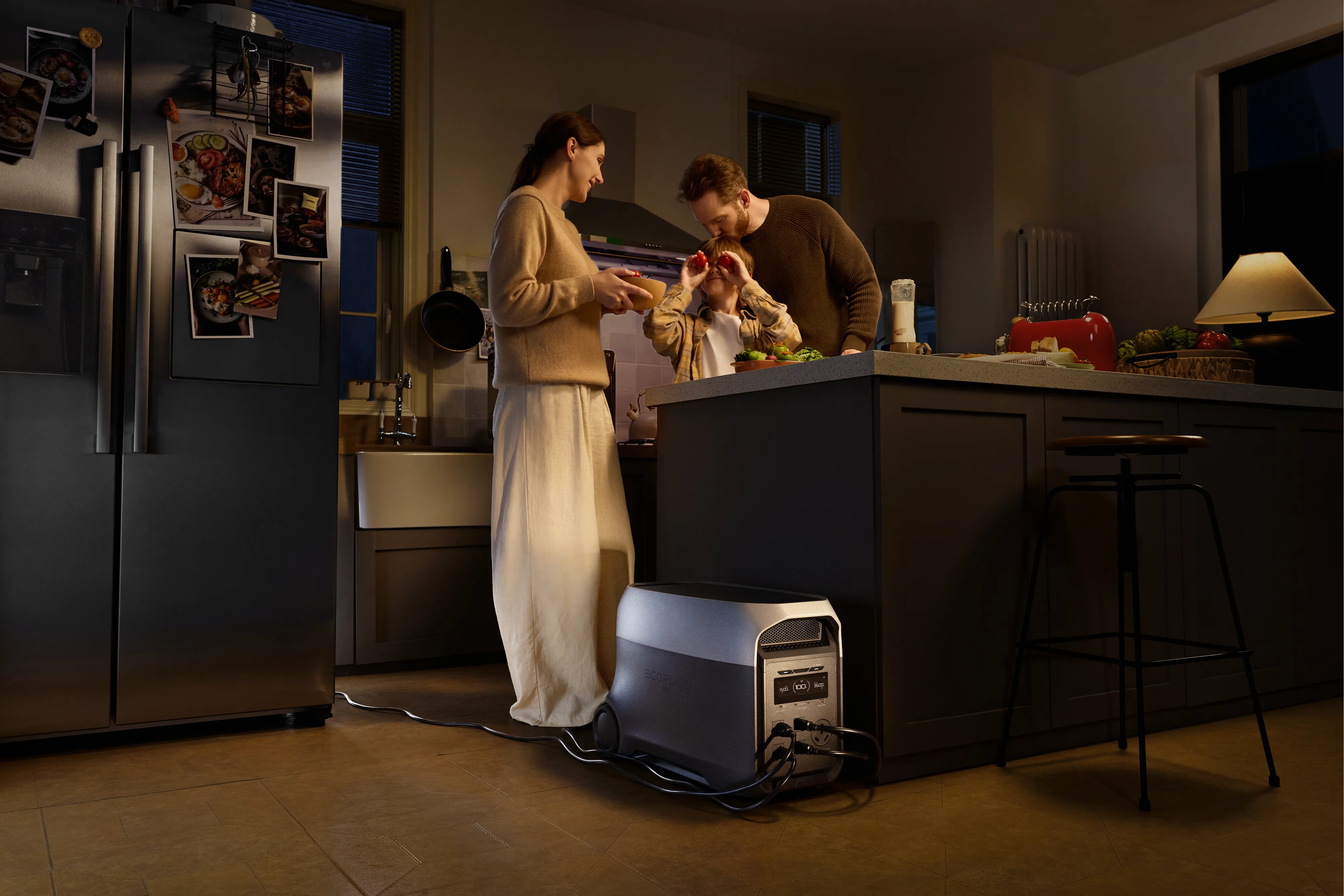
The EcoFlow DELTA 2 Max Portable Power Station steps in as a far more capable option, functioning like a high power charging hub for the entire family. It delivers ample energy to run and recharge several devices simultaneously without slowing down, whether it’s a gaming laptop, a tablet used for schoolwork, or multiple smartphones plugged in after a long day. With a generous selection of AC outlets, USB-A ports, and fast USB-C ports (up to 100W), it eliminates the daily competition for outlets and keeps every essential device powered safely and efficiently.
Expanding Capacity with an Advanced Multi-Device Charging Hub
For households looking beyond everyday charging and into whole-home backup, stepping up to a larger power system offers real peace of mind. The EcoFlow DELTA 3 Max Plus Portable Power Station (2048Wh) brings expandable energy storage that can scale alongside your needs, making it an ideal long term power solution for smart Canadian homes. Its capacity is strong enough to support major appliances, entertainment systems, and essential electronics during outages, something especially valuable in regions prone to winter storms or remote communities relying on backup power. Even with its expanded role, it still excels as a superior multi-device charging centre, feeding fast, stable power to all your day to day electronics while standing ready as a dependable emergency backup when needed.
| Type | Best For | Pros | Cons |
|---|---|---|---|
| USB Charging Station | Families with mixed devices | Affordable, versatile | Requires cables |
| Wireless/MagSafe Dock | Apple users | Clean, convenient | Slower charging |
| Advanced Power Station (EcoFlow) | Large families, backup | High power, emergency-ready | Higher cost |
How to Organize Your Charging Area Efficiently
Even the best charging station can look chaotic if the surrounding area isn’t thoughtfully set up. With a few simple habits and the right accessories, you can turn your charging zone into a clean, reliable, stress free corner of your home, whether it’s in a downtown condo or a family house in the suburbs.
Labelling Cables and Devices to Avoid Confusion
A quick way to eliminate frustration is to label your cables. Small tags, Velcro wraps, or coloured cable ties make it easy to identify exactly what belongs to what, your iPad cable, your partner’s work phone, the AirPods charger, and so on. It saves you from the familiar “unplug and test” shuffle when you’re in a rush and keeps everyone’s devices where they should be.
Using Vertical or Tiered Charging Stands to Save Space
Horizontal setups take up too much counter space, especially in busy areas like home offices or kitchen islands. Vertical or tiered stands let you stack devices neatly, freeing up room while still keeping everything accessible. Some charging stations even include built-in shelves or hide away drawers, helping you maintain a clean look without stray devices scattered across the surface.
Keeping Charging Stations Near Workspaces or Entryways
A charging station only works well if it’s placed where you’ll actually use it. Positioning matters more than most people realize, and choosing the right spot can turn charging from a chore into an easy daily habit.
Entryway: A convenient drop-off spot for phones, keys, and wallets as soon as you walk through the door.
Work Desk: Ideal for keeping laptops, tablets, and work accessories powered without cluttering your setup.
Kitchen Island: A central, shared charging zone, perfect for busy Canadian households with open-concept layouts.
Maintenance Tips for Long-Lasting Charging Stations
A good charging station should last for years, but like any frequently used tech accessory, it benefits from a bit of routine care to keep it running safely and efficiently.
Avoid Overloading Outlets and Adapters
Even though multi-device stations are built to handle several gadgets at once, it’s still important to stay within the station’s total wattage rating. Plugging in too many high demand devices at once or using a damaged extension cord, can strain the outlet and shorten the station’s lifespan. When in doubt, unplug one or two heavier devices or spread them across circuits.
Clean Dust and Check Connections Regularly
Dust is a silent enemy of electronics. A quick wipe every few weeks and a short burst of compressed air into the ports can prevent heat buildup, which is especially important if your charging hub lives on a kitchen counter or entry table. While you’re at it, look over your cables for bent pins, loose connectors, or frayed insulation so you can replace them before they cause charging issues.
Update Smart Charging Firmware if Supported
Some of the more advanced stations, especially those with displays or app controls, occasionally release firmware updates that improve compatibility and safety. It’s worth checking the user manual or brand website every now and then. A quick update can boost charging efficiency, improve device detection, or patch minor bugs.
.webp)
.webp)
Conclusion
Life in a modern Canadian household, whether it’s a busy Toronto condo or a family home in the Prairies, comes with an ever growing collection of devices that demand constant power. A well chosen multi-device charging station isn’t just a convenience; it’s a practical upgrade that brings order back to your daily routine. By choosing a station with the right mix of ports, strong wattage, and solid safety features, or stepping up to a versatile portable power station like the EcoFlow DELTA 2 Max when your family needs true all device support, you can turn a cluttered corner of tangled cables into a clean, reliable charging hub. Keep your phones, tablets, laptops, and wearables ready to go, and enjoy the small but meaningful comfort of a home that’s organized, efficient, and fully powered for whatever the day brings, from morning school runs to weekend getaways across Canada’s beautiful landscapes.
FAQ
What is the best multi-device charging station for Apple products?
The best charging stations for Apple users are dedicated 3-in-1 or 4-in-1 hubs designed specifically for the iPhone, Apple Watch, and AirPods. Look for a MagSafe or Qi wireless pad charging solution for your iPhone, a built-in stand for the Apple Watch charger, and a cradle for your AirPods case. These stations keep all your Apple gear organized in one place and ensure proper alignment and optimal charging speeds across the entire ecosystem.
Can a USB charging station safely charge laptops and tablets?
Yes, provided the charging station includes high wattage USB-C Power Delivery (PD) ports. Look for stations offering 45W, 60W, or even 100W per USB-C port, as these meet the power requirements of most modern laptops and tablets. Always double check your device’s recommended wattage and make sure the charging station can deliver that amount reliably to ensure safe, efficient charging.
How many devices can a multi-device charging hub power at once?
Most standard charging hubs can handle 4 to 10 devices at the same time, depending on the number of USB-A, USB-C, and wireless charging spots included. For households with heavier power demands, advanced portable power stations such as the EcoFlow DELTA series, which can support 12+ devices at once using a mix of AC outlets, USB-C fast-charging ports, and USB-A ports, making them an excellent fit for larger families or shared workspaces.
What’s the difference between a power strip and a charging station?
A power strip is essentially a row of extra AC outlets, useful for plugging in multiple appliances but offering little beyond basic power distribution and, in some cases, surge protection. A charging station, on the other hand, is purpose built for electronics. It converts AC to the precise DC power your devices need, regulates voltage, prevents overheating, manages cables, and often includes smart-charging technology for faster, safer, and more organized charging.