Smart Home Control Panel Guide: How to Choose, Install, and Use
Open your breaker box and you’re looking at last century’s idea of home electricity. Power flows in, circuits branch out, and the gray box can’t tell you a thing about where any of it goes.The fridge, the router, the HVAC, the security gear, maybe an EV in the driveway — everything draws from the same panel.
A smart home control panel changes that arrangement. It puts individual circuits under live monitoring and gives you a say in how power gets spent, on an ordinary Tuesday and during an outage. Which system fits comes down to your electrical setup, your backup needs, and the devices you’d protect first. What follows covers how these panels work, what they buy you, and how to pick one.
What Is a Smart Home Control Panel?
A traditional panel distributes power and keeps the details to itself. The smart version adds the missing senses. It watches circuits one by one, reports what each is doing, and lets you switch or schedule them. Paired with solar, a battery, or a backup system, it stops being a passive junction box and becomes the place where a home’s electricity is actually managed.
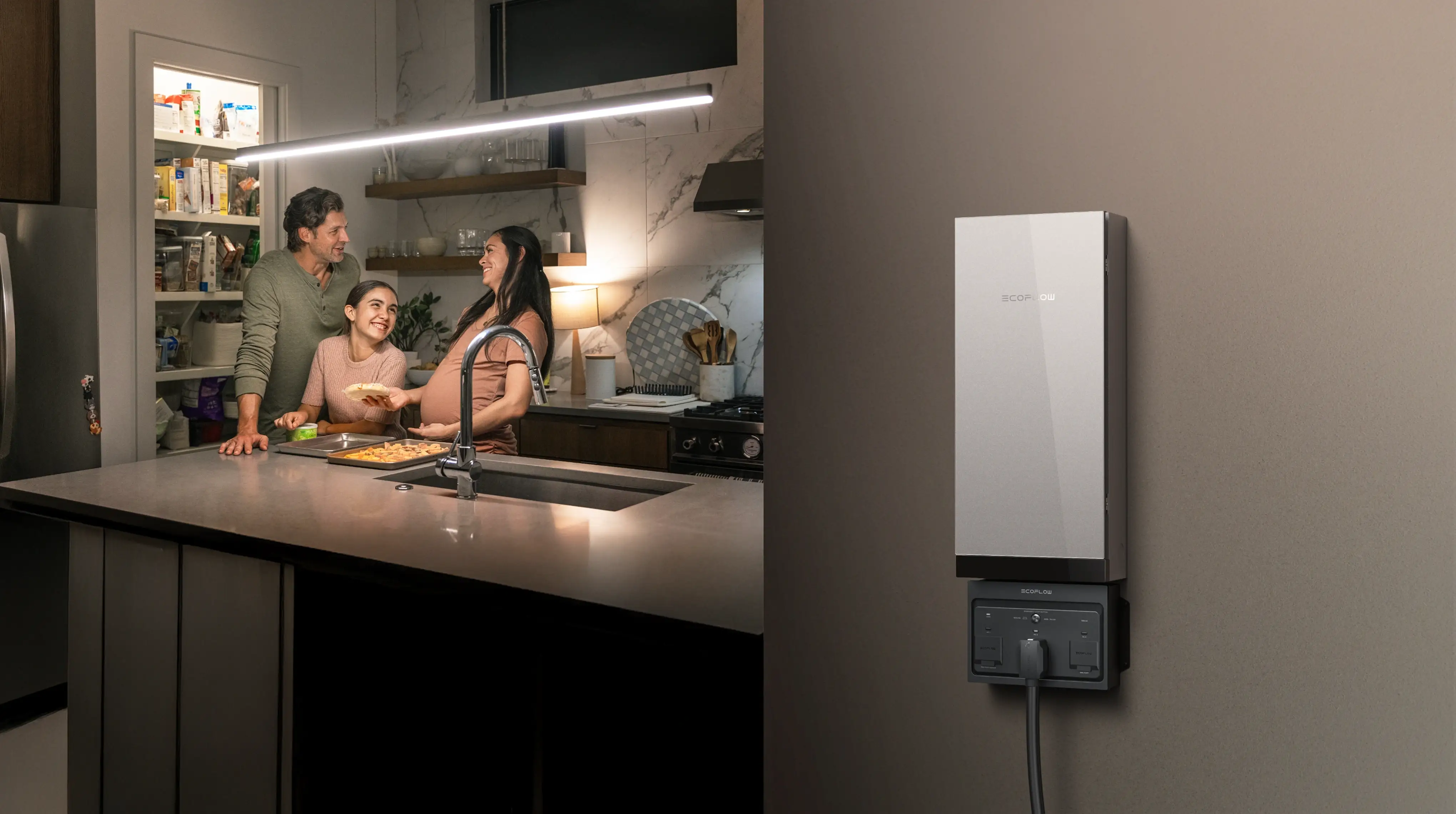
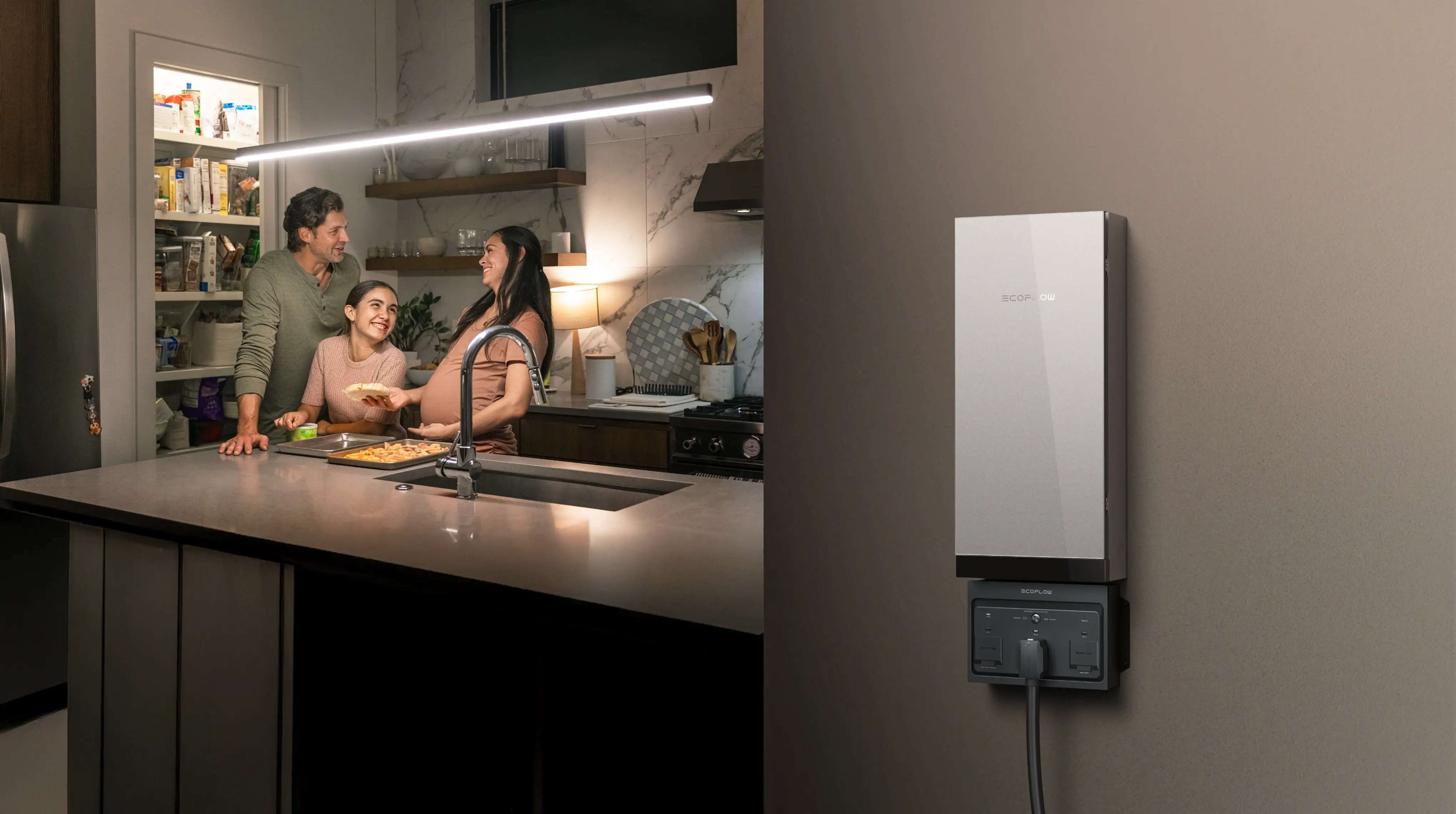
What Can a Smart Home Control Panel Control?
What a smart home control panel can manage depends on the system and your home’s wiring. In many homes, that may include refrigerators, lighting, Wi-Fi equipment, HVAC systems, kitchen appliances, water pumps, and EV chargers.
The goal is not necessarily to control every circuit. Instead, homeowners can focus on the loads that matter most for everyday use or backup power.
How Does a Smart Home Control Panel Work?
The smart home panel connects your home’s circuits with monitoring hardware and management software. Depending on the system, it can also help manage individual circuits and prioritize essential loads when backup power is limited. This combination of circuit monitoring and backup management is central to how systems such as the EcoFlow Smart Home Panel work.
That priority logic earns its keep during outages. Connected to backup storage, the panel applies your choices on its own instead of sending you to the garage with a flashlight to decide which breakers to flip.
Benefits of a Smart Home Control Panel
A smart panel moves a household from passively using electricity into actually managing it. The payoff is better visibility, better decisions, and backup power that finally knows what matters.
Simplified Whole-Home Management
By the time a house has solar on the roof, a battery in the garage, and a few dozen breakers in the panel, nobody manages it by feel anymore. A smart panel can bring household circuits, battery storage, and other compatible energy equipment into one management system. Instead of treating each part separately, homeowners can coordinate when certain loads run, which circuits receive backup power, and how stored energy is used.
Improved Energy Efficiency
A panel that reports usage circuit by circuit makes it easier to see where electricity is being used and when. That visibility is an important part of smart home energy management, helping you identify high-use loads, shift flexible appliances away from expensive hours, and make more informed day-to-day energy decisions.
When solar panels are generating plenty of power, that’s the window to run power-hungry appliances. Using more solar power while it is being generated can reduce grid consumption during those hours, depending on your household load, storage setup, and utility plan.
Better Backup Power Management
An outage sorts your devices into two piles within minutes: what can wait and what can’t. The refrigerator, the internet connection, some lighting, and other systems a household genuinely runs on are often the first priorities when planning home backup power.
A smart panel is what organizes that shortlist, connecting the important circuits to a backup system that can keep them running.
For homeowners who want to maintain essential household functions during outages, EcoFlow Smart Home Panel 2 paired with DELTA Pro Ultra provides a more coordinated backup approach. Instead of manually switching devices or deciding which circuits to disconnect, the system can connect selected household circuits with backup power and help support essential loads such as refrigeration, lighting, and communication equipment.
Greater Home Energy Resilience
Storms, equipment failures, and grid emergencies don’t schedule themselves. A panel paired with battery storage won’t prevent any of them, but it changes what happens next. Sources, storage, and circuits are already connected. With a compatible system that supports automatic transfer, the home can switch automatically to backup power without a scramble.
How to Choose the Right Smart Home Control Panel for Your Home
Start with the house you actually have. The right panel comes down to three answers: which circuits you want under direct control, which devices you’d protect first in an outage, and whether solar or a backup system is in your plans.
| Your Backup Need | What to Choose | Best For |
|---|---|---|
| Energy monitoring only | Smart panel with circuit-level monitoring | Tracking usage and managing everyday energy consumption |
| A few essential circuits during outages | Smart panel + battery backup | Refrigerator, Wi-Fi, lighting, water pump, and other critical loads |
| Most or all major household loads | Whole-home smart panel + expandable battery system | HVAC, kitchen appliances, pumps, and other compatible 120V/240V loads |
If you already have solar or plan to add it later, confirm that the smart panel and battery system support your current or future solar setup.
Consider Your Home’s Electrical System and Number of Circuits
Count what’s in the current panel before shopping for a smart one. Circuit count, home size, and the big appliances already in place set the scale of the job. Any solar or battery gear already installed belongs in the same picture, and so does the expansion you’re planning.
A panel that works for a few essential circuits may not be enough for a larger home with higher power demands, so consider both your current needs and future expansion plans.
Decide Which Loads You Want to Monitor and Control
Most households should start by identifying critical loads rather than trying to cover every circuit.
Security systems, heating and cooling gear, key lighting circuits, refrigeration, internet equipment, a water pump. That shortlist usually covers what genuinely matters and helps determine how much circuit-level control and backup capacity you actually need.
Consider Backup Power and Solar Integration
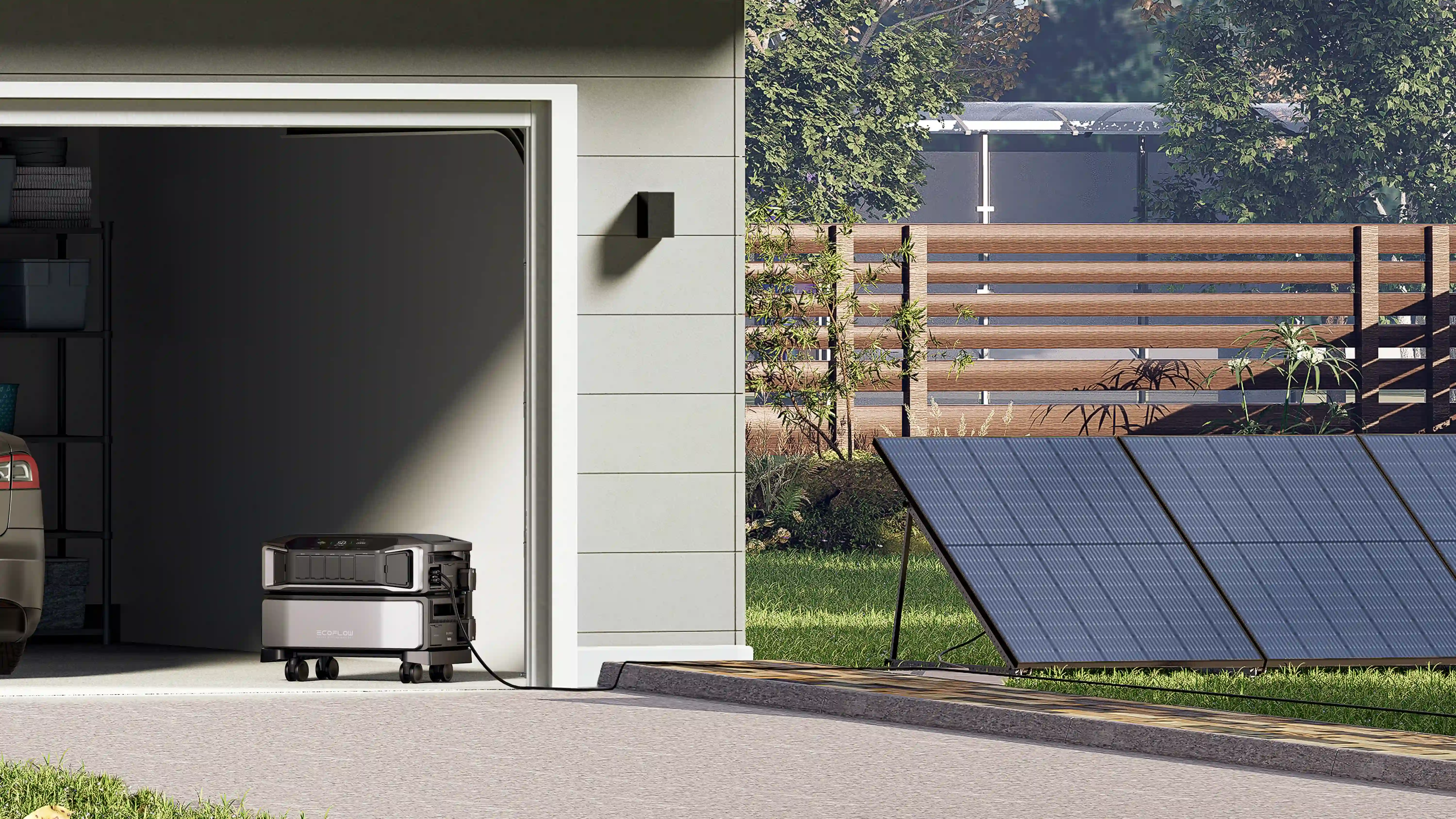
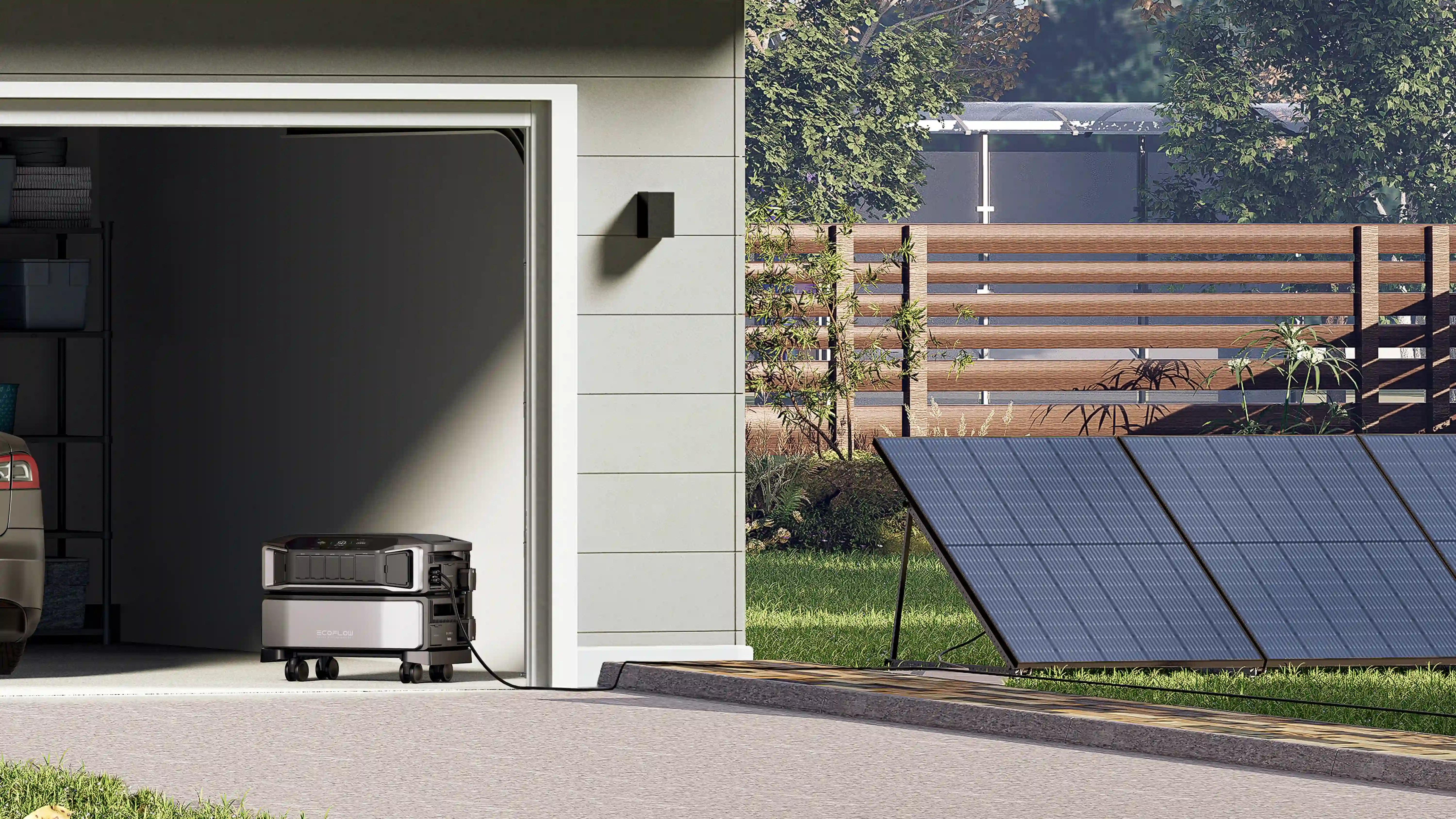
If backup power is a priority, make sure the panel works with the rest of your home energy system. Check its compatibility with battery storage and solar, as well as whether the system can expand if your backup needs grow over time.
For larger homes with more complex electrical demands, EcoFlow Smart Home Panel 3 paired with DELTA Pro Ultra X provides a more advanced energy management solution. It is designed for homeowners managing more circuits and higher-power loads, including scenarios involving HVAC systems, kitchen appliances, and broader whole-home energy management needs
Check Smart Features and System Compatibility
Before anything gets installed, confirm the panel is compatible with your home’s wiring and the equipment it will work with.
App-based monitoring, circuit-level control, battery and solar integration, and expandability should all map to your long-term plan, not just this year’s problem. A good panel can grow with the house. The wrong one may eventually need to be replaced.
How to Set Up a Smart Home Control Panel
This is not a weekend project. A smart panel wires directly into your home’s electrical system, so installation is licensed-electrician territory, and the planning done before that visit decides whether the system behaves the way you expect.
Check Compatibility and Installation Requirements
The homework comes in four parts: which circuits get priority, which devices stay live during an outage, whether the existing panel or service entrance needs more work, and where future upgrades would plug in. Answer all four before the electrician arrives, and the installation will go much more smoothly.
Install and Connect the Control Panel
The install itself ties the smart panel into your household circuits and the energy equipment it will manage. The exact job depends on the home’s wiring design and which backup system you’ve chosen.
Configure Devices, Circuits, and Automation
Once the hardware is in, the value comes from configuration. Circuit priorities, monitoring settings, automation rules: get those right and backup power flows toward the loads that matter without further input. Refrigeration and communications first, comfort loads behind them, everything else last.
Test the System and Backup Functions
A backup system you’ve never tested is an assumption, not a plan. Run the drill. Confirm that priority circuits behave as configured, that backup power engages when it should, that the monitoring data matches reality, and that connected devices carry on as expected. Then repeat it on a schedule, not just once after install day.
Tips for Using a Smart Home Control Panel Effectively
A smart panel pays back in proportion to how closely it mirrors the household it serves. A little ongoing attention keeps it aligned with how you actually use power.
Prioritize Essential Devices and Circuits
Focus first on the loads that matter most during an outage, such as refrigeration, lighting, internet equipment, and other essential devices. If a full home electrical upgrade is not necessary, a portable power station can provide a more flexible way to keep selected devices running. The priority is to match your backup setup to the loads you actually need rather than trying to power everything at once.
Use Automation and Scheduling Wisely
Automation is where the efficiency claims become real. With solar, shift the flexible loads into production hours. Without it, schedule around your rate plan or your routine. Either way, the panel does the remembering.
Monitor Energy Use Regularly
As appliances and routines change, review your energy use occasionally and adjust circuit priorities when needed.
Keep the System Updated and Tested
Firmware updates, equipment checks, and occasional backup drills are not glamorous, but they are important parts of maintaining system reliability. Put the drill on a calendar and the system will be ready the night you need it.
Conclusion
A smart panel turns the breaker box from a silent distributor into something you can see and steer. Which one is right comes back to home size, circuit count, backup ambitions, and where your energy setup is headed.
For essential household backup needs, Smart Home Panel 2 with DELTA Pro Ultra offers a flexible way to manage important circuits. For larger homes with higher loads and more complex energy requirements, Smart Home Panel 3 with DELTA Pro Ultra X provides a more advanced whole-home energy management approach.
Frequently Asked Questions
What’s the Difference Between a Smart Panel and a Smart Home Hub?
Different jobs. A hub handles convenience, linking lights, locks, cameras, thermostats and the like so you can automate and control them from anywhere. A smart panel works a level deeper, down at the circuits, watching how power moves through the house and controlling how it’s allocated. One manages devices. The other manages electricity.
Can a Smart Panel Work With Different Brands?
That depends on the spec sheet, not the category. Before installation, confirm whether the voltages match, whether the inverter is compatible, and whether the communication protocols line up with your existing or planned battery and solar equipment. Checking before you buy is what keeps a system expandable instead of orphaned.
Does a Smart Home Control Panel Need an Internet Connection?
Remote app features generally require an internet connection, while local backup functions may continue to operate depending on the system. Remote monitoring, usage alerts, and control from outside the house all run through a connection. How much keeps working without one varies by system design, manufacturer, and how the unit was installed, and certain advanced features may call for extra compatible hardware or a paid subscription.
Can a Smart Home Control Panel Work With Solar Panels?
Many smart energy systems can integrate with solar, but compatibility depends on the panel, inverter, battery system, and overall system design. With storage alongside, a panel can steer solar-generated power where it’s most useful, prioritizing essential loads and improving overall efficiency
Can a Smart Home Control Panel Work During a Power Outage?
Yes, provided it works alongside a compatible backup system. The panel then manages your selected circuits through the outage. How long that lasts comes down to battery size, what’s connected, and how much the household draws.
For press requests or interview opportunities, reach out to our media team
media.na@ecoflow.com