RV Internet Setup: Wi-Fi, Cellular, and Satellite Options Compared
- First, Understand What Wi-Fi Actually Does
- Campground Wi-Fi: Use It as a Bonus
- Cellular: The Best Primary Connection for Most RVers
- Satellite: The Strongest Option Beyond Cell Coverage
- Which RV Internet Setup Should You Choose?
- Power a Reliable Connection Between Campsites
- Install the System for Fewer Failures
- Building Your Connectivity Plan
- Frequently Asked Questions
For most RVers, the best setup is cellular as the primary connection, campground Wi-Fi when it performs well, and satellite for remote campsites. Weekend travelers can begin with a phone hotspot. Remote workers should use two independent connections so one congested tower or obstructed satellite view does not end the workday.
No single source of internet for RV travel works everywhere. The right choice depends on location, data use, video calls, and the cost of losing service.
First, Understand What Wi-Fi Actually Does
Wi-Fi is the wireless link between a device and a nearby router—not necessarily the service bringing data to the RV. The router may receive internet from a campground network, cellular modem, or satellite terminal.
The three main RV internet options are:
Option | Best for | Main advantage | Main limitation |
|---|---|---|---|
Campground Wi-Fi | Email, browsing, and occasional use | Often included with the campsite | Shared capacity and inconsistent signal |
Cellular hotspot or router | Most travel days and populated areas | Simple, mobile, and usually responsive | Depends on carrier coverage and tower capacity |
Satellite internet | Remote campsites with open sky | Works beyond terrestrial cell networks | Needs suitable sky view, more power, and separate equipment |
Campground Wi-Fi: Use It as a Bonus
Campground Wi-Fi may be included in the nightly rate. It can handle email, maps, messaging, and light browsing, especially near an access point. Performance often falls in the evening when many guests share the connection.
Ask whether Wi-Fi reaches individual sites or only a common building. Request a recent evening speed test from the loop where you will park. A “great Wi-Fi” review may describe a different site or season.
Do not make a critical meeting depend on it alone. Use encrypted websites, two-factor authentication, and updated devices; see the FTC’s public Wi-Fi guidance.
Cellular: The Best Primary Connection for Most RVers
Cellular is usually the simplest answer to how to get internet in an RV. A phone hotspot suits occasional laptop use. A dedicated hotspot avoids tying up the phone, while an installed 4G/5G router can add Ethernet, external antennas, and automatic switching.
Coverage comes before hardware. Use the FCC National Broadband Map to compare providers around each campground. Its maps model outdoor or in-vehicle coverage, not reception inside an RV; terrain, tower load, RV materials, and devices affect results.
For remote work, put the phone and router on different underlying networks. Read each plan’s hotspot allowance, high-speed data policy, network-management terms, roaming limits, and video restrictions. “Unlimited” does not always mean unlimited high-speed hotspot use.
Satellite: The Strongest Option Beyond Cell Coverage
Low-Earth-orbit satellite service is practical at open desert, prairie, and beach campsites where cellular service is weak or absent. Starlink offers Roam plans for uses including RVs and camping, but check current availability and terms before buying.
The tradeoff is site selection. Trees, canyon walls, nearby rigs, and buildings can interrupt the moving satellite link. Starlink recommends a clear view of the sky and provides an obstruction tool in its app.
Satellite adds setup, storage, cables, and continuous power demand. Confirm whether the hardware and service support stationary or in-motion use. EcoFlow’s guide to sizing a power station for Starlink converts terminal wattage and operating hours into energy needs.
Which RV Internet Setup Should You Choose?
The right setup depends on how often you travel, where you camp, and how much a lost connection would disrupt your day. A weekend traveler may need only one simple option, while remote workers and boondockers benefit from multiple connections. Use the scenarios below to match your equipment to your actual travel style.
Occasional Weekends
Start with a phone hotspot, use campground Wi-Fi when adequate, and download important content at home. Add a router or satellite only when real trips show cellular is insufficient.
Seasonal and Extended Travel
Use a cellular hotspot or router with a roof antenna, plus a second carrier on a phone or backup hotspot. This covers many highways, towns, and developed campgrounds without satellite hardware.
Full-Time Remote Work
Use a dual-SIM or multi-WAN router, two cellular networks, and satellite. Configure failover, learn manual switching, travel outside meeting hours, and save nearby libraries or coworking spaces as emergency work locations.
Remote Boondocking
Use satellite first and cellular when available. Select sites for sky exposure, not only shade. Before committing to several nights, inspect obstructions, test the connection, and confirm the power budget.
Power a Reliable Connection Between Campsites
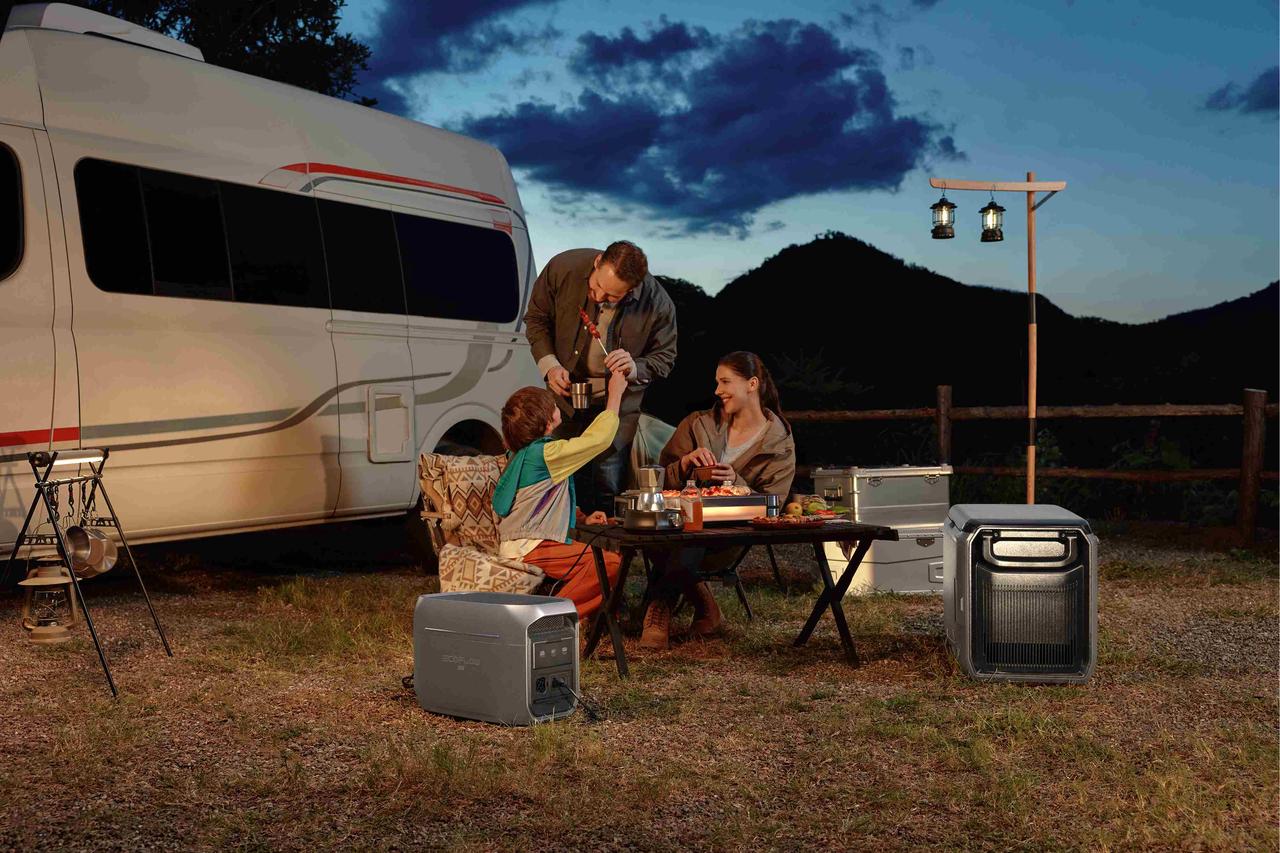
For satellite use or a mobile office, the DELTA 3 Max Plus (2048Wh) + 800W Alternator Charger combines 2,048Wh capacity with 3,000W AC output for routers, satellite hardware, laptops, monitors, and other RV essentials. The alternator charger replenishes it from excess vehicle energy while driving, turning travel time into charging time. Its LFP battery and app-controlled output priorities support longer trips. Verify that the vehicle alternator supports the charger’s maximum draw; runtime varies by load and conditions.
Install the System for Fewer Failures
Mount cellular antennas above the metal RV body according to manufacturer spacing. Place the router centrally with ventilation and easy power access. Keep antenna cables short to limit signal loss.
Give the internal network one name and strong password, then let the router change among campground Wi-Fi, cellular, and satellite. Devices stay connected at every stop. Use a separate guest network for visitors and smart devices.
Before departure, update firmware, label cables, save settings offline, and test every connection separately. Run a video call through the employer’s VPN and test uploads, not only downloads. Calculate a full workday’s watt-hours and allow for conversion losses when selecting from EcoFlow’s portable power stations.
Building Your Connectivity Plan
Build reliability in layers. Cellular handles most travel, campground Wi-Fi can reduce data use, and satellite reaches beyond towers. A tested backup, adequate power, and flexible parking plan matter more than the fastest advertised speed.
Frequently Asked Questions
Q1. Can a Wi-Fi Extender Fix Slow Campground Internet?
A Wi-Fi extender can improve the connection between your RV and a distant campground access point, but it cannot add capacity to an overloaded internet service. It helps when the signal is weak outside your window yet the campground network itself is fast. If every guest is competing for limited bandwidth, repeating that signal may produce a stronger icon without faster browsing, streaming, or video calls.
Q2. How Much Mobile Data Does an RV Household Need?
Estimate data from activities rather than choosing a plan by household size. Email and web browsing use relatively little, while high-resolution streaming, cloud backups, game downloads, security cameras, and frequent video meetings can consume far more. Check device data counters during a normal week at home, multiply for the number of travel weeks, and leave a buffer. Verify that the plan’s allowance applies to hotspot data, not only phone use.
Q3. Can Satellite Internet Operate While the RV is Moving?
Only use hardware, mounting equipment, and a service plan specifically approved for in-motion operation. A portable terminal designed for setup at camp should be stowed before driving; wind load, vibration, falling equipment, and cable routing create safety risks. Service rules and compatible hardware can change, so confirm current terms with the provider rather than relying on an older installation video or another owner’s equipment.
Q4. How Should I Secure My Private RV Wi-Fi Network?
Change the router’s default administrator name and password, use WPA3 or WPA2 encryption, install firmware updates, and enable two-factor authentication on important accounts. Turn off remote administration and WPS unless they are genuinely needed. The FTC also recommends a separate guest network, which keeps visitors and less-secure smart devices away from work computers and storage. Avoid sharing the primary password on campground message boards or public groups.
Q5. Will a Cellular Signal Booster Work Where My Phone Shows No Service?
A booster can strengthen an existing usable signal, but it cannot create service where no carrier signal reaches the outside antenna. Antenna location and separation are critical, and a MIMO antenna system may be more useful than a booster in some router installations. Consumer boosters must be approved for their intended use and registered with the appropriate wireless provider, so follow the device instructions and current FCC requirements before operation.
For press requests or interview opportunities, reach out to our media team
media.na@ecoflow.com