Connecticut Snow Storms: How Much Snow to Expect, Where to Check, and How to Keep the Power On
- Is a Snow Storm Coming to CT? Five Official Places to Check
- How Much Snow Connecticut Gets, From the Shoreline to the Northwest Hills
- Keeping the Heat On When Snow Brings the Lines Down
- Heavy Snow on Roofs, Trees, and Vents
- Connecticut Snow Storms That Set the Records
- On the Road and Off the Grid: During and After a CT Snow Storm
- Conclusion
- FAQs
Connecticut's shoreline averages 30 to 35 inches of snow each winter. Up in the Northwest Hills, seasonal totals hit closer to 50 inches. That wide gap explains a lot across our state. One winter storm can mean light shoveling in New Haven. That exact same system can bring down heavy tree limbs in Norfolk. When a Connecticut snow storms event rolls in, preparation is everything. This guide covers the official places to track incoming systems. We will look at what heavy snow does to your roof and vents. Finally, you will learn how to keep your heat running during outages.
Is a Snow Storm Coming to CT? Five Official Places to Check
Forecasts on social media go stale within hours. When tracking a potential CT snow storm, check direct, official sources. Connecticut residents should rely on five specific bookmarks. Each tool provides verified, real-time data for your neighborhood.
Please note that this guide provides preparation advice, not a live radar forecast.
National Weather Service (NWS): Visit weather.gov and enter your town. Southern shoreline communities generally fall under NWS New York/Upton (weather.gov/okx). Northern Connecticut is covered by NWS Boston/Norton (weather.gov/box), while Litchfield County falls under NWS Albany (weather.gov/aly).
CT Alert: Sign up for Connecticut's emergency notifications at portal.ct.gov/ctalert. The system provides alerts about life-threatening emergencies by phone call, text, or email. The state also recommends the CT Prepares app and Connecticut 2-1-1.
CTroads: Before hitting the road, check ctroads.org. The Connecticut Department of Transportation runs this interactive live map. It streams highway cameras, winter road conditions, active crashes, and overhead message signs.
Your town: Check your municipality's website for parking bans, snow emergencies, and local notifications. Rules and restrictions can vary by town.
Your electric utility: Bookmark your provider's outage map. Eversource and United Illuminating (UI) provide information about reported outages and restoration activity.
Advisory, watch, or warning?
NWS winter weather alerts communicate different levels of risk.
Winter Weather Advisory: Snow, blowing snow, sleet, or ice may make travel difficult.
Winter Storm Watch: Conditions are favorable for a significant winter storm.
Winter Storm Warning: A major winter storm is imminent or already occurring. Heavy snow or sleet will make travel hazardous or completely impossible.
Ice Storm Warning: Usually issued for a quarter-inch or more of ice accumulation. Heavy ice snaps tree branches and knocks down neighborhood power lines easily.
Questions to ask of any forecast
When checking a snow storm CT forecast, look beyond the predicted accumulation.
When will it start and end? Timing helps you plan errands and travel before roads become hazardous.
How much snow is expected? Check whether the rain-snow line could shift the forecast for your town.
Will the snow be wet or dry? Heavy, wet snow puts more weight on roofs and tree branches. That can increase the risk of damage and outages.
Many Connecticut towns announce parking bans before plows roll, and knowing what town snow emergency levels mean helps you move the car in time.
The forecast shows how many inches are falling. Next, historical weather data helps you judge if that number is routine.
How Much Snow Connecticut Gets, From the Shoreline to the Northwest Hills
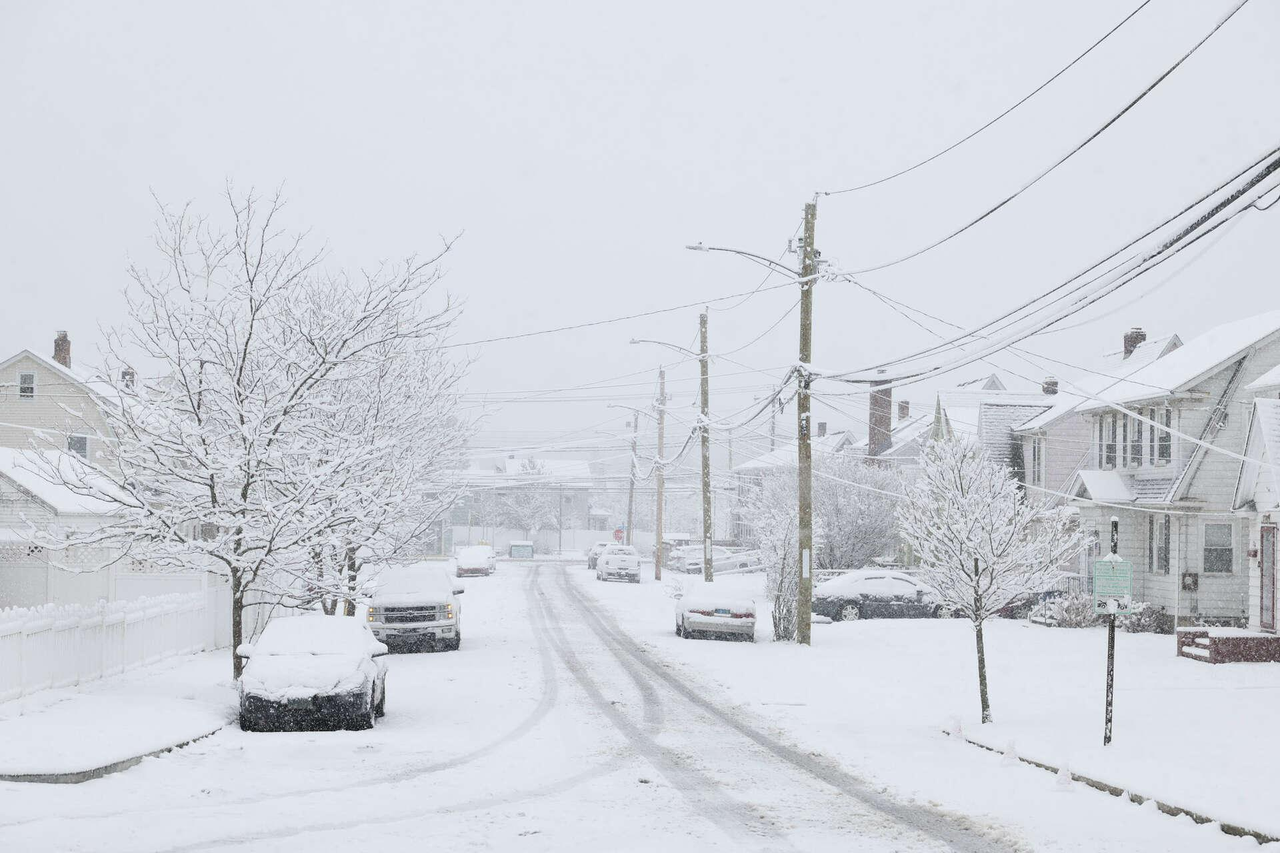
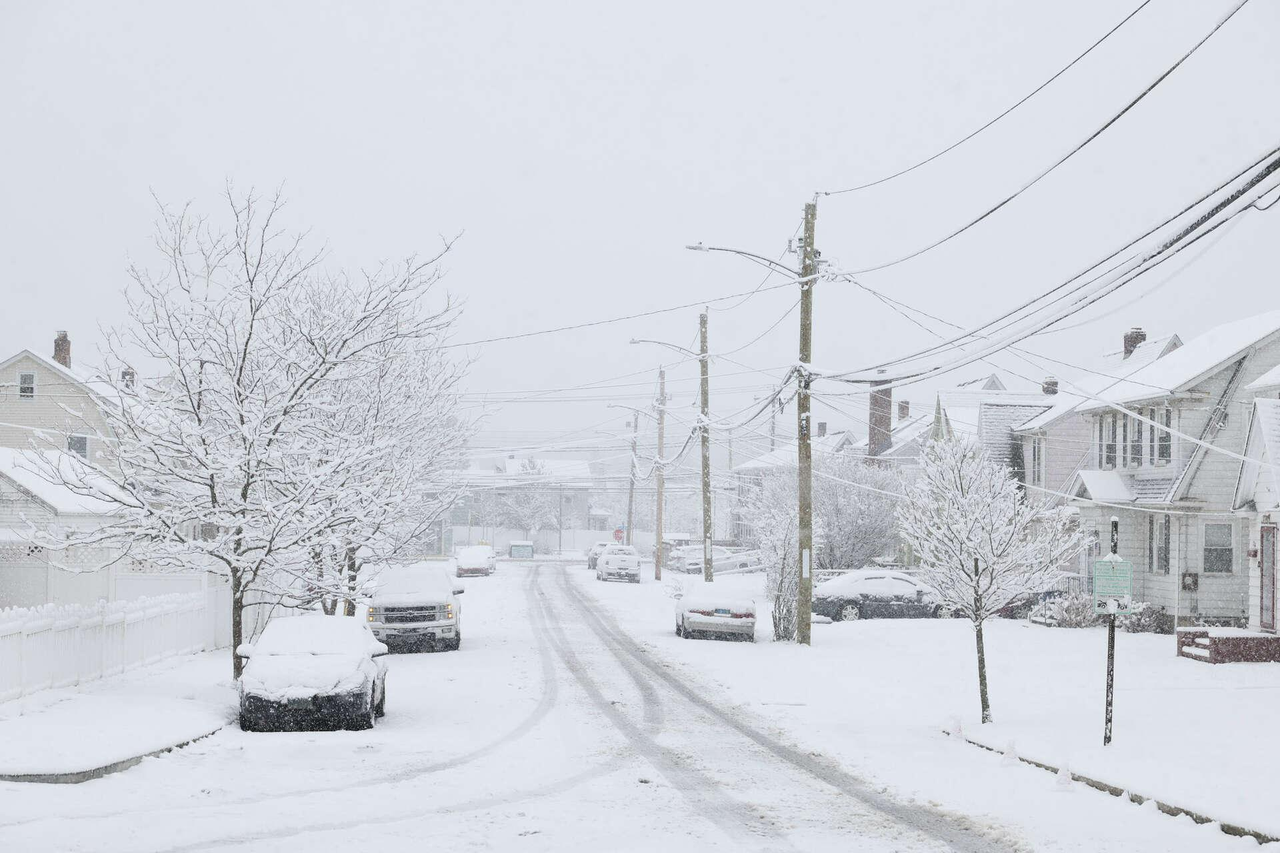
Connecticut has a noticeable snowfall gradient despite its small size. The shoreline typically receives the least snow, while the Northwest Hills receive the most. Hartford and surrounding inland communities fall between these areas.
NOAA's 2022 Connecticut State Climate Summary reports seasonal snowfall ranging from 30 to 35 inches along the coast to about 50 inches in the Northwest Hills. NOAA Connecticut State Climate Summary 2022.
The following figures reproduce NWS Bridgeport monthly climate almanacs accessed on October 15, 2026. The 1991–2020 monthly normals are labeled unofficial by NWS. The maximums are those listed in these almanac editions; this table does not independently establish records through 2026. Sources: November, December, January, February, March, April.
Month | Normal snowfall at Bridgeport (inches) | Monthly maximum listed in the linked NWS almanacs (inches, year) |
November | 0.9 | 8.4 (2012) |
December | 5.5 | 21.8 (1948) |
January | 8.5 | 42 (2011) |
February | 10.7 | 32.5 (2003) |
March | 7 | 21.8 (1967) |
April | 0.9 | 11.8 (1996) |
Adding the monthly normals gives Bridgeport about 33.5 inches of winter snow. That total fits right inside NOAA's 30 to 35 inch coastal range. February is statistically the snowiest month for the shoreline. Yet extreme winter setups, like January 2011, can easily quadruple normal monthly averages.
Inland areas experience even larger single-month accumulations. NOAA climate data shows Bradley International Airport near Hartford recorded 54.3 inches of snow in January 2011 alone.
Wet snow vs. dry snow, by weight
Depth alone does not tell the full story. Water content determines how dangerous the snow really is. FEMA's Snow Load Safety Guide (FEMA P-957) provides a clear breakdown of physical weight: FEMA P-957 Snow Load Safety Guide.
Light, dry snow: Weighs about 3 pounds per square foot per foot of depth.
Wet, heavy snow: Can weigh up to 21 pounds per square foot per foot of depth.
A single foot of wet snow weighs seven times more than powder. That added load strains older roof trusses and bends utility poles.
Local road reports often mix up fresh snowfall totals with snow on the ground. Checking snowfall totals versus snow on the ground shows how rapid melting impacts your yard.
Wet, heavy snow snaps branches onto neighborhood lines. Before clearing roofs and vents, ensure your home retains backup heat.
Keeping the Heat On When Snow Brings the Lines Down
During a Connecticut snow storm, a power outage can quickly become a heating problem. Many oil and gas furnaces and boilers need electricity for controls, blowers, or circulation pumps. Without power, a fuel supply alone may not keep your home warm.
Connecticut's 2011 storms demonstrate how serious these outages can become. NOAA's state climate summary reports that more than 700,000 residents lost power, with some outages lasting longer than a week. This was an extreme event, but it shows why preparation matters.
Decide which circuits matter most:
Before winter weather arrives, identify the equipment you need to keep running.
Heating system controls, blowers, or circulator pumps
Refrigerator and freezer
Well pump, if your home uses one
Wi-Fi router and phones
Essential lighting
Medical equipment, including a CPAP machine
Check equipment nameplates and manuals to determine power requirements. Include startup surges when planning backup capacity, and ask a qualified electrician about safely connecting household circuits. For CPAP and other medical equipment, also follow the equipment manufacturer’s requirements for backup power and interruption tolerance. Test that the device operates correctly after switching supplies, and agree an alternative contingency plan with your healthcare provider; a wattage check or 20ms switch time alone is not enough.
The EcoFlow TITAN covers the circuits that matter most in a winter outage. Its 5kWh base can back up compatible heating equipment, water pumps, and a refrigerator. You can expand it to 30kWh as your needs grow.
The EcoFlow TITAN Plus suits homes with heavier loads. With X-Boost 2.0, it delivers up to 5kW on either 120V leg. It also accepts up to 8kW of solar input. Check each appliance's startup requirements before you choose.
Both units start with a 5kWh battery. The EcoFlow TITAN fits critical circuits like furnace controls, water pumps, and refrigeration. The EcoFlow TITAN Plus fits homes with heavier loads on one 120V leg or larger solar arrays. Verify your equipment's startup requirements for either one.
Both systems pair with the same Smart Home Panel 10 (240V), installed by a qualified electrician.
Estimated runtime (labeled example)
You can estimate battery runtimes using this standard industry formula:
Runtime = capacity (Wh) × 0.85 ÷ load (W)
The 0.85 is a planning assumption for conversion losses, not an EcoFlow figure. Loads are example totals.
Setup | Usable energy (capacity × 0.85) | At a 300W combined load | At a 750W combined load | At a 1,500W combined load |
EcoFlow TITAN or EcoFlow TITAN Plus base (5kWh) | About 4,250Wh | About 14.2 hours | About 5.7 hours | About 2.8 hours |
EcoFlow TITAN Plus at its 30kWh maximum | About 25,500Wh | About 85 hours | About 34 hours | About 17 hours |
These runtimes are planning examples. Check the appliances’ actual running and startup requirements. Temperature, conversion losses, and system standby consumption can affect runtime. Snow can reduce or block solar charging, and it may melt or slide off without sweeping. Follow the panel manufacturer’s cleaning guidance and avoid climbing onto an icy roof.
Checking whether a gas furnace runs without power helps you prioritize your primary heating circuits on your sub-panel.
Keeping the heating blower running protects your pipes indoors. However, heavy snow still collects overhead and blocks exhaust pipes outside.
Heavy Snow on Roofs, Trees, and Vents
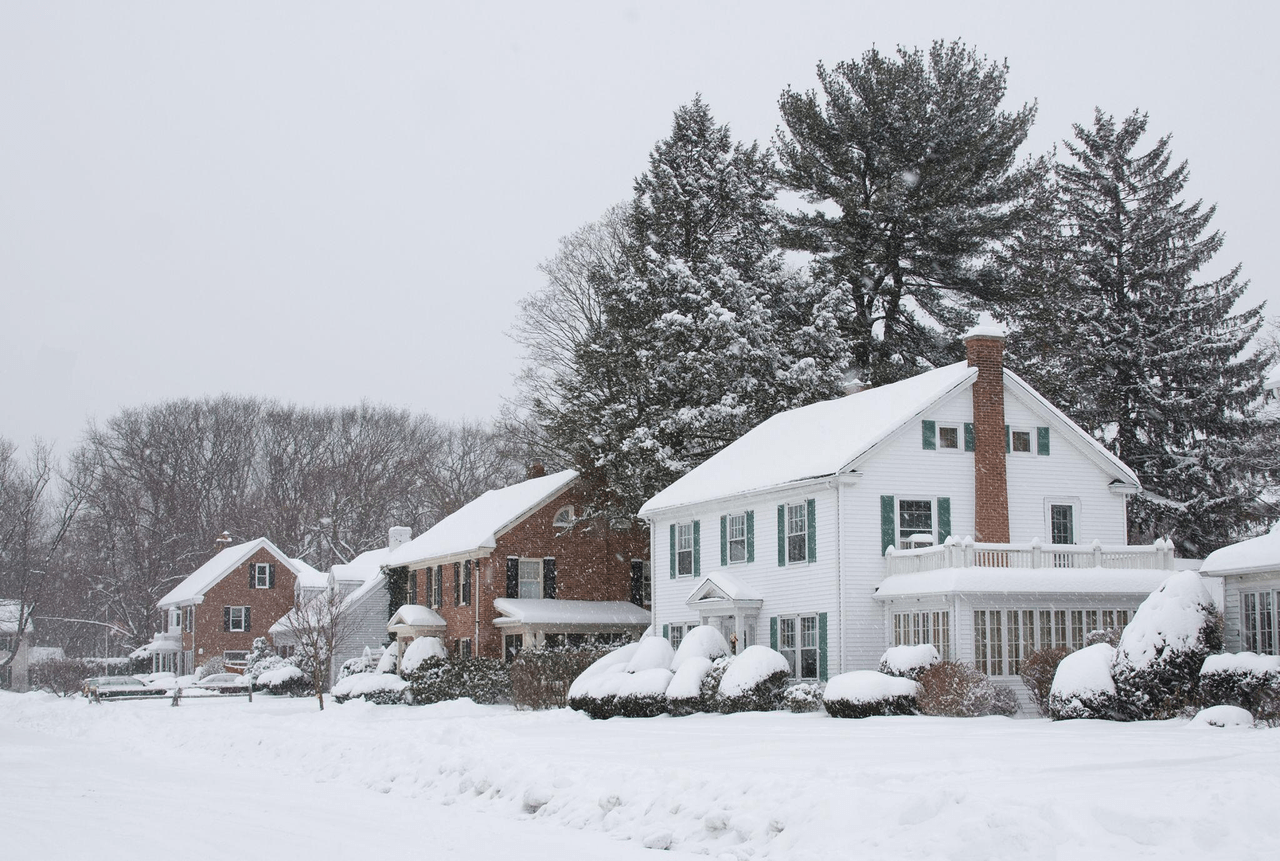
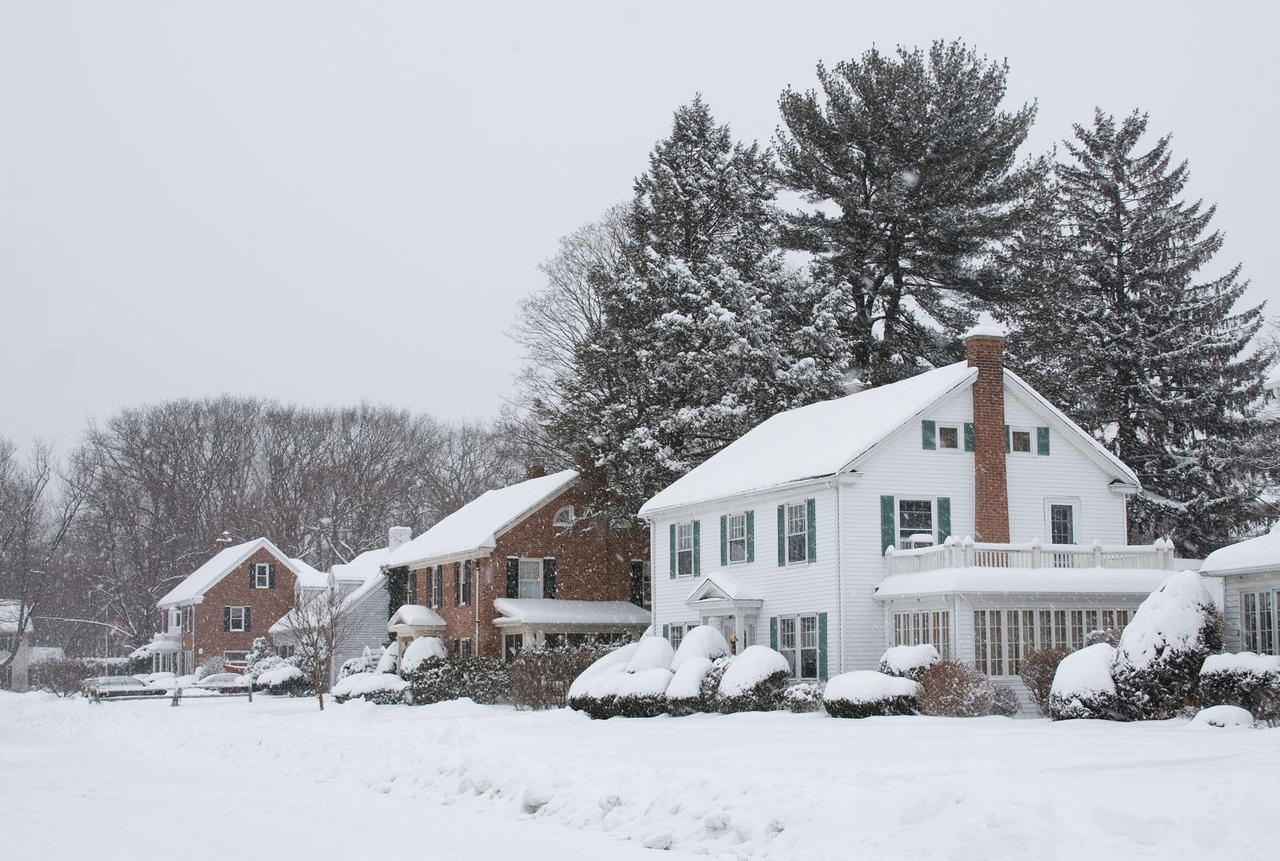
The hazards of a major CT storm linger long after plows clear the street. Thick snow loads stress roof rafters, sag branches over driveways, and bury side vents. Walking around your home after the storm helps identify common exterior issues.
Roofs
FEMA P-957 offers general guidance for building owners. Warning signs of overstress include these.
Popping, cracking, or creaking noises
Sagging roof members
Doors or windows that suddenly won't open or close
Cracks in walls or masonry
Severe roof leaks
If you see any of these, FEMA says to evacuate promptly and call a qualified professional.
FEMA suggests clearing snow from the ground, which keeps people off a hazardous roof. For roof work, hire a licensed, insured roofing contractor. Leave at least 2 inches up there, and use a non-metallic snow rake on steep slopes. Also watch for ice dams, where meltwater refreezes at the eave and can push water inside.
Connecticut's February 2013 blizzard caused more than a dozen roof collapses, according to NOAA's state climate summary. It's a reminder that heavy snowfall can create structural hazards.
Trees and power lines
Wet, slushy snow clings to broad pine needles and oak limbs. A single foot of slush adds up to 21 pounds per square foot of weight. When weakened branches snap, they pull live distribution wires straight down with them.
Always stay back at least 30 feet from any downed utility line.
Treat every downed wire as a fully energized hazard.
Never attempt to push fallen tree limbs off electrical wires yourself.
Call 911 immediately to report downed lines or sparking transformers.
Vents and carbon monoxide
Snow can block the outside vents used by fuel-burning appliances. Clear snow away from furnace vents and inspect dryer and other exhaust vents after shoveling or snowblowing.
Carbon monoxide is dangerous because you can't see or smell it. Take these precautions:
Install battery-operated CO alarms or alarms with battery backup on every level and outside sleeping areas.
Check alarms regularly and replace batteries as needed.
Never operate a portable generator indoors, in a garage, or near an open window.
Keep generators outdoors, at least 20 feet from the house, with exhaust directed away from the building.
Blocked vents and indoor generators can create serious carbon monoxide hazards. Make vent checks part of your post-storm routine.
Roof damage and regional outages are common across our state. Connecticut weather history shows just how extreme these systems get.
Connecticut Snow Storms That Set the Records
Connecticut's biggest snow events have taken different forms. Some brought intense snowfall over a short period, while others involved repeated storms throughout a month.
Storm or period | What the record shows | Source |
December 1948 | The linked NWS almanac lists December 1948 at 21.8 inches, including 16 inches on December 19. | NWS Bridgeport December almanac (maximum listed in that edition) |
February 6 to 7, 1978 (Blizzard of '78) | A storm that lasted nearly 36 hours and stalled off southern New England; Hartford recorded 16.9 inches | |
February 2003 | The linked NWS almanac lists February 2003 at 32.5 inches. | NWS Bridgeport February almanac (maximum listed in that edition) |
January 2011 | NOAA’s 2022 state summary reports 54.3 inches at Bradley in January 2011; the linked NWS almanac lists 42 inches at Bridgeport. FEMA declared a major disaster (FEMA-1958-DR, Connecticut — Snowstorm) on March 3, 2011 for the January 11–12 event, covering Fairfield, Hartford, Litchfield, New Haven, New London, and Tolland counties. | NOAA 2022 Connecticut summary; NWS January almanac; FEMA-1958-DR preliminary damage assessment |
A few clear takeaways emerge from our state's historical weather archives:
Connecticut's January 2011 snow came as a run of storms, not a single event. The governor's February 2011 request for federal help counted five major winter storms and several smaller ones from December 26, 2010 onward, and FEMA's disaster declaration covers the record January 11 to 12 storm. Connecticut governor’s February 3, 2011 request.
The southern coastline can get hit just as hard as the hills, as Bridgeport's historical records demonstrate.
The 1978 blizzard caused widespread disruption because of hurricane-force wind gusts and its slow forward motion.
Not every big storm on that list was technically a blizzard, and what separates a blizzard from a snowstorm is wind and visibility rather than inches.
These historical records offer perspective, but current conditions should guide your decisions during the next storm.
On the Road and Off the Grid: During and After a CT Snow Storm
Staying home is always the safest option when a snow storm coming CT alert takes effect. If you must travel, verify highway conditions first. If the power drops, report your outage through the right utility channels.
Driving
Before leaving, check CTroads for incidents, road conditions, and advisories. Follow any state or town travel restrictions announced through official channels.
Keep a winter emergency kit in your vehicle. Include a blanket, phone charger, shovel, and drinking water. Start with a full fuel tank, and avoid unnecessary trips during hazardous conditions.
Reporting an outage
The Connecticut Public Utilities Regulatory Authority (PURA) oversees two main electric distribution utilities:
Company (exact name) | Outage map | How to report |
The Connecticut Light and Power Company dba Eversource Energy | outagemap.eversource.com (select Connecticut) | Online at eversource.com/residential/outages, using your phone number or account. |
The United Illuminating Company (UI) | UI's outage page: "If your electricity is out, report it using the link below, or by calling 855.784.3637." |
If you receive electricity from a municipal utility, use the contact information on your bill. Stay away from downed wires, even if they appear inactive. Call 911 first for downed lines creating an immediate emergency or for fire.
Learning what to do when stuck in snow gives you a clear plan if your car slides off the road during a storm.
Grid repairs can take days after heavy snow. Knowing how long winter outages typically last makes it easier to plan your food, water, and emergency power supplies.
Conclusion
Connecticut snow storms range from coastal slush to roof-straining drifts in the Northwest Hills. Heavy, wet snow threatens tree limbs, roofs, and power lines across the state. Stay ahead of incoming weather by checking the NWS, CT Alert, CTroads, and your utility's outage map. Keep your exhaust vents clear and identify your critical heating circuits. If backup heat and refrigeration are priorities, compare the EcoFlow TITAN for critical circuits with the EcoFlow TITAN Plus for heavier loads and larger solar input.
FAQs
How much snow does Connecticut get a year?
NOAA reports that annual snowfall averages between 30 and 35 inches along the coastline. Higher elevations in the Northwest Hills average closer to 50 inches per year.
Is a snow storm coming to CT?
Visit weather.gov and type in your town to check active watches, advisories, and warnings. You can also sign up for regional CT Alert emergency notices. This guide shares preparation tips rather than a live weather forecast.
When is the snowiest month in Connecticut?
At Bridgeport, February has the highest 1991–2020 normal snowfall in the linked almanacs, at 10.7 inches. Those almanacs list 42 inches for January 2011, while NOAA’s 2022 state summary reports 54.3 inches at Bradley International Airport that month. These are historical source figures, not a new check of records through 2026.
Should I shovel snow off my roof?
FEMA recommends clearing heavy roof drifts from the ground using a long snow rake. If snow is too deep, hire a licensed and insured roofing professional to do the job safely.
Who do I call when the power goes out in a CT snow storm?
Report your outage to the company that bills you for power. Eversource customers can report online at eversource.com. United Illuminating customers can report issues online or call 855-784-3637. Call 911 first if you spot downed power lines or an active fire.
For press requests or interview opportunities, reach out to our media team
media.na@ecoflow.com