7 Critical Benefits of Uninterrupted Power Supply (UPS) for Your Home in 2026
If you’ve ever had your Wi-Fi drop in the middle of a high-stakes Zoom call or watched your PC go dark during a summer thunderstorm, you already know how shaky the grid can be. It’s a sinking feeling. As we move through 2026, our homes are more "online" than ever, between remote work, 4K streaming, and a house full of smart gadgets, even a five-second power flicker is more than just a nuisance. It’s a recipe for corrupted files, fried motherboards, and a totally collapsed workflow.
That’s exactly why a UPS (Uninterrupted Power Supply) has shifted from a "nice-to-have" IT basement tool to a literal must-have for American households. Whether you’re protecting a $3,000 gaming rig or just trying to keep the security cameras live, here’s the bottom line: you need a buffer between your expensive tech and the chaos of the local power grid.
What Is an Uninterrupted Power Supply (UPS)?
Before we jump into the perks, let's clear up the "alphabet soup." A UPS is more like a bodyguard for your electronics.
Simple Definition of a UPS
At its core, a UPS is a smart power hub that sits between your wall outlet and your gear. It’s constantly standing guard, ready to provide near-instant power the second your primary source takes a nap. It buys you those crucial minutes to save your work and shut things down safely, rather than letting the hardware take a "hard crash" hit.
How it Actually Works in a Typical Home
In a normal U.S. setup, your UPS is always monitoring the voltage coming out of your wall. While the grid is behaving, it filters the "dirty" power and keeps its own internal battery topped off. But the moment a transformer blows down the street or a brownout hits during a heatwave, the UPS switches to its internal battery in milliseconds. It happens so fast, literally faster than a blink, that your computer or router won't even realize the power went out. No reboots, no lost data, just seamless uptime. This reliability is exactly why you need an emergency power supply for home use in an increasingly digital world.
7 Critical Benefits of a UPS for Your Home
Whether you’re dealing with the aging infrastructure of the Northeast or those heatwave-induced rolling blackouts out West, a UPS provides a level of stability that a basic surge protector just can't touch. Here is why it’s becoming the backbone of the modern home office.
1. Zero-Drop Connectivity for the Remote Workforce
The most immediate win is staying online when the neighborhood goes dark. A UPS keeps your modem and router humming, ensuring you don't drop out of a critical Zoom call or lose your VPN connection. In 2026, "I lost power" is a tough excuse to give a client; a UPS makes sure you don't have to.
2. A Physical Shield for High-End Silicon
Lightning strikes and grid switching can send massive high-voltage spikes through your home's wiring. Think of a UPS as a physical shield. It absorbs that excess energy so your $2,000 OLED TV or high end gaming rig doesn't end up as an expensive paperweight.
3. Graceful Shutdowns and Data Integrity
For anyone running a NAS (Network Attached Storage) or a dedicated home server, a sudden "hard shutdown" is a nightmare. It’s a fast track to corrupted files and hours of rebuilding RAID arrays. A UPS buys you those vital minutes needed for your system to "park" data and shut down gracefully. It’s the difference between a minor annoyance and a total data catastrophe.
4. Keeping the "Smart" in Your Smart Home
A modern home is only as smart as its uptime. By backing up your hubs and security cameras, a UPS ensures your security perimeter stays active and your automated locks actually respond when the grid fails. You don’t want your home’s "brain" to go into a coma just because a transformer blew.
5. A Vital Buffer for Medical Equipment
For households relying on CPAP machines or home health monitors, steady power is a safety requirement, not a luxury. A UPS provides that critical buffer, offering peace of mind that life-sustaining gear won't skip a beat during a midnight power glitch.
6. Cleaning Up "Dirty" Power (AVR)
Standard wall outlets don't always provide a perfect 120V. Many professional-grade UPS units feature Automatic Voltage Regulation (AVR). This "cleans" the electricity by boosting low voltage and trimming the high stuff. It’s like a stabilizer for your tech, significantly extending the lifespan of sensitive internal components.
7. A Targeted, Cost-Effective Solution
Not everyone wants to drop $10k on a standby gas generator for the whole house. A UPS is a surgical, cost-effective way to protect your "islands of technology", like a home office or a high-end entertainment center, for a fraction of that investment. If you need something for larger appliances, you might consider a portable power station instead.
How to Choose UPS for Your Home
As we look at the hardware available in 2026, many American homeowners are moving away from those heavy, old-school lead-acid "bricks" under their desks. Instead, they’re pivoting toward more versatile, lithium-based solutions.
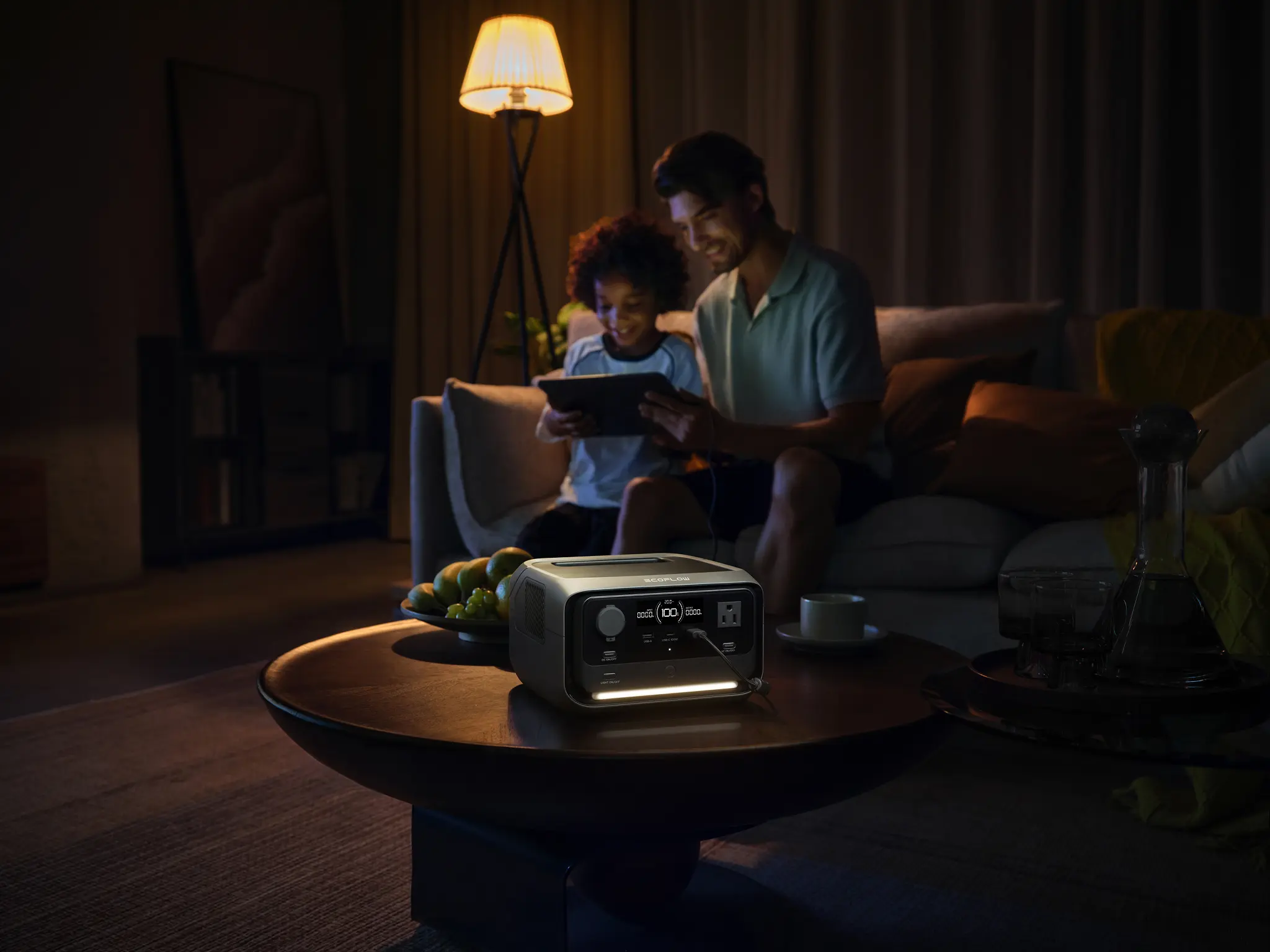
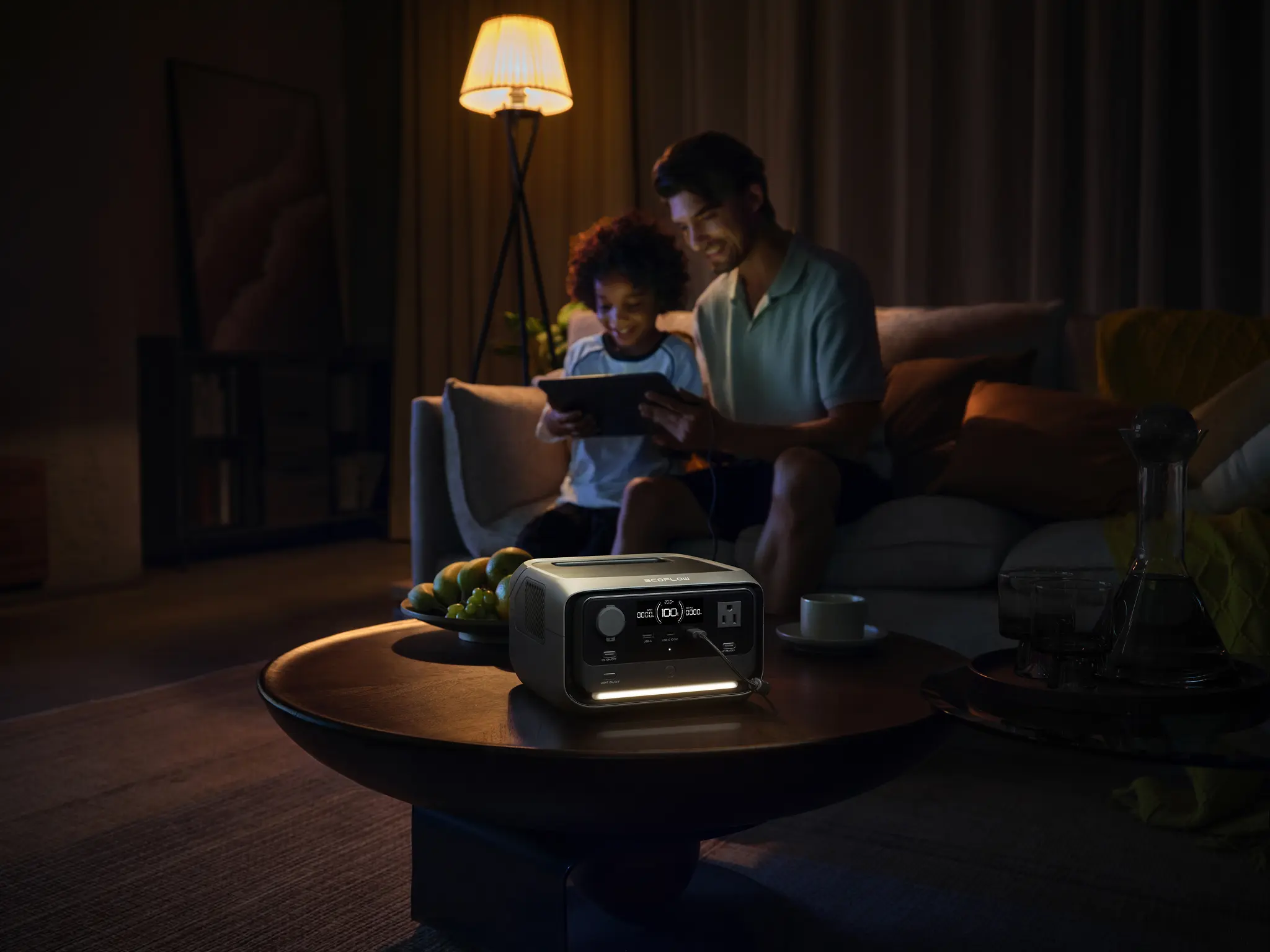
The EcoFlow RIVER 3 Plus Portable Power Station has quickly become a standout because it effectively bridges the gap between a dedicated UPS and a portable power station. Here is the key: it features a built-in EPS (Emergency Power Supply) function with a switchover speed of under 10ms.
For a desktop PC, an iMac, or a sensitive NAS server, that 10ms window is fast enough to prevent a reboot. You get the professional-grade protection of a UPS during the workday, but with the added flexibility of a portable unit you can toss in the truck for a weekend trip. It’s a much more efficient use of your hardware budget than a unit that just sits under a desk 24/7.
Best Practices for Using a UPS at Home
To make sure your backup system is actually ready the second the lights flicker, you need to treat it like a piece of high-performance machinery. Here are the "rules of the road" for 2026.
1. Avoid the "High-Draw" Trap
Stick to the 80% Rule: never exceed 80% of the unit’s rated wattage. Most importantly, keep "high-draw" appliances like space heaters, hair dryers, and laser printers far away from your UPS. Their massive startup "inrush current" can instantly fry the internal inverter, turning your expensive backup into a paperweight before the battery even kicks in.
2. Know Your Chemistry: Lead-Acid vs. Lithium
If you have a traditional UPS, that lead-acid battery is going to need a replacement every 3-5 years. However, modern units (like the newer EcoFlow models) use LiFePO4 chemistry, which can easily last over 10 years and can even be paired with a solar battery setup for off-grid recharging.
Pro Tip: For lithium systems, keep the charge between 20% and 80%. It’s the "Goldilocks zone" that keeps the battery cells from stressing out, effectively doubling your hardware's lifespan.
3. Proper Placement (Give it Air!)
UPS units generate a surprising amount of heat when they’re converting power. Ensure you have at least 4 inches of clearance around the cooling vents. Avoid "hot zones" like closed cabinets or plush carpets, excessive heat is the #1 silent killer of battery health.
4. Master Your Connectivity
Always plug your UPS directly into a grounded wall outlet. "Daisy-chaining" it into a cheap power strip can compromise the surge protection and even create a fire hazard. Also, double check that your most critical gear is in the "Battery + Surge" outlets. Many people accidentally plug their PC into the "Surge Only" slots, only to watch it go dark during the first blackout.
UPS vs. Generator: Finding the 2026 Middle Ground
If you live in an area prone to multi-day outages, think Florida hurricanes or Nor'easters, a small under-desk UPS isn't going to cut it. But traditional gas generators are loud, smelly, and dangerous to run indoors.


This is why many U.S. homeowners are opting for a "Hybrid" setup. They use a small UPS for their PC and router, paired with a high-capacity station like the EcoFlow DELTA 3 Plus Portable Power Station. While the UPS handles the "instant switch" so you don't lose a single line of code, the DELTA 3 Plus acts as your home's survival battery. It’s silent, emissions-free, and powerful enough to keep your refrigerator, a fan, and your laptop running for hours (or even days with solar panels).
Quick Comparison: Choosing Your Weapon
| Feature | Traditional UPS | Gas Generator | Power Station |
|---|---|---|---|
| Noise Level | Silent | Extremely Loud | Silent |
| Indoor Use | Yes | Never | Yes |
| Switch Speed | Instant(<10ms) | Manual/slow | Near-instant(10ms) |
| Main Use | Protecting Data | Whole-house power | Powering a lifestyle |
When weighing your options, comparing UPS vs. portable power station functionality is essential to ensure you have the right protection for both electronics and large appliances.
Conclusion
Whether it's a minor flicker during a summer storm or a full-blown grid failure, a UPS is the unsung hero of the modern home. It’s not just about "staying on", it's about protecting the expensive gear, the irreplaceable data, and the professional reputation you’ve built. By investing in the right setup today, you aren't just buying a battery; you’re buying the peace of mind that comes with knowing the "off" switch isn't in the hands of the local power company.
FAQs
1. How long can a UPS power a home?
A standard home UPS isn't meant to power your "whole house." It’s designed to give your essential electronics like a PC, monitor, or router about 10 to 60 minutes of life. Think of it as a bridge to get you through a short flicker or a safety net that lets you save your work and shut down properly before the battery runs dry.
2. Can a UPS run a refrigerator or AC?
No. Standard desktop UPS units aren't built to handle the massive "surge" of power that appliances like refrigerators or air conditioners need to start up. If you try it, you’ll likely fry the UPS. For those heavy duty needs, you’ll want to look at a high capacity station like the EcoFlow DELTA series, which is built for that kind of heavy lifting.
3. Is a UPS worth it for home use?
Absolutely. In 2026, when most of us are working from home, a UPS is basically "career insurance." It’s much cheaper to spend $150 on a UPS than it is to replace a $2,000 fried motherboard or explain to your boss why you lost a day's worth of unsaved data. It pays for itself the very first time the lights flicker.
4. How much does a home UPS cost in the U.S.?
Basic Units: You can find entry level protection for around $70 to $120.
Mid-to-High End: Units with LCD screens and larger batteries usually land between $160 and $350.
Hybrid Solutions: If you want something more versatile like the EcoFlow RIVER 3, you’re looking at $250+, but you're getting a portable power station and a UPS in one.
5. Do I need a UPS for a smart home?
If you want your house to stay "smart" during a storm, then yes. Keeping your Wi-Fi router and smart hub on a UPS ensures your security cameras, smart locks, and sensors stay online. You don’t want your home security to go blind just because the neighborhood lost power.
6. What size UPS do I need for a home office?
Laptops & Routers: A 600VA unit is usually plenty.
Standard Desktop: Aim for at least 900VA to be safe.
High-End Gaming/Servers: Go for 1500VA. High performance GPUs in 2026 are power-hungry, and you’ll want that extra "headroom" to make sure you have enough time to exit your game and shut down gracefully.
For press requests or interview opportunities, reach out to our media team
media.na@ecoflow.com