UPS Power Supply for Home: How to Pick the Right Backup Battery System
- What Is a UPS Power Supply and How Does It Work?
- Why U.S. Homeowners Are Turning to UPS Backup Power
- Types of Home UPS Systems
- How to Choose the Right UPS for Your Home
- UPS vs. Portable Power Station vs. Generator: Which Backup Power Option Is the Best?
- How Much Does a Home UPS System Cost in the U.S.?
- Conclusion
- FAQ
A home UPS (Uninterruptible Power Supply) is a backup power system that provides temporary electricity when your main power source fails or fluctuates. In modern homes, even a short power outage or voltage drop can interrupt internet connections, shut down computers, and damage sensitive electronics. A UPS solves this problem by instantly switching to battery power, ensuring your devices stay running long enough to save work and safely shut down systems.
This guide walks you through what a home UPS does, how it protects your gear, and how to choose the right backup setup so your home stays up and running when the power cuts out.
What Is a UPS Power Supply and How Does It Work?
An Uninterruptible Power Supply, commonly known as a UPS, is essentially an intelligent middleman stationed between your wall outlet and your electronic devices. To understand the core mechanics of a UPS power supply, it is important to note that the system relies on a dedicated internal battery pack and sophisticated circuitry designed to constantly monitor the quality of incoming electricity.
When utility power fluctuates or fails, the UPS immediately activates its internal power source. It converts stored DC battery energy into standard AC electricity for connected devices. This transfer typically occurs within 2–10 milliseconds, depending on the model, ensuring that computers and routers continue operating without interruption. The system provides additional time to save work, shut down equipment safely, or maintain temporary connectivity during outages.
Why U.S. Homeowners Are Turning to UPS Backup Power
Not long ago, UPS systems were bulky units found mainly in enterprise server rooms and data centers. Today, they’re becoming a practical household solution in the U.S., driven by evolving energy needs and a less stable power supply. Furthermore, as climate-induced blackouts stretch from minutes into days, many homeowners are also beginning to explore portable power stations as a more flexible alternative for extended backup scenarios.
Key Reasons for Growing Adoption
The spike in UPS demand across the U.S. isn’t by chance. First, our national electrical grid is getting older by the day, and extreme weather—from the sweltering summer heatwaves in California to the brutal winter ice storms that knocked out Texas a few years back—is putting more strain on local power lines than ever before. Second, the big shift to remote work and freelancing means a stable internet connection isn’t just for entertainment anymore—it’s how most of us pay the bills, cover our mortgages, and keep our jobs. When your livelihood relies on staying connected, a random transformer blowout that cuts you off from your team or clients is the last thing you can afford.
Common Home Use Cases for UPS Systems
So where do these backup systems actually fit into a regular American home? Here are the most common use cases:
Smart Home Hub & Router: Keep your main Wi-Fi, mesh nodes, and smart security cameras up and running—so your home stays protected even if there’s a local neighborhood blackout.
Home Offices: Shield your desktop computer, external hard drives, and dual-monitor setups from sudden data loss or hardware damage when the power cuts out unexpectedly.
Entertainment Centers: Protect your high-end OLED TV, sound system, and gaming consoles (like the PS5 or Xbox Series X) from harmful voltage spikes that happen when the power flickers on and off.
Types of Home UPS Systems
Before you head online to buy the first system you see, it’s vital to understand that not all UPS devices are built the same way. Knowing how to choose the right UPS battery backup requires a clear evaluation of your hardware’s sensitivity to power fluctuations. They generally fall into three distinct categories, each offering a different tier of protection and power cleanliness.
Standby (Offline) UPS
This is the most basic and budget-friendly type available. A standby UPS runs your electronics off standard utility power under normal conditions. When the grid drops below a safe threshold, it mechanically switches to battery power. While perfectly fine for basic household electronics like a desk lamp or a simple phone charger, that brief transfer time might occasionally cause ultra-sensitive high-end desktop rigs to hiccup.
Line-Interactive UPS
For most American homeowners, the Line-Interactive UPS is the perfect middle ground. It comes with a built-in Automatic Voltage Regulator (AVR)—so if your local grid is prone to brownouts or small voltage spikes (super common in areas with older infrastructure), this UPS smooths out those little glitches without draining its internal battery nonstop. That’s a big win for making the unit last longer.
Online Double-Conversion UPS
Think of this as the gold standard for power protection. An online UPS constantly converts incoming AC power to DC, then back to a perfectly clean AC sine wave. What that means for you: your gear is basically always running off the UPS’s isolated battery power, so when the lights go out, there’s zero delay in switching over. It’s the best choice for sensitive stuff like medical equipment or high-end home servers—but fair warning, it costs more and has slightly louder cooling fans.


How to Choose the Right UPS for Your Home
Finding the right fit for your specific property requires balancing your power demands with the capabilities of the hardware. Let’s figure out exactly what you need, so you don’t end up with a weak system or a bloated receipt.
How to Size a UPS System (Wattage, Load, & Runtime)
Sizing a system comes down to basic math: calculate the total “load” of your devices by checking the wattage (W) labels on their backs. For example, a 20W Wi-Fi router and a 90W laptop charger equal a 110W total load. That’s your baseline.
Buyer Beware: VA vs. Watts
Don’t get fooled by marketing. When shopping, don’t mistake VA (Volt-Amps) for Watts. Because of alternating current efficiency, a UPS’s actual Wattage capacity is always lower than the VA number on the box (e.g., a 1500VA unit might only support 900W of actual power). Always check the spec sheet for the actual Wattage (W). To quickly estimate the required VA size based on your devices’ total watts, use this formula:
Required UPS VA = Total Device Watts (W) / Power Factor (PF)
This accounts for the typical power factor (around 0.6–0.8) in most home UPS systems.
As a rule of thumb, choose a UPS with a wattage capacity 20-30% higher than your total load. This isn’t just for safety; it gives you extra breathing room and a few more precious minutes of runtime when the lights go out.
Key Features to Look for in a Home UPS System
When you’re shopping, don’t just chase raw battery capacity. First, make sure it has “pure sine wave” output. This is non-negotiable for modern PCs—it ensures the power is just as clean and stable as what you get from the wall. This is critical for modern computer power supplies. Beyond that, look for a clear LCD (so you know exactly how much time you have left), user-replaceable batteries, and a generous number of surge-protected outlets.
Choosing the Right UPS for Your Home Setup (Office, Router, Appliances)
Size it based on your actual power needs. If your main goal is simply keeping your internet connection stable, a small low-wattage UPS placed in a convenient location is usually sufficient. For those working from home with a dual-monitor setup, a mid-range unit is recommended to provide enough backup time to finish calls and save your work safely. However, if you are considering powering high-demand appliances like refrigerators or an entire home, traditional desktop UPS systems are generally not designed for that level of load.
UPS vs. Portable Power Station vs. Generator: Which Backup Power Option Is the Best?
When you’re looking into home backup power, most homeowners end up comparing regular desktop UPS units, gas generators, and the newer portable power stations. The best choice really just comes down to what your home needs, how much space you have, and what safety features matter most to you.
Why a "Solar + Portable Power Station" Combo Is Replacing a Traditional Home UPS
Standard desktop UPS systems are effective for preventing sudden shutdowns of desktop PCs. However, many homeowners are beginning to recognize a key limitation: their battery capacity is relatively low, and backup duration is often very short. In the event of extended outages caused by severe winter storms or hurricanes, these units are not sufficient to maintain critical household needs such as food preservation or basic comfort systems. As a result, more users are adopting heavy-duty portable power stations paired with solar panels, forming a more resilient home energy setup capable of supporting longer power interruptions.
High-Capacity Whole-Home Backup Solution
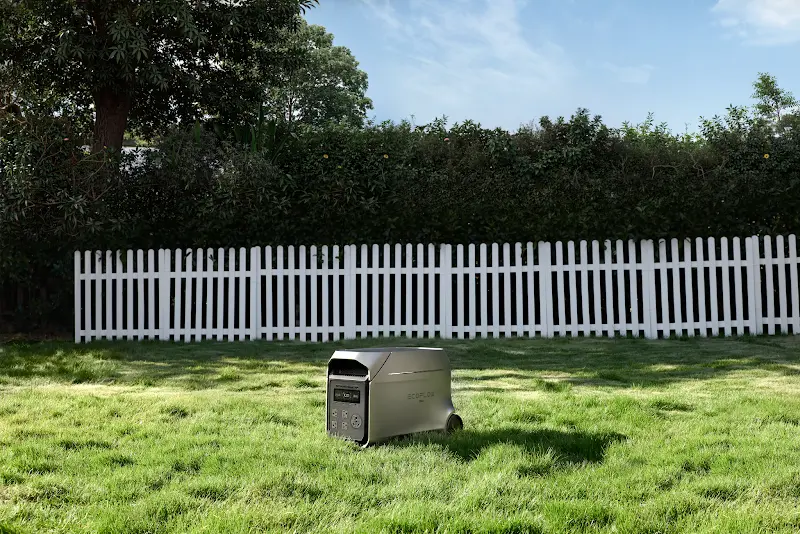
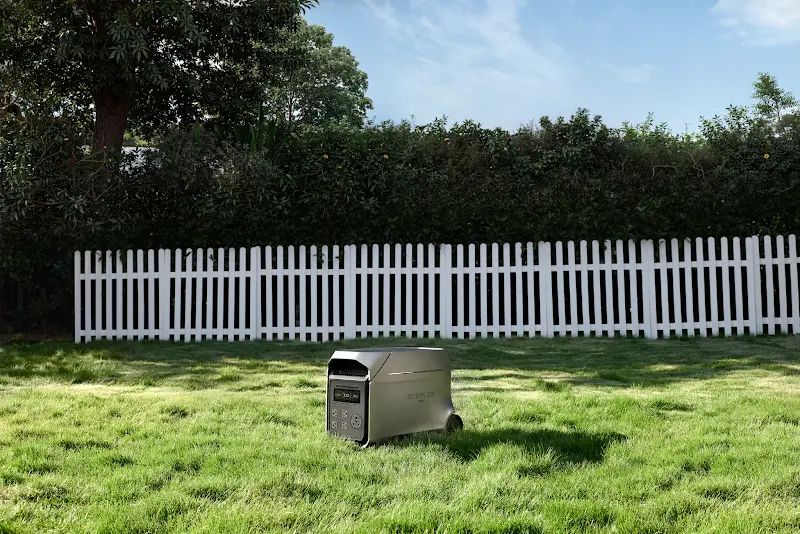
Because of these limitations, more households are turning to portable power stations paired with solar panels to handle those long outages—think ice storms, blizzards, or hurricanes. If you have a high-demand home or a dedicated office setup, the EcoFlow DELTA 3 Ultra Plus + 500W Solar Panel bundle is a way better, more advanced option. Unlike a regular UPS that only backs up small essentials like routers or PCs for a short time, this high-capacity system can power your fridge, medical devices, and office gear for hours on end. Plus, the 500W solar panel lets you keep recharging it nonstop—perfect for sun-rich, outage-prone areas like Texas and California.
Balanced Home Backup Power for Everyday Use
If you don’t need to power an entire large home but still want more reliability than a basic desktop UPS, the EcoFlow DELTA 3 Max (2048Wh) + 400W Solar Panel bundle is a budget-friendly middle ground. It’s made for folks who want to upgrade to a more independent backup system, and it fits easily in most U.S. homes, apartments, or townhouses. It can keep your essentials running for hours—Wi-Fi router, LED lights, laptops, and smart home devices—and the 200W solar panel helps recharge the battery steadily during long outages. It’s a great balance of affordability, portability, and dependability.
How Much Does a Home UPS System Cost in the U.S.?
As with any major home improvement investment, budgeting for emergency power infrastructure requires a clear look at pricing tiers and what exactly drives those costs up or down.
Entry-Level vs. Mid-Range vs. High-End UPS Pricing
| UPS Type | Typical Use Case | Price Range |
|---|---|---|
| Entry-level basic UPS | Keeps Wi-Fi routers and low-power devices running | $60–$120 |
| Mid-range line-interactive UPS | Supports desktop computers and standard home setups | $150–$350 |
| High-end / prosumer UPS or lithium backup systems | Powers high-load devices and expandable home backup setups | $500–$5,000+ |
What Affects UPS Pricing (Capacity, Brand, Battery Type)
The main thing that drives a UPS’s price is its internal battery tech and overall power capacity. Those older, super heavy lead-acid batteries keep the upfront cost low, but you’ll have to replace them every couple of years. On the other hand, modern, higher-end systems that use Lithium Iron Phosphate (LiFePO4) batteries cost more upfront—but they last over a decade, charge way faster, and are a lot lighter. It’s a trade-off between initial cost and long-term use.
Is a UPS Worth the Investment?
When you compare the cost of a reliable backup system to the expenses of replacing a damaged $2,000 gaming setup, hiring professional data recovery services, or losing a full day of remote work income, the value becomes clear. The investment quickly pays for itself by helping ensure your home remains operational even during unexpected power outages or extreme weather conditions.
Conclusion
In today’s context, reliable electricity has become as essential as water or heating. A basic desktop UPS is effective for handling short power interruptions that may affect work or communication. However, with increasing grid instability caused by extreme weather events, more robust backup solutions are often required. A modern, solar-ready backup system can help maintain essential home office operations and household comfort during both short and extended outages. Evaluating your home’s total power requirements is an important step toward selecting an appropriate backup solution for long-term energy resilience.
FAQ
Does a UPS Protect Against Power Surges?
Yes, a UPS provides built-in surge protection to shield your connected devices from dangerous voltage spikes. Most models feature dedicated internal circuitry that absorbs sudden electrical surges caused by lightning or grid anomalies, preventing them from frying your sensitive electronics.
How Long Can a UPS Last Without Power?
A standard home UPS typically provides 10 to 30 minutes of runtime depending on the total electrical load you have plugged into it. It is primarily engineered to give you enough time to save your work and execute a safe shutdown, rather than running appliances through an extended outage.
Is a UPS Necessary for Home Electricity?
While not legally mandatory for residential buildings, a UPS is highly necessary if you regularly experience unreliable grid power, work from home, or own expensive electronic equipment. It acts as an essential insurance policy against data loss, sudden connectivity drops, and expensive hardware damage.
How Often Should I Change a UPS Battery?
You should generally replace a standard Lead-Acid UPS battery every 3 to 5 years to ensure optimal performance. However, if you upgrade to a modern backup system that utilizes advanced Lithium Iron Phosphate (LiFePO4) batteries, the lifespan extends dramatically, often lasting 10 years or more before needing a replacement.
For press requests or interview opportunities, reach out to our media team
media.na@ecoflow.com