How Many Watts Does a Gaming PC Use? (Desktop Power Consumption Guide)
- Quick Wattage Ranges for Gaming PCs (and What They Mean for You)
- What Actually Determines a Gaming PC’s Power Draw?
- How to Measure and Estimate Your Gaming PC’s Electricity Use
- How Wattage Affects Your Electric Bill, Heat, and Upgrade Choices
- Planning Backup Power for Gaming and Outages
- Frequently Asked Questions
- Lower Bills, More Uptime, and Smoother Gaming Sessions
Your electricity supply is one of those things you might not think about, until it fails. Likewise, most gamers focus on their PC's performance, not its power consumption.
But understanding how much power your computer uses when gaming is important for many reasons, including estimating energy costs and understanding your backup power options. Let's look at how you can determine your energy needs for more reliable gaming.
Quick Wattage Ranges for Gaming PCs (and What They Mean for You)
There’s no definitive answer to how much power a gaming PC consumes. Every setup is different, and your power usage depends on your hardware, performance settings, and how much you use your device. The difference between a basic gaming desktop and a high-end enthusiast rig can be hundreds of watts.
With that said, we can break it down into some fairly typical ranges:
System Type | Typical Gaming Power Draw |
Entry-level gaming PC | 200–350W |
Mid-range gaming PC | 350–550W |
High-end gaming PC | 550–850W |
Enthusiast or workstation-grade system | 850–1,200W+ |
Remember, these figures represent the power draw during gameplay. So, for example, your gaming PC’s power supply might have a 1000W rating, but only consume 500–700W during gameplay. The rating on your power supply usually refers to the peak draw of your system, not what it takes to keep it running while in use.
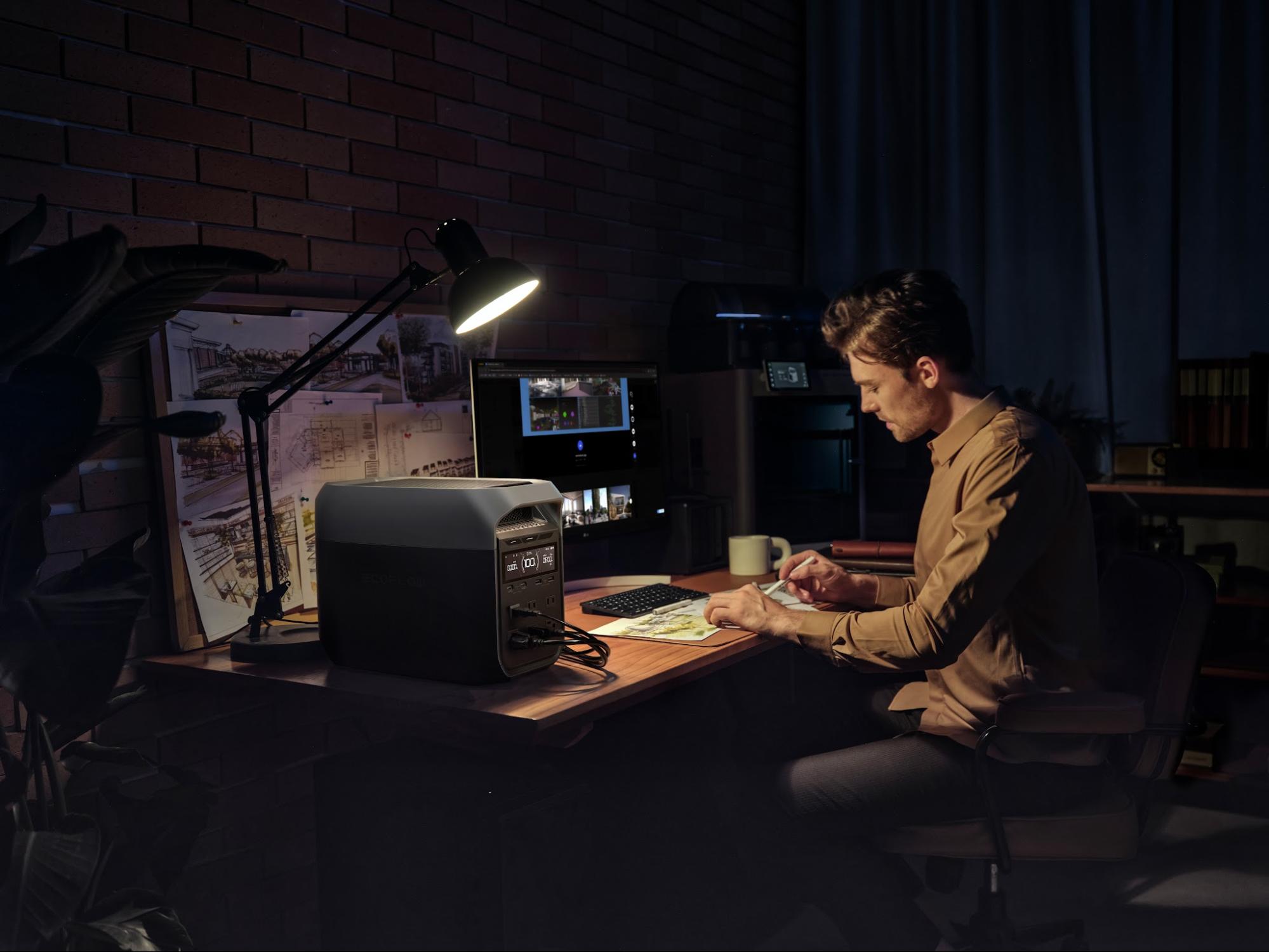
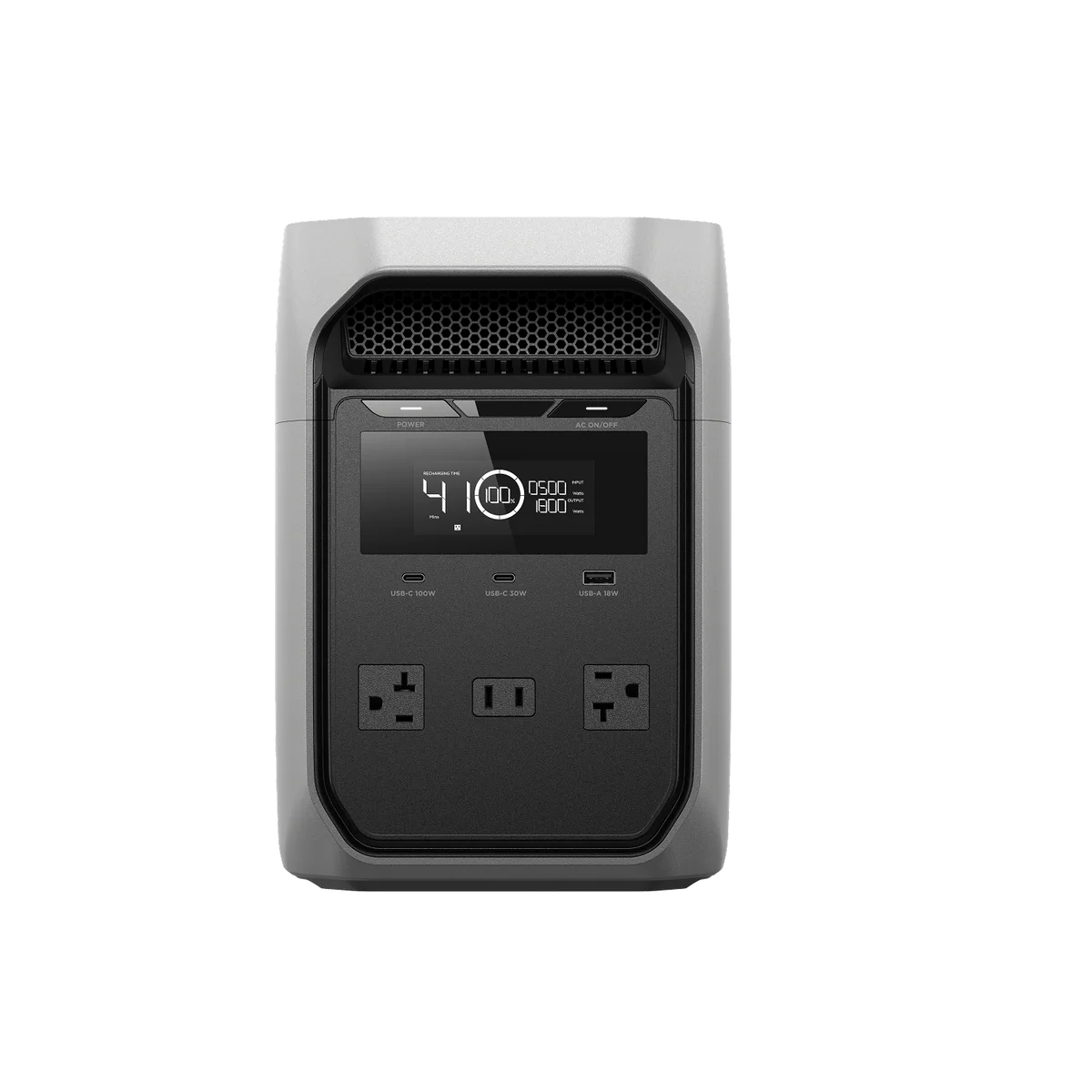
Those numbers also tell you what to look for in a backup power solution. An entry- or mid-range gaming PC pulling 350–500W during a session is well within what a portable power station like the EcoFlow DELTA 3 Classic Portable Power Station can handle, and its 10ms switchover means your game won't even register the outage.
What Actually Determines a Gaming PC’s Power Draw?
Graphics Card (GPU)
This is typically the biggest power consumer in a gaming system. Modern high-performance graphics cards can draw 75–150W for an entry-level GPU, while high-end versions can draw 300–500W or more. The more demanding the game and the graphics settings, the harder your GPU will work, and the more power it will consume.
Processor (CPU)
Depending on the model and the workload, your processor might use 50–100W just with light gaming and 100–250W or more with a heavy workload. And if you have an overclocked system? Those use even more power.
Display Resolution and Settings
The higher your resolution, the harder the GPU will have to work to meet your demands. 1080p or 1440p resolutions make high demands on your system, as do 4K or ultra-wide resolutions.
Storage, Cooling, and Accessories
Along with these major draws, other computer systems will contribute to overall power use. These include:
RGB lighting.
Case fans.
Liquid cooling pumps.
Multiple SSDs.
Capture cards.
Streaming equipment.
Often, these loads are more modest, but when they’re all used together, it adds up.
Usage Patterns
The more you game, the more power you’ll use. It's worth noting that modern AAA games use a lot more electricity than other computer-based tasks like streaming video, browsing the web, or doing office work.
How to Measure and Estimate Your Gaming PC’s Electricity Use
The manufacturer's specifications of your PC will give you a general idea of how much electricity you can expect it to draw. However, the most accurate measurements are those you make yourself in the real world, based on your own typical usage.
Here's how you can get a clear idea:
Use a Plug-In Power Meter
Probably the easiest way to see how much electricity your gaming PC or laptop uses is to use a plug-in energy monitor. These devices will display current wattage, daily energy usage, total kilowatt-hour (kWh) consumption, and long-term energy trends.
By monitoring the electricity the machine pulls directly from the outlet, it will capture the entire consumption of your system instead of just individual components.
Monitoring Software
Hardware monitoring tools can estimate:
CPU power draw.
GPU power draw.
Component temperatures.
Utilization levels.
These tend to be less accurate than external measurement devices, but they can give you a good idea of your PC or laptop power use.
How Wattage Affects Your Electric Bill, Heat, and Upgrade Choices
Electricity Costs
The more electricity you use, the more you'll pay. If your gaming consumes 60 kWh a month and you pay $0.15/kWh, gaming alone will add $9 per month to your electricity bill. Electricity rates vary a lot depending on where you are, so make sure you know how much your provider charges to get an accurate estimate.
Heat Generation
Every watt your PC consumes ends up as heat. A high-performance system can even increase the temperature in your room, which may add additional cooling costs during the summer.
Of course, heat is also bad for the components inside your PC, so you may consume even more power on a cooling system.
Upgrade Planning
Understanding your power consumption is helpful when you're planning upgrades to your system. For example, if your PC is already operating near its power limits, you may need a power supply upgrade before you can add new components.
Planning Backup Power for Gaming and Outages
It's easy to focus on your system's performance and overlook its power reliability. But unexpected outages can interrupt gameplay, corrupt files, and damage unsaved work.
Battery backup systems can help.
For example, a portable system like the EcoFlow DELTA 3 Classic can provide backup power for gaming equipment, networking devices, and other electronics. Even having enough backup power to save your game or exit without crashing can save you hours of work.
If you live in an area prone to power outages or just want to develop more energy resilience, a whole-home generator allows you to generate and store your own power through the use of solar panels and scalable battery equipment. Not just for off-grid living, these systems allow you to stay connected and online during planned outages, emergencies, and natural disasters.
Frequently Asked Questions
How Can I Measure My PC’s Real-World Power Draw?
The best way to see how much electricity your PC uses is with a plug-in energy monitor that connects between the wall outlet and your PC. This will capture your entire power consumption in real time, giving you the most accurate information.
How Much Will Running a Gaming PC Add to My Electricity Bill?
It depends on your system and your usage pattern, but most gaming PCs can add anything from a few dollars to several dozen dollars a month to your electricity bill.
What Size Backup Battery Do I Need for a Gaming PC and Monitor?
This is why it's important to know how much power you use. A system that typically consumes 500–700W needs a far bigger battery than one that can run quite happily on 150W. Get an accurate estimate of how much power you use for gaming, then choose a battery based on your needs.
Lower Bills, More Uptime, and Smoother Gaming Sessions
When choosing a gaming PC, it's natural to care most about performance. But it's also worth taking some time to think about power consumption, especially if outages are a factor.
Understanding your system's power draw means that you can look at solutions to keep your system running and avoid corrupted data. Whether it's a portable battery like the EcoFlow DELTA 3 Classic or a whole-home backup power system, the right home power infrastructure can protect your system when the grid goes down.
For press requests or interview opportunities, reach out to our media team
media.na@ecoflow.com