Virtual Holiday Party Ideas That Feel Festive Online
- Virtual Secret Santa and Gift Swap Ideas
- Game Night Virtual Holiday Party Ideas
- Cozy Watch Party and Show Ideas for Virtual Holiday Party Nights
- Hands-On Workshop Ideas for a Virtual Holiday Party
- Festive Outfit and Background Ideas for Virtual Holiday Party Photos
- Virtual Holiday Party Ideas for Work That Still Feel Warm
- Tech and Backup Ideas to Keep Your Virtual Holiday Party Smooth
- Host a Cozy Virtual Holiday Party Now!
- FAQs
A virtual holiday gathering can feel surprisingly warm when the night has a clear rhythm. People do not log on to admire your planning skills. They show up hoping for a few laughs, a little connection, and an easy way to participate without feeling “on display.” The ideas below keep things simple, cozy, and workable across US time zones. You will also find a short tech backup plan at the end, because nothing kills the mood faster than the host freezing mid-toast.
Virtual Secret Santa and Gift Swap Ideas
Online gift exchanges work when the rules fit on one screen. Keep the setup tight, then make the reveal feel like an event.
A reliable format is the Secret Santa reveal night. Set a budget cap, set a ship-by date, and ask everyone to keep the gift unopened until the call. During the reveal, give each person 20 seconds to share one detail they loved, then move on. That time box prevents the moment from dragging, and it keeps the energy high even in a bigger group.
If your group loves the chaos of stealing, run a remote white elephant with a simple turn order and a shared “who has what” list in the chat. People can reveal a physical gift they already have at home and ship it later, or they can use a digital gift that transfers immediately. Both versions keep the fun without forcing last-minute shipping across states.
For mixed groups, a comfort swap is safer than “anything goes.” Give three categories, like hot drink supplies, cozy socks, or snack boxes. Almost everyone can use those, and nobody ends up with a gift that feels too personal.
Game Night Virtual Holiday Party Ideas
When people search for virtual holiday party ideas, they usually want activities that avoid dead air. Game night delivers, as long as the rules are quick and the pacing is kind to quieter guests.
Team trivia is the easiest crowd-pleaser. Put people into pairs or small groups so conversation happens naturally. Keep questions broad: winter foods, movie quotes, music intros, “best thing you learned this year.” A quick score tally keeps momentum, but the real win is that small teams pull shy guests into the flow.
Holiday bingo works well for larger calls. Use simple squares like “someone shows a festive mug,” “someone has a pet cameo,” or “someone mentions travel.” People stay engaged because they are watching each other, not multitasking.
A fast option is a 60-second scavenger hunt. Prompts like “something shiny,” “something that smells like the holidays,” or “an object with a story” create easy conversation. Ask guests to show the item and give one sentence about it. That single sentence rule keeps the round snappy.
One hosting habit helps every game: ask non-speakers to mute. The call immediately feels calmer and more intimate.
Cozy Watch Party and Show Ideas for Virtual Holiday Party Nights
A watch party can feel cozy online, but long movies often turn into background noise. Short content plus planned pauses keeps the room together.
Pick one piece of content that fits a 20 to 40-minute window. Then choose two pause points where you ask one simple question. Try prompts that invite opinion, not debate: “Which scene feels most like your family?” or “What snack belongs in this moment?” Those questions bring people back onto camera without making anyone perform.
If shared playback is unreliable, keep it low-tech. Everyone presses play locally on a countdown. It is not perfect, yet it avoids a long troubleshooting spiral.
For a show-style night, invite two or three people to prepare a three-minute segment. A quick recipe tip, a funny holiday mishap, or a mini “year highlight” works well. The short length matters, because it feels charming instead of formal.
This section also pairs nicely with a cozy drink theme, so guests have something in their hands while they watch and chat.
Hands-On Workshop Ideas for a Virtual Holiday Party
Hands-on activities create warmth fast, especially for groups that do not love open-ended talking. The secret is a clear “show moment” at the end.
Cookie decorating is the simplest win. Send a short supply list in advance and keep it basic: plain cookies, icing, and two toppings. Give ten minutes to decorate, then do a quick “gallery tour” where everyone shows their cookie to the camera.
Hot chocolate tasting is low effort and surprisingly social. Ask each person to bring one cocoa mix and two toppings. Run one round where each person describes their combo in one sentence. Taste is personal, and it sparks real conversation without feeling deep.
Mocktail making works well for adult groups. Use accessible ingredients like citrus, sparkling water, ginger beer, and one optional syrup. Encourage garnish, because it makes the drink look festive on camera and gives people a reason to smile.
Workshops are also ideal “ideas for virtual holiday party” content because they feel like a shared activity, not a forced meeting.
Festive Outfit and Background Ideas for Virtual Holiday Party Photos
Online gatherings feel warmer when the screen looks intentional. A few camera-friendly choices go a long way.
Choose an outfit theme that is easy to join. “Cozy knit,” “holiday color pop,” or “pajama top with a real mug” works better than a theme that pushes people to shop. If you want humor, “ugly sweater” still delivers, but give guests a backup option so nobody feels excluded.
Lighting matters more than décor. A lamp aimed toward your face looks better than an overhead light. Warm-toned bulbs read as festive on camera, and a small string light behind you adds depth without clutter. Place your camera slightly above eye level, and the shot looks instantly cleaner.
For photos, pick a moment for a screenshot, then announce it. Right after the toast or right after a game round works well.
Virtual Holiday Party Ideas for Work That Still Feel Warm
Work parties need warmth with clear boundaries. The best virtual holiday party ideas for work create connection without pushing personal sharing.
A strong opening is Wins and Thanks. Ask each person to share one small win from the year and one quick thank-you to a teammate. Keep it under 20 seconds each. It feels genuine and fits almost any team culture.
A simple team awards segment also works. Skip sarcasm and keep categories kind: “Most Helpful Under Pressure,” “Best Calm Energy,” “Best Save of the Year.” Collect nominations before the call so nobody has to improvise praise live.
If your team wants games, choose options that do not punish quiet people. Team trivia is great here. A short bingo round is also easy and inclusive.
A practical schedule helps people relax because they know what is coming. Here is a clean 60-minute flow you can copy:
| Time | Plan |
| 0–5 min | Welcome and one chat prompt |
| 5–20 min | Main activity (trivia or bingo) |
| 20–40 min | Awards or gift swap reveal |
| 40–55 min | Optional small-group chats or show-and-tell |
| 55–60 min | Screenshot and wrap |
Ending on time is part of being warm. People remember the host who respects the clock.
Tech and Backup Ideas to Keep Your Virtual Holiday Party Smooth
Tech should support the night, not take it over. A short checklist covers most problems.
For video calls, bandwidth can be the quiet bottleneck. Middlebury’s IT guidance notes that for group calls at 1080p, receiving video may require about 2.5 Mbps (up/down) and sending may require about 3.0 Mbps (up/down). Real performance varies, so treat this as a planning target. If your call has been unstable lately, lower video quality, close large uploads, and keep the host on the strongest connection available.
Audio is the fastest mood-killer. Headphones reduce echo immediately. Ask guests to mute when they are not speaking, especially during games.
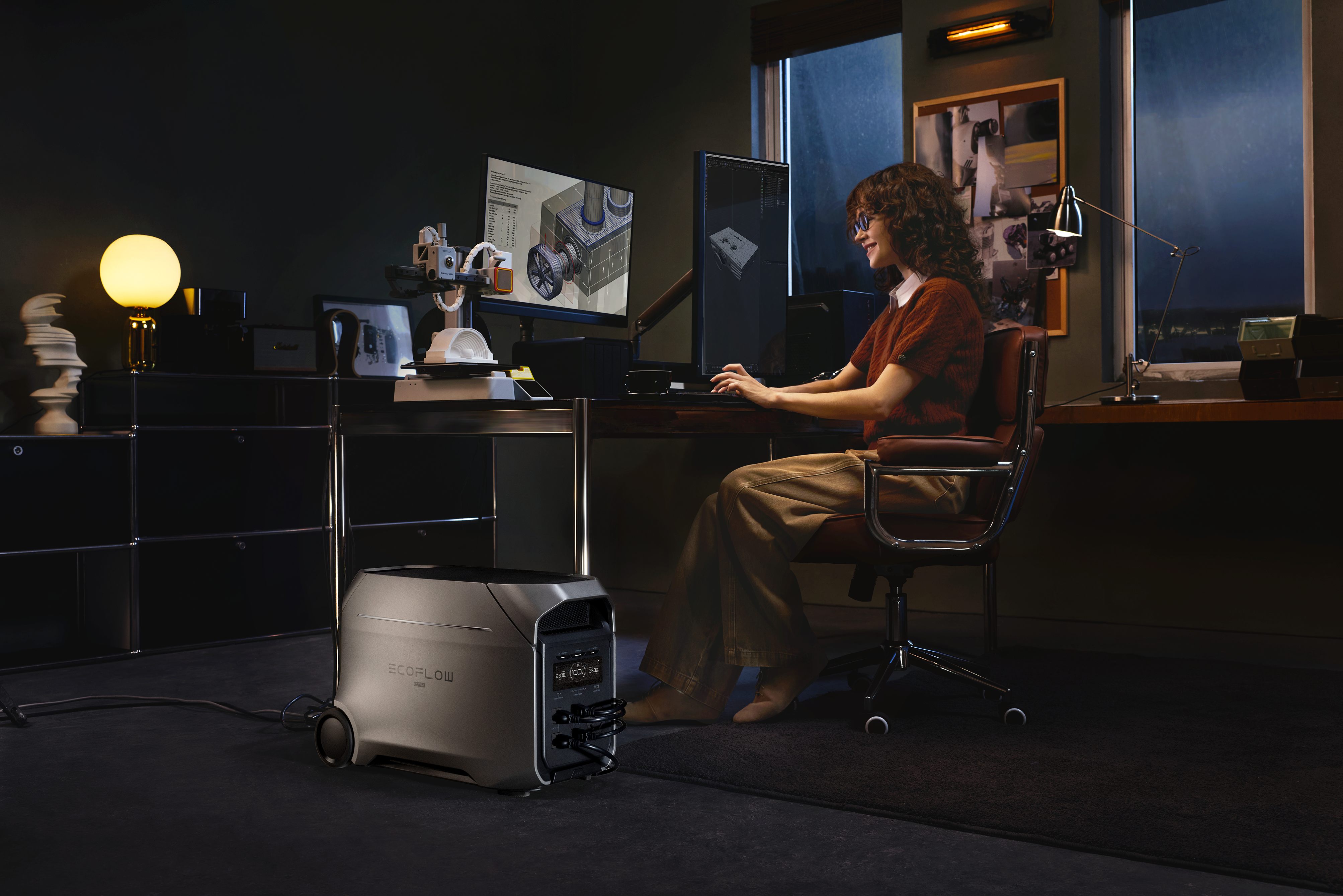
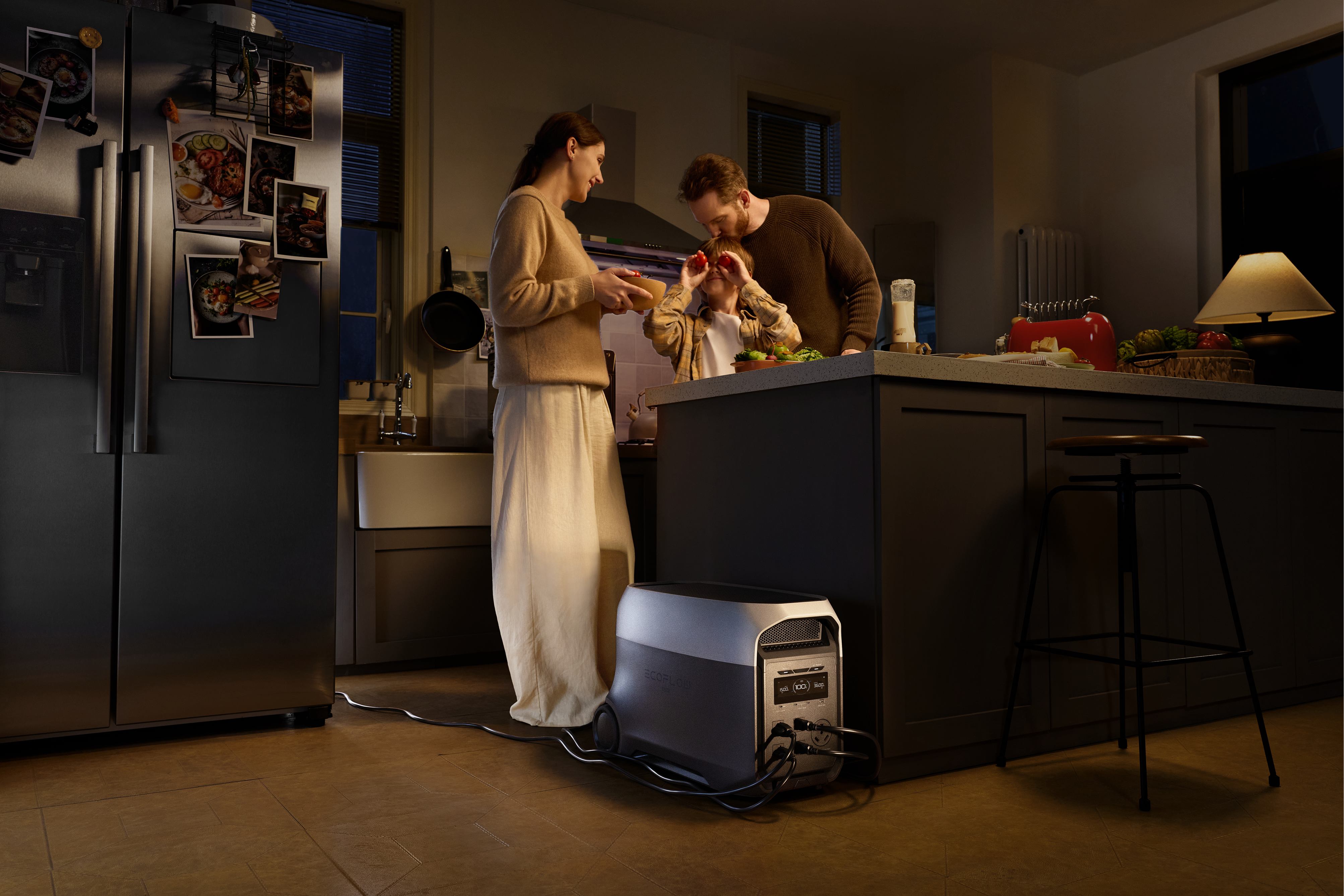
Now the backup plan that matters for hosting: power and Wi-Fi continuity. Your “must-stay-on” list is small: modem/router, host laptop, and phone charger. Home Wi-Fi routers commonly draw around 5 to 20 watts, depending on the model. That modest load is why a portable power station can be a practical safety net for a virtual holiday party, keeping your internet gear and hosting device running long enough to finish the night smoothly.
Keep expectations realistic around switchover behavior. The EcoFlow DELTA 3 Ultra is built for fast backup (10 ms auto-switching) with OASIS 3.0 app control for quick status checks while you host. Some sensitive gear may still require true zero-interruption UPS performance, but for a virtual holiday gathering, the practical goal is simple: keep the modem/router and host laptop powered so the call stays live through a brief outage and you can wrap up cleanly.
Host a Cozy Virtual Holiday Party Now!
A great virtual holiday party is mostly about choices guests can feel. Pick a handful of activities that fit the group, keep the pace moving, and build one or two cozy visual cues on camera. When the tech stays steady, people stop thinking about the screen and start enjoying the moment. If your area is prone to outages or your setup runs a lot of devices at once, a portable power station as a backup can protect the essentials and keep your gathering from ending at the worst possible time.
FAQs
Q1: Should you record a virtual holiday party?
Yes, but only with clear consent. Announce it before anyone joins, repeat it once the call starts, and offer a camera-off option for people who prefer privacy. If anyone says no, do not record. If you record, store it in a restricted folder, set an automatic deletion date, and avoid sharing clips outside the group.
Q2: Can a virtual holiday party be accessible for guests who are hard of hearing?
Yes. Turn on live captions in your video platform and share the agenda in writing ahead of time. Ask speakers to talk one at a time and to face the camera, so lip-reading works. If you use music, keep it low during conversation. For key moments like awards or gift reveals, paste names and prompts into chat.
Q3: Is it worth sending a small “party kit” in advance?
Yes, if it is simple and optional. A small kit makes the screen feel more shared, even when people are far apart. Keep it lightweight: a cocoa sachet, a tea bag, a holiday sticker sheet, or a mini snack. Ship early, include a backup “buy locally” list, and keep the cost low so nobody feels uncomfortable.
Q4: Can you invite partners or kids to a virtual holiday party for work?
Yes, if your company culture supports it and the invitation is explicit. Add one family-friendly segment near the start, then shift into team-only conversation. Keep content PG, avoid inside jokes that exclude guests, and make participation optional. If some people prefer a work-only space, consider hosting two shorter sessions instead of one.
Q5: How do you reduce “meeting fatigue” during a virtual holiday party?
Cut the time and lower the pressure. Build in one camera-optional stretch, keep the agenda to two main beats plus a closer, and avoid long rounds where everyone must speak. Use short volunteer moments instead of forced turns. A co-host can watch chat and rotate voices, so the host does less managing.
For press requests or interview opportunities, reach out to our media team
media.na@ecoflow.com