UPS for Gaming PC: How to Choose the Right Battery Backup to Protect Your Setup
- Why Does a Gaming PC Need a UPS?
- How Much Power Does a Gaming PC Actually Use?
- What Is the Difference Between a UPS and a Surge Protector?
- What Are the Different Types of UPS Systems?
- How Do You Size a UPS for a Gaming PC?
- Can a Portable Power Station Replace a UPS for Gaming?
- Frequently Asked Questions
- Protect Hardware, Preserve Saves, Play without Interruptions
If you’ve ever lost hours of gaming progress due to a power outage, you may already know just how crucial an uninterruptible power supply (UPS) is for a gaming PC. However, lost game progress can be the least of your worries when it comes to power problems. Outages, surges, and voltage fluctuations can degrade or even fry your expensive computer’s internal components.
Why Does a Gaming PC Need a UPS?
With a UPS, you can make sure that sudden power outages never grind your gaming to a halt or erase hours of your effort and progress.
A UPS switches your PC’s power supply from the grid to the backup battery nearly instantaneously in the event of an outage to make sure your PC keeps running smoothly.
These essential accessories provide enough backup power to safely shut down your PC or keep gaming until the main source of power returns.
Many UPS systems also have surge protection capabilities that reduce fluctuations and spikes in power delivery. Sudden outages or surges can cause damage to the internal components of your PC, from corrupting files to frying microchips.
By ‘smoothing out’ these fluctuations, a UPS makes your expensive hardware and its internal components less susceptible to degradation.
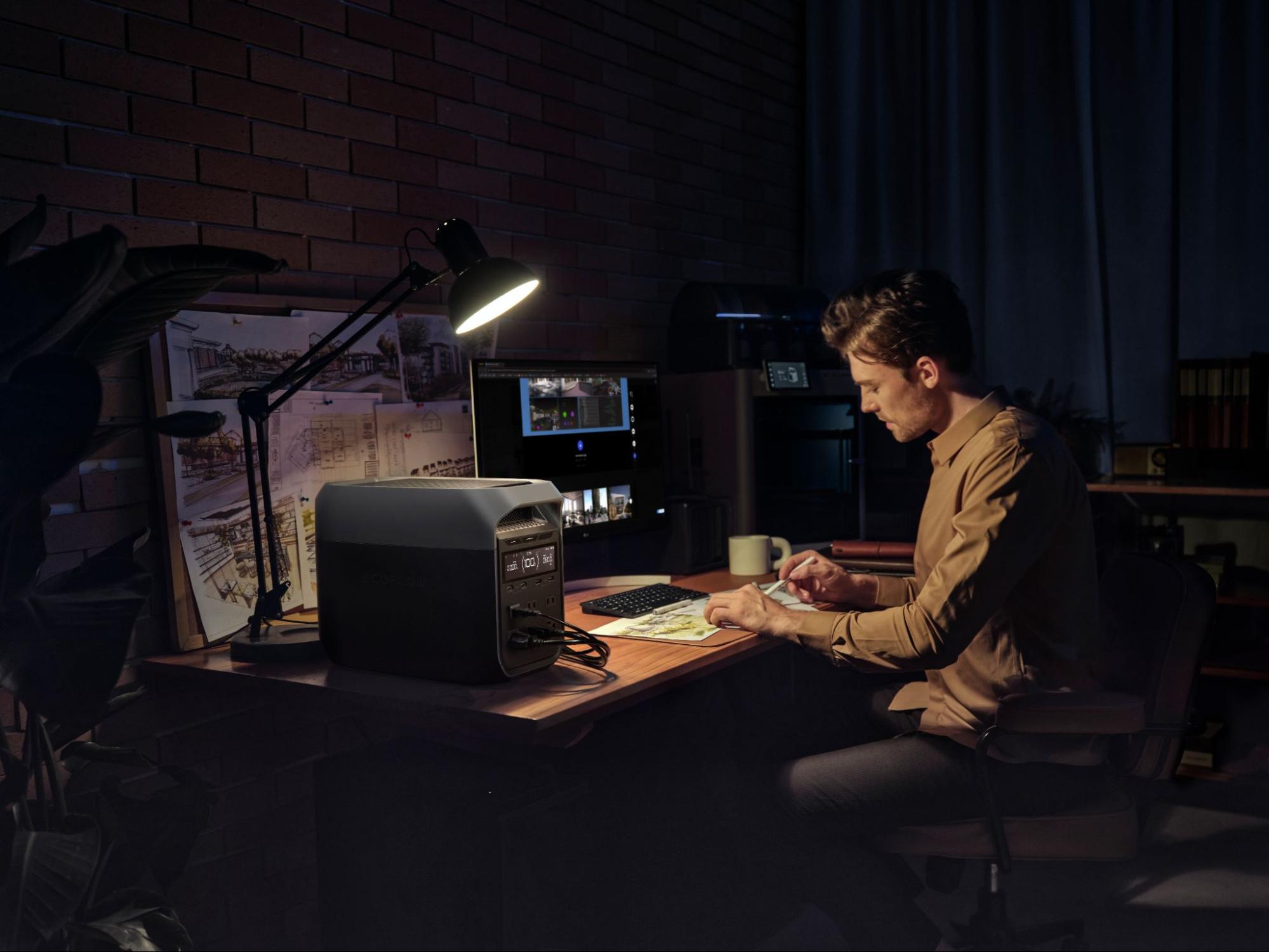
Solutions like the EcoFlow DELTA 3 Classic go a step further, combining extended backup power for your computer with built-in surge protection and solar charging capability, so your setup stays protected no matter how long the outage lasts.
How Much Power Does a Gaming PC Actually Use?
How much power a gaming PC uses depends on the make, model, and quality. For example, entry-level devices draw as little as 200W, while the highest-grade systems can use over 1,200W.
Here are some typical wattage ranges for gaming PCs:
System Type | Typical Gaming Power Draw |
Entry-level gaming PC | 200–350W |
Mid-range gaming PC | 350–550W |
High-end gaming PC | 550–850W |
Enthusiast or workstation-grade system | 850–1,200W+ |
You must remember to check your gaming PC’s specifications when sizing up the most suitable UPS for your needs. The sizing section below covers this in more detail.
Also, keep in mind that PCs usually draw less power than their specified rating. For example, a computer with a wattage rating of 800W might only consume 400–500W during gameplay. Still, it’s better to choose a UPS (or computer battery backup solution with integrated UPS) that exceeds the specified wattage rating of your PC.
What Is the Difference Between a UPS and a Surge Protector?
Some UPS solutions feature basic surge protection capabilities that can protect your computer from small fluctuations in the power supply. For example, turning heavy appliances on and off can produce fluctuations that pose risks to your hardware’s internal components.
Most UPSs and battery backups with surge protection are more than capable of protecting your PC from these small spikes.
A dedicated surge protector, however, offers more robust protection against large fluctuations, such as those caused by issues impacting the grid, lightning strikes, or severe weather conditions.
If your region is impacted by such risks frequently, you might want to use both a UPS and a dedicated surge protector.
What Are the Different Types of UPS Systems?
Online Double Conversion
The most robust UPS solutions are online double conversion systems because they continuously convert AC to DC to AC, which essentially cleans and smooths the incoming power supply before it reaches your devices. These UPSs are typically found in places like data centers and medical facilities.
Line-Interactive
Line-interactive UPS systems are highly effective for dealing with a wide range of power fluctuations and spikes that can interrupt the operation of your PC. However, these systems are continuously turned on, which can drain backup batteries faster than alternative UPS solutions in the event of a power outage.
Offline Battery Backup
Battery backup systems with integrated UPS are among the most affordable and reliable solutions for gaming PCs. While some systems feature basic surge protection capabilities, offline versions that only boot up in certain situations, such as power outages, don’t smooth out fluctuations as well as other options.
Other Variations
Some types of UPS don’t fit neatly into one of the categories above, or they combine features of them all into one solution.
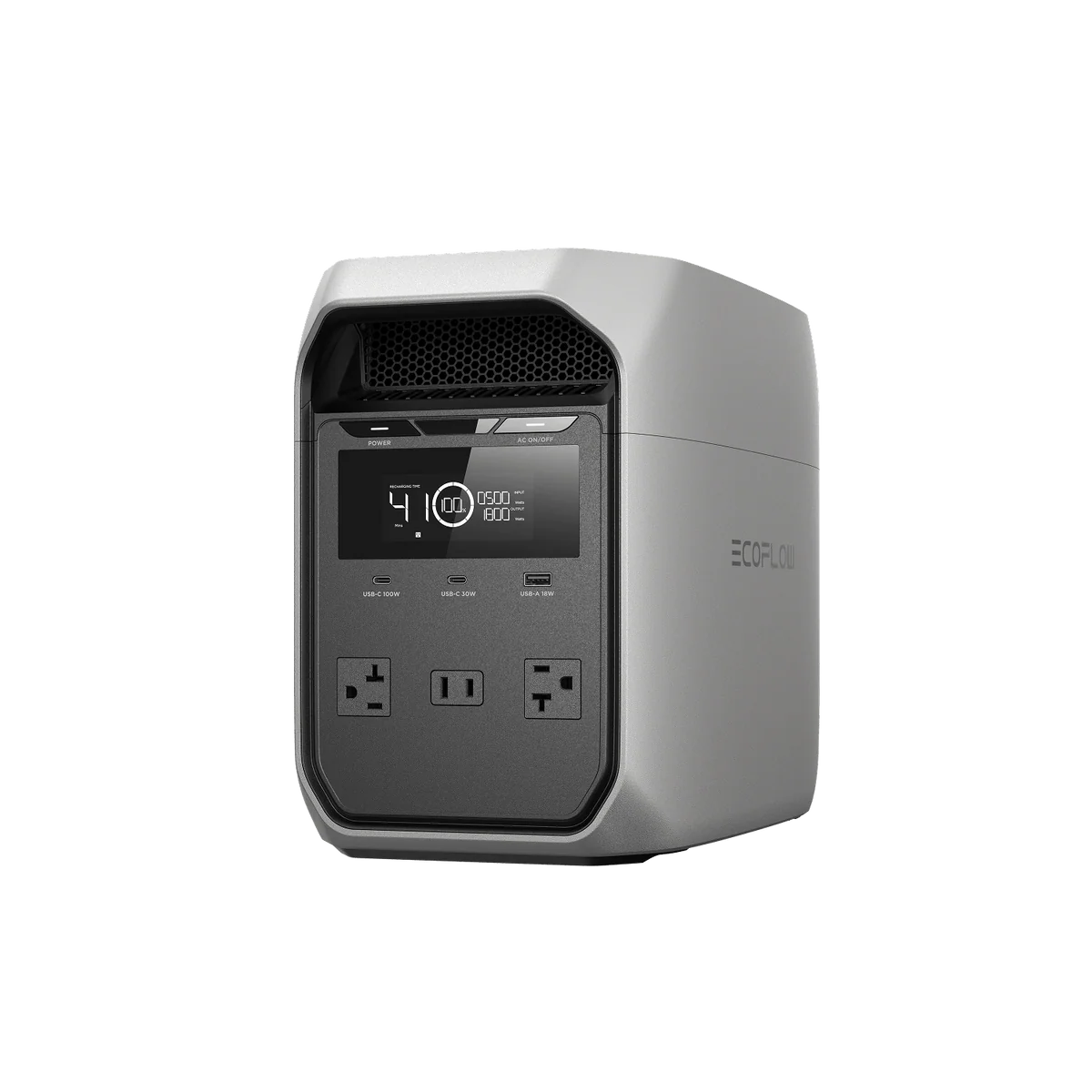
For example, the EcoFlow DELTA 3 Classic works as a battery backup solution and has a cost-effective price tag to match. But it also switches from the grid to the battery in 10ms, which is typical of the more expensive line-interactive systems.
It’s also solar-chargeable, automatically stabilizes its power output, and features a 3600W surge output capacity.
How Do You Size a UPS for a Gaming PC?
You should purchase a UPS with a higher wattage output specification than that of the devices you intend to connect to it. This means checking the wattage specifications of your gaming PC plus any other connected devices, such as routers, printers, and gaming hardware.
When you’ve calculated the total maximum requirements of all devices, search for a UPS with specifications that exceed it.
Gaming PCs draw between 200W and 1200W, with most consuming much less than their maximum capacity during gameplay.
The EcoFlow DELTA 3 Classic has a continuous power output of 1800W, and it can support devices up to 2400W in X-Boost Mode, which is more than enough to handle your gaming PC needs.
Can a Portable Power Station Replace a UPS for Gaming?
Whether you can replace a UPS with a portable power station for gaming depends on your needs, but in many cases, the answer is yes.
Portable power stations with integrated UPS provide just as much protection as dedicated UPS solutions when it comes to power outages.
Many dedicated UPS solutions have high-end specifications for surge protection and voltage conditioning. However, their runtime typically pales in comparison to battery backup solutions with integrated UPS.
A standalone UPS usually offers 15–30 minutes of backup power, while a battery backup solution can provide hours to days or even weeks.
Frequently Asked Questions
What Size UPS Do I Need for a Gaming PC?
It’s best to choose a UPS with a higher wattage output specification than that of your gaming PC. For example, if you have a 500W gaming PC, you should choose a UPS with at least 700W of output. However, you also need to factor in the power requirements of any associated accessories you intend to connect to it, such as routers and gaming hardware.
Does a UPS Protect Against Power Surges as Well as Outages?
Many UPS solutions come with at least basic surge protection capabilities. For example, they might smooth out fluctuations in voltage caused by the turning on and off of heavy appliances in your home. However, depending on the model, a UPS might not provide protection against surges caused by severe weather or lightning strikes.
Protect Hardware, Preserve Saves, Play without Interruptions
Power outages are becoming increasingly frequent in many parts of North America. If you want to protect your gaming PC and your progress from damage or erasure in the event of a power outage, you need a reliable UPS to keep you up and running.
It’s also worth remembering that UPS solutions have a wide variety of home applications beyond protecting computer hardware. Ideally, you need a solution that includes basic surge protection and enough backup power for all your home’s essential equipment and devices.
The EcoFlow DELTA 3 Classic covers what most PC gamers need: extended backup power, built-in surge protection, and flexible charging options.
If you want a system that can power your entire home in the event of a blackout, take a look at EcoFlow's whole-home backup power solutions.
For press requests or interview opportunities, reach out to our media team
media.na@ecoflow.com