DIY WiFi Power Backup: How to Build a Mini UPS for Your Router
- What a Mini UPS Does and Why It Matters
- Parts and Choosing the Right Electrical Setup
- How to Assemble a Mini UPS Safely
- How to Calculate Runtime and Test Your Mini UPS Before Use
- When a DIY Mini UPS Isn’t Enough and What to Use Instead
- Frequently Asked Questions
- Keep Your Internet Online During Outages With a Backup Plan That Scales
Even a brief power outage can cause a complete Wi-Fi dropout, which can disrupt your work calls, disconnect your smart home devices, and power down your security cameras. If Wi-Fi connectivity is a top priority at home, you can build a mini uninterruptible power source (UPS) to keep your Wi-Fi online during short outages.
Taking a DIY approach costs less than commercial UPS units and is relatively simple to pull off for most 12V routers when you only need a few hours of runtime.
What a Mini UPS Does and Why It Matters
A mini UPS automatically switches to your backup power source when the grid drops, helping to:
Eliminate connection dropouts
Protect against router firmware corruption
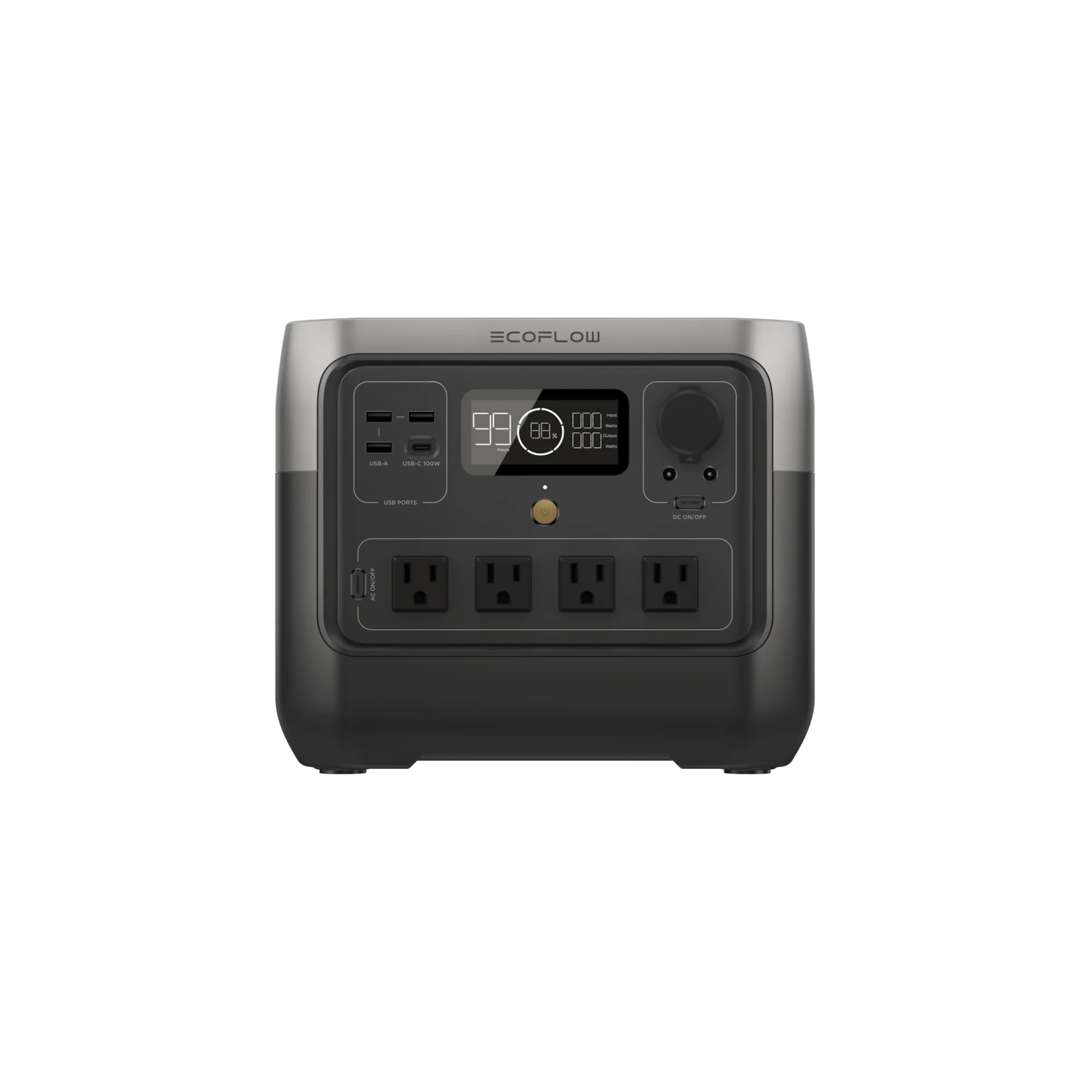
For those who prefer a ready-made option rather than building one, compact portable power stations like the EcoFlow RIVER 2 Pro offer similar backup functionality with minimal setup.
How a Small DC Backup Prevents Drops and Outages
When AC power fails, your router's wall adapter will stop supplying power, causing it to shut down instantly.
A compact UPS sits between that wall adapter and the router, monitoring incoming AC power and automatically taking over within milliseconds when an outage occurs, using diode isolation or a dedicated UPS switching circuit.
Parts and Choosing the Right Electrical Setup
Your central components for the electrical setup include:
Rechargeable batteries
A protection circuit board or battery management system (BMS)
Wiring
Connectors that match your router's plug
Matching Voltage, 3S Batteries, and Protection (BMS & Fuse)
3S batteries are three batteries connected end-to-end in a series, adding their voltages together for 11.1V total. This is close enough to 12V for routers designed to accept 12V input.
When it's fully charged, a 3S pack reaches 12.6V, still well within the safe range for 12V devices.
Consider the BMS the "safety brain," which prevents overcharging, over-draining, and ensures safe shutdown in the event of a short circuit. The BMS also keeps all three batteries balanced, so one doesn't fail early.
The fuse serves as backup protection. If a current spike is dangerously high, it’ll prevent wire fires.
Always use batteries from the same manufacturer, bought at the same time.
Wire thickness also matters. Use an 18 or 20 AWG wire for a typical router that draws under 2–3 amps.
How to Assemble a Mini UPS Safely
Follow these steps to assemble your setup:
Arrange the batteries in series. Connect the positive terminal of the first battery to the negative terminal of the second, continuing the pattern. Use pre-made battery holders with built-in metal contacts, or spot-weld nickel strips between the batteries.
Connect the BMS board to the battery pack. The main negative wire goes to the pack's negative end.
Attach balance wires to the correct connection points. Follow the diagram on the BMS exactly to make the right connections.
Solder output wires to the BMS terminals.
Connect the barrel plug to match your router input.
Polarity Checks, Insulation, Wire Gauge, and Enclosure Basics
Before you plug it into your networking equipment, verify polarity with a multimeter. A reverse polarity will destroy the devices instantly.
Cover all exposed solder joints with heat-shrink tubing to prevent accidental contact between wires.
Secure loose batteries and wiring inside a ventilated plastic enclosure to prevent physical damage and contain heat during charging.
Then mount the BMS board firmly so it doesn't pull wires loose during handling.
How to Calculate Runtime and Test Your Mini UPS Before Use
To estimate run time:
Check your router’s power draw. Most routers use 5–20 watts.
Use the formula:
(battery capacity Wh) / (router power draw W) x 0.8 = runtime
The runtime formula is the battery's capacity in watt-hours divided by the router's power draw in watts, times 0.8, which is the efficiency factor.
Estimating Runtime, Clean Switching, and Stable Output
To test your system before use:
Unplug the AC adapter while the router is running to confirm seamless switching
Check for any connection drop
Measure voltage under load (should stay above 11V)
For a 10W router and a 3S2P pack of batteries (83Wh total), you'll get about 6.6 hours of runtime at 80% depth of discharge.
When a DIY Mini UPS Isn’t Enough and What to Use Instead
A mini UPS is ideal for short outages, but extended outages or whole-home connectivity need a bigger, better solution.
Upgrading to Larger Backup Solutions
A portable power station like the EcoFlow RIVER 2 Pro can power your router, modem, mesh nodes, and even security devices at the same time, offering a simpler, plug-and-play alternative to a DIY setup.
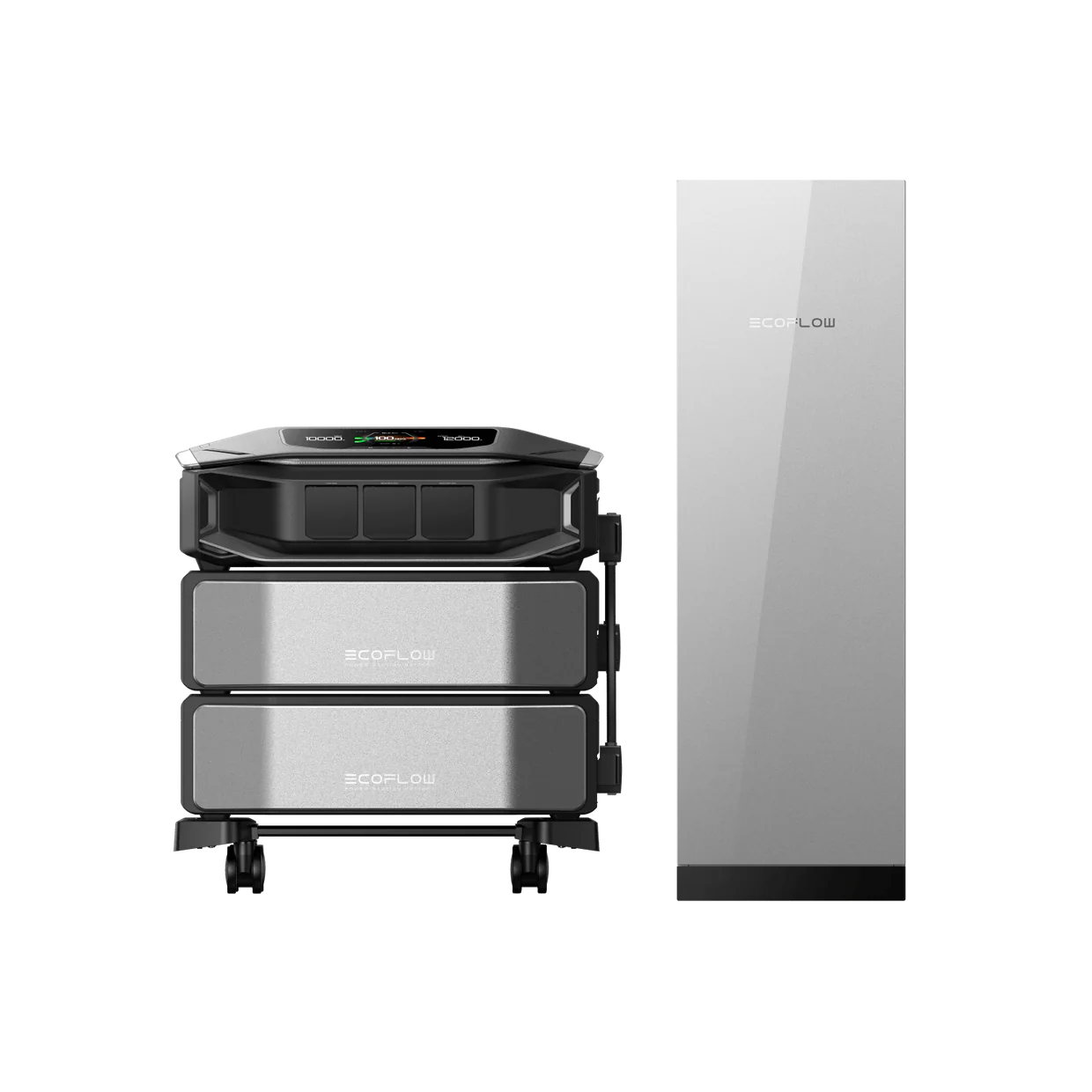
For longer outages or broader home backup needs, a scalable system like the EcoFlow DELTA Pro Ultra X can provide significantly more capacity and support multiple devices across your home.
Frequently Asked Questions
How Long Will a Mini UPS Keep My Wi-Fi Router Running?
The exact time depends on your router's power draw and battery capacity. A typical device uses an average of 10W. A 3-cell pack will provide 6–8 hours for a 10W router, while a 6-cell pack can double the run time to 12–16 hours.
Do I Need 12V, 9V, or 5V for My Router UPS Build?
Check your router's DC adapter label to find the required voltage. Most home routers require 12V, but some compact systems use 9V. USB-powered mesh nodes can also use 5V. Each voltage requires a different battery setup for your UPS build.
Is It Safe to Charge 18650 Batteries With a Simple DC Adapter?
You should never charge lithium cells without proper protection from a battery management system. The BMS prevents overcharge, balances the cells, and cuts the power if the temperature rises. You should use a CC or CV charger rated for 12.6V, not a generic 12V wall adapter.
Can I Use This Mini UPS for a Modem, ONT, or Mesh Wi-Fi Node Too?
Yes, as long as the total power draw stays within the BMS rating. Calculate your combined wattage, including the router, modem, and mesh node, ensuring that your battery capacity supports your desired runtime. Use a splitter cable or multiple output connectors from a single UPS, and verify that each device's voltage requirement matches the UPS output.
Keep Your Internet Online During Outages With a Backup Plan That Scales
A DIY mini UPS is a cost-effective way to keep your Wi-Fi running during short outages, helping you avoid interruptions to work, security systems, and smart home devices.
With the right battery setup and protection system, you can build a reliable backup tailored to your router’s needs.
For longer outages or more comprehensive coverage, upgrading to a portable power solution like the EcoFlow RIVER 2 Pro offers greater flexibility, longer runtime, and simple, ready-to-use convenience. With its 768Wh capacity and multiple outputs, it can power your router, modem, security cameras, and other devices simultaneously.
For press requests or interview opportunities, reach out to our media team
media.na@ecoflow.com