Xcel Power Outage Map: How to Check Status, Restoration Times & Stay Powered
Storms, high winds, and wildfire-prevention shutoffs frequently cut power across Xcel Energy's eight-state territory. The company serves roughly 5.5 million customers across Colorado, Minnesota, Michigan, Texas, New Mexico, North Dakota, South Dakota, and Wisconsin. Whether a blackout lasts twenty minutes or drags on for several days, knowing how to check grid status makes planning around the disruption much easier.
This guide explains how to use the Xcel power outage map in real time and read restoration estimates. It also covers practical ways to keep essential home devices running with a portable power station or a home battery system if the grid stays down for hours.
Key Takeaways
The Xcel power outage map tracks active blackouts, customer impact counts, and estimated restoration times (ERT) by ZIP code, street address, or intersection.
Customers can check grid status or log a repair ticket through the website, mobile app, text messaging, or over the phone.
Colorado experiences frequent grid disruptions due to aging infrastructure, high winds, and seasonal wildfire risks.
Public Safety Power Shutoffs (PSPS) are planned outages announced ahead of time, which gives households a window to recharge backup batteries.
A portable power station keeps refrigerators, WiFi routers, and lights running during brief storms, and can scale up to whole-home backup for extended blackouts.
What Is the Xcel Power Outage Map?
The Xcel power outage map is a digital dashboard managed by Xcel Energy that tracks active electrical disruptions across its entire service area. It highlights how many customers are affected in specific neighborhoods and displays an estimated restoration time as soon as utility crews inspect the damage. The interface links directly to the utility's outage management system, refreshing continuously as field teams report repair progress.
.PNG)
.PNG)
The main tracking map sits inside Xcel's official Outage and Safety portal with a broader outages and emergencies hub. These tools link directly to the live map, incident reporting forms, and regional safety guidelines.
On the map itself, color-coded dots highlight different events on the grid. A dot can mark an isolated outage, a large cluster of blackouts, or a crew working on a repair. Clicking any dot opens an information panel showing the start time, the number of affected properties, and the current repair status. A search bar at the top allows users to enter a specific street address, intersection, or ZIP code instead of panning across the entire eight-state region. That search feature proves especially helpful during major regional storms when dozens of icons flood the screen at once. Watching these real-time updates gives households a clear picture of grid conditions and serves as a core part of any outage preparation plan.
How to Check the Xcel Power Outage Map by ZIP Code
Checking a neighborhood for grid disruptions requires just a few simple steps.
Visit the official Xcel Energy outage map to track active service disruptions.
To look up an Xcel power outage by ZIP code, enter a five-digit postal code, street address, or a nearby intersection into the search bar.
Review the outage count and estimated restoration time shown for that location.
If the map shows normal service in your neighborhood but the power is out, you can submit a repair report directly from that same screen.
Xcel Energy also provides several other channels to check or report an Xcel energy power outage without opening the map:
Mobile app: View restoration status and report service failures using the Xcel Energy mobile app.
Text: Text the word "OUT" to 98936 to report a blackout, or text "STAT" to the same number to check repair progress.
Phone: Call 1-800-895-1999 to report a power failure over the phone.
Social media: Xcel Energy shares major grid updates on X (formerly Twitter) through the @xcelenergyco handle, which helps during widespread regional storms.
Xcel Power Outage Map: Colorado
Colorado stands out as one of the most outage-prone states in Xcel's territory. Several regional hazards drive these disruptions, including older grid equipment in certain counties, heavy wind events along the Front Range, wildfire hazards in dry mountain areas, and heavy snowstorms that break tree limbs over power lines.
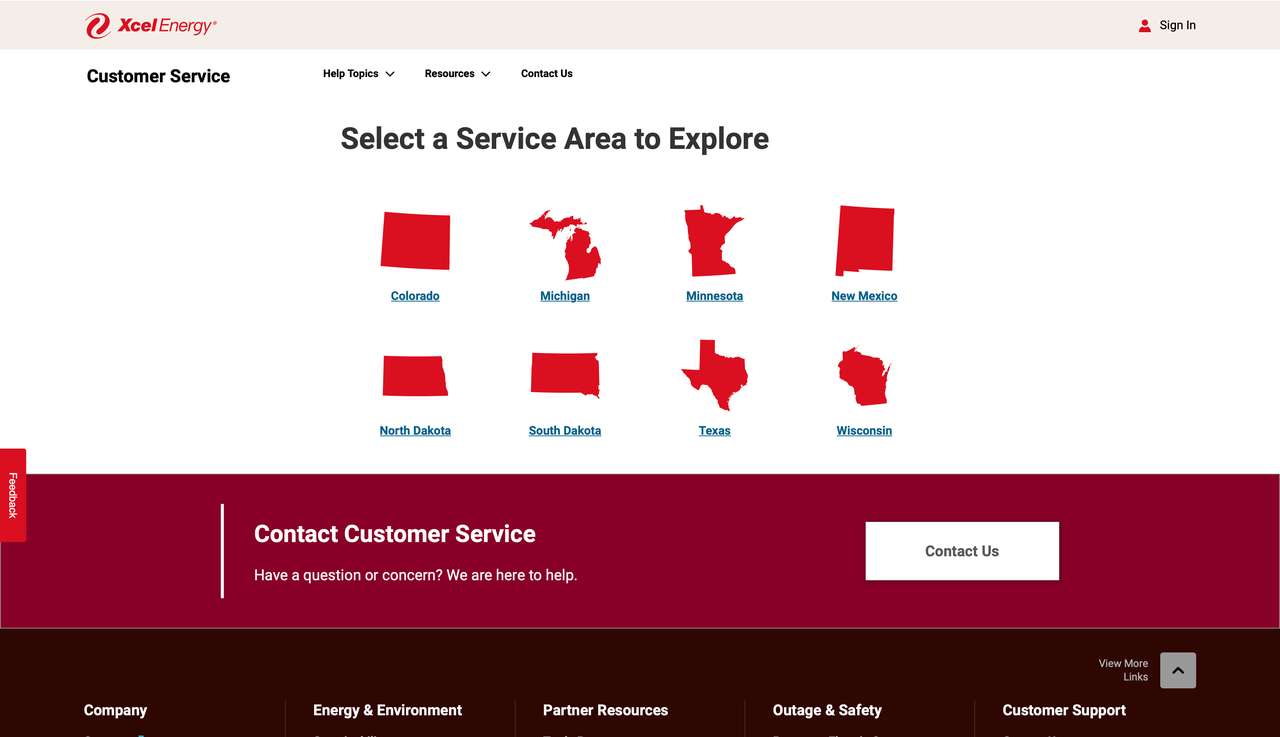
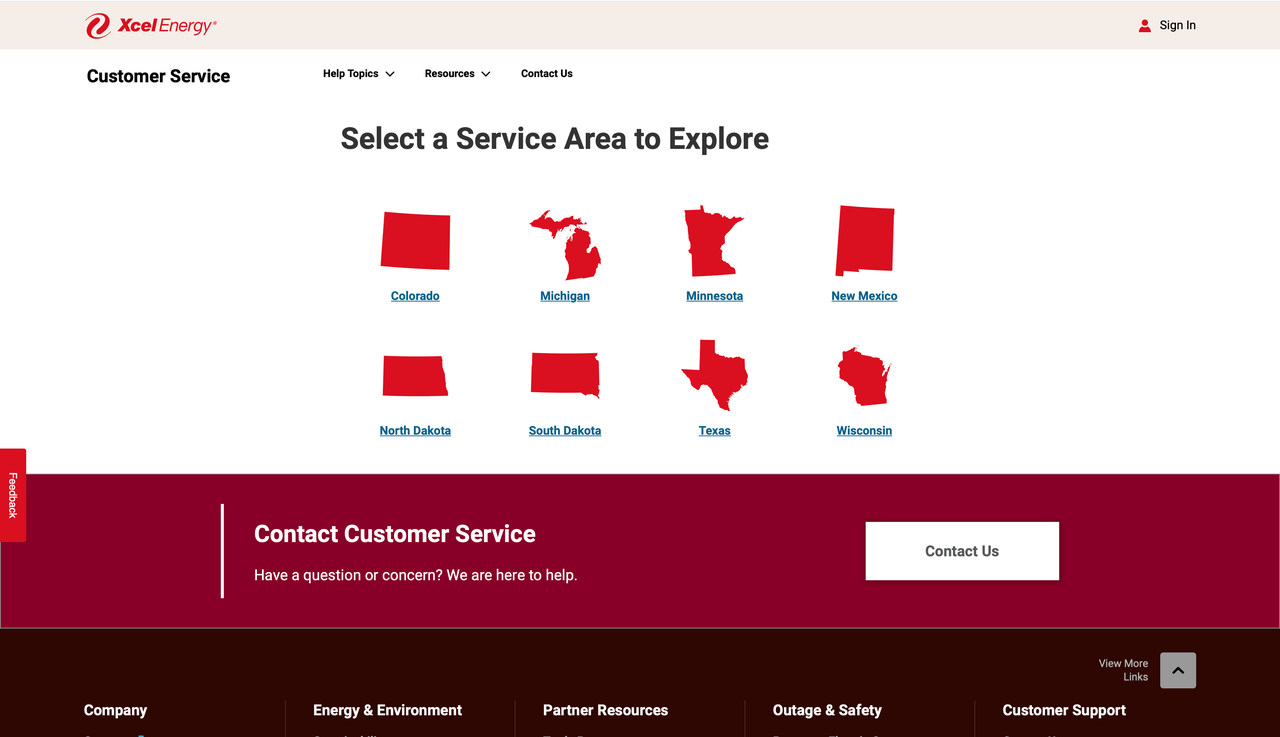
Residents tracking an Xcel power outage in Colorado can check grid status the same way as anywhere else in Xcel's territory by entering a ZIP code, address, or intersection into the outage map. When severe weather causes Xcel energy power outages in Colorado, communities rely on localized alerts, and Xcel maintains a dedicated Colorado outage portal for state-specific safety information and outage resources.
Cities like Denver and Boulder often face wind-driven grid failures during the spring and autumn storm seasons. People living in those areas benefit from checking the map more frequently whenever local weather services issue high wind advisories.
What Is an Xcel Planned Outage (PSPS)?
A Public Safety Power Shutoff, or PSPS, is a preventative measure Xcel Energy takes during dangerous fire weather, especially when high winds, low humidity, and dry plants align. Rather than risking a downed wire sparking a wildfire, the company cuts electricity to specific neighborhoods until the weather settles.
Planned outages differ from storm blackouts because customers receive advance warning. Instead of losing lights without notice, households generally get hours or even a full day to prepare. That window makes it easy to charge a portable power station or home battery system before the shutoff begins, ensuring refrigerators and communication devices stay running.
How to Report an Xcel Power Outage
When a blackout occurs and does not appear on the dashboard, customers can report the problem through several methods:
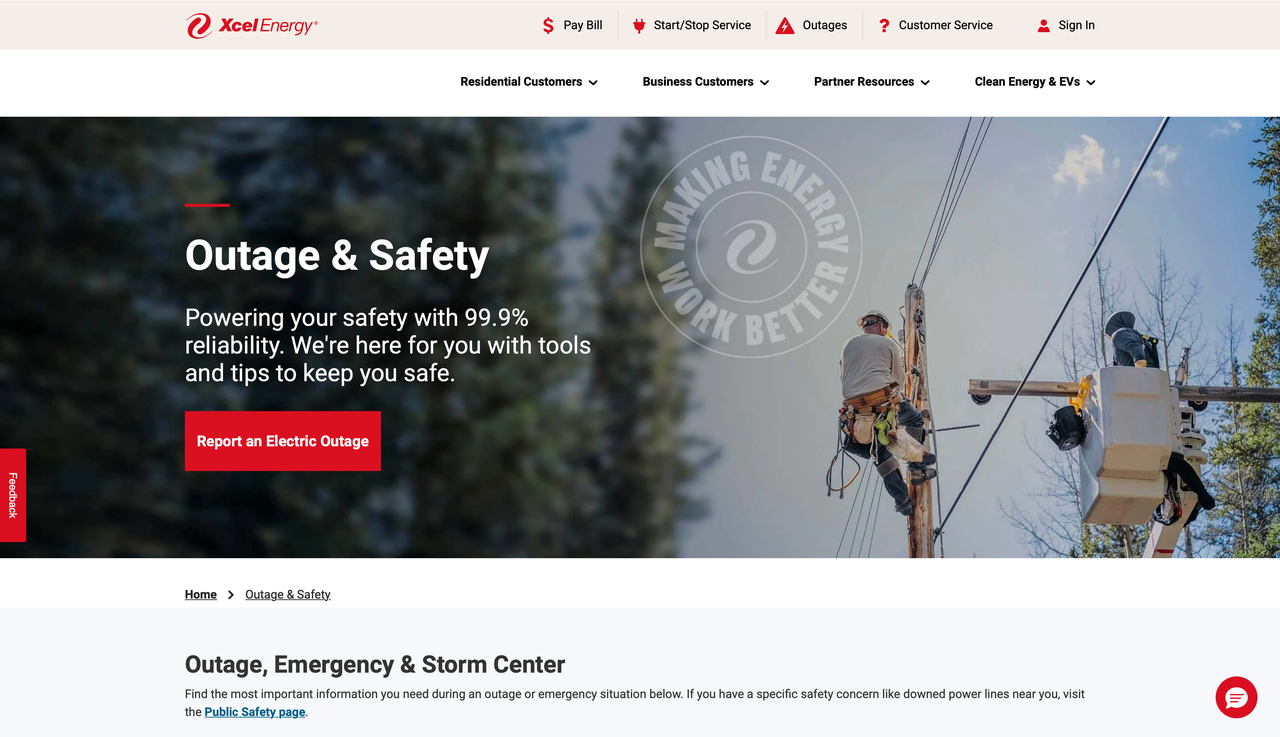
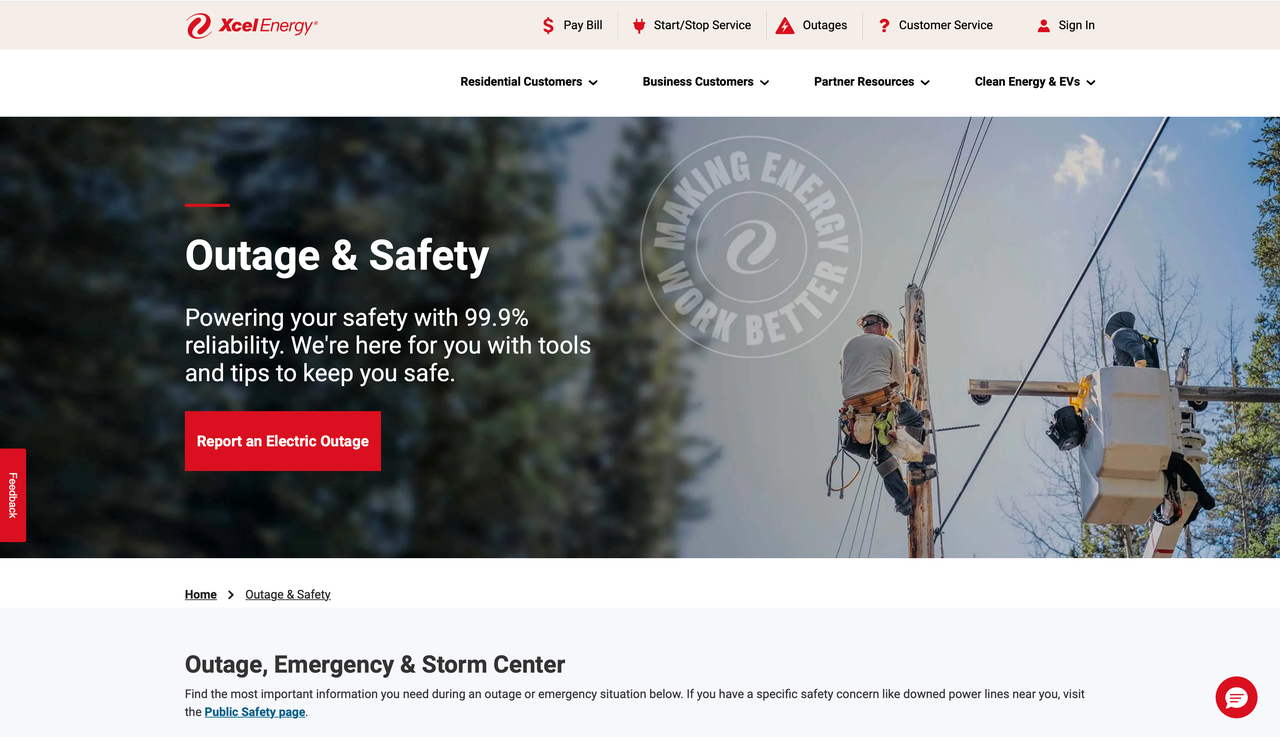
Open the tracking map and click the red "Report an Electric Outage" button to submit a service ticket through the website.
Launch the Xcel Energy mobile app to register the blackout and connect the report to a verified account address.
Dial 1-800-895-1999 to use the automated phone system or speak with a support representative to log an outage.
Call 911 immediately for life-threatening situations, including downed utility lines or sparking electrical transformers in public spaces.
Leave the area immediately if you smell natural gas, then call 800-895-2999 from a safe distance so emergency technicians can respond.
Once a report enters the system, Xcel uses the data to route repair crews efficiently and update estimated restoration times on the map. Customers can refresh the dashboard later or text "STAT" to 98936 to track their specific ticket.
How to Prepare for an Xcel Power Outage
Keeping a well-stocked emergency kit at home makes any grid failure easier to handle. At a minimum, every household should keep the following supplies ready:
Water and non-perishable food: Store at least one gallon of drinking water per person per day to handle hydration during blackouts. Keep shelf-stable foods like canned goods and protein bars on hand, along with a manual can opener.
Flashlights and extra batteries: Choose LED flashlights for safe indoor lighting instead of candles, which introduce fire risks. Keep fresh batteries in bedside tables and entryways so people can find lights quickly in the dark.
Essential medications: Maintain a seven-day backup supply of critical prescription drugs so treatments continue if roads become impassable. Keep a portable cooler and ice packs ready to protect insulin or other temperature-sensitive prescriptions.
Copies of important documents: Place physical copies of identification, insurance policies, and property deeds inside a waterproof bin. Having paperwork readily available simplifies insurance claims after severe storms.
A first aid kit: Stock a home medical kit with bandages, antiseptic wipes, and medical tape to treat minor injuries. Check the kit regularly and replace expired or used supplies.
Once emergency basics are in place, the next challenge involves keeping critical household appliances and medical equipment running if the blackout continues for hours. Basic emergency supplies address short-term survival, but portable power stations keep critical electronics and appliances operational when the grid stays down for hours or days.
Stay Powered During an Xcel Outage with a Portable Power Station
Most storm-related outages last a few hours rather than days. A portable power station offers a clean, simple way to keep household essentials running during these windows. Users can charge the unit before a storm arrives, store it in a closet, and plug devices in as soon as the grid drops, all without wiring changes or noise.
The EcoFlow DELTA 3 Plus works well for these situations. It delivers 1800W of continuous output with a 3600W surge capacity, and its built-in X-Boost technology allows it to power demanding appliances rated above 2600W, including electric kettles and ovens. The unit recharges from 0 to 100% in roughly 56 minutes from a standard 1500W wall outlet, allowing households to top off the battery fast when weather alerts arrive.
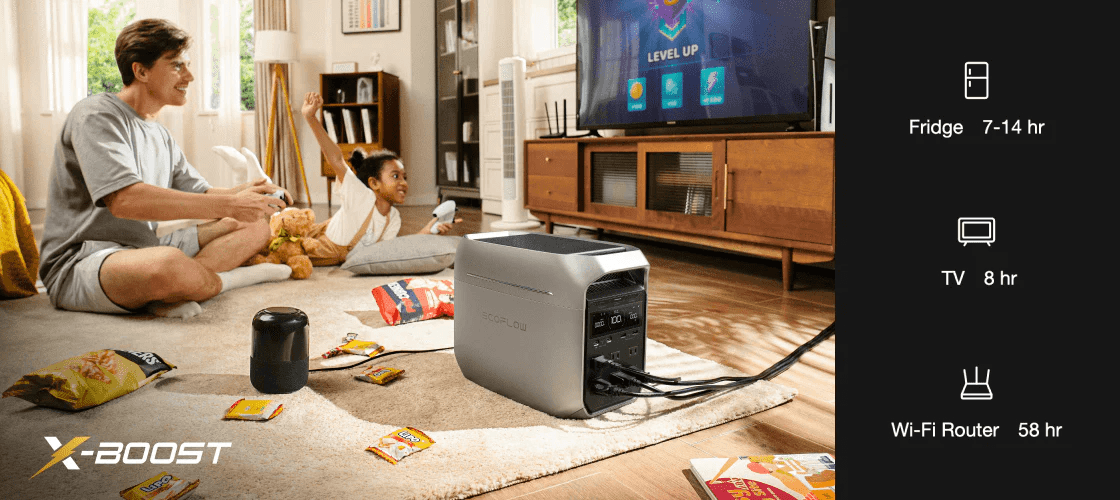
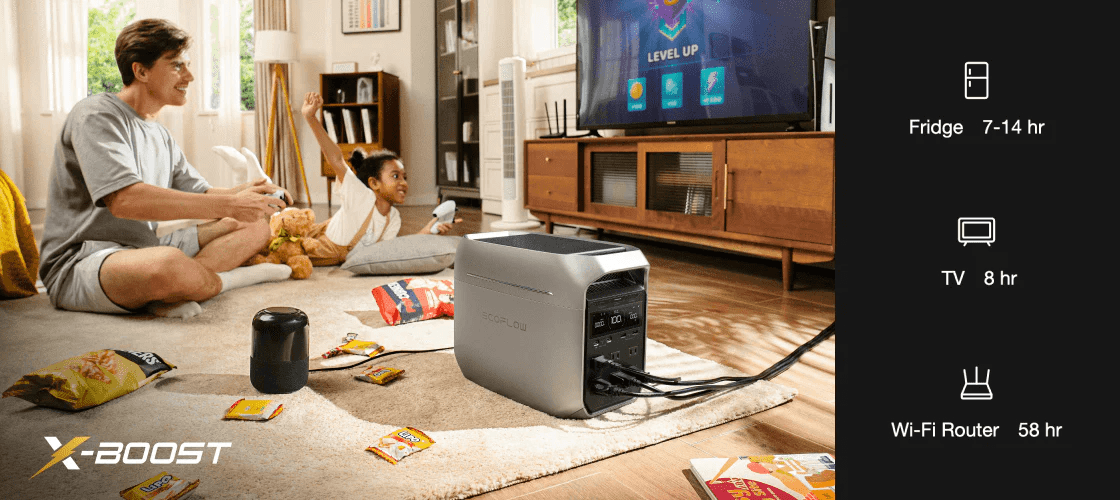
Below is an approximate runtime table showing how long a capable portable power station can power common household devices:
| Appliance | Average Wattage | Estimated Runtime |
|---|---|---|
| WiFi Router | 15W | 60+ Hours |
| Laptop Computer | 60W | 15+ Charges |
| LED Light Bulb | 10W | 90+ Hours |
| Full-Size Refrigerator | 150W (avg cycle) | 7 to 10 Hours |
| CPAP Machine | 40W | 20+ Hours |
Runtimes are estimates based on average appliance wattage and will vary based on the specific device and usage. For refrigerators, frequent door opening will shorten operating time.
When dealing with longer disruptions like Public Safety Power Shutoffs (PSPS), expanding your setup provides multi-day security. Pairing the unit with an EcoFlow DELTA 3 Smart Extra Battery boosts total storage capacity up to 5 kWh, giving you enough reserve power to keep refrigerators, routers, and critical devices running for several days. By using an Intelligent Mode to balance power draws automatically, an expandable system keeps essential home circuits energized throughout extended emergencies.
.png)
.png)
Recharging battery reserves during a prolonged blackout is straightforward by pairing the power station with portable solar panels. The EcoFlow DELTA 3 Plus supports dual solar inputs of up to 500W per port, delivering rapid solar charging without relying on grid power. Homeowners can harvest sunlight and recharge the battery fast without paying for professional electrical work. This plug-and-play setup turns a portable battery into an independent, off-grid power supply until Xcel restores the main grid.
For households that need more capacity to power heavier loads during multi-day Xcel blackouts, stepping up to a larger unit like the EcoFlow DELTA 3 Ultra Plus provides reliable whole-home support.
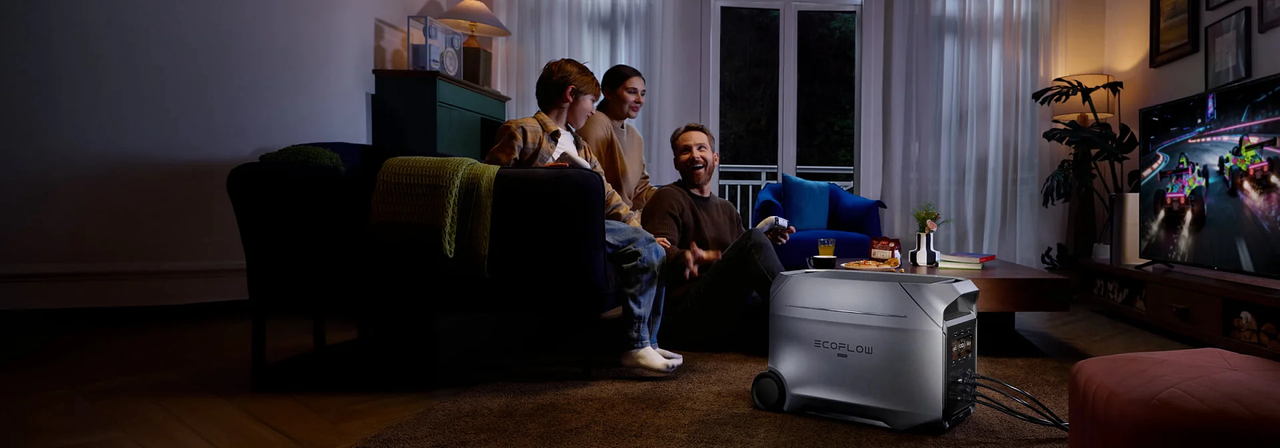
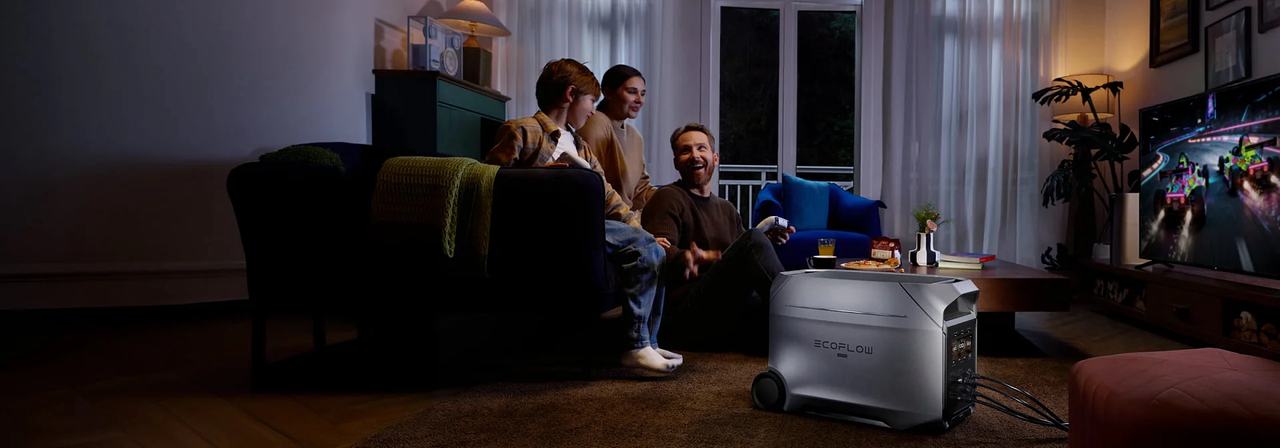
With a 3,600W continuous rating (and support for heating loads up to 4,600W), it can run refrigerators, heating systems, and high-wattage tools simultaneously at a quiet 25dB. It also functions as an uninterruptible power supply (UPS) with a <10ms transfer switch, keeping desktop computers, security systems, and smart home electronics online the instant an Xcel blackout occurs. Paired with multi-charge inputs that restore the battery to 80% in roughly 48 minutes, expandable systems offer practical off-grid security when outages stretch across several days.
Conclusion
Handling an Xcel power outage successfully requires three basic actions: checking the map to see what is happening locally, checking the estimated restoration time, and keeping a reliable backup plan ready before the grid fails.
Whether you are navigating a brief Front Range windstorm or preparing for a multi-day Public Safety Power Shutoff (PSPS), staying informed and powered is essential. While basic emergency kits cover immediate survival needs, using a scalable portable power station or solar generator ensures your refrigerator, Wi-Fi router, and such devices keep running without interruption. By matching your backup energy capacity to the frequency and length of local blackouts, you can protect your household from unpredictable grid failures and maintain everyday comfort until normal service returns.
FAQs
Is there a power outage in my city right now?
Visit the official Xcel power outage map and type your ZIP code, city name, or street address into the search bar. The screen will display active blackouts, the number of affected properties, and the estimated restoration time.
How long does Xcel take to restore power?
Restoration times depend entirely on what caused the damage. Small local outages caused by a blown transformer often wrap up within a few hours, while widespread storm damage can take a day or longer to fix. The outage map displays specific repair estimates once crews inspect the site.
How long can food stay safe in the fridge without power?
The U.S. Department of Agriculture states that food inside a sealed refrigerator remains safe for roughly four hours during a blackout. A full freezer keeps food frozen for about 48 hours as long as the door remains closed.
What's the difference between a planned outage and an unplanned one?
A planned outage, or PSPS, is scheduled by Xcel Energy ahead of dangerous fire weather and comes with advance warning. An unplanned outage occurs without notice, usually caused by storm damage, broken equipment, or traffic accidents involving utility poles.
Does Xcel compensate customers for extended outages?
Customers with questions about compensation for an extended outage should contact Xcel Energy directly or review the claims process on the official Xcel Energy website. Utility providers rarely cover food spoilage or personal expenses from weather-related blackouts, so homeowners generally rely on personal insurance policies or home backup power to prevent losses.
For press requests or interview opportunities, reach out to our media team
media.na@ecoflow.com