What Is a Brownout? How It Differs from a Blackout and What You Should Do
- What a Brownout Is and Why It Can Still Be a Big Problem
- Brownout vs Blackout: The Key Differences That Change How You Respond
- Common Brownout Causes and How Utilities Try to Prevent Bigger Failures
- What to Do During a Brownout to Protect Your Home and Electronics
- Backup Power Options That Help You Ride Out Both Brownouts and Blackouts
- Frequently Asked Questions
- Protect Electronics, Maintain Power, and Improve Resilience
A blackout is pretty easy to identify, but a brownout can be a little trickier to diagnose. If the lights go dim or the ceiling fan slows down, those could be signs of a brownout, and reduced voltage can sometimes be more damaging than losing power altogether. Learn what a brownout is, how it differs from a blackout, and how you should respond.
What a Brownout Is and Why It Can Still Be a Big Problem
A brownout is a partial reduction in voltage on the electrical grid. The power still flows, and outlets still work, but lights are dimmer and less power is available. The power still being on creates a false sense of safety, as many homeowners leave appliances running that they would otherwise have disconnected during a full outage, not realizing that reduced voltage actively damages equipment, especially motors in appliances.
Power supplies in sensitive electronics are designed to operate within a certain voltage range. Sustained voltage below that range forces the power supply to work harder to compensate, generating heat and accelerating internal wear and tear.
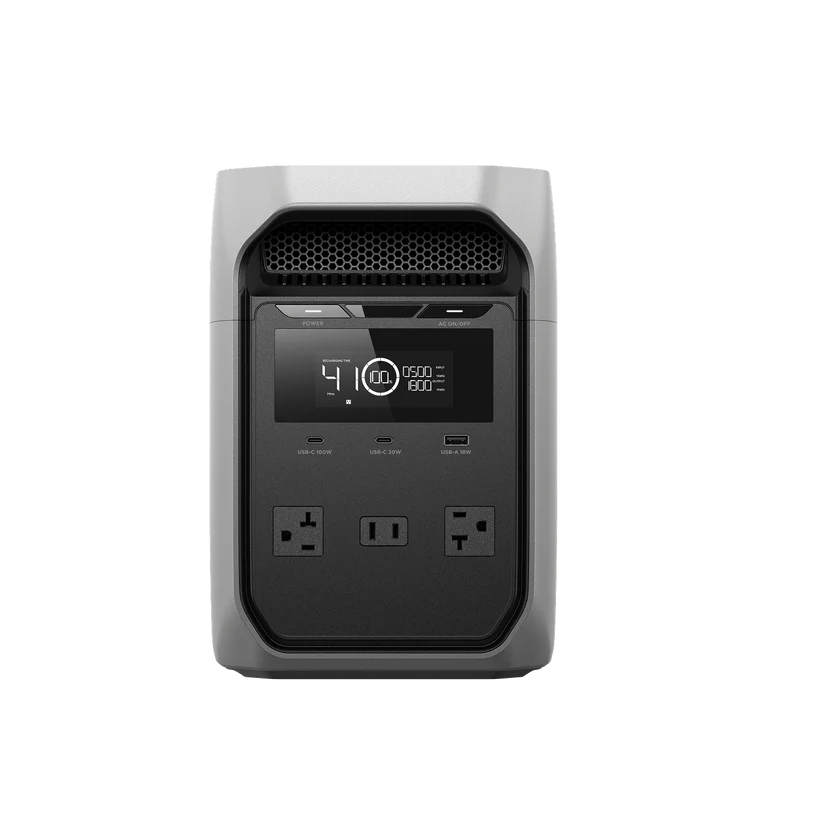
For greater home resilience, a portable power station steps in. The EcoFlow DELTA 3 Classic keeps essentials powered, including phones, laptops, and lights, until the appropriate voltage returns.
Brownout vs Blackout: The Key Differences That Change How You Respond
A blackout is a complete loss of power where voltage drops to zero, and everything shuts off. A brownout is a partial loss of voltage where power continues, but at a diminished level. The distinction between the two matters because both carry certain risks and appropriate responses.
In a blackout, electronics shut off completely. The primary risks with blackouts are data loss from devices that lose power mid-operation, food spoilage from extended outages, and health concerns during extreme weather. In a brownout, the risks are a little more subtle as equipment operates under electrical stress it wasn’t designed to handle. A motor may survive a two-hour blackout with no issue, but suffer significant damage in a two-hour brownout due to its operation with less voltage.
Blackouts are often resolved within a few hours, but major failures can last days. Brownouts are typically shorter, often lasting 30 minutes to a few hours. However, utility companies sometimes trigger intentional brownouts during peak demand periods to reduce loads and prevent blackouts. These brownouts are similar to rolling blackouts and can last for several hours.
Common Brownout Causes and How Utilities Try to Prevent Bigger Failures
Brownouts can occur for several reasons, but the two most common causes are grid stress and intentional voltage reduction. High-consumption periods overload the electrical grid and cause voltage to drop. Utility companies choose to reduce voltage intentionally to prevent a full blackout. Aging equipment, such as worn transformers, struggles to maintain voltage, and faulty lines can reduce voltage without causing an outage..
Brownouts can also occur due to internal issues. Plugging too many high-draw appliances into a single circuit pulls more electricity than the wiring can safely handle, causing a voltage drop. Corroded wires or loose connections for appliances can cause localized voltage drops.
What to Do During a Brownout to Protect Your Home and Electronics
The priority when you recognize a brownout is to reduce the number of vulnerable devices operating under reduced voltage. Unplug motor-driven appliances, such as refrigerators, window A/C units, washing machines, dishwashers, and space heaters. Unplug sensitive electronics, such as computers, gaming consoles, and TVs.
An uninterruptible power supply (UPS) provides instant battery backup and surge protection during voltage fluctuations. It gives you enough time to save files and safely shut down sensitive electronics to prevent hardware damage and data loss.
Backup Power Options That Help You Ride Out Both Brownouts and Blackouts
Brownouts can typically be managed with little casualty, but the same systems that protect your devices during blackouts can assist when the lights dim.
For sensitive electronics, a UPS with automatic voltage regulation (AVR) corrects under- and over-voltages in real-time. A UPS provides crucial minutes of battery power for you to shut down systems safely.
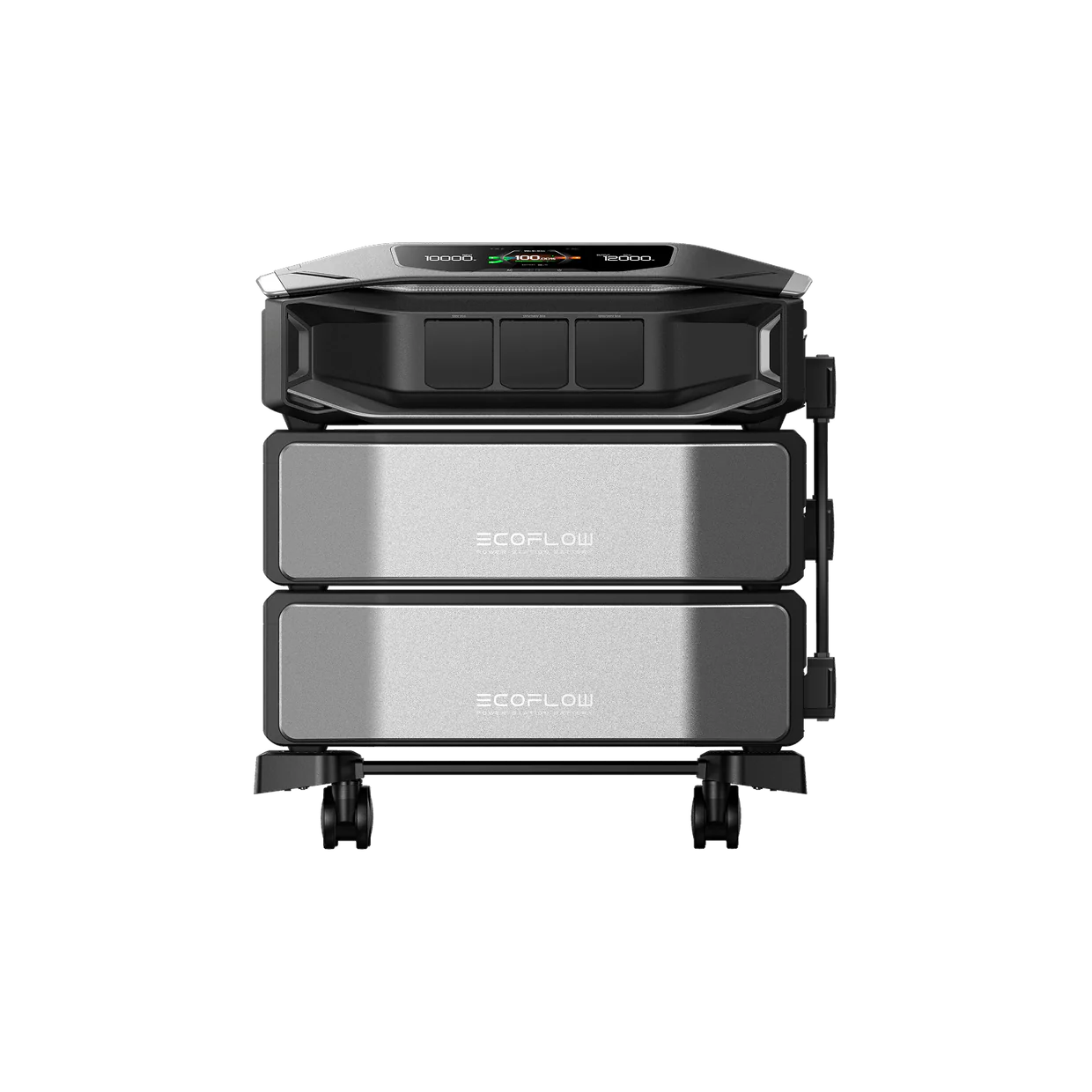
The EcoFlow DELTA Pro Ultra X provides even greater resilience with whole-home backup power. This unit keeps your appliances and electronics powered to prevent any damage caused by reduced voltage.
Frequently Asked Questions
Is a brownout the same thing as a rolling blackout?
No, a rolling blackout is a complete loss of power intentionally rotated across a region. Power gets shut off in one zone for a set period, then is restored, while another zone loses power. Similar to intentional brownouts, rolling blackouts are used to manage high demand.
How long do brownouts usually last?
Brownouts are typically resolved within minutes to a few hours as demand lessens or utility crews address the underlying issue. Intentional utility-managed brownouts can last several hours until demand eases.
Can brownouts damage appliances like refrigerators and air conditioners?
Yes, brownouts can damage the mechanical parts of appliances, including motors and compressors. When the voltage drops, these parts work harder to maintain their workload, causing wear and tear and generating excess heat.
What should I do first if my lights are flickering and outlets still work?
Check if the flickering is isolated to one circuit or affects the whole house. If it’s house-wide, unplug motor-driven appliances and sensitive electronics immediately. Check your utility’s outage map to see if a brownout is reported in your area.
Protect Electronics, Maintain Power, and Improve Resilience
Brownouts are subtler than blackouts, but pose several risks to devices operating under reduced voltage. When you suspect a brownout, unplug your sensitive electronics and motor-driven appliances to prevent damage.
The EcoFlow DELTA Pro Ultra X protects against voltage fluctuations with whole-home backup power. The battery unit provides the appropriate power to your essential devices to keep them running safely until normal voltage returns.
For press requests or interview opportunities, reach out to our media team
media.na@ecoflow.com