How Many Watts Does a TV Use? Smart TV vs LED vs OLED Power Consumption
- TV Wattage Basics: What “Watts” Really Tell You About Energy Use
- What Makes TV Power Consumption Go Up or Down
- How to Find and Measure Your TV’s Real Power Draw
- Smart TV vs LED vs OLED: Typical Wattage Ranges and What to Expect
- Standby Power and “Vampire Loads” in a Home Entertainment Setup
- Frequently Asked Questions
- Lower Bills, Lower Wattage, and Greater Resilience
TVs these days are more efficient than they used to be. But they also have more features and connectivity, and along with larger screens, this can make them big users of power. If you're trying to achieve energy resilience, it's important to understand how much power your TV really uses. Let's take a look at how you can stay on top of your power bills.
TV Wattage Basics: What “Watts” Really Tell You About Energy Use
What is a watt? To put it simply, a watt is a unit of power. The amount of power an appliance like a TV draws is measured in watts, and is called its wattage.
However, a watt is not a lot. That's why your electricity company charges you for energy usage based on kilowatt-hours, or kWh. A kilowatt is 1000 W, and a kWh is a measure of how many kilowatts you use in one hour.
For example:
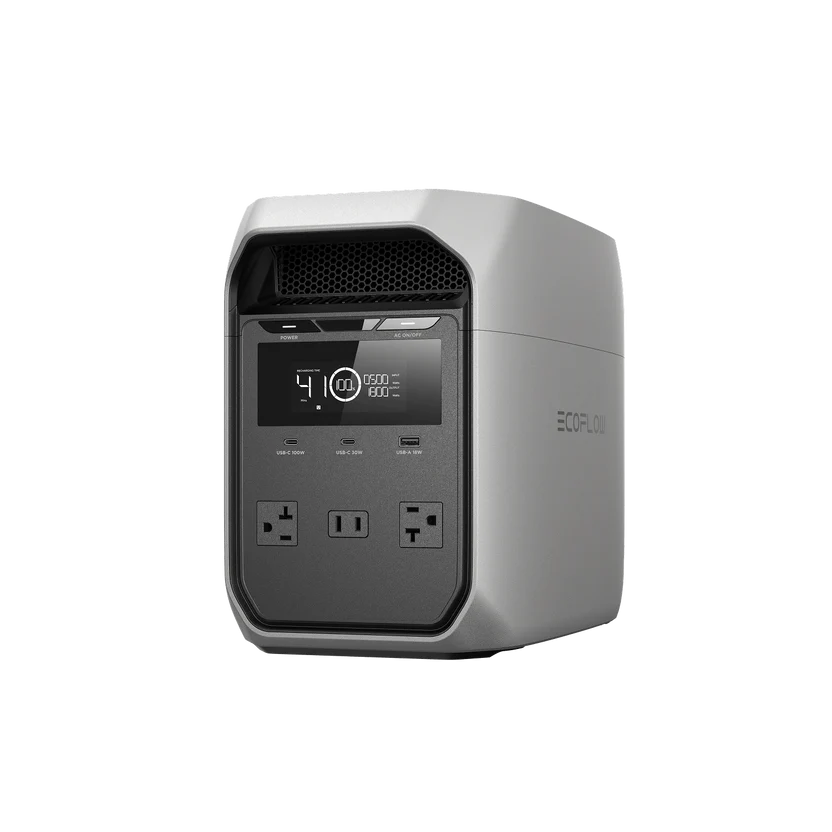
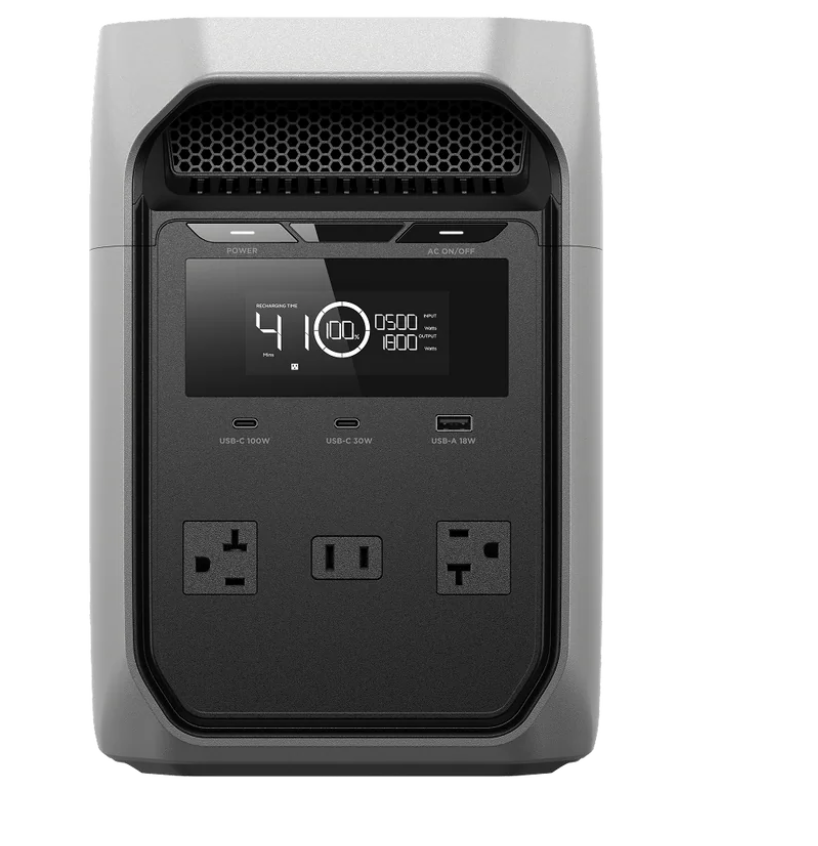
A 100-watt TV running for 10 hours uses 1000 watt-hours, or 1 kWh. If your electricity company charges $0.18 per kilowatt hour, it costs you $0.18 to run your television for 10 hours. To keep watching TV even during outages, consider a portable power station like EcoFlow DELTA 3 Classic for consistent and sustainable backup energy.
What Makes TV Power Consumption Go Up or Down
Screen Size
The larger your TV, the more electricity it uses. Just like it takes more gas to move a bigger car, it takes more electricity to display on a bigger screen. Averages are around:
68 W for a 19-20 inch TV
90 W for a 25-27 inch TV
114 W for a 30-36 inch TV
142 W for a 40-inch TV
Display Technology
OLED TVs tend to use more power during bright scenes, while older plasma TVs consume more electricity than modern displays. LED TVs are often the most energy-efficient.
Brightness
Brightness makes a huge difference. Lots of TVs come with 'store mode' enabled. This is a display setting used to make colors look bright and vivid. Reducing the brightness of your TV even a little will make a big difference in your power consumption.
Resolution and HDR
High resolution also requires more power. 4K or 8K TVs use more power than older HD models because they process more pixels.
Smart Features and Connectivity
TVs these days do more than ever. Modern smart TVs are connected to the internet all the time, and often have always-on features that add to the power drawer. Things like:
Voice assistants
Microphones
Instant startup modes
Automatic updates
Background app activity
How to Find and Measure Your TV’s Real Power Draw
Check the Label
Most televisions have a sticker that tells you the voltage, amperage, and maximum wattage. This gives you a rough idea, but often, it represents the maximum possible draw, not the normal everyday usage.
Use a Plug-in Power Meter
The most accurate method is to use a plug-in electricity monitor. A smart plug can show you the real-time wattage, total kilowatt-hours used, standby consumption, and daily usage trends.
Test Different Viewing Modes
To know what your TV actually uses, test the power draw in different viewing modes. Try out standard vs vivid picture mode, and standard definition vs HD content. Also, look at streaming apps and HDMI devices, and test your TV in different viewing conditions. You might be surprised by the effect screen brightness has on your power consumption.
Smart TV vs LED vs OLED: Typical Wattage Ranges and What to Expect
LED TVs are usually the most efficient. For these TVs, you're looking at something like 60-100W for a 55-inch screen.
OLED TVs are known for their excellent contrast and deep blacks, but they tend to be less power-efficient. For a 55-inch screen, expect anywhere from 80 to 170 W.
Standby Power and “Vampire Loads” in a Home Entertainment Setup
Just because your TV’s switched off doesn’t mean it isn't drawing power. Lots of TVs consume electricity in the background, known as "vampire loads".
Common sources include:
Smart TVs
Streaming boxes
Game consoles
Sound bars
Wi-Fi connected speakers
These devices might only draw a handful of watts per hour. But they draw them every hour of the day, all year long. A game console that sits on standby consuming 20 W could add up to 175 kWh a year.
Avoid this by turning off instant-on modes on your devices. You can also use power strips with a switch so that you can cut the power to all devices. This is especially important if you're prone to outages, or you run your house on solar or battery power. Everything you can do to reduce your power consumption means you have more power to use when you need it.
Frequently Asked Questions
How many watts does a typical TV use?
It varies a lot by screen size, usage, and TV type. Modern TVs can draw anywhere from 30 to 200 W during operation.
Does OLED use more power than LED for normal viewing?
Usually, the difference depends on the content and brightness settings. OLED TVs use more electricity to play bright scenes, but dark content may actually consume less power.
How much can standby power add to my annual bill?
A full entertainment setup with standby devices that are continuously on can add dozens or even hundreds of kilowatt hours to your electricity bill every year. The exact cost will depend on how much you pay for power and how many devices you have, but it could be hundreds of dollars over a 12-month period.
How do I measure my TV’s actual power use at home?
The best method is to use a plug-in electricity meter or smart plug. This will show you real-time wattage and total energy consumption more accurately than manufacturer estimates.
Lower Bills, Lower Wattage, and Greater Resilience
TV power consumption is about a lot more than just screen size. Display technology, brightness settings, HDR content, and standby features all affect how much electricity your setup uses. That means reducing brightness, disabling always-on features, and cutting standby loads can make a big difference.
That's especially important if you're trying to achieve energy independence. More efficient usage of your electronics means you’ll have more power for what really matters. If you're running a whole-home backup power system, you need a good understanding of just how much power your appliances use.
For press requests or interview opportunities, reach out to our media team
media.na@ecoflow.com