The 20 Millisecond Switch: Why Speed Matters for Sensitive Electronics
- What Is the Difference Between EPS and a True UPS?
- Why Generators Are Not a Clean Solution for Sensitive Electronics
- What Does 20 Milliseconds Really Mean for Your Devices?
- How EcoFlow Backup Switching Compares for Computers and Networking Gear
- How to Choose the Right Backup Setup for Your Electronics
- Frequently Asked Questions
- Ready to Power Your Setup With EcoFlow DELTA Pro 3?
When your power shuts off, not every backup solution can switch fast enough to keep your sensitive electronics, like gaming rigs, routers, and computers safe from damage or lost work.
The 20 ms switch time is the gold standard for safe backup power turnover. Solutions such as the EcoFlow Smart Home Panel 3, which can switch to battery backup in under ~20 ms when paired with a compatible EcoFlow system, are engineered to meet this threshold, protecting your entire home from unexpected shutdowns.
Here’s how to choose the right backup setup for your home office or gaming gear.
What Is the Difference Between EPS and a True UPS?
The primary difference between EPS (emergency power supply) and a true UPS (uninterruptible power supply) is the time it takes for the backup power source to switch on after the power goes out.
What Does EPS Mean, and What Is It Designed to Power?
EPS stands for emergency power supply. It’s meant to power non-critical loads, like appliances and devices that can tolerate a brief interruption without losing data or getting damaged in the process.
Standard transfer time is fast enough for lights and basic appliances, but can be too slow for computers and networking equipment.
What Does UPS Mean, and Why Transfer Speed Matters for Electronics?
UPS stands for uninterruptible power source, and its main function is to protect sensitive electronics with faster transfer times, often under 10 ms. When choosing a UPS battery backup, transfer speed is one of the most critical specifications, determining whether your devices will notice the power switch or essentially carry on as normal.
Computers, gaming setups, and routers need seamless, near-instant switchover that only UPS can provide to avoid crashes, data corruption, and hardware stress.
Why Generators Are Not a Clean Solution for Sensitive Electronics
Generators are built for sustained high-wattage output, not fast and clean switching.
Startup Delay and Voltage Stability Issues During Changeover
The delay of time before backup power kicks in is the main problem with generators. They can take as long as 10–30 seconds, which is long enough to crash any connected device.
They also produce unstable voltage during startup and load change, which can result in power quality issues that can be damaging to sensitive electronics over time.
Noise, Fumes, Maintenance and Fuel Logistics for Home and Office Backup
Gas generators require outdoor placement because they produce carbon monoxide emissions, making them impractical for some urban homes.
They’re also costly thanks to ongoing fuel storage, regular maintenance, and oil change needs. A battery backup, on the other hand, requires virtually no upkeep.
An operating generator is noisy. They’re too disruptive for WFH or gaming environments where streams, calls, and recordings are common.
What Does 20 Milliseconds Really Mean for Your Devices?
The 20 millisecond threshold is what’s generally acceptable for power interruptions. Anything more, and most computers/smart devices will lose state or reboot.
The EcoFlow Smart Home Panel 3 is designed to manage whole-home backup switching with this threshold in mind, protecting all the circuits throughout the house.
What Happens Inside Electronics During a Brief Power Interruption?
Computers use capacitors to hold charge for a few milliseconds, but if it takes longer than that for backup power to kick in, the system will shut off without warning. These unexpected shutdowns risk lost saves, corrupted files, or even damaged storage. Routers and modems will reset during an interruption beyond 20 ms, dropping your calls, streams, or active sessions and causing problems for remote workers and gamers.
How EcoFlow Backup Switching Compares for Computers and Networking Gear
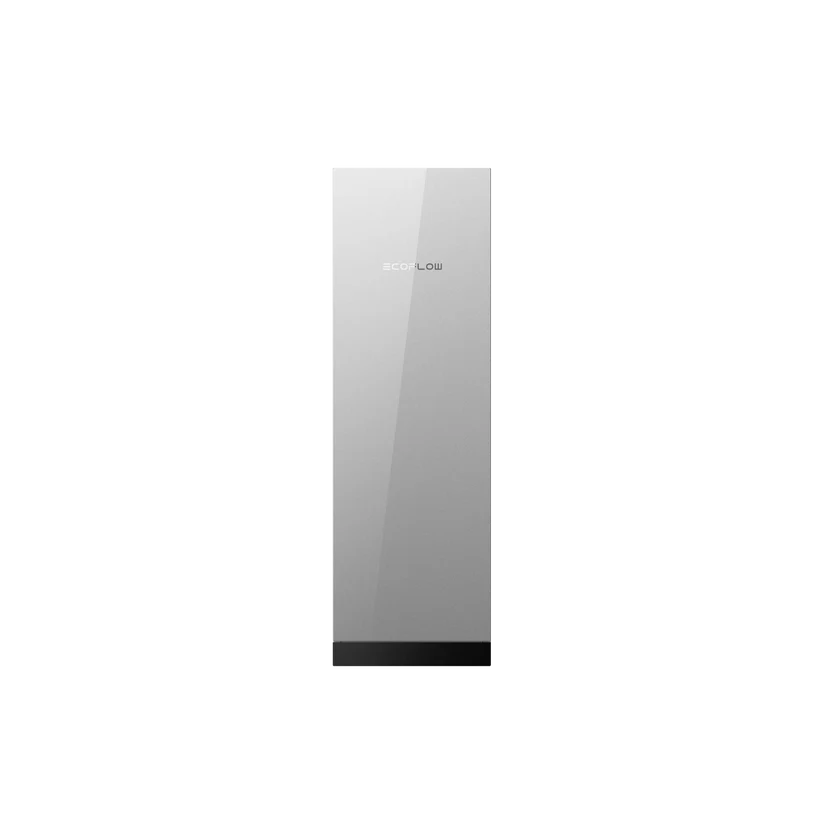
EcoFlow’s backup power lineup, including the EcoFlow Smart Gateway, is built around fast and clean switching, providing true UPS-grade protection.
Choose single workstation protection with a smaller PPS or enjoy whole-home generator coverage, whatever works for you and your power needs.
Under 10 Millisecond UPS Speed on EcoFlow DELTA Pro 3 for Desktops and Workstations
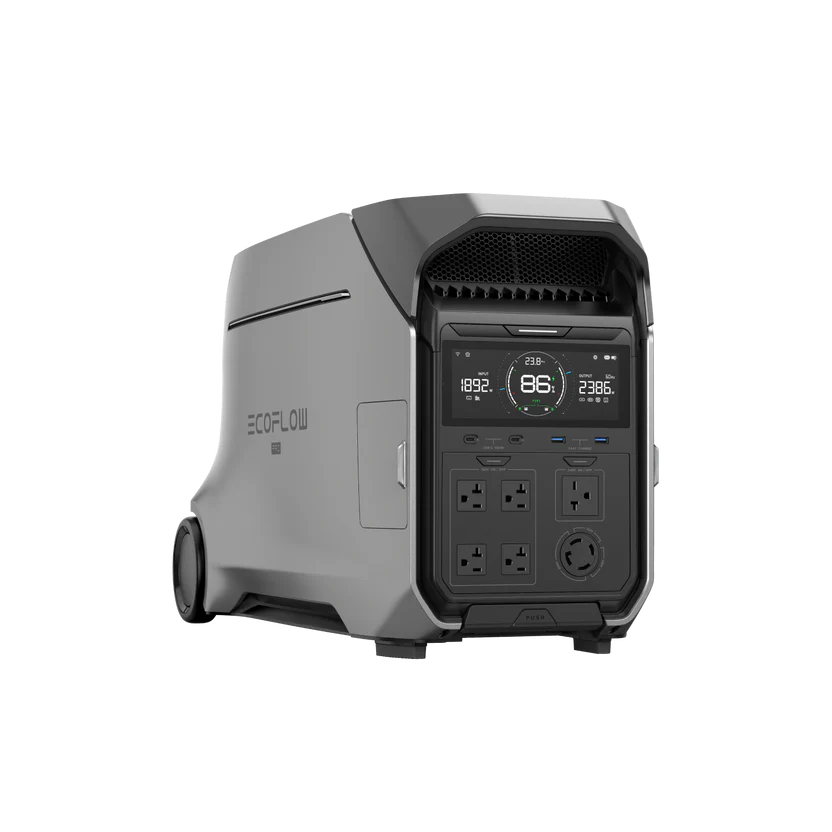
The EcoFlow DELTA Pro 3 delivers transfer speeds under 10 ms in UPS mode, which is safely within the threshold required to keep computers and workstations running. The switch becomes imperceptible to you and your connected devices, with monitors staying on, sessions staying active, and no data at risk.
How to Choose the Right Backup Setup for Your Electronics
When choosing a backup setup, the most important considerations are what you’re protecting and how long you need it to last.
Match Transfer Time to Your Gear and Risk Tolerance
Choosing the best backup battery for a computer means prioritizing transfer time first, capacity second. Identify your critical devices and ensure they have sub-20 ms protection.
A Practical Buying Checklist for Home Offices and Gaming Setups
Load Sizing: Add up the total running watts for all the devices you want to protect. Don’t forget to account for startup surge!
Determine Backup Runtime Needs: Determine whether you need minutes for safe shutdown, or hours so you can continue working through the outage.
Assess Recharge and Compatibility Options: Check solar compatibility and confirm enough outlets and ports for sensitive electronics.
Test Before You Need It: Run a live simulation to verify your actual runtime under real load.

Frequently Asked Questions
Is EPS Fast Enough for a Gaming PC or a Mac?
EPS transfer time is at the edge of what most computers can tolerate, and many will reboot. Any gaming PCs and Macs should be paired with a true UPS rated at 10 ms switchover speed or faster.
Can I Use a Portable Power Station as a UPS for a NAS or Router?
Yes, you can use a PPS as a UPS for a NAS or router if the unit specifically offers UPS mode with a sub-20 ms transfer. However, not all PPS qualify, so check the product’s spec sheet before assuming you have complete protection.
How Do I Test Whether My Setup Will Reboot During a Power Cut?
Plug in your devices to the backup unit and let it fully charge, then unplug it while the devices are still running. If nothing reboots or flickers, you’ll know that the backup transfer speed is sufficient.
When Should I Choose a Generator Instead of Battery Backup?
Generators make more sense than a battery backup when you face very long (multi-day) outages where you’ll need power for high-wattage loads like HVAC or well pumps. For home office gear and other electronics, battery backup is a quieter, cleaner, and faster option.
Ready to Power Your Setup With EcoFlow DELTA Pro 3?
Transfer speed is the key. It’s what separates true backup protection from a power strip with a battery. The EcoFlow DELTA Pro 3’s under-10 ms UPS mode makes it one of the most premium PPS that genuinely qualifies, offering the safety and security you need. Choose the right setup that matches your load, runtime needs, and transfer speed requirements so that outages become a non-issue in your home office or gaming room.
For press requests or interview opportunities, reach out to our media team
media.na@ecoflow.com