Why Won't My Phone Charge on a Wireless Charger?
You drop your phone on the wireless charging pad, but nothing happens. No charging indicator, no battery percentage going up—just frustration. Before you panic and think your phone or charger is broken, take a breath. Most wireless charging problems have simple fixes that don't require a trip to the repair shop.
Why Won't My Charger Charge My Phone?
It's really important to cover some basics. Whether it's for a cable or a wireless controller, charging problems could fall into two categories: those for cables and those for wireless controllers.
Wired Charging Problems
Your wall outlet could be dead. It sounds silly, but it’s more common than you think. Try plugging something into it, like a light, to see if it’s working. And if you’re using a power strip, maybe it’s not turned on.
Daily, the charging cable gets abused. Bent connectors, wires frayed near the end, or wires broken inside can interfere with the flow of power. Try out a different cord to eliminate this possibility.
See what's lurking in your phone's charging port. It's probably full of pocket lint. Shine a flashlight in there--you'll be amazed at what's collecting in there. Using a wooden toothpick, not a metal one, will remove all these things.
And finally, not all adapters are made equal. Perhaps that 5W adapter you had from 2015 isn't enough power for charging your new smartphone, especially if you want to charge and use it at the same time.
Wireless Charging Specific Problems
Wireless charging is fussy compared to charging via cable. Whether charging wirelessly or via cable, the phone has to be placed on its charging pad in its charge sweetspot, presumably in the middle. It won't work if it's slightly offset.
A thick case is the enemy when it comes to charging wirelessly. Thickness in excess of 3mm prevents the RF signal from passing through, thereby interfering with charging. If you have credit card holders with metal, pop sockets, or credit card holders with metal inserts, these will interfere with
Have something in between your phone and tablet? Maybe something like a coin, or perhaps a key, or even like a metallic desk. These charging coils require a pathway to talk to each other.
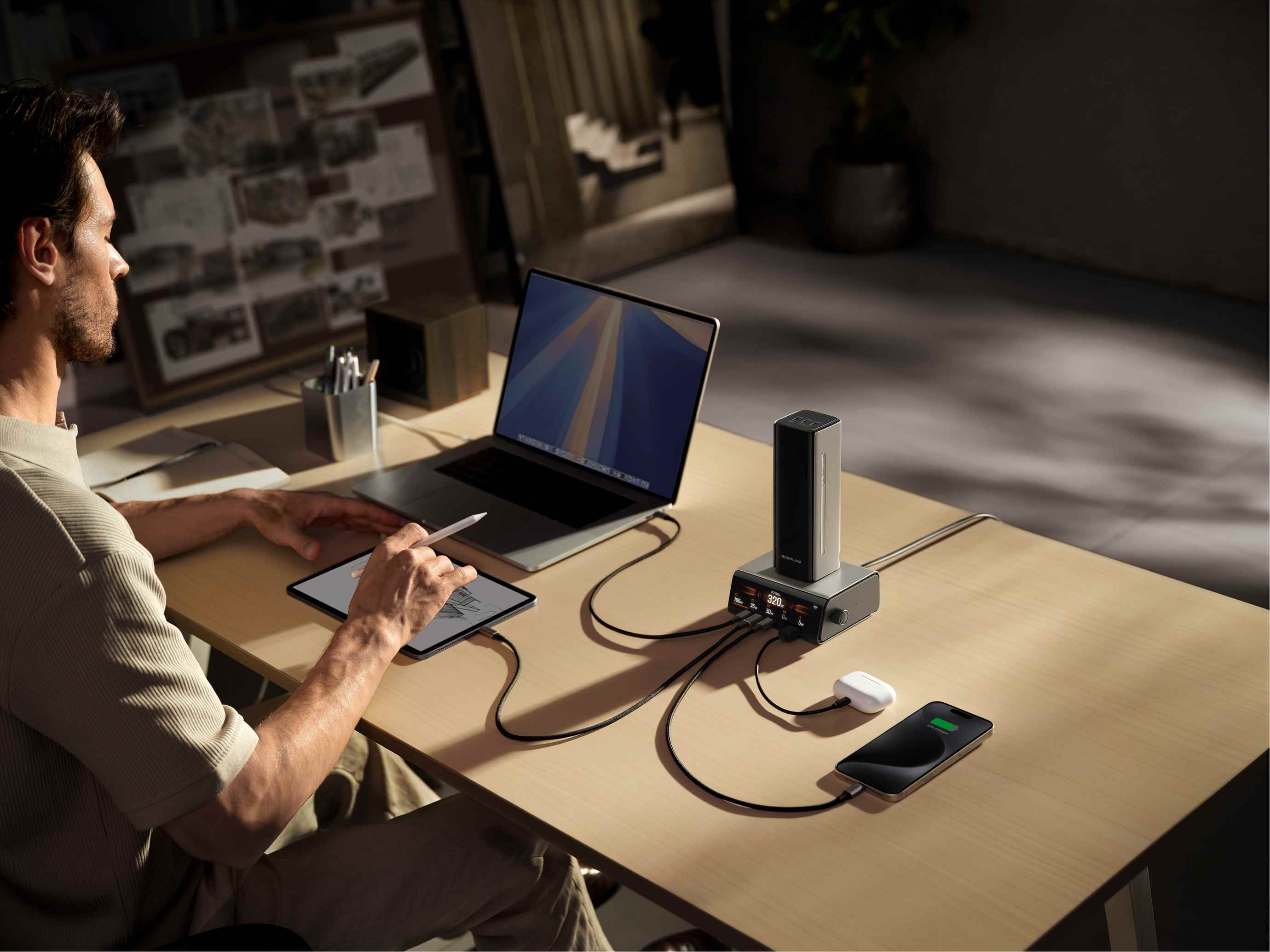
Why Won't My Phone Battery Charge?
Other times, it’s not the charging cord, but your phone or battery that’s having problems.
Phone-Side Issues
Batteries have an end-of-life. They start to die after 2-3 years or after 500 charge cycles, and charging becomes irregular. You'll see your phone charging, yet it hardly shows any percentage increase.
Software glitches do occur. Sometimes, applications running in the background, failed updates, or bad files can interfere with charging. A reboot will resolve the issue more often than not.
Modern cellphones have many protective features built in. If your phone gets too hot from gaming, exposure to direct sunlight, or from an erring app, it will auto-stop charging to shield your battery from damage. Allow it to cool down for 15 to 20 minutes.
Charger-Side Problems
Wireless charging surfaces could break. It could be due to damage in the coils, or maybe there’s an issue with the circuitry. If it doesn't light up after being plugged in, it’s not a good sign. Power output is really important. If you are charging your phone wirelessly, a 5W charging pad barely satisfies your phone’s power needs.
Minimum power: iPhones require at least 7.5W while many Android smartphones require 10W or higher for efficient charging. Outdated firmware could lead to compatibility problems. Some charging pads have updates for their firmware. Refer to the website or app provided by its maker. Phone and charging pad could have different languages.
There are various wireless charging standards: Qi, PMA, as well as proprietary in nature, MagSafe. If these do not match, charging will not occur.
How Do You Fix Wireless Charging Not Working?
Now for the good stuff—actual solutions you can try right now.
Basic Checks
First, confirm your phone actually supports wireless charging. Not all phones do, even newer budget models. Google "[your phone model] wireless charging" to verify.
Look at your charging pad's LED indicator. Different colors and blinking patterns mean different things. Check your manual—solid blue usually means it's ready, flashing might indicate a problem.
Center your phone on the pad. Try moving it around slowly until you feel a vibration or see the charging icon appear. Mark that spot with a small piece of tape if you need to.
Take off your phone case and try again. If it suddenly works, your case is the problem. Get a thinner one or look for cases specifically labeled "wireless charging compatible."
Cleaning Steps
Wireless charging relies on close contact. Wipe down your charging pad with a slightly damp microfiber cloth. No harsh chemicals, just water is fine.
Clean your phone's back the same way. Remove any dust, fingerprints, or residue. Those magnetic car mount plates? Peel them off—they'll block wireless charging completely.
Metal pop sockets, ring holders, or decorative stickers on your phone's back can interfere. Remove any metal accessories and test again.
Software Fixes
Turn your phone completely off, wait 30 seconds, then power it back on. This clears temporary software glitches that might be blocking charging.
Check for system updates in your settings. Both iOS and Android regularly release fixes for charging bugs. Install any pending updates.
Some phones have battery optimization settings that limit charging speed or stop charging at certain percentages. Look in Settings > Battery for any restrictions you might have enabled.
Disable power-saving or low-power mode. These features sometimes interfere with wireless charging to conserve energy.
Testing Different Equipment
Borrow a friend's wireless charger or try yours at an electronics store. If your phone charges on a different pad, yours is faulty.
Use the original charging cable and adapter that came with your wireless pad. Third-party power adapters might not provide stable enough power.
Test if your phone charges normally with a cable. If wired charging works fine but wireless doesn't, the problem is definitely your wireless charging setup, not your phone's battery or charging circuitry.
Why is iPhone Wireless Charging Not Working?
iPhones have some quirks when it comes to wireless charging that deserve special attention.
iPhone-Specific Issues
MagSafe chargers (iPhone 12 and newer) need proper alignment. The magnets should snap your phone into place. If they don't, you might have a fake MagSafe charger—yes, counterfeits exist.
iOS bugs occasionally break wireless charging. This happened with iOS 13.1 and iOS 17.0 for some users. Check Apple's support forums to see if others report the same issue with your iOS version.
Third-party Lightning cables and accessories can cause problems. Apple's MFi (Made for iPhone) certification exists for a reason. Non-certified accessories sometimes trigger software blocks.
iPhones have a feature called "Optimized Battery Charging that learns your routine and delays charging past 80% until you need it. This isn't a bug—it's protecting your battery. You can disable it in Settings > Battery > Battery Health.
Android Phone Issues
Fast wireless charging on Samsung phones requires a compatible charger. A standard Qi charger will work, but only at 5W, not the advertised 15W.
Some Android phones have NFC coils in the same area as wireless charging coils. If NFC is on and acting up, it can interfere. Try turning NFC off temporarily.
Custom ROMs or heavily modified Android versions sometimes break wireless charging functionality. If you've rooted your phone or installed custom software, that could be why.
FAQs
Q1. Can a Wireless Charger Stop Working Suddenly, Even if It Worked Fine Yesterday?
Yes, and it's not usually due to the charging hardware itself. It's most likely because you have a new phone case on your phone, or some piece of metal became lodged between your phone and the charging pad. It's also likely due to environmental considerations—you switched your charging pad to another location in your home, which means there could be some metal object in your home causing interactions with your charging pad’s magnetic fields. Other electronic devices, such as some speakers or other charging pads, could also interfere with your charging pad. Try charging in a different location with nothing in its vicinity.
Q2. Why Does My Phone Say It’s Wirelessly Charging, but the Battery Percentage Stays the Same or Even Drops?
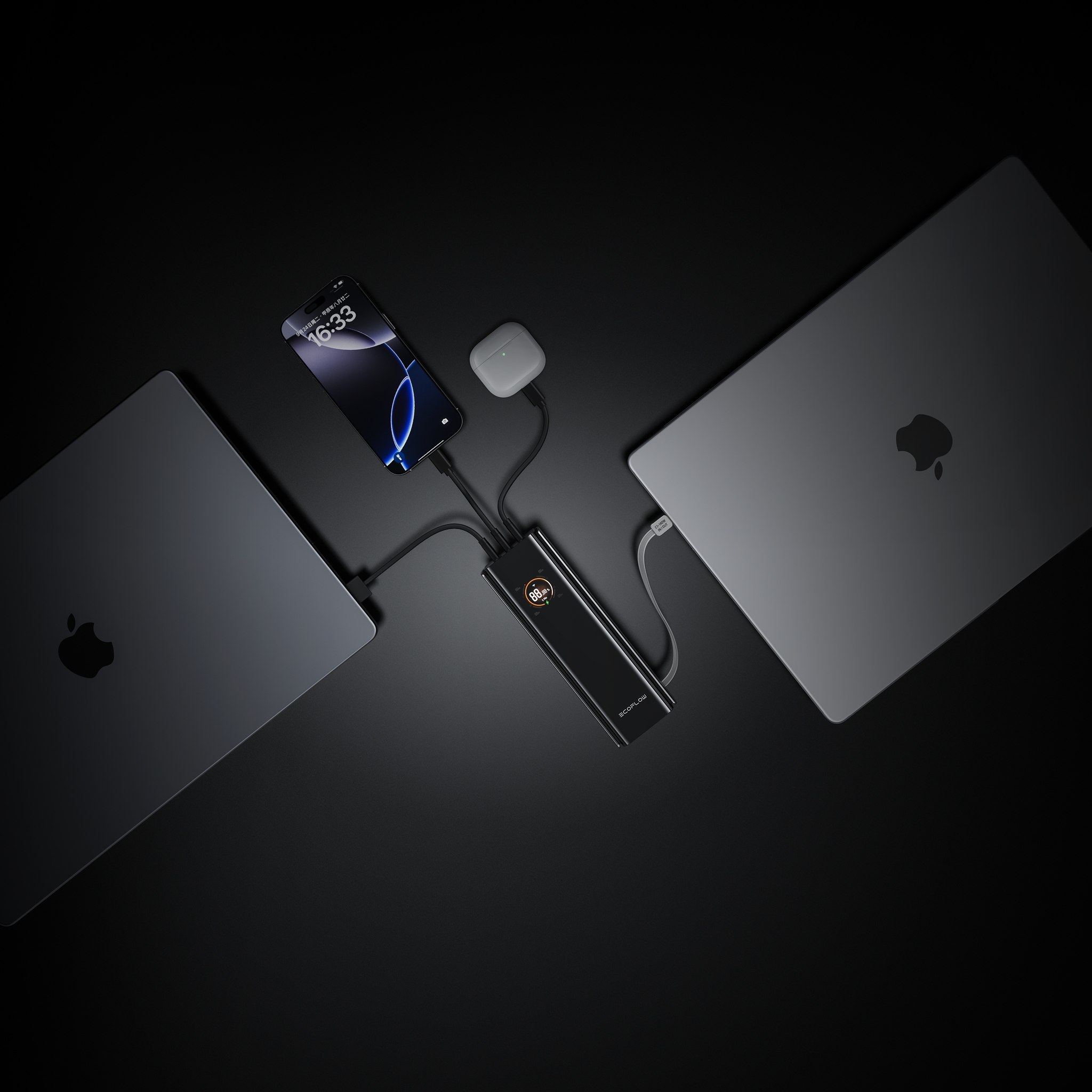
It’s because your phone consumes more power than what’s being supplied by the charging pad. It’s likely due to gaming, video chatting, or GPS locationing on the charging pad. Wireless charging is less efficient than charging via cables, with overall charging efficiency in the 70-80% range, whereas cables enjoy charging efficiency rates in excess of 95%. If your screen is on with its brightest setting, coupled with resource-demanding applications, no standard 5W-7.5W charging pad is enough. If you frequently travel and charge multiple devices, upgrading to a powerful station like the EcoFlow RAPID Mag Wireless Charging Station (3-in-1) solves this by offering high-speed charging for three items simultaneously (Phone, watch, and Earbuds), ensuring your phone gets enough power even while in use. Just quit those applications and let your phone rest, or switch to a fast wired charging solution.
Q3. Is It Normal for My Phone to Get Warm During Wireless Charging?
Some warmth is to be expected, but it’s not meant to be hot to the touch. Wireless charging is hotter than wired charging, due to energy loss during the electromagnetic transfer process. It’s okay if your phone is warm, but not hot to the point where you have to stop charging due to it being too hot to handle. Take out any protective case, make sure there are no the phone and the pad, and double-check for enough ventilation on your charging pad. Of course, charging in hot environments isn’t ideal.
Conclusion
Issues with wireless charging usually boil down to alignment, phone cases, or compatibility. Begin with some basics: remove your case, clean both sides, and double-check alignment. Still having issues? Try testing with different devices to distinguish whether it’s your phone or the charging pad. Still stuck? Reach out to your phone provider or charging pad brand: they have answers to these problems, having solved countless like yours.
If you travel often or rely heavily on your Apple devices, eliminate charging frustration and cable clutter by getting the Qi2.2 EcoFlow RAPID Mag Wireless Charging Station (3-in-1 Foldable). It provides the fastest certified speeds for your Phone, watch, and AirPods in one compact, travel-friendly design.
For press requests or interview opportunities, reach out to our media team
media.na@ecoflow.com