EcoFlow DELTA 3 Ultra Plus & DELTA 3 Ultra FAQ: Everything You Need to Know
If you're looking for more information about the EcoFlow DELTA 3 Ultra Plus and DELTA 3 Ultra portable power stations, or you're experiencing problems with your unit, our support specialists have rounded up the answers to your most popular questions. Keep reading for specs, features, and troubleshooting fixes.
General Overview
What is the battery capacity of DELTA 3 Ultra Plus and DELTA 3 Ultra?
Both EcoFlow DELTA 3 Ultra Plus and DELTA 3 Ultra have a battery capacity of 3072Wh (51.2V 60Ah). The DELTA 3 Ultra Plus can expand to 11kWh by connecting extra batteries, while the DELTA 3 Ultra doesn't support battery expansion.
What is the lifespan of the battery?
Using LFP (LiFePO4) battery chemistry with automotive-grade full-tab cells, both models are estimated to last approximately 10 years based on proper product usage and internal simulation test data.
How can I get the longest lifespan from the battery?
Keep it within 20–30°C (68–86°F) and away from water and heat.
For safety reasons, do not store your unit above 45°C (113°F) or below −10°C (14°F) for extended periods.
For long-term storage, discharge the battery to 30% and charge it to 85% every three months.
If the remaining battery is less than 1% after you finish using the product, please recharge it to 60% before storing it.
If the product is left idle for a long time with a severely low battery, this may cause irreversible damage to the battery cell, and the product service life will be shortened.
If the product has been idle for too long and the battery is severely low, it will enter a deep sleep protection mode. In such cases, please charge the product before using it again.
How long does DELTA 3 Ultra Plus and DELTA 3 Ultra last?
It depends on what you're running. Here are some examples:
Light (10W): Up to 37 hours
Wi-Fi router (10W): Up to 37 hours
Refrigerator (200W): 12–24 hours
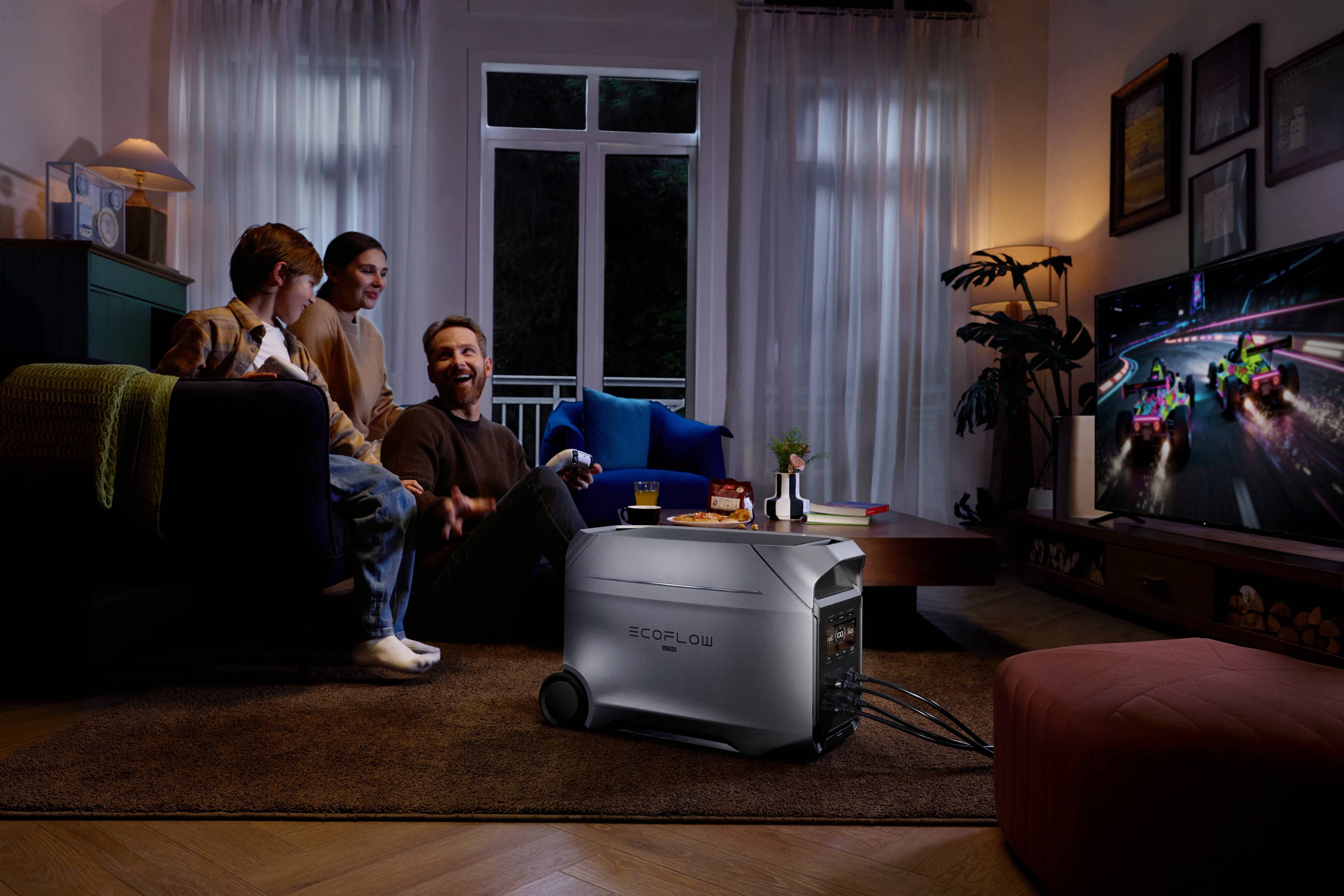
50" TV (110W): 20–40 minutes
Microwave (1300W): 10–20 minutes
Electric blanket (50W): 3–6 hours
Can DELTA 3 Ultra Plus and DELTA 3 Ultra power a refrigerator?
Yes! Both models can run a standard 200W refrigerator for 12–24 hours. With a surge wattage of 7200W, they can easily handle a fridge's startup surge.
Do DELTA 3 Ultra Plus and DELTA 3 Ultra have Wi-Fi?
Yes, both models have Wi-Fi and Bluetooth connectivity. You can control and monitor them through the EcoFlow app.
How long is the warranty?
Both models come with a 5-year warranty, which includes a 3-year standard warranty and a 2-year extended warranty available upon EcoFlow app registration.
What's the difference between DELTA 3 Ultra Plus and DELTA 3 Ultra?
The main differences are:
Expandability: DELTA 3 Ultra Plus supports battery expansion (3–11kWh), while DELTA 3 Ultra doesn't.
Charging speed: DELTA 3 Ultra Plus can charge in as fast as 48 minutes (0-80%) with dual solar + generator charging, while DELTA 3 Ultra takes 89 minutes (0-80%).
Solar input: DELTA 3 Ultra Plus supports up to 1600W solar input (dual), while DELTA 3 Ultra supports 800W.
Generator charging: DELTA 3 Ultra Plus supports 3200W max generator charging, while DELTA 3 Ultra supports 1800W.
DC output: DELTA 3 Ultra Plus has 378W max DC output with an Anderson port, while DELTA 3 Ultra has 126W max.
Smart features: DELTA 3 Ultra Plus includes Smart Output Priority Mode and Generator Auto Start/Stop, which DELTA 3 Ultra doesn't have.
Outlets: DELTA 3 Ultra Plus has 11 outlets, while DELTA 3 Ultra has 10.
Weight: DELTA 3 Ultra Plus weighs 33.7kg, while DELTA 3 Ultra weighs 32.7kg.
Charging
What are all the ways to charge DELTA 3 Ultra Plus?
DELTA 3 Ultra Plus supports 6 charging methods:
Wall charging: 1800W input (0-80% in 91 mins, 0-100% in 120 mins)
Generator charging: 3200W max (0-80% in 53 mins with Smart Generator 4000)
Solar charging: 1600W max (dual solar input)
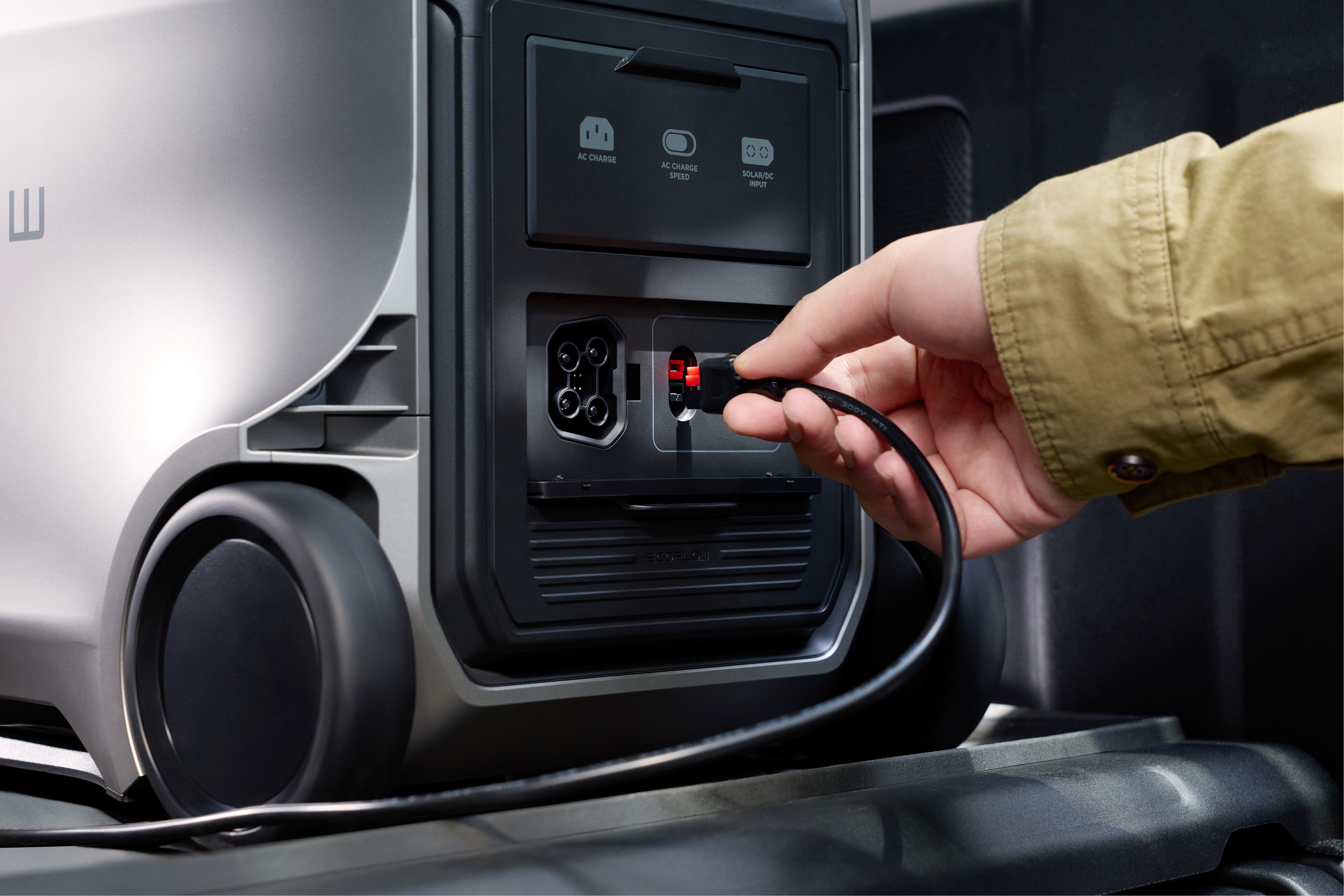
Alternator charging: 1000W max (through 4+8 port)
Solar + Generator dual charging: 0-80% in 48 mins
Solar + Alternator dual charging
What are all the ways to charge DELTA 3 Ultra?
DELTA 3 Ultra supports 4 charging methods:
Wall charging: 1800W input (0-80% in 91 mins, 0-100% in 120 mins)
Generator charging: 1800W max
Solar charging: 800W max
Alternator charging: 720W max (through XT60 port)
Can I charge DELTA 3 Ultra Plus or DELTA 3 Ultra with a gas generator?
Yes, both models are compatible with EcoFlow Smart Generator 3000 and Smart Generator 4000 (Dual Fuel). The DELTA 3 Ultra Plus supports up to 3200W generator charging, while DELTA 3 Ultra supports 1800W.
Can I use DELTA 3 Ultra Plus or DELTA 3 Ultra while it's charging?
Yes, both models can run your devices when connected to an AC input, car outlet, or solar panel. However, keep in mind that powering appliances will slow down the recharging.
Can I charge with a third-party solar panel?
Yes, both models have universal solar charging ports. We recommend using EcoFlow solar panels for optimal performance:
What is Storm Guard Mode?
Storm Guard Mode monitors severe weather alerts and automatically triggers AC charging remotely using X-Stream fast charging technology. This feature requires preset activation via the EcoFlow app, so your unit can be fully charged long before a disaster hits.
Output
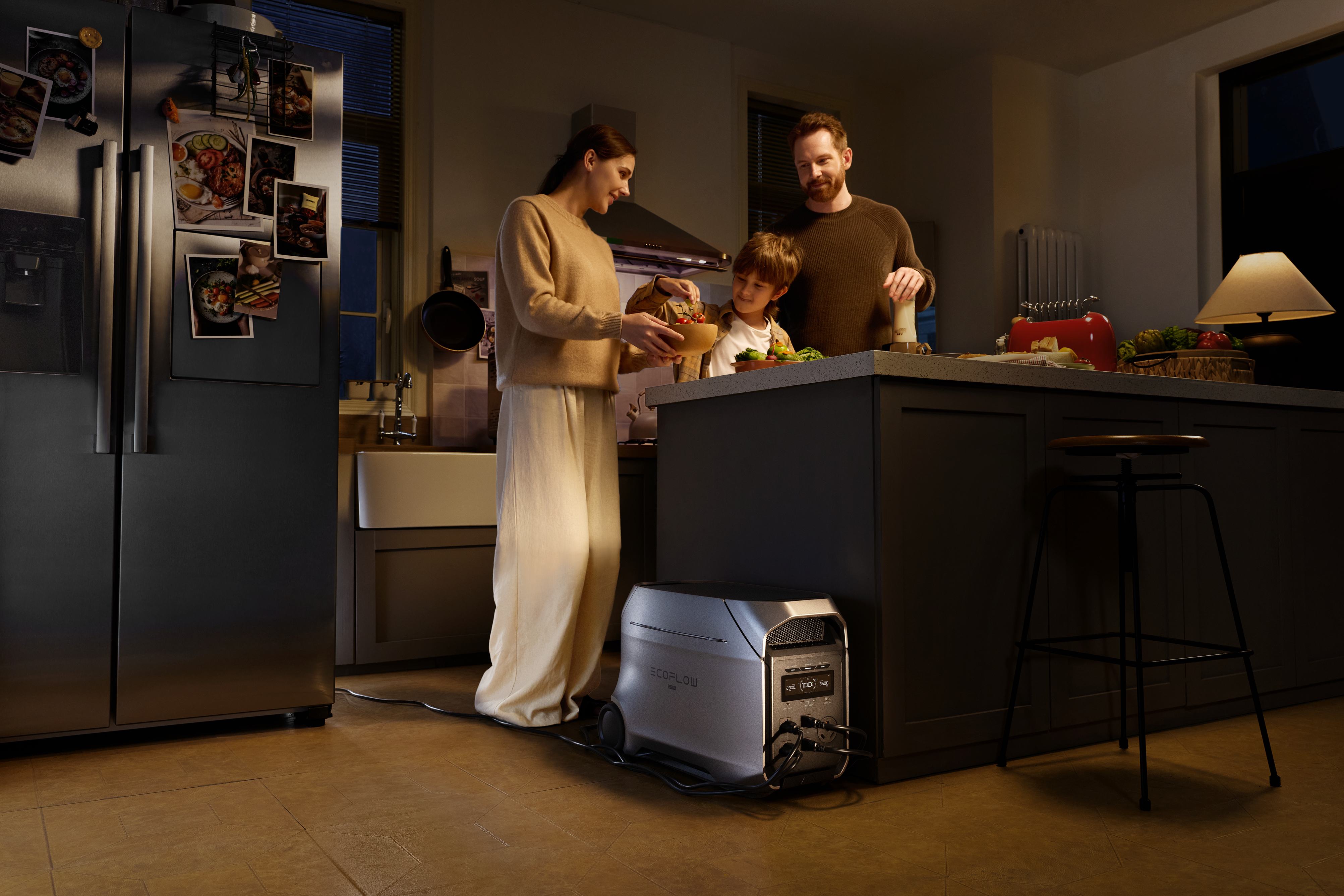
Can DELTA 3 Ultra Plus or DELTA 3 Ultra power a house?
Both models can power essential household appliances during an outage with their 3600W AC output (7200W surge). They can handle half-day to multi-day outages depending on your power usage. For whole home backup power with unlimited runtime, you can pair them with EcoFlow Smart Generators or, for the DELTA 3 Ultra Plus, expand the capacity to 11kWh with extra batteries.
What devices can DELTA 3 Ultra Plus and DELTA 3 Ultra power?
Both models can power anything up to 3600W (7200W surge). With X-Boost technology, they support devices up to 4600W. This covers:
Kitchen: Microwave (1300W), refrigerator (300W), blender (500W), coffee maker (1000W), electric frying pan (1200W), electric kettle (1500W), electric grill (1150W)
Living room: 50" TV (110W), PS5 (200W), speaker (400W), projector (65W)
Laundry: Washer (500W), clothing steamer (1875W), dryer (2450W)
Office: Laptop (60W), Wi-Fi router (50W), NAS (50W), PC (500W)
RV camping: Mini fridge (60W), camping light (10W), heated blanket (100W)
Garage: Circular saw (1400W), electric drill (1080W), table saw (1100W), lawn mower (2200W), water pump (1500W)
Can I use all of the outlets at once?
Yes, as long as the combined output of what you're charging doesn't exceed 3600W. DELTA 3 Ultra Plus has 11 outlets, while DELTA 3 Ultra has 10 outlets.
What is Smart Output Priority Mode? (DELTA 3 Ultra Plus only)
Smart Output Priority Mode lets you choose which circuits stay powered via the app. You can prioritize essential devices like your fridge, Wi-Fi, or medical devices and extend runtime when it counts most. The system can automatically shut off non-essential loads while keeping priority devices running during outages.
What is X-Boost technology?
X-Boost 3.0 uses a revolutionary soft-start algorithm that supports devices up to 4600W, even though the rated output is 3600W. This allows you to run heavy-duty appliances like clothing steamers, electric dryers, and lawn mowers.
What is X-Fusion technology?
When in bypass mode and connected to the grid or generator, X-Fusion 3.0 overrides grid/generator electricity with inverter power, achieving a maximum power output of 3600W from a single AC outlet. Standard household plugs typically deliver only 1800W.
What should I do when my unit won't charge anything?
If you're trying to power something through DC or AC outlets, check that the ON/OFF buttons for AC and DC are turned on.
If a device is drawing very low power, it may not show up on the LCD screen even though power is going to it.
Check the LCD screen for any overload protection indicators.
What should I do if I see an 'Overload' icon on the screen?
The unit may be experiencing AC output overload. Check that the connected device is within the 3600W power range (7200W surge). If using X-Boost mode, confirm the device is under 4600W.
Battery Expansion & Compatibility
Can I expand the capacity of DELTA 3 Ultra Plus?
Yes, DELTA 3 Ultra Plus can expand from 3kWh to 11kWh by connecting extra batteries. It has 1 extra battery port (expandable to 2) and is compatible with:
DELTA 3 Max Plus (2048Wh) Smart Extra Battery
DELTA Pro 3 Smart Extra Battery
DELTA 3 Series Smart Extra Battery
DELTA 2 Max Smart Extra Battery
Can I expand the capacity of DELTA 3 Ultra?
No, DELTA 3 Ultra doesn't support battery expansion.
Can I use DELTA 3 Ultra Plus with EcoFlow Smart Generators?
Yes, DELTA 3 Ultra Plus is compatible with Smart Generator 3000 and Smart Generator 4000 (Dual Fuel). It features Generator Auto Start/Stop mode, which automatically switches between fuel and battery to keep you powered through multi-day outages.
Can I use DELTA 3 Ultra with EcoFlow Smart Generators?
Yes, DELTA 3 Ultra is compatible with EcoFlow Smart Generators and can achieve longer runtime by automatically switching between fuel and battery. However, it doesn't have the Auto Start/Stop feature that DELTA 3 Ultra Plus has.
What accessories are compatible with these models?
Both models are compatible with:
EcoFlow solar panels (110W, 400W, NextGen 160W, NextGen 220W)
EcoFlow alternator chargers (500W, 600W, 800W, Plus 1000)
EcoFlow Smart Generators (3000, 4000)
Home Connection
How do I connect DELTA 3 Ultra Plus or DELTA 3 Ultra to my home?
There are two easy ways:
Manual Transfer Switch (sold separately): Switch smoothly between grid and your unit to meet diverse energy needs.
Inlet Box: Simply connect the built-in AC socket with an inlet box to power your home appliances.
Can I use DELTA 3 Ultra Plus or DELTA 3 Ultra as an uninterrupted power source (UPS)?
Both models function as emergency power sources (EPS) with <10ms auto-switch time. When plugged into the wall, anything connected gets power from the grid. If power from the grid stops, the unit automatically switches to battery supply mode within 10 milliseconds. This is fast enough to keep critical devices like NAS systems and servers running smoothly, but desktop computers and some data servers may still turn off.
Can I leave my unit plugged in all the time?
Yes, since both models can be used as EPS, you can leave them plugged in at all times. When connected to grid power using an AC charging cable, you can power electrical devices through the AC outlets (power comes from the grid in this situation). In case of a sudden blackout, the unit automatically switches to battery-powered supply mode within 10ms.
App Features & Smart Control
What features are available in the EcoFlow app?
The EcoFlow app (OASIS 3.0) offers:
Real-time battery status monitoring
Energy usage dashboard
Electricity rate tracking and savings calculations
Storm Guard Mode (auto-charges before severe weather)
Self-Powered Mode (charges during off-peak hours, discharges during peak hours)
Scheduled charging/discharging tasks
Smart Output Priority Mode (DELTA 3 Ultra Plus only)
Generator Auto Start/Stop (DELTA 3 Ultra Plus only)
Solar generation monitoring
Remote charging control
What is Self-Powered Mode?
Self-Powered Mode stores solar energy and powers your home once battery levels exceed a preset reserve. It minimizes grid dependency while maximizing solar efficiency, helping you save on electricity costs by charging during off-peak hours and discharging during peak rate periods.
Troubleshooting
Why doesn't my unit charge to 100%?
You can do an SoC (state of charge) calibration by fully discharging and recharging the battery three times. If your unit is several years old, you may have reached the end of its optimal lifespan, whereby the capacity gradually reduces.
What should I do when my unit can't charge from my car outlet?
Make sure your vehicle's engine is on when trying to charge.
If other devices with a car outlet plug don't work, it could be a problem with your car outlet.
Try using a solar panel or checking the XT60 charging cable.
Why are the icons on the LCD screen dim?
Place your unit on a hard, flat surface.
Why does my unit power off automatically?
The battery may have died.
The unit will automatically turn off if the AC and DC power buttons are turned off and there is no input or output power for 30 minutes.
What should I do if my unit won't turn on?
The unit might not have enough battery. Try charging it and restarting it.
If the battery dropped to 0%, you might see an overheating protection icon on the LCD screen. Wait for the unit to cool before recharging it.
If there is no response after you press the Main Power Button, contact our customer service team.
How quiet are these units during operation?
Both models feature X-Quiet 3.0 technology with whisper-quiet operation at 25dB (measured at 1m under 25°C ambient at 600W load). This is quieter than a library and ensures peaceful operation even under heavy loads.
What makes the battery technology special?
Both models use automotive-grade full-tab LFP cells with several advantages:
25% more efficient power flow (1.5mΩ vs 2mΩ internal resistance)
25% less self-heating
16-cell design per kWh (27% fewer cells than previous models)
Rigorously tested for capacity, voltage, and internal resistance
Advanced BMS with ARM Cortex chipset for 24/7 protection
EV-grade CTC structure that's drop-resistant (0.2m)
Can these units handle extreme environments?
Yes, both models are engineered for extreme durability:
Operating temperature: -10 to 45°C (14°F to 113°F)
Optimal operating temperature: 20-30°C (68-86°F)
95% humidity tolerance
5% salt spray resistance
Class B EMC certification (won't interfere with TVs, Wi-Fi, or other electronics)
For press requests or interview opportunities, reach out to our media team
media.na@ecoflow.com