Wi-Fi 7 is Here: Do You Need the Upgrade for Your Smart Home?
Did you hear the news? Wi-Fi 7 is the newest standard in wireless, and it’s fast — seriously fast. With features like 320 MHz channels, Multi-Link Operation (MLO), and theoretical speeds up to 40 Gbps, it’s built for homes packed with smart devices.
If you’re a techy who loves streaming, gaming, and smart devices, upgrading to Wi-Fi 7 could be a great move. But, of course, bigger numbers don’t automatically mean better performance.
Learn what Wi-Fi 7 is and whether the upgrade is worthwhile for your home.
What Wi‑Fi 7 Is and Why It Matters
Wi-Fi 7 is the newest generation of wireless internet. It’s built to handle more smart devices, gaming, streaming, and video calls than any of its predecessors.
On paper, Wi-Fi 7 can reach speeds up to 40 Gbps, compared to around 10 Gbps for Wi-Fi 6. That top-end number is the ceiling, not the everyday reality, but it still shows just how big the leap is.
In plain English, that speed difference means smoother performance when your house is juggling security cameras, smart thermostats, TVs, phones, laptops, gaming consoles, and all your other connected devices.
When your home depends on connected systems for everyday living, a stable connection is a must. That’s especially true if you want more resilience and whole-home power planning, not just internet speed for its own sake.
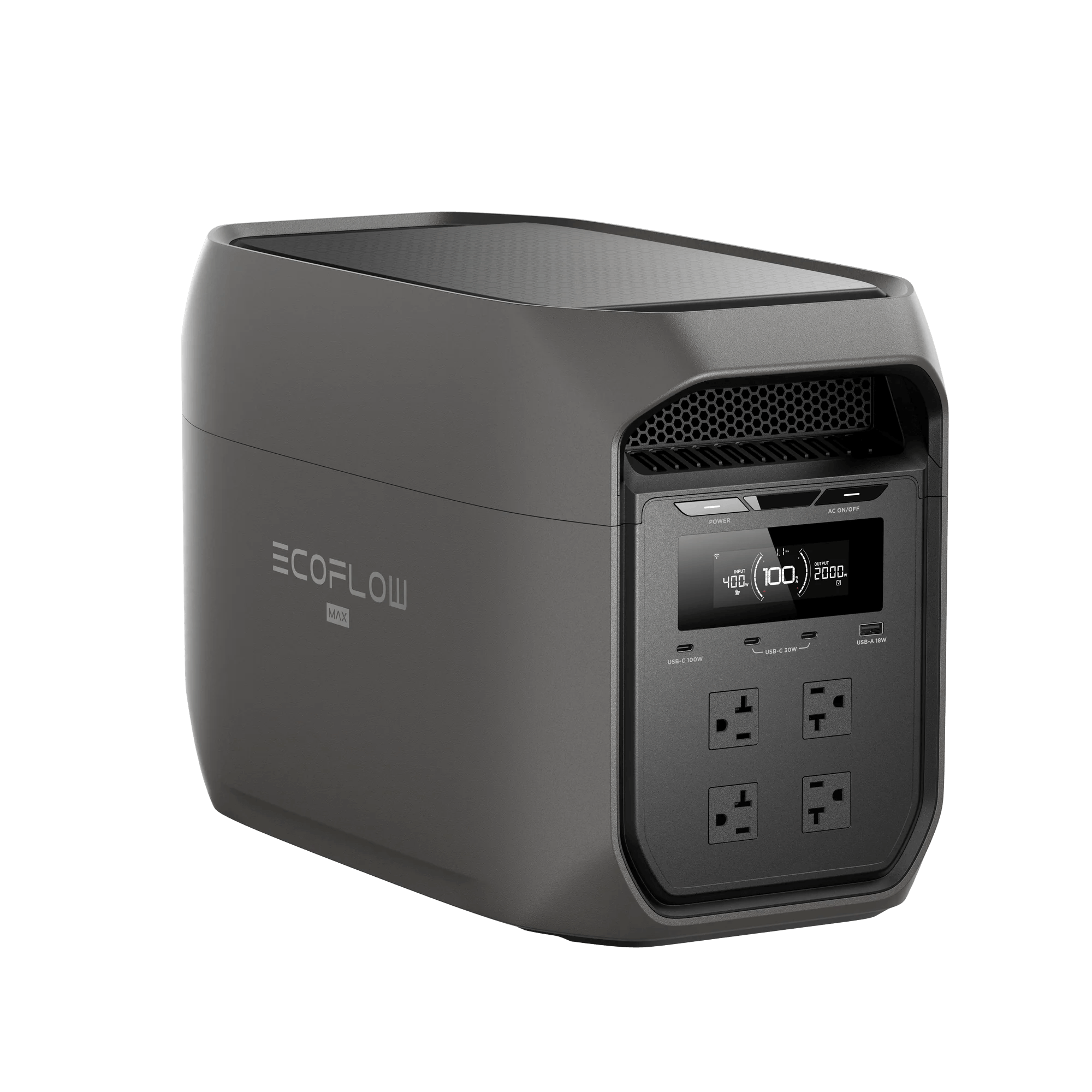
That reliability doesn’t just come from your network; it also depends on consistent power, which is why some setups include a backup option like the EcoFlow DELTA 3 Max to keep key systems online.
Key Technical Advances in Wi‑Fi 7
Wi-Fi 7 builds on earlier wireless standards with several upgrades that help your network move more data, including:
Wider spectrum — Wi-Fi 7 can work across 2.4 GHz, 5 GHz, and 6 GHz bands. If one band is too crowded, it moves the traffic to another band to prevent a digital traffic jam.
320 MHz channel bandwidth — It has much wider lanes for data transfer than older standards. This technology increases throughput and reduces slowdowns when you’re streamlining with multiple devices.
MLO — Multi-Link Operation lets devices send and receive data across multiple bands simultaneously. Previous Wi-Fi standards only allowed you to send data on a single band at a time. Instead of getting stuck on a crowded band, this faster setup creates an aggregated connection that keeps traffic moving.
4K QAM — This feature allows more data to flow through each transmission. On the receiving end, you get better performance (like faster downloads and crisp streaming).
Channel Width and Spectrum: Improving Efficiency
A lot of Wi-Fi 7’s performance gains come down to channel width and spectrum access. In simple terms, wider channels give your network more space to move data.
Wi-Fi 7 can use channels up to 320 MHz, which is a major jump over older generations. This is especially relevant in smart homes, where connectivity isn’t just about entertainment.
It’s also about keeping essential systems online and responsive. If you’re relying on connected gear to monitor or manage parts of your home, stable networking matters. For example, the Wi-Fi gateway in a smart home serves as the link between connected devices, energy systems, and user controls. If that goes down, so do your smart devices.
Device Readiness for Wi‑Fi 7
Before you run to the store to upgrade your internet, here’s the reality: you need both a Wi-Fi 7 router and compatible devices to get the full benefits.
If you upgrade only one side of the equation, you may still see some improvement in network management or coverage, but you won’t unlock the full speed and performance gains that Wi-Fi 7 promises.
The good news is that it’s backward compatible.
Older Wi-Fi 6, 5, and 4 devices can still connect to a Wi-Fi 7 router; the upgrade won’t break your current setup.
It’s also smart to have a backup on hand. Since you’re relying on the internet to control essentials like locks and cameras, you can’t let a power outage take these systems down. Adding an option like the EcoFlow DELTA 3 Max Plus to your tech stack ensures your router stays online, no matter what.
How Wi‑Fi 7 Works in Practice
On paper, this looks impressive. So what do all the fancy specs mean for your day-to-day routine?
Older Wi-Fi standards had fewer lanes, so traffic piled up faster when multiple devices were streaming, gaming, uploading, and syncing all at once. Wi-Fi 7 opens that highway up much wider, which means more data can move at the same time with less congestion.
In a smart home, most households don’t just have one or two connected devices anymore. You also have:
Phones
Laptops
Smart TVs
Cameras
Voice assistants
Thermostats
Gaming consoles
Doorbells
Tablets
Appliances
Wi-Fi 7 is designed for this kind of environment. Instead of buckling when the network gets busy, it’s better equipped to keep everything moving smoothly.
Resilience is also an important factor here.
A faster network is great, but that doesn’t matter if your router loses power. You don’t need a huge, whole-home backup; a portable power station is more than enough to keep the essentials (and a few luxuries) online. When the power goes out, your smart home can get less smart in a hurry.
A backup power solution like the EcoFlow DELTA 3 Ultra Plus can keep your router and key devices online, so you stay connected through an outage.
Why Upgrading Matters for Your Smart Home
Not sure if Wi-Fi 7 is right for your home? Everyone’s setup is different, but there are a lot of perks to upgrading, including:
Performance: This setup is faster and better at reducing lag than older standards. For households that do a lot of streaming, gaming, video calling, or large file transfers, that can translate into a smoother everyday experience.
Compatibility: Wi-Fi 7 is well-suited for newer tech such as smart appliances, 8K TVs, and AR or VR systems that need stronger connectivity.
Security: Did you know that connected devices can be a security problem? Older routers may lack newer protections and firmware support that can keep your network safer over time.
Frequently Asked Questions
Do I Need to Upgrade My Router for Wi-Fi 7?
Yes. An existing Wi-Fi 6 or older router can’t become Wi-Fi 7, so you must buy a new router. For the best results, consider adding a mesh network to eliminate coverage gaps in your home. You’ll have a better experience if your devices are Wi-Fi 7 compatible, too.
Is Wi-Fi 7 Worth the Upgrade?
It depends on how connected your home is. If you stream on multiple devices, use smart devices, game online, or make a lot of video calls, upgrading is worth it. But if you have a basic setup or live alone, upgrading may not yield a dramatic performance improvement.
Does Wi-Fi 7 Penetrate Walls Better?
No. Its performance still depends on your home’s layout, walls, building materials, and a lot of other factors. However, when combined with a mesh system to reduce dead zones, Wi-Fi 7’s efficient data handling can improve performance.
Final Thoughts
Wi-Fi 7 can be a game-changer for connected homes. This setup reduces lag and provides a more reliable experience for gaming, streaming, video calls, and more.
But there’s a catch: even the best Wi-Fi can’t work without power. When that happens in a smart home, staying online is more of a necessity than a luxury.
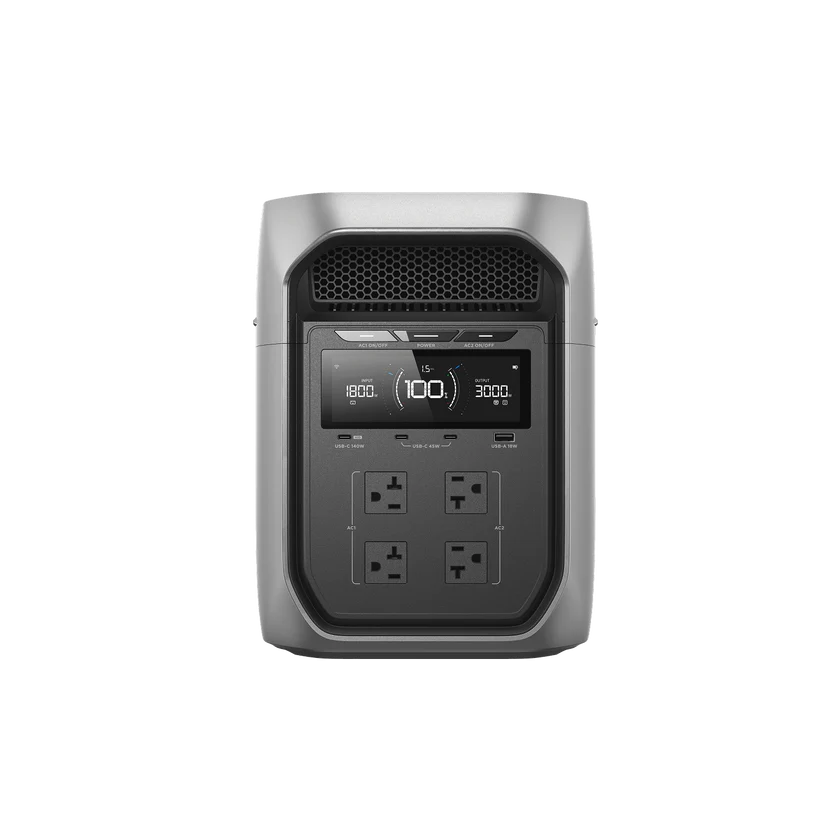
Get backup power that keeps up with a connected home. Add the EcoFlow DELTA 3 Max Plus as your Wi-Fi 7 backup.
For press requests or interview opportunities, reach out to our media team
media.na@ecoflow.com