Upcycling Electronics: Turning Old Phones into Security Cameras
- What Is Electronics Upcycling, and Why Does It Matter?
- How Can You Turn an Old Phone into a Security Camera?
- What Apps and Tools Do You Need to Get Started?
- Where Can You Use a DIY Phone Security Camera?
- What Are the Limitations of Using Old Phones for Security?
- Frequently Asked Questions
- Upcycling Old Phones Creates Simple and Affordable Security Solutions
Do you have old smartphones collecting dust in a drawer somewhere at home? You can repurpose these unused devices as live security cameras with the help of free apps and a Wi-Fi connection.
If you've been curious about at-home security or simply want to find a way to upcycle your old electronics, a DIY security setup requires only basic skills and runs a fraction of the cost of more professional equipment.
All you need is a reliable power source to run your phone security system continuously.
Here’s how to do it.
What Is Electronics Upcycling, and Why Does It Matter?
Rather than using materials to create something else, as with recycling, upcycling extends the useful life of a device that can still function but may have been replaced by newer models.
It's great for the environment as it keeps electronics out of landfills, where hazardous materials like lead and lithium can leach into soil and water.
Global e-waste volume in 2025 reached an estimated 62 million tons in 2022 alone, and repurposing old phones as cameras is just one small way to reduce that figure.
It's also financially practical. Phones already come with a processor, a camera lens, a Wi-Fi chip, and a screen. These are all the components of a basic security camera. It's simple enough to turn your old phones into a security setup with a few apps and tools.
How Can You Turn an Old Phone into a Security Camera?
If you want to secure your home by turning your old phone into a camera, start by factory resetting the device to dedicate it entirely to camera use. Download a camera app on the old phone to serve as your “camera device.”
Then, download the same app on your current phone or tablet as the “viewer device.” Log into the same app account on both devices so they can pair automatically.
The live feed from your old phone should appear on your current device through the app, giving you access to it from anywhere with an internet connection, even when you're not at home.
Most apps will send push notifications to your viewer device if motion is detected. If you want to preserve the footage, enable cloud recording within the app to save footage automatically, even if you're not actively watching it.
Position the camera device near an outlet or backup power source so it can run continuously without draining the battery. Then mount it in a stable location with a clear sight line to the area you want to monitor.
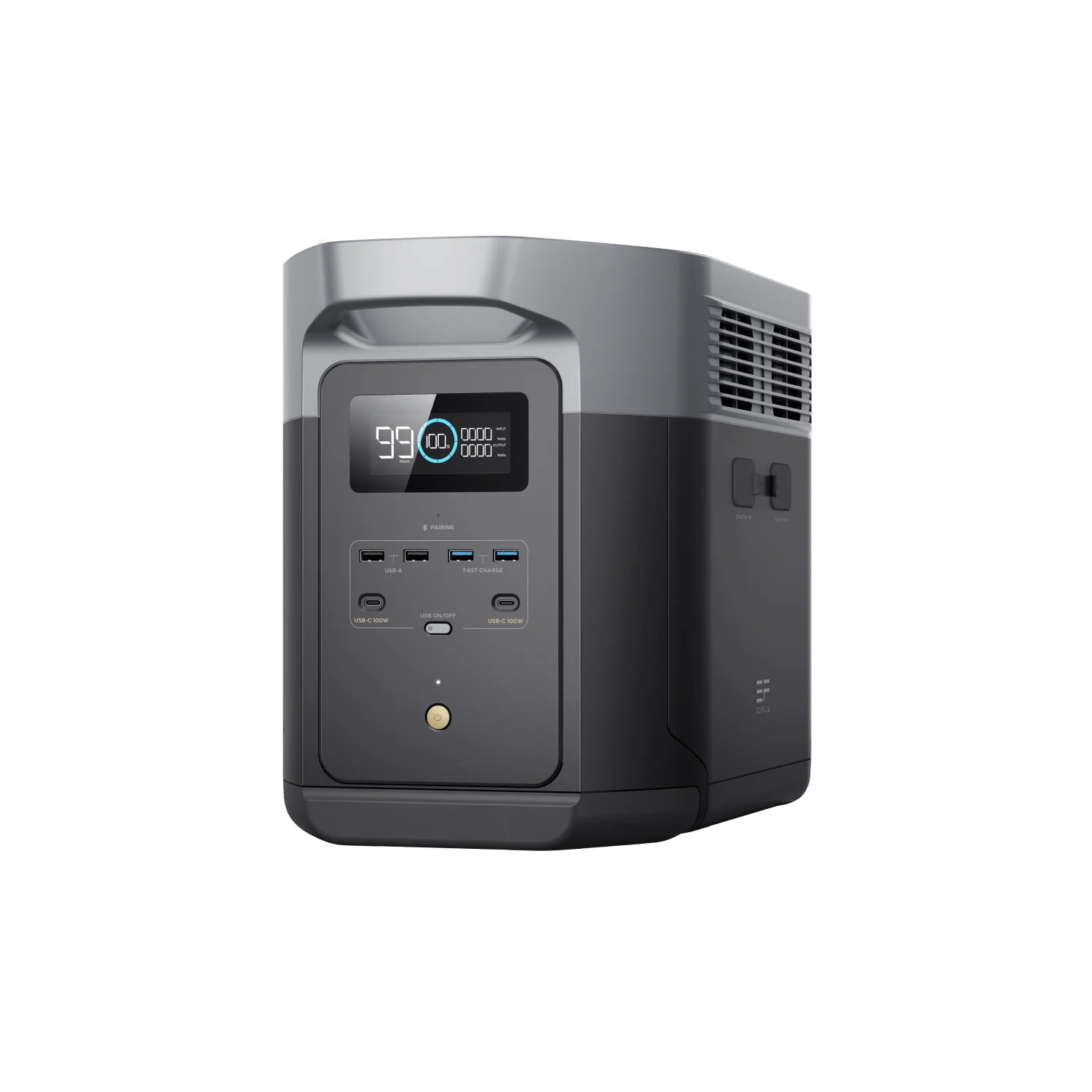
If your home occasionally or frequently experiences outages, consider connecting your security camera device to a backup battery like the EcoFlow DELTA 2 Max to keep it running even when the grid fails.
What Apps and Tools Do You Need to Get Started?
There are a few free apps that can do most of the heavy lifting:
Alfred Camera — a widely used option that allows one phone to act as a camera, another phone to act as the viewer, and provides motion alerts and cloud clip storage on the free tier.
Manything — a motion-triggered recording app with adjustable sensitivity and cloud storage options.
AtHome Camera — a cross-platform option that can support multiple cameras on a single account, a great choice if you want to create a network of cameras around your property.
Beyond the app, you'll also want a phone mount or stand to hold the device in place, and a charging cable that's long enough to reach your power source.
To take it a step further, pair your power source with solar power so you can recharge sustainably between outages and keep your backup station topped off, without manual effort on your end.
Where Can You Use a DIY Phone Security Camera?
The front door or porch to monitor package deliveries and visitors.
The garage or driveway for vehicle activity.
Your baby's room for internal monitoring without a subscription camera service.
A vacation rental property for remote viewing from any location.
A backyard or garden to deter trespassing and capture wildlife.
What Are the Limitations of Using Old Phones for Security?
Older phone batteries can degrade quickly, so they must stay plugged in. If it's running on battery alone, it's unreliable for 24/7 security use.
App storage may also be limited without a cloud plan, especially if you're using a free tier. Consider upgrading your tier or extended recording length and storage capacity.
Wi-Fi access and backup power are essential. The camera will go offline if the network drops or the router loses power.
A power station with 2kWh capacity can run a phone camera setup for about a day and a half. If you pair that with solar panels, you can get consistent recharging without relying on the grid.
A more robust option is a whole-home backup system that’ll keep your security cameras running even when the power goes out, addressing both the router and the camera simultaneously.
Frequently Asked Questions
Can I Make an Old Phone a Security Camera?
You can use apps like Alfred Camera or AtHome Camera to turn any old smartphone with a working camera and a Wi-Fi connection into a live feed security camera monitor. These apps work on both iOS and Android, and the phone doesn't need an active data plan or SIM card.
Are DIY Security Cameras Reliable?
The reliability of your DIY security cameras depends on your Wi-Fi stability, phone condition, and uninterrupted power access. If you want property-critical security, pair them with a backup power source or solar generator to ensure they're still running even if the grid fails.
Upcycling Old Phones Creates Simple and Affordable Security Solutions
Repurposing your old smartphones as security cameras helps the environment and is a practical, low-cost approach to monitoring your home with equipment you already have. Free apps can handle the software side, and a stable Wi-Fi connection and reliable power source will handle the rest.
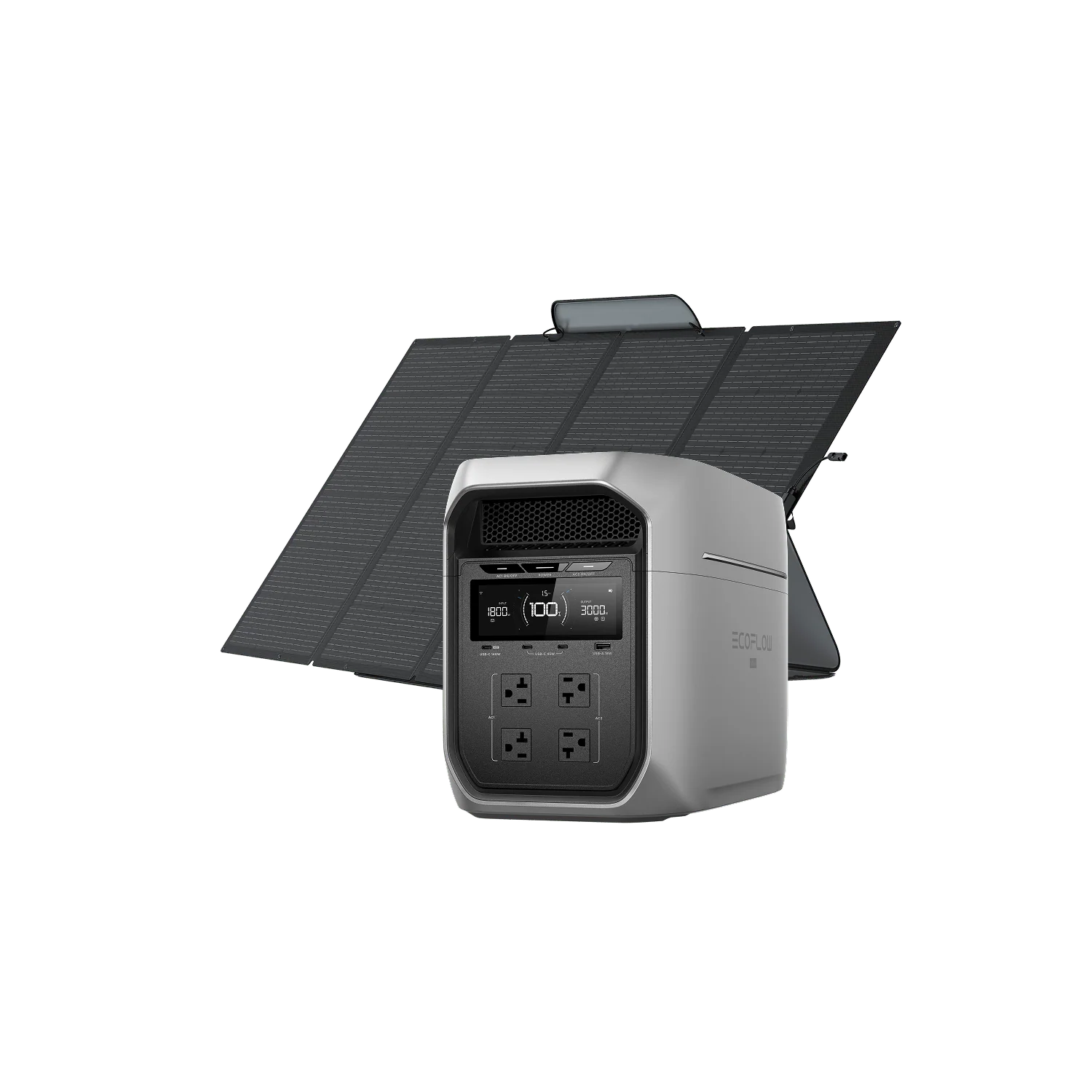
For continuous operation, use a battery backup like the EcoFlow DELTA 3 Max Plus Solar Generator + 400W Solar Panels. It pairs well with this kind of setup, and solar recharging will keep it topped up without manual intervention, so your cameras stay online even during outages.
For press requests or interview opportunities, reach out to our media team
media.na@ecoflow.com