Content Creator Kit Guide: Essential Equipment From Beginner Setup to Pro Gear
- What Goes Into a Beginner Content Creator Starter Kit?
- How Do Content Creator Tools Change as You Level Up?
- On-the-Go Power: Content Creator Equipment Like Power Banks and Portable Power Stations
- Home Studio Content Creator Essentials for YouTube and TikTok
- How to Build a Content Creator Kit That Matches Your Workflow and Budget
- Build Your Content Creator Kit Today
- FAQs
It becomes much simpler to create for YouTube, TikTok, or any other channel if your gear is no longer getting between you and your vision. It is necessary to create a thoughtful content creator kit for creators that makes recording, editing, and uploading to platforms easy and efficient for any content even if it is being recorded in a bedroom or on location. You don’t have to have studio-level budget to achieve efficiency with your gear.
What Goes Into a Beginner Content Creator Starter Kit?
A basic content creator starter kit only needs a small and reliable group of tools that help you record clear video, clean audio, and simple edits.
Camera, Computer and Basic Audio
- A recent smartphone for 1080p or 4K recording
- A laptop or desktop that can handle light video editing
- A simple microphone that keeps your voice close and clear
Keep the phone lens clean, position the camera at roughly eye level, and frame yourself so your face sits near the center. For audio, a wired lavalier mic that plugs into your phone or laptop is a big step up from built-in mics. A USB mic works well for tutorials, screen recordings, and podcasts at a desk. These pieces already form the core of a small content creator kit without a huge investment.
Lighting, Support and Simple Software
- Use soft window light from the side of your face when possible
- Add a compact LED panel or ring light for evenings or darker rooms
- Mount your phone or camera on a tripod or tabletop stand
Good lighting makes skin tones natural and reduces noise in the image. A stable mount keeps the frame from shaking and frees your hands.
On the software side, a straightforward editing app lets you trim mistakes, balance audio levels, and add subtitles for viewers watching on mute. Cloud storage or an external drive gives you room for raw clips and project files so your phone or computer does not fill up too quickly.
How Do Content Creator Tools Change as You Level Up?
After a few months of posting, limits show up fast. Video looks grainy at night, room echo becomes obvious, or your computer struggles every time you export. At this stage, content creator tools should solve specific problems instead of adding random gadgets.
Cameras, Lenses and Room Sound
Creators who record longer videos, low-light scenes, or talking-head content often move from phone-only shooting to mirrorless or compact cameras. Interchangeable lenses give you flexibility:
A wide lens for room tours or small spaces
A standard lens for everyday vlogs
A faster prime lens for soft backgrounds and better low-light performance
Audio can grow alongside video. Directional microphones focus on sound in front of the camera and reject much of the side noise. Wireless systems let you move freely during demonstrations or walk-and-talk segments. In small rooms, rugs, curtains, and a few acoustic panels shorten reverb so every microphone has less echo to handle.
Lighting Layout and Computer Performance
As your channel matures, you may care more about consistent visuals. A simple three-point layout with a key light, a gentle fill, and a small back light gives your face depth and keeps your look steady from week to week.
Editing demands also rise. A computer with more memory, faster storage, and a capable graphics card shortens export times and reduces crashes when you work with longer or higher-resolution projects. At this point, your content creator equipment begins to feel like a compact studio designed around your workflow.
On-the-Go Power: Content Creator Equipment Like Power Banks and Portable Power Stations
Recording away from a desk introduces a new constraint: power. Phones, cameras, microphones, lights, and laptops all drain at different times, and wall outlets rarely appear exactly where you need them. Mobile power solutions deserve a permanent place in any serious list of content creator equipment.
Power Banks and Portable Power Stations
Power Banks
Great for phone-first creators and short outdoor sessions
Small enough for pockets or bags
Able to recharge phones and small accessories several times
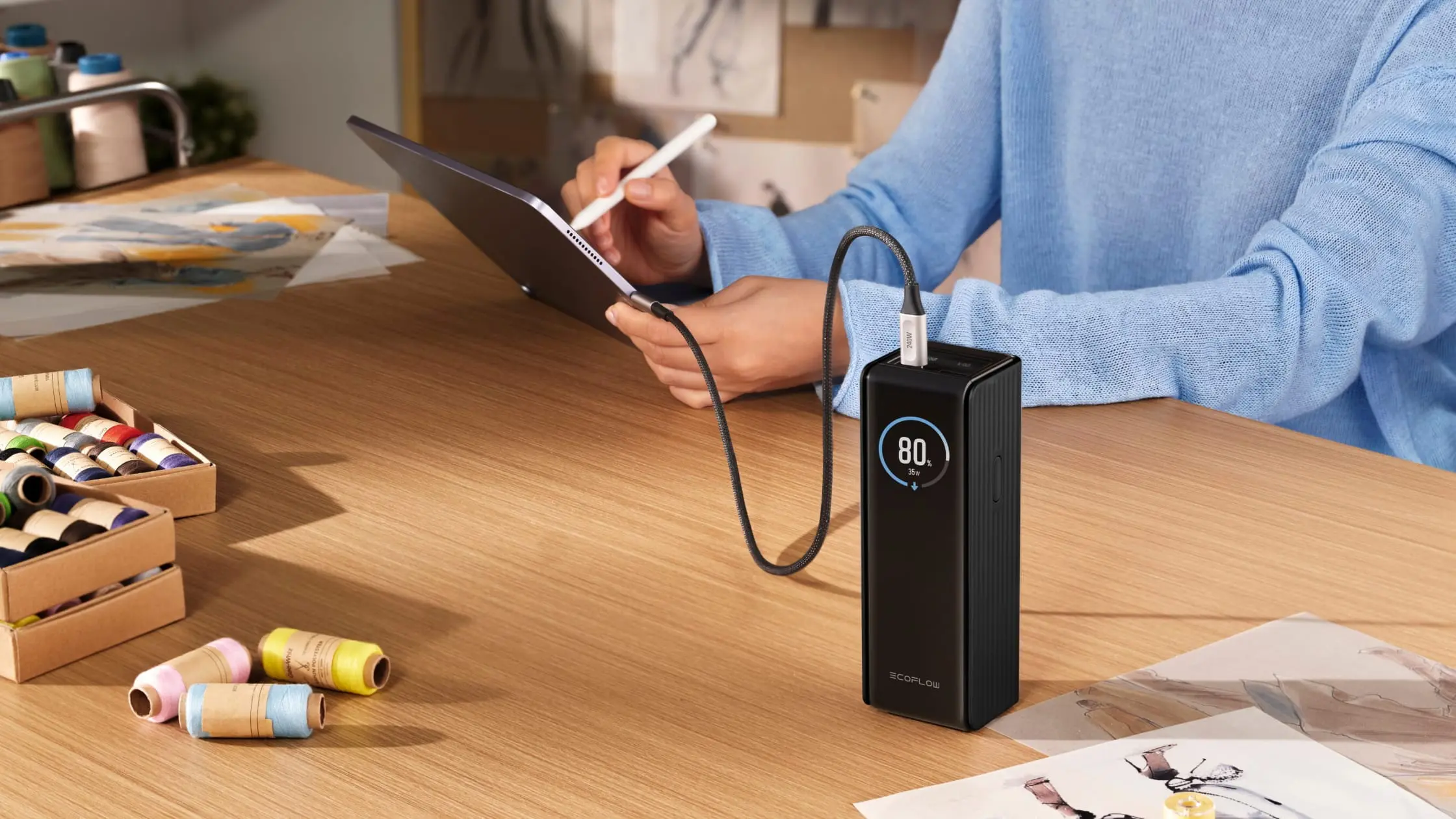
For example, the EcoFlow RAPID Power Bank (25,000mAh, 170W) delivers high-speed USB-C charging in a slim, travel-ready body, perfect for phone-first or hybrid creators.
Portable Power Stations
Built for full days of shooting or multi-device rigs
Provide AC outlets, DC ports, and multiple USB outputs
Can power LED panels, charge camera batteries, and run a laptop at the same time
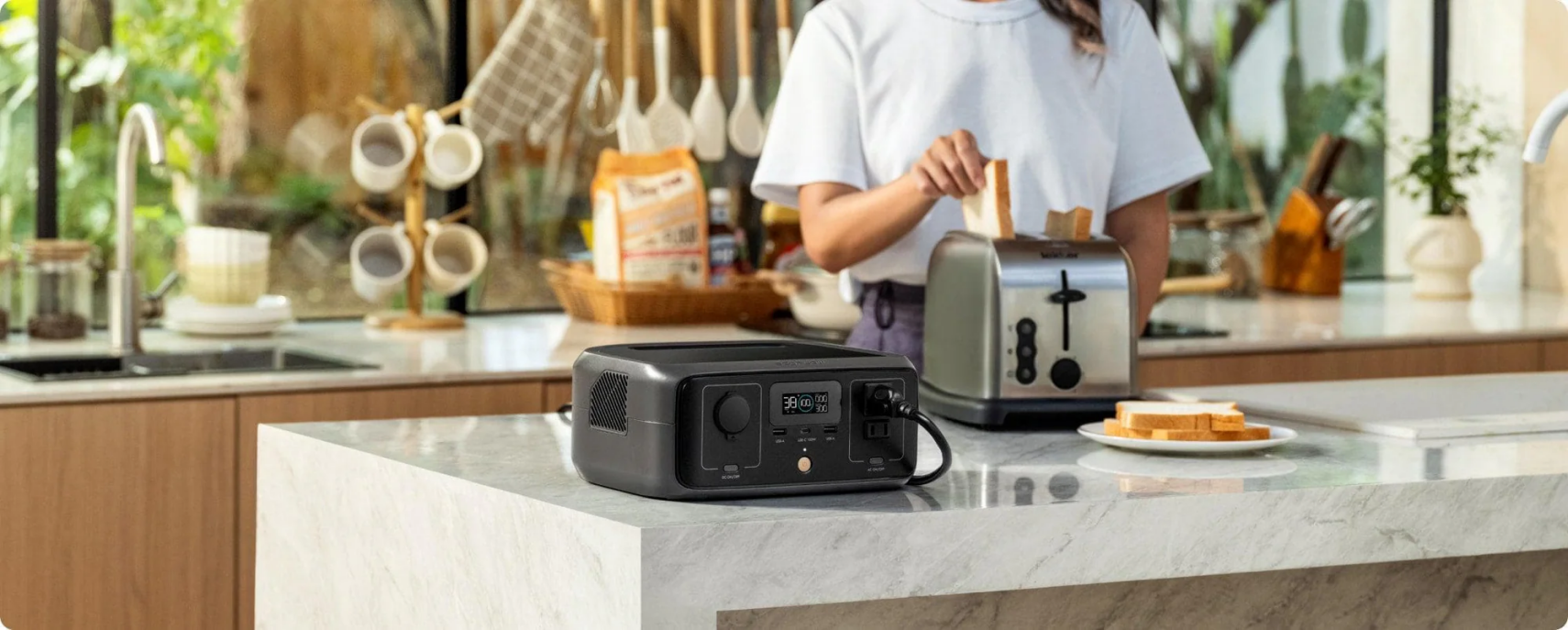
A mid-sized choice like the EcoFlow RIVER 3 Portable Power Station can run lights and laptops together, giving small crews studio-like reliability on demanding shoots.
Practical Power Habits
Hardware works best when it fits into a simple routine. The night before a shoot:
Charge every battery
Top up the power bank
Fully charge the portable power station
Pack the correct cables in a single pouch
That checklist protects you from losing a scene because one tiny device died at the wrong moment.
Home Studio Content Creator Essentials for YouTube and TikTok
Some creators rarely pack a camera bag at all. Their work lives in a home studio, a spare room, or a carefully chosen corner. In that situation, content creator essentials lean toward comfort, control, and speed.
Background, Desk, Sound and Power
Small changes in your space can raise production quality without new camera bodies:
A clean wall with a few framed prints or shelves creates a simple, focused background
Plants or soft accent lights add depth without stealing attention from your face
A supportive chair and correctly sized desk reduce strain during long recording and editing sessions
Rugs, curtains, and soft furniture help tame echo in bare rooms
Power also deserves attention indoors. Surge protectors and clearly arranged extension cords give every device a dedicated place to plug in and reduce trip risks. Some home creators keep a compact portable power station nearby as a backup for long livestreams or stormy days when outages are more likely.
How to Build a Content Creator Kit That Matches Your Workflow and Budget
Every creator balances money, time, and space in a different way. A useful content creator kit respects those limits while still offering room to grow. Instead of copying someone else’s gear wall, it helps to map setups to common creator types.
Example Setups for Common Creator Types
| Creator Type | Main Focus | Typical Gear Mix |
| Phone-Only Starter | Short social clips | Smartphone, wired lav mic, small tripod, compact light, power bank |
| Growing Video Maker | Weekly platform uploads | Mirrorless camera, wireless mics, two-light setup, faster computer, portable power station |
| Mobile Professional | Client and travel work | Dual-camera rig, multiple lenses, robust audio kit, laptop, several power banks, high-capacity portable power station |
These examples are flexible. The goal is to understand how each upgrade supports a specific task, rather than chasing gear for its own sake. Over time, your content creator tools should feel like a tailored system, not a random pile of equipment.
Choosing the Next Upgrade
When budget allows only one change, look for the biggest pain point:
- If viewers say they struggle to hear you, microphones and basic room treatment come first
- If footage looks flat or noisy, lighting upgrades often help more than a new lens
- If projects keep stalling because batteries die, improving power solutions usually has the highest impact
Matching each frustration to a clear upgrade keeps spending under control and pushes your content forward at the same time.
Build Your Content Creator Kit Today
Each polished channel you’re following started off imperfect beginnings. But rather than getting stuck on your own beginnings, take your current setup and pick some nagging problems you have and pair each one with some sort of upgrade for audio, lighting, or power. It is this kind of thinking that helps to assemble your gear around your workflow rather than just having random devices sitting around.
FAQs
Q1: What should I expect to pay for a beginner’s content creation kit?
When it comes to a phone-based setup, most new YouTubers tend to pay around $150-$400 for a starter kit. This is because most starter kits come bundled with basic micing, tripods, small LED lights, and possibly basic video editing software. In case you want to include a mirrorless camera down the line, your budget may go to $800-$1,500.
Q2: Do I need additional kits for travel and for use at home?
No, you don’t have to create two full kits for each place because many individuals maintain one kit of gear that is good for both locations and supplement it for travel use only with items like a travel tripod, small flashlight, and power bank. Then for home use, one can maintain larger stands and powered devices like a power station.
Q3: Are power stations safe for use with camera gear, laptops, and audio equipment?
Well, yes, most modern designs for portable power stations employ pure sine wave inverters to generate power just like your normal power outlets at home! Such power stations will thus be excellent for use with your camera gear, laptops, power adapters, and audio interfaces provided you do not go beyond their power ratings.
Q4: How do I determine my power requirements for shooting for a whole day?
First, make a list of each device and its average power wattage and approximate number of operational hours and calculate watt-hours by multiplying watts by hours, and then add all values together while accounting for a safety margin between 20 to 30 percent to determine minimum desired battery power requirements for your portable power station to avoid having to do power rationing in mid-stream.
Q5: How often should one update equipment in a content creator kit?
Since there is no standard timeline for upgrading your gear, many YouTubers continue to use their cameras and lenses for as long as four to six years and upgrade their microphones and lights as soon as they realize they’re no longer good enough. One should always aim to upgrade when they realize that particular gear is constantly preventing them from completing particular projects they wish to accomplish.
For press requests or interview opportunities, reach out to our media team
media.na@ecoflow.com