How Long Does It Take to Fully Charge AirPods Max?
- What Adapter Should You Use?
- Does AirPods Max Support Fast Charging?
- How to Charge AirPods Max
- What Affects Charging Time?
- How Can You Keep Battery Charged While Traveling?
- What's the Best Charging Routine for Work?
- What If Your AirPods Max Are Charging Slowly or Not at All?
- How Does the Smart Case Save Battery?
- Keep Your Headphones Peak Performance
- FAQs
Here's the short answer: Approximately 2 hours to charge from 0% to 100% using a standard 20W USB-C charger. In many cases, you don't need a complete charge to listen to your favorite tunes or take a meeting. Charging for only 5 minutes gives you up to 1.5 hours of play time.
The quick charging feature makes AirPods Max practical for daily use. If you notice low battery before a commute, a brief charge gives you enough power to get through.
What Adapter Should You Use?
The battery life in AirPods Max with Active Noise Cancellation on is a maximum of 20 hours, although the charging time depends on which wall adapter is used.
| Adapter Type | Approximate Charge Time (0 to 100%) |
| 5W | 3-3.5 hours; This adapter is great for overnight charging sessions. |
| 12W (iPad brick) | Approximately 2.5 hours |
| 20W+ (Fast Charger) | 2 hours |
This difference matters when you need a quick charge. A 20W charger gets you to 50% in about 45 minutes, while a 5W adapter takes nearly 2 hours to reach the same level.
Note: Charging is not a linear process. It charges quicker from 0% to 80% rather than from 80% to 100% because of trickle charging. It is beneficial for the battery. The first 80% takes about 90 minutes with a 20W charger, while the final 20% takes another 30 minutes.
Does AirPods Max Support Fast Charging?
Yes. A 5 minute charge allows 1.5 hours worth of playback. The emergency charging feature works well when you forgot to charge overnight or your battery died mid-flight.
How to Fast Charge AirPods Max
For best results, charge when the power level is at or below 20%. To fast charge, you should use USB-C to USB-C cables (or USB-C to Lightning with an old setup). Just avoid using USB-A ports on computers or airplanes since they could hamper fast charging.
Cable quality matters. A certified USB-C cable rated for at least 3A ensures full charging speed. Look for cables marked "USB-IF Certified" or those from Apple and reputable brands.
How to Charge AirPods Max
Find the port on the bottom of the right earcup. Depending on your model, the charging port is either USB-C (2024 version) or Lightning (original version).
Plug in the cable. Make sure it clicks into place. You should feel a slight click when the connector seats properly.
Look at the status light beside the port:
Amber: Charging
Green: 95% or higher
If you don't see any light, check that your power adapter is plugged into a working outlet and that the cable is fully inserted.
The Smart Case helps. Put the headphones in the Smart Case, and they'll enter low-power mode, allowing the charger to work more effectively. Without the case, the headphones stay in standby mode and use more power even while charging.
What Affects Charging Time?
The charging time may differ because of:
Temperature - Charging may be slower in hot environments (above 86°F/30°C). In cold environments below 50°F (10°C), charging also slows down. Room temperature between 62°F and 72°F is ideal. In extreme temperatures, let your AirPods Max return to room temperature before charging—this can save 15-20 minutes.
Charger compatibility - The charging type of AirPods Max is PD. Using a different fast charging technology may charge them slower. Other standards like Qualcomm Quick Charge won't activate fast charging mode.
Cable quality - A damaged or non-certified cable may cause slower charging. Frayed cables or bent connectors create resistance that limits power delivery. Replace cables every 1-2 years for optimal performance.
Age of the batteries - Older batteries charge slower. After 500 charge cycles, charging time may increase by 10-15 minutes. Battery degradation is normal and unavoidable.
How Can You Keep Battery Charged While Traveling?
In the midst of busy travel plans, you may find yourself without access to a wall outlet. A portable charging device could make things easier. A power bank with USB-C output could provide a quick charge when needed. Look for power banks with at least 10,000mAh capacity and PD support.
Airports can be tricky for charging. Gate area outlets are often occupied, and USB ports on seats provide only 5W. Carry a portable solution for long layovers.
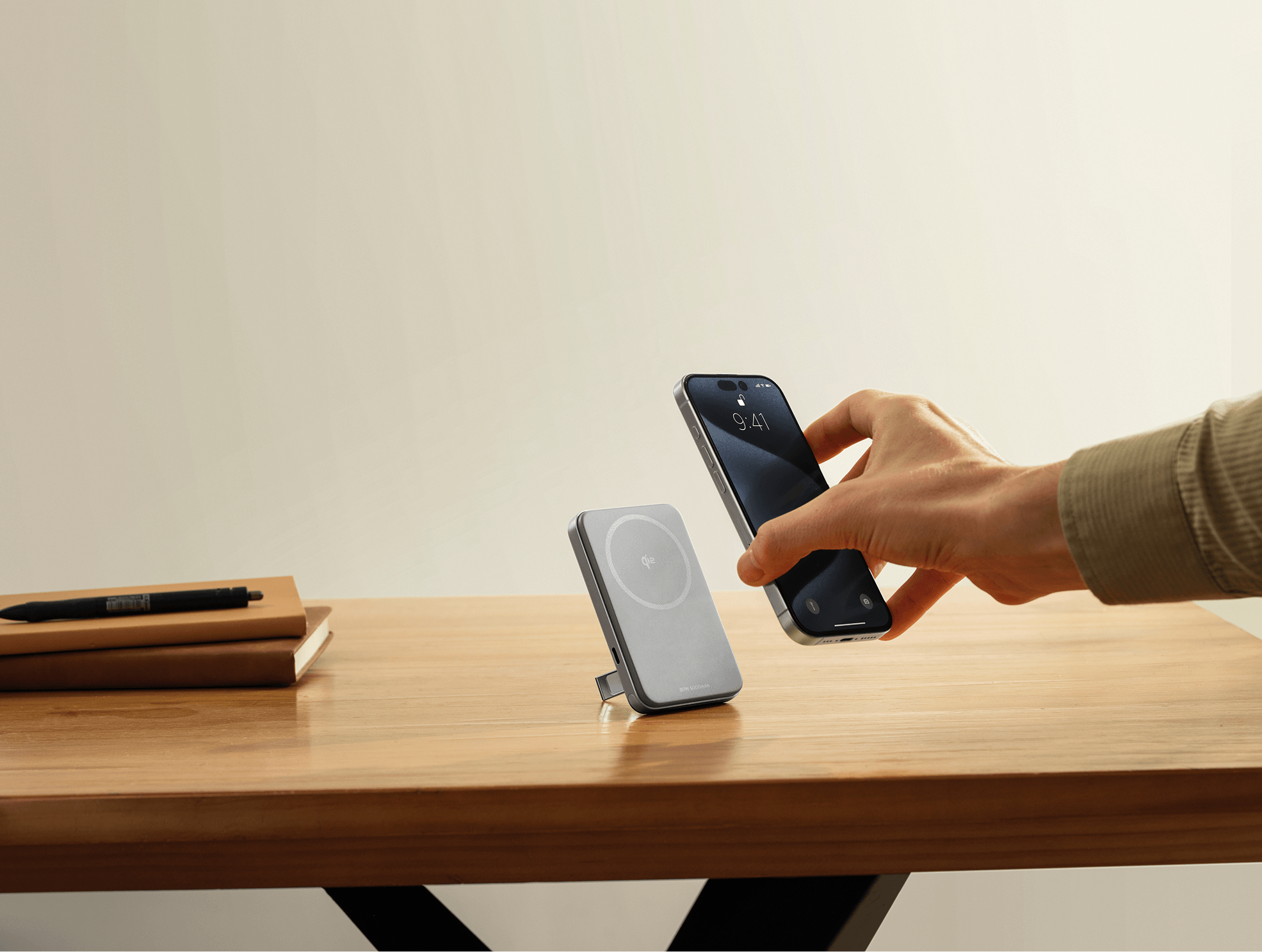
The EcoFlow RAPID Mag Power Bank (Built-in USB-C Cable) is perfect for AirPods Max users on the go. With its built-in USB-C cable, you can charge your AirPods Max directly without carrying extra cables. The 10,000mAh capacity provides multiple full charges, and its 36W output ensures fast charging speeds. The compact, foldable design fits easily in carry-on bags, and it can charge up to 3 devices simultaneously—your AirPods Max, iPhone, and other USB-C devices.
What's the Best Charging Routine for Work?
To maintain a smooth workflow, charge your AirPods Max overnight using a reliable wall adapter. Keep a charging cable at your workspace so you can top up between meetings if needed. The Smart Case near your charging setup makes it easy to store and charge your headphones during breaks.
Set up a dedicated charging spot at your desk. Position it within arm's reach so you can place your AirPods Max on charge whenever you step away. This routine ensures your headphones are always ready for calls and focused work sessions.
What If Your AirPods Max Are Charging Slowly or Not at All?
Try these quick checks:
Debris in ports: Remove lint using a non-metallic object or compressed air. Check both the charging port on the headphones and the cable connector. Use a wooden toothpick or plastic pick to gently scrape the port. Never use metal objects as they can damage the internal contacts.
Power source: Monitor and computer hub USB ports often share power with other devices. Connecting to a wall outlet may work better. USB ports on monitors often provide only 5W. Wall outlets deliver consistent power.
Reset if needed:
Press and hold Noise Control and Digital Crown for 15 seconds.
Wait for the light to flash amber and white.
This resolves most charging-related software issues.
The reset clears software glitches that prevent charging. After the reset, try charging again with a known good cable and adapter.
Test with different equipment: Try another charging cable (USB-C or Lightning, depending on your model) and power adapter. This tells you whether the problem is your accessories or the headphones.
If issues persist, the charging port may have hardware damage. Contact Apple Support if you suspect hardware failure. Signs of hardware damage include a loose-feeling port or visible corrosion on the contacts.
How Does the Smart Case Save Battery?
AirPods Max don't have a power switch—they stay in power-saving mode instead. The Smart Case helps minimize power consumption. AirPods Max power off when the case puts them in ultra-low power mode. They remain awake if left without the case.
The Smart Case triggers ultra-low power mode within 5 seconds of placement. Without the case, they enter a standard low-power mode after being stationary for 5 minutes, but this still drains about 1-2% battery per day. Over a week, this adds up to 7-14% battery drain just from standby. The Smart Case cuts this to less than 1% per week.
The case works by covering proximity sensors on the earcups. If you forget your Smart Case, place the headphones in a drawer or bag where they won't detect motion. Lay them flat on a stable surface rather than hanging them on a hook.
Keep Your Headphones Peak Performance
The battery takes 2 hours to fully charge and also comes with a quick boost feature of 5 minutes. Proper adapters and useful accessories will always keep your AirPods Max in top condition. Taking care of the battery will extend its lifespan.
Battery health depends on your charging habits. Keeping the battery between 20% and 80% most of the time gives you the longest lifespan. Heat is the main enemy of lithium-ion batteries. Never charge in direct sunlight or leave charging headphones in hot cars.
Store your AirPods Max with about 50% charge if you won't use them for weeks or months. Before long-term storage, charge to 50%, place in the Smart Case, and store in a cool, dry location.
FAQs
Q1: What makes the status light change to green before 100%?
It turns green at 95% to indicate that it's almost complete. Check the battery icon on your iPhone to see when it reaches 100%. This is by design to protect battery health. The final 5% charges at a slower rate to prevent stress on the battery cells. You can start using your AirPods Max once the light turns green.
Q2: Does cold weather slow charging?
Yes. Low temperatures cause slow charging and can damage batteries—it's best to charge at room temperature. Lithium-ion batteries work best between 32°F and 95°F (0°C to 35°C). Below 32°F, the charging speed drops significantly. If your AirPods Max feel cold to the touch, let them warm up to room temperature before charging.
Q3: Can I replace the battery?
You cannot replace the battery yourself. If the battery's life falls significantly, reach out to the Apple Support team. AppleCare+ will provide coverage on the battery life if it goes below 80%. Battery replacement costs around $79 without AppleCare+. The service usually takes 5-7 business days. Apple will run diagnostics to confirm the battery health before replacement.
Q4: Is it harmful to charge Airpods Max while using them?
No, though it will cause your batteries to heat up. Charging will slow down automatically when they are hot. The headphones have thermal management built in. If the temperature gets too high, charging pauses until it cools down. For longer battery life, avoid heavy use while charging in warm environments.
For press requests or interview opportunities, reach out to our media team
media.na@ecoflow.com