Uninterruptible Power Supply Canada: Best UPS for Home Backup (2026)
- What a UPS Does for Canadian Homes and Why It Matters
- How to Choose the Best UPS for Home Backup in Canada
- UPS Features That Improve Reliability Day to Day
- UPS vs Portable Power Station for Home Backup
- Installing and Maintaining a UPS Safely
- Frequently Asked Questions
- Stay Protected During Outages without Overbuying Your Backup
Power outages do more than shut off the lights. With the right conditions, these events can also corrupt your electronics. Fortunately, you can protect desktop computers and gaming systems with an uninterruptible power supply (UPS). These devices can safeguard your home office and even support your home backup plans.
Learn why a UPS matters and which features offer the most value.
What a UPS Does for Canadian Homes and Why It Matters
Most people don't think about backup power until the lights flicker or the power suddenly cuts out.
Unfortunately, even a brief interruption can do more than leave you sitting in the dark. Power outages and voltage fluctuations can corrupt desktop computer files and even damage your electronics.
That’s why you need a UPS.
If you’re wondering what UPS stands for, it’s an “uninterruptible power supply.” This is a battery-powered buffer between your wall outlet and electronics.
When utility power is flowing normally, it conditions and stabilizes the electricity. If the power suddenly goes out, the system instantly switches to its internal battery, so connected devices can keep running without interruption.
A UPS can keep essential electronics running during brief outages, including:
Desktop computers and monitors
Home networking equipment
Security systems
Smart home hubs
Small medical devices
Entertainment systems
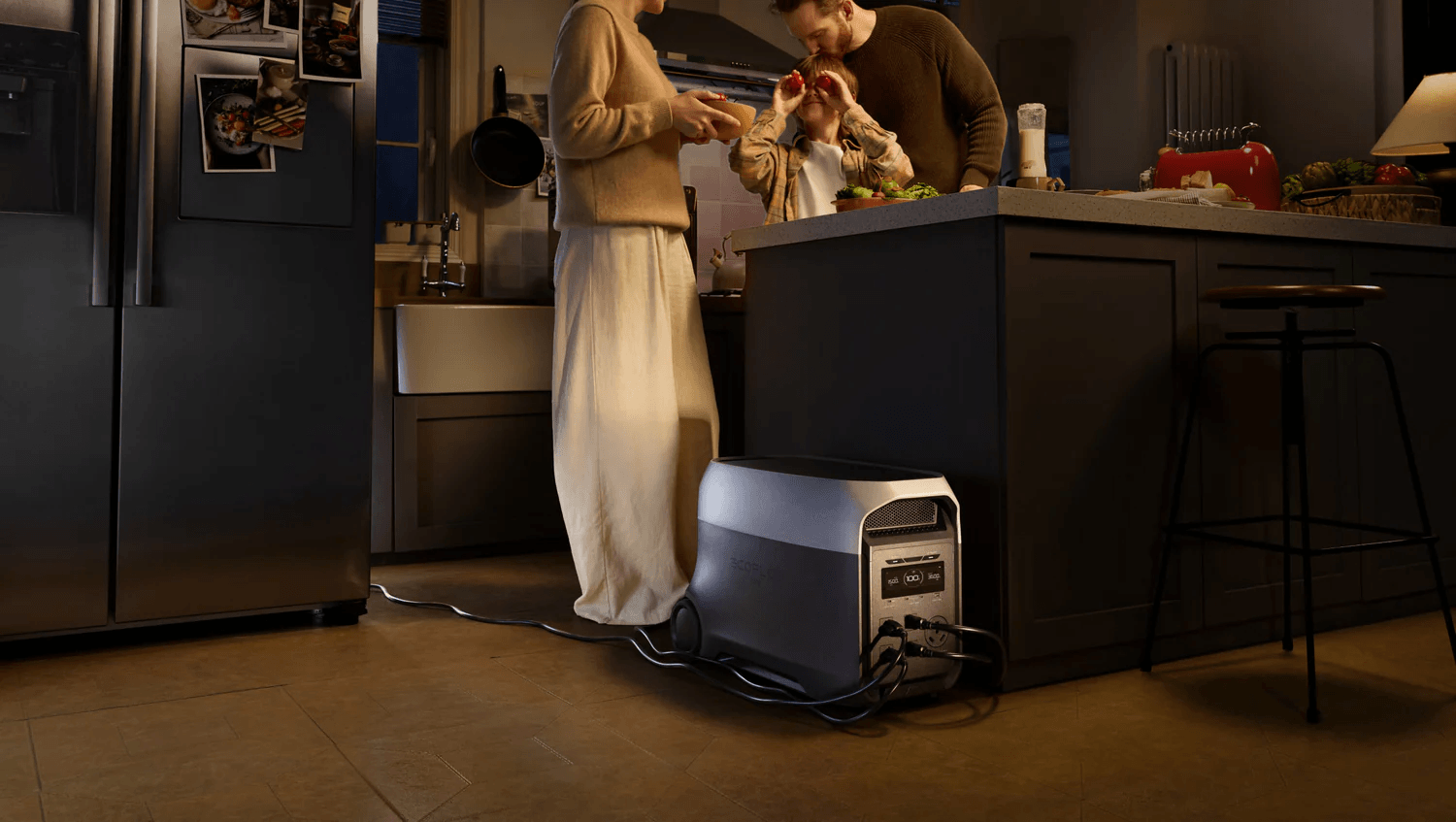
Still, it can’t run your devices forever, so if you want more than just a few minutes of battery runtime, go with a larger backup solution like the EcoFlow DELTA 3 Ultra Plus. It can work like a UPS and also lets you power critical devices for hours or even days with the right setup.
How to Choose the Best UPS for Home Backup in Canada
A UPS is a smart addition to your home office, but shopping for one can be overwhelming. Follow these tips to find the top uninterruptible power supply for your home:
Start with capacity and runtime: Capacity determines how much power a UPS can deliver and how long it can keep your devices running during an outage. When sizing a backup system, add up the wattage of everything you plan to connect. A desktop computer, monitor, modem, and router might only require a few hundred watts, while a larger workstation setup would need considerably more.
Choose a pure sine wave output: Not all backup power is the same. Most electronics need clean, stable electricity that matches what comes out of the wall outlet, but not all UPSs offer that. Make sure your unit offers pure sine wave output for the best compatibility.
Get enough outlets: Buy a UPS with enough connections for your setup. You don’t need to power every device in the room, but you need enough ports to cover your computer, a monitor, and a router at a minimum.
Look for smart monitoring: Many new UPS units come with a monitoring app. You can use it to check the battery, get alerts, and track system health right from your phone. This is especially useful since monitoring apps will tell you when it’s time to replace your battery before it’s too late.
UPS Features That Improve Reliability Day to Day
A UPS is valuable during a power outage, but it actually works for you all day, every day. That’s because electrical systems aren't always as stable as they appear. Small voltage fluctuations and inconsistent utility power can slowly wear down sensitive electronics over time. The right system helps protect against these risks while providing backup power when you need it.
When you’re shopping for a reliable UPS, look for features like:
Automatic voltage regulation (AVR): Sometimes voltage drops below normal levels (a brownout) or rises above them for a short period. Your electronics don’t like these fluctuations, which can shorten their lifespan. Go with a system that uses AVR to stabilize incoming power and protect your devices.
Surge protection: Power surges can happen at any time, not just during a storm. Repeated surges can hurt your electronics, but a UPS with a built-in surge protector can shield them from damage.
Automatic shutdown: New UPS systems can communicate directly with connected computers. When battery levels are critically low, the system automatically saves your work before power runs out completely.
Look beyond traditional UPS: You probably need to back up other devices outside your home office. Go with a portable or whole-home backup power solution for more comprehensive backup than a UPS alone can offer.
UPS vs Portable Power Station for Home Backup
So, should you get a UPS or a portable power station if you’re worried about home backup?
An uninterruptible power supply’s battery backup is designed for brief interruptions. Most UPS units can keep your devices running for only a few minutes to an hour, not for multiple days. They can only buy time so you can save your work or shut down your device.
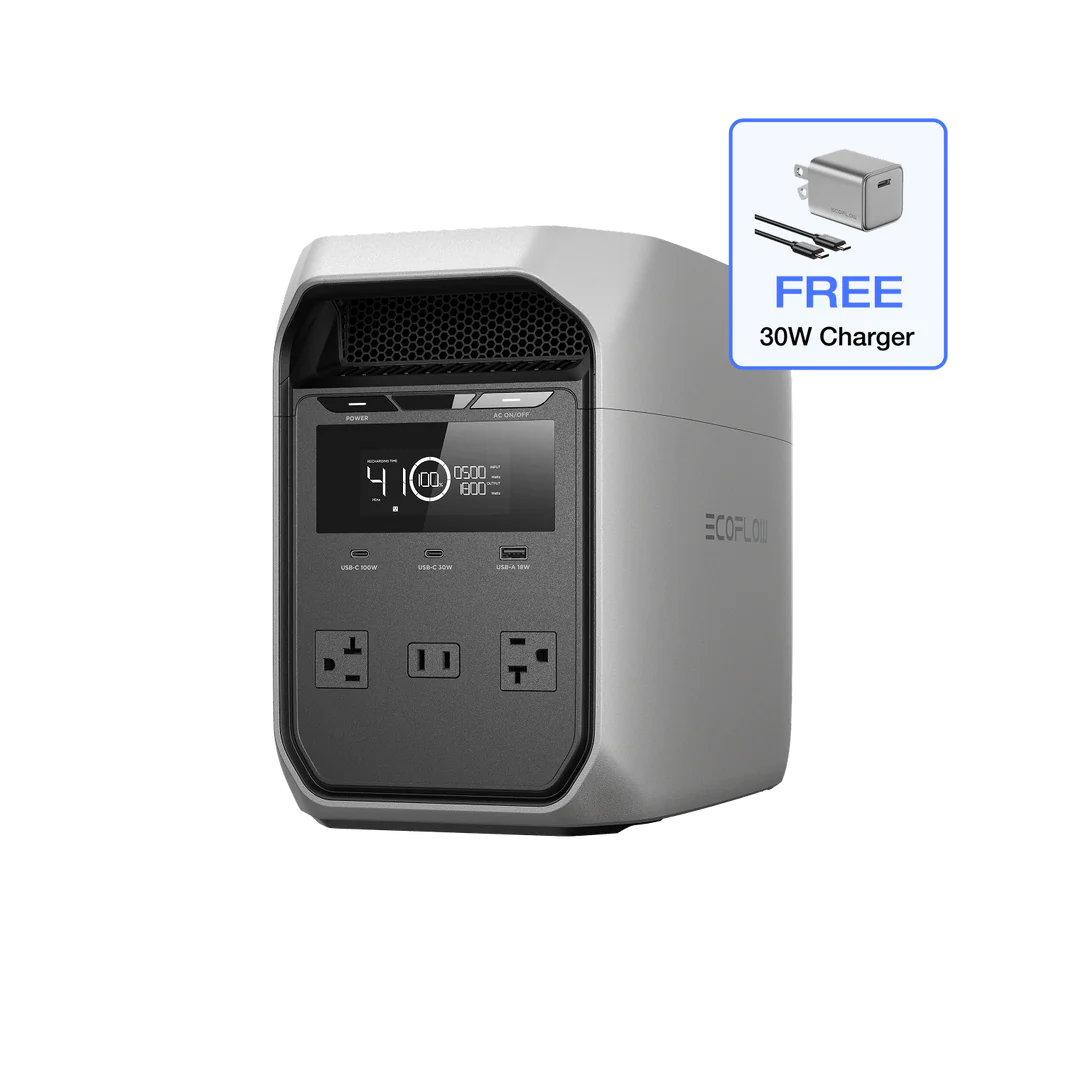
A portable power station can do that and more. Options like the EcoFlow DELTA 3 Classic protect your electronics while offering significantly more battery capacity. You can power multiple devices in your home during an outage, and for much longer than a UPS can.
For many Canadians, a traditional UPS makes sense.
If your main goal is protecting a desktop computer or home office setup, a dedicated UPS can be a cost-effective option. However, if you're looking for backup power that can grow with your needs, a portable power station is a more versatile and scalable solution.
Installing and Maintaining a UPS Safely
Installing a backup system is straightforward. Just follow these tips to set it up:
Choose a good location: A UPS should sit on a stable, dry surface with adequate airflow around it. Avoid cramped cabinets, damp basements, or areas exposed to direct sunlight. Make sure you plug it directly into a wall outlet, not into an extension cord.
Organize cords: The unit should be close enough to your equipment to avoid cable clutter while staying out of walkways where it could become a tripping hazard.
Don’t overload it: Avoid plugging in high-power appliances like a refrigerator into your UPS. Every UPS has a maximum wattage rating, and exceeding that limit will prevent the system from operating properly.
UPS maintenance is relatively low effort, although the biggest thing is battery replacement. Most batteries last two to five years, so you’ll likely need to replace them from time to time. A UPS monitoring app can tell you this ahead of time, but you can also test the unit manually to see if it needs a new battery.
Frequently Asked Questions
How Long Will a UPS Run During a Power Outage?
It depends on the UPS capacity and the power your devices use. Most UPS systems provide anywhere from a few minutes to an hour of runtime, giving you enough time to save your work and shut down your device. In general, the lighter the load, the longer the battery will last.
How Do I Size a UPS for My Home Backup Needs?
Start by identifying every device you want to connect to the UPS and noting each device's wattage. Add those wattages together, then add roughly 20% extra capacity to account for unexpected power demands. Once you have your total wattage requirement, convert that number to VA (volt-amps) to compare UPS models.
Can a Portable Power Station Replace a UPS at Home?
Yes. You can get by with a UPS only if you want to back up a desktop computer and router, but a power station is far more versatile. Many portable power stations include UPS functionality that automatically switches to battery power during an outage. The advantage is that they offer much larger battery capacities than traditional UPS systems, so you can power more devices for longer.
What Type of Battery is Best in a UPS for Home Use?
In most cases, lithium iron phosphate (LiFePO4) batteries are the best choice. They have longer lifespans, charge faster, require less maintenance, and offer more charge cycles than traditional sealed lead-acid batteries.
Stay Protected During Outages without Overbuying Your Backup
An uninterruptible power supply can protect your electronics during outages and power surges. But not all UPS units are created equal, so shop for units with pure sine wave output and features like AVR and battery monitoring.
UPS is a good starting point for home office backup, but it can’t protect your entire home. Get the best of both worlds with a portable power station. See how the EcoFlow DELTA 3 Ultra Plus safeguards electronics and keeps your home online during unstable grid conditions.