Staying Powered and Productive as an Uber Eats Driver in Canadian Winters
- The Canadian Delivery Landscape
- A Day in the Life of a Winter Delivery Driver
- Why Cold Weather Destroys Battery Life
- Essential Power Management Strategies
- Building Your Winter Power Setup
- Smart Route Planning to Conserve Energy
- Maximizing Downtime at Restaurants
- Managing Multiple Devices and Apps
- Vehicle Preparation for Winter Deliveries
- Getting Started as a Delivery Driver
- Peak Hours and Power Planning
- Winter Delivery Success Starts Here
- Frequently Asked Questions
Canadian winters create a unique situation for delivery drivers. The presence of snow, ice, and low temperatures makes each delivery even more difficult. Your cellphone is a crucial part of being able to deliver orders. However, cold weather affects your cellphone battery life. This could mean the difference between an important delivery and missing important orders.

The Canadian Delivery Landscape
Knowing the reach of Uber Eats and how the company conducts their business in the different areas will help in designing a delivery strategy to suit each location. Uber Eats launched operations in Toronto in 2015, and since then, they have been operating across the nation. Currently, Uber Eats now delivers to scores of cities across Canada, ranging from major cities to smaller towns.
The Canadian winters add their own set of difficulties for delivery drivers. It can be below -20 degrees Celsius in much of Canada, and even colder conditions are experienced by the Prairie provinces and the regions in the north. There are difficulties associated with delivery during winters which do not occur during delivery jobs in summer. These include hazardous road conditions, limited visibility, increased fuel consumption by vehicles driven in freezing conditions, and difficulties in operating electronic devices.
A Day in the Life of a Winter Delivery Driver
Real-world delivery experiences reveal how quickly issues involving power could impact your bottom line.
A typical shift begins with a charged cell phone and optimism. Opening the Uber Eats driver application occurs easily. Orders begin to arrive.
But then comes the reality check. You are busy with GPS routes during the peak morning and evening hours. There are orders pouring in continuously. Customer messages require instant responses. In between deliveries, you must wait outside eating joints in subzero temperatures. Locating apartment complexes and house numbers become challenging when night falls.
The UberEats app for drivers is always in use, reading location info and refreshing orders. A dashcam for safety and perhaps a tablet to monitor several apps could add up to several devices vying for use of limited charging space. The phone battery life suffers, used faster than you ever realized.
By rush hour, you’re at 30% battery life. Another three hours of rush delivery time left. Such an image occurs for many drivers in Canada every year.
Why Cold Weather Destroys Battery Life
The physics of battery performance explains why your phone fails when you need it most.
The Science Behind Battery Drain
Lithium batteries hate cold temperatures. At zero degrees Celsius, a phone battery can lose 20% of its capacity. At minus 20, the drop gets even steeper.
Chemical reactions inside batteries slow down in cold conditions. This reduces the power available to your device. Your phone might show 50% charge, then suddenly drop to 15% after you step outside for five minutes.
Winter Demands on Your Phone
Your phone consumes a lot of power during winter months. The screen brightness rises to overcome glare caused by the presence of snow. The GPS processor overheats while maintaining a connection. Background processes continue to refresh themselves. The Uber Eats delivery person application also constantly consumes a lot of resources while determining your location and refreshing orders.
Vehicle Charging Limitations
Car charging ports sometimes provide inconsistent power. Older vehicles might have cigarette lighter outlets that barely keep up with modern smartphone power demands. If you run a dash cam, phone mount, and try charging simultaneously, the available power gets divided.
Cold batteries also charge slower. Plugging in during a five-minute drive might add only a few percentage points, not enough for another hour of deliveries.
Essential Power Management Strategies
Developing smart charging habits prevents the panic of watching your battery die mid-shift.
Set Your Charging Threshold
Don't wait until your phone hits 5% battery. Set a personal threshold around 40%. This gives you buffer room if you encounter an unexpected delay or a particularly long delivery.
Many experienced uber eats delivery drivers charge between every delivery. Even short charging sessions add up. Five minutes here, three minutes there keeps your battery hovering in a safe range.
Keep Devices Warm
Consider keeping your phone in an inside pocket when walking into restaurants. Body heat prevents the extreme cold from shocking the battery, which can cause sudden percentage drops.
Monitor your battery drain patterns. Note which times of day cause fastest depletion. Adjust your charging habits accordingly.
Building Your Winter Power Setup
The right equipment transforms battery anxiety into reliable, all-day power availability.
Portable Power Banks
Serious delivery drivers treat backup power as essential equipment. A portable battery pack solves multiple problems at once.
High-capacity power banks can recharge a phone several times over. Look for units with at least 20,000 mAh capacity. Some models include multiple USB ports, letting you charge your phone and a tablet simultaneously.
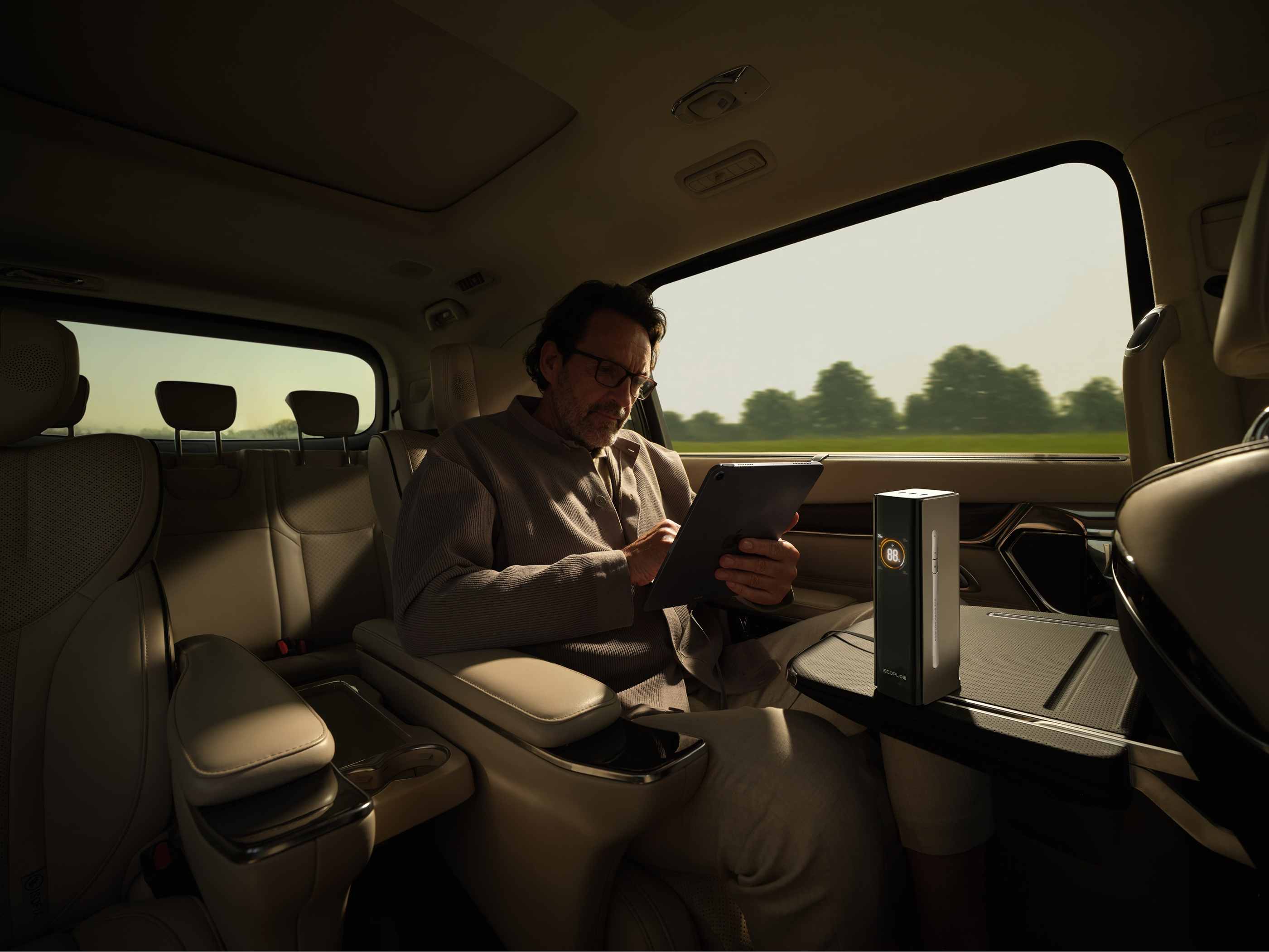
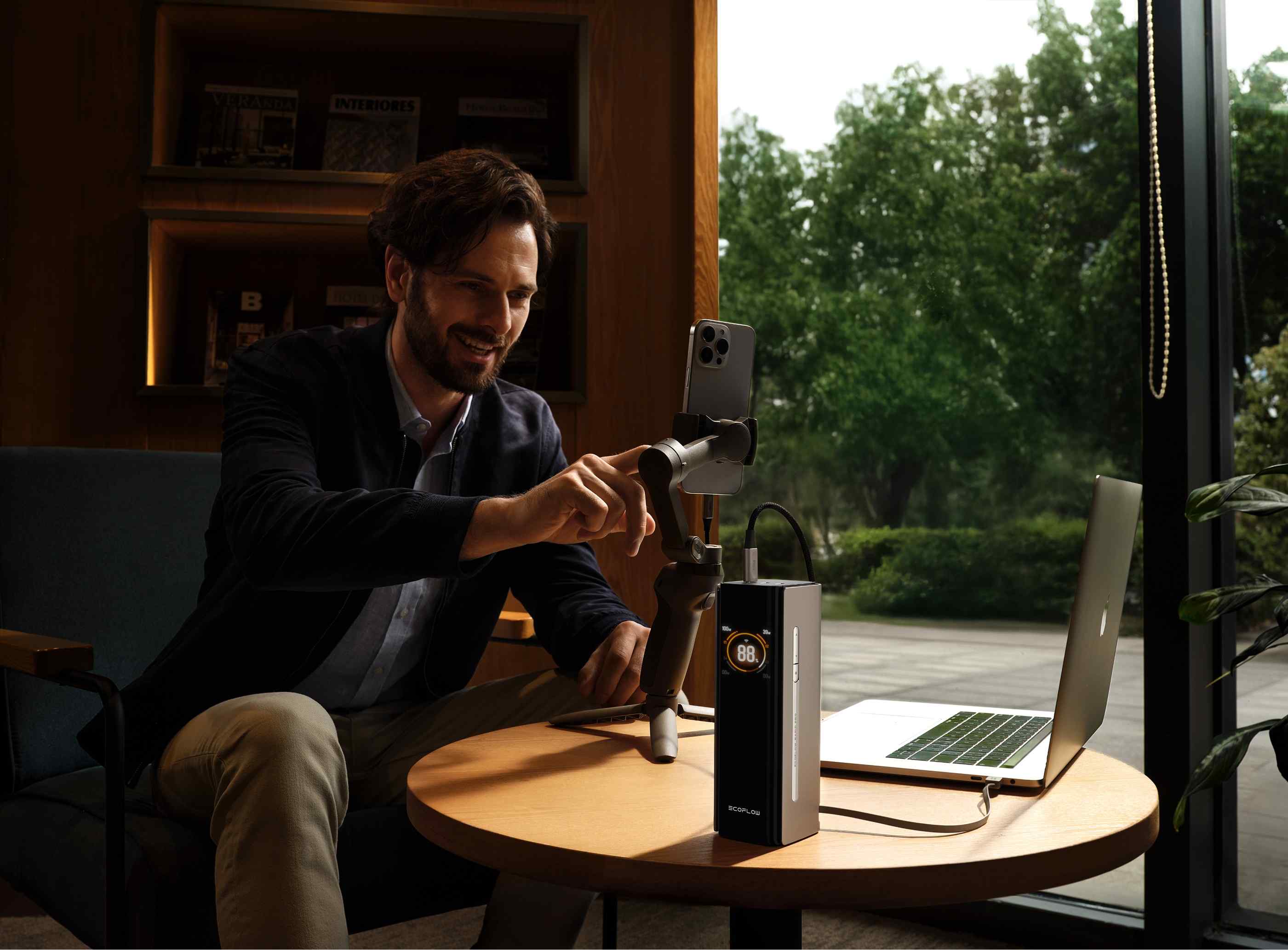
For uber eats delivery drivers who want a premium solution, the EcoFlow RAPID Pro Power Bank offers 27,650mAh capacity with a 140W built-in cable. The integrated cable design eliminates the frustration of tangled wires or forgotten cables. You simply pull out the built-in cable and plug in your device. The 300W output capacity means you can power multiple devices at once, from your phone to your dash cam to a tablet, without any slowdown in charging speed.
The built-in cable feature proves particularly valuable during winter deliveries. Fumbling with loose cables while wearing gloves wastes time and creates safety hazards. A power bank with an integrated cable stays ready in your cup holder or center console, accessible in seconds when you need a quick charge between deliveries.
Portable Power Stations
Compact portable power stations offer even more capability. These devices provide AC outlets alongside USB ports. You can power a laptop, run a small heater for break times, or charge multiple devices without competing for your car's single outlet.
The EcoFlow RIVER 3 represents an ideal option for delivery drivers who need versatile charging solutions. This compact unit fits easily in your vehicle while providing 245Wh capacity. The RIVER 3 includes multiple output options: AC outlets for laptops or small appliances, USB-C ports for fast charging, and standard USB ports for your everyday devices. Its lightweight design makes it easy to move between your car and home for overnight charging.
What makes portable power stations particularly valuable for winter delivery work is their ability to handle sudden power emergencies. If your car battery dies in a parking lot, some models can jump-start your vehicle. During long break periods, you can run a small electric blanket or portable heater without draining your car battery. The AC outlet capability means you're not limited to USB devices, opening up possibilities for heated lunch containers or other comfort items that make winter shifts more bearable.
Cable Organization
Position your charging setup within easy reach. Mount a cable organizer on your dashboard or center console. This prevents the dangerous habit of reaching down to the floor while driving to grab a disconnected cable.
Testing and Storage
Test your backup power before peak season hits. Charge it fully at home. Verify all your devices connect properly. Replace any frayed cables that might fail during a busy Saturday night shift.
Store your backup power bank inside your house overnight. Extreme cold reduces its effectiveness. Starting each shift with a warm, fully charged power bank ensures maximum capacity when you need it most.
Smart Route Planning to Conserve Energy
Efficient navigation reduces screen time and extends your battery life throughout the day.
Learn Your Territory
Efficient routing reduces unnecessary screen time. Learn your delivery zone well. Know which neighborhoods have confusing layouts. Identify restaurants with slow service.
Strategic Order Acceptance
Accept orders strategically. Cluster deliveries heading in similar directions. This cuts down on constant map refreshing and reduces driving time between stops.
Avoid congested areas during rush hour when possible. Stop-and-go traffic means more idling, more heating, and more battery drain as you constantly check the app for updates.
Reduce Navigation Dependency
Some drivers pre-plan their shifts around known hotspots. This familiarity means less reliance on navigation for every turn, saving precious battery percentage.
Maximizing Downtime at Restaurants
Wait times offer valuable opportunities to recharge devices and reorganize your workspace.
Charge During Waits
Long waits at popular chains can frustrate any uber eats driver. Use this time productively.
Charge your devices during waits. Most restaurants won't mind if you plug in for a few minutes. Even brief charging sessions add valuable percentage points.
Vehicle Organization
Organize your delivery bag. Clear old receipts from your cup holders. Wipe down your dashboard. These small tasks keep you ready for the next pickup without fumbling around while orders get cold.
Equipment Checks
Check your backup supplies. Do you have hand warmers? Extra charging cables? A scraper for sudden snow? Winter preparation prevents delays that cost you money.
Keep one eye on the app while waiting. Restaurant staff sometimes place orders on the counter without calling names. A quick glance saves five minutes of standing around.
Managing Multiple Devices and Apps
Balancing several power-hungry tools requires careful prioritization and smart choices.
Dash Cams and Accessories
Dash cams provide security and evidence in case of accidents. But they draw power constantly. Consider models with parking mode that reduces power consumption between deliveries.
Heated seats and defrosters keep you comfortable. However, they also strain your vehicle's electrical system. If your car charging seems weak, these accessories might be pulling too much current.
Multiple Delivery Apps
Running multiple delivery apps increases earning potential. But each app taxes your battery independently. Balance opportunity against available power. Some drivers alternate apps throughout their shift to manage drain.
Bluetooth connections for hands-free calling add minor drain. Disconnecting when not actively on a call saves small amounts of power that accumulate over a shift.
The Two-Phone Strategy
Some experienced drivers carry two phones. One handles the app while the backup stays warm and charged. Swapping devices mid-shift provides continuous operation without downtime.
Vehicle Preparation for Winter Deliveries
Your car's condition directly affects how well your charging system performs in cold weather.
Fuel and Temperature Management
Make sure to keep your gas tank above a half tank. Gas will help regulate engine temperature. This will keep you warm and protect your electrical systems.
Electrical System Maintenance
Clean your charging ports regularly. Road salt and moisture create corrosion that interferes with electrical connections.
Check your alternator health before winter arrives. A failing alternator won't keep up with winter power demands, leaving you stranded with dead devices and possibly a dead car battery.
Inspect your cigarette lighter outlet. Loose connections reduce charging efficiency. Replace faulty outlets before they fail completely during a critical moment.
Getting Started as a Delivery Driver
New drivers benefit from understanding both the signup process and the equipment they'll need.
Application Requirements
If you're wondering how do i become an uber eats driver, the application process is straightforward. Requirements include a valid driver's license, vehicle insurance, and a clean driving record. The signup takes place online through the website or app.
Avoiding Common Mistakes
New drivers often underestimate winter challenges. Learning curve gets steeper when your phone dies during your third delivery of the evening. Starting with proper power management systems prevents these frustrating situations.
Local Regulations and Insurance
Research local regulations for your city. Some municipalities have specific requirements for delivery drivers. In Canada, insurance requirements vary by province. Check whether your personal auto insurance covers commercial delivery, or if you need additional rideshare or delivery coverage. Knowing these rules before your first shift prevents complications later.
Equipment Investment
Invest in basic equipment early. A portable power station is far less expensive than the delivery that would have come had your phone been charged.
Peak Hours and Power Planning
Timing your charging routine around high-demand periods maximizes your earning potential.
Evening Rush Preparation
Evening rush hours present the biggest challenges It gets colder, there are more orders for food, and you use your screen on your phone more.
Charge all devices before 5-8 PM. This will help you be productive during peak hours. Start your evening shift with both your mobile device and power bank fully charged to 100%.
Morning and Weekend Strategies
Typically Morning rushes also require similar planning. Devices get stressed from cold nights. Warm them up before starting your morning shift. The evenings on weekends are the busiest ones regarding orders. These shifts require complete battery power. Before Friday night shifts, double-check your charging equipment.

Winter Delivery Success Starts Here
Preparation separates drivers who thrive in winter from those who struggle through every shift.
Winter delivery driving demands preparation and smart resource management. Your devices keep you connected to orders and customers. Reliable power keeps those devices running through long, cold shifts.
Invest in quality backup charging solutions now. Develop efficient routing habits. Stay aware of your battery levels throughout the day. Treat power management as seriously as vehicle maintenance, and winter shifts become profitable rather than frustrating.
The difference between struggling drivers and successful ones often comes down to preparation. Your backup power system pays for itself within weeks through increased uptime and order completion.
Frequently Asked Questions
Q1: How Long Does a Portable Power Bank Last During a Typical Delivery Shift?
A 20,000 mAh power bank can typically provide four to five full smartphone recharges. An eight-hour delivery shift will keep you connected with a battery of this capacity, and higher-capacity models like the EcoFlow RAPID Pro (27,650 mAh) can last even longer. However, extremely low temperatures can reduce capacity by 15-20%.
Q2: Can I Use My Vehicle's USB Port Instead of the Cigarette Lighter?
The USB ports in a car may have lower current output compared to a dedicated USB car charger. The USB ports may maintain your device's current charge level without significantly increasing it. For fast charging, you may use a high-quality USB car adapter that is plugged into a cigarette lighter. When selecting a USB car adapter, choose one that has a minimum of 2.4 amps per port. Power banks with built-in cables or 140W charging capabilities eliminate the need to rely on your car's USB ports.
Q3: What Should I Do if My Phone Gets Too Cold to Function?
Warm it up slowly in an inside pocket or near a heating vent. Do not subject the phone to extreme temperature shifts, as condensation damage may result. Drivers often store an alternate cell phone at room temperature as an alternative. The phone will function normally within several minutes after warming up. Do not use direct heat sources like hand warmers to warm your phone.
Q4: How Much Does Winter Delivery Driving Impact Fuel Costs Compared to Summer?
Winter driving conditions will increase your fuel consumption by as much as 15% to 25%. Cold engines are not as efficient, winter fuel is lower in energy content, and you will need heating on at all times. In regions where temperatures regularly stay below -20°C for extended periods, expect fuel costs toward the higher end of this range.
Q5: Should I Keep My Phone Plugged in Constantly While Driving?
The latest smartphones have the capacity for effective charging management. This will protect your phone battery from overcharging damage. Keeping your battery charged throughout the winter delivery period will help counter the impact of low temperatures on battery drain. However, charging your phone in direct sunlight can cause overheating and battery damage.