Projection Mapping New Year's Eve Power Safety Checklist: Must-Do Steps Before the Big Night
Planning a major event for New Year Eve means facing a hard truth: there is no "undo" button for the countdown. If the lights go out at 11:59 PM, the moment is gone forever. For technical crews, the biggest threat to a successful show isn't the software or the creative content; it is the electricity. Power is the most common point of failure for outdoor winter events. Between freezing temperatures that sap battery life and the massive energy draw of high-end projectors, your electrical grid is under constant stress. This guide provides a fail-safe checklist to help planners and technicians keep the lights on and the audience safe when the clock strikes twelve.
Knowing Energy Needs for Outdoor Projection Mapping
To project huge images onto structures, you need a particular way to get power. You aren't just hooking in a few lights; you are in charge of a complicated network of climate control systems and high-brightness hardware.
Managing the Impact of Freezing Temperatures
Freezing temperatures change how electricity behaves. In the dead of winter, copper wires become less efficient, and the rubber jackets on cables turn stiff and brittle. This makes them prone to cracking if moved or stepped on. Furthermore, hardware like media servers and projectors often require internal heaters to stay within operating temperatures. These heaters add an extra "hidden" load to your circuits that you might not account for during a warm-house rehearsal.
Adding Up Your Total Power Draw
To avoid tripping a breaker, you must calculate the total amperage for every device. A typical formula for total load is:
A_total = (W_projectors + W_servers + W_heaters) / V
Where W is wattage and V is voltage (usually 120V or 208V in the US). If your projection mapping setup uses four 20,000-lumen projectors, each might pull 15–20 amps. Add in the media servers and the heating elements in your outdoor enclosures, and you can easily exceed the capacity of a standard power distribution box.
Planning for Extra Room in Your Circuits
Never max out your power supply. You need 20% to 30% overhead capacity. This "headroom" is vital for two reasons.
First, audio systems pull massive surges of power during bass-heavy moments.
Second, if your video content features sudden "all-white" flashes for visual effect, the projectors will spike in power consumption. Without that buffer, a bright flash in your animation could blow a fuse and turn the building black.
Pre-Event Power Safety Checklist and Setup
You need to have a good strategy for where the power will come from before the first truck arrives. If you choose the improper source or don't pay attention to cable safety, your equipment could break or even start an electric fire.
Assess Electrical Infrastructure
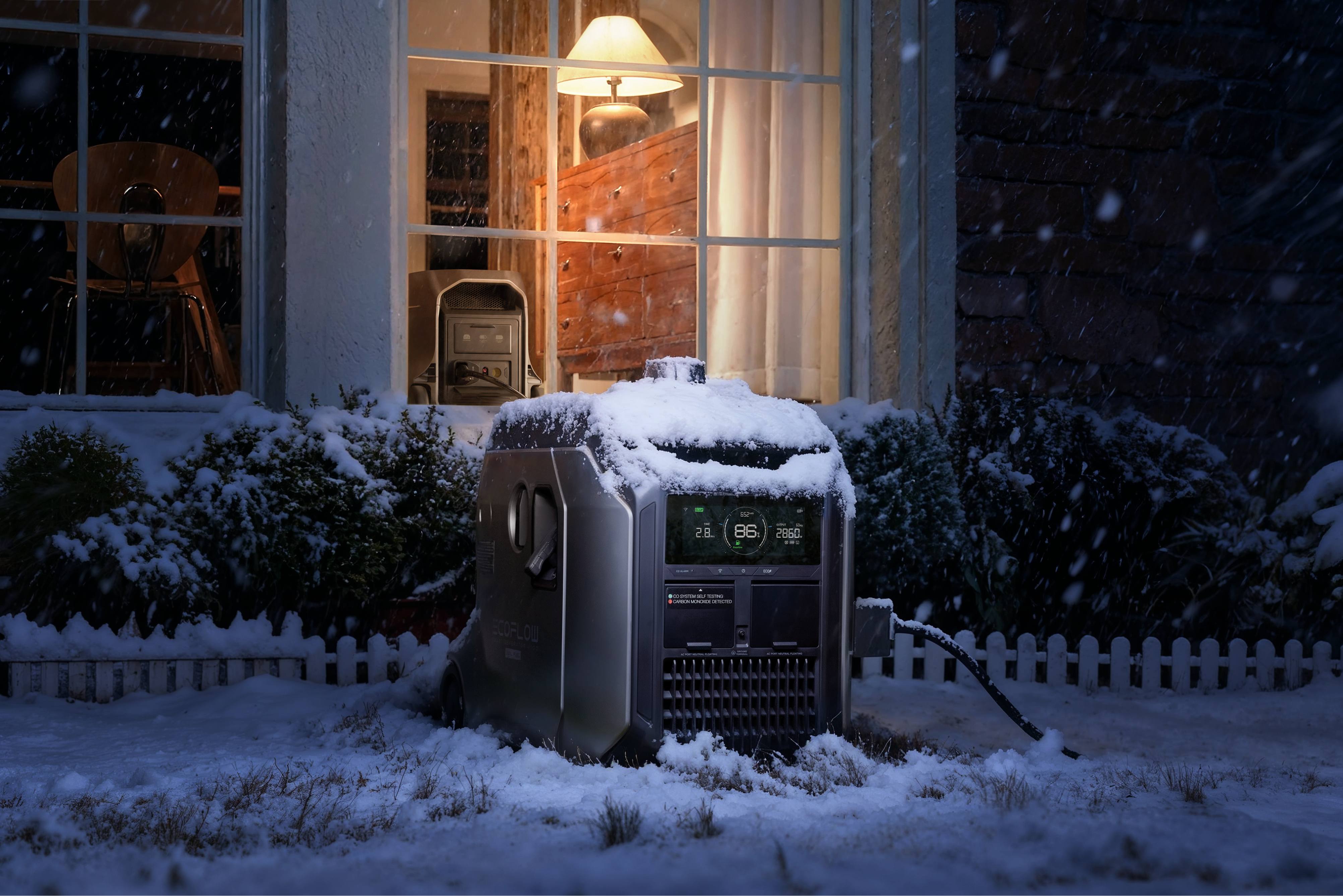
Early on, you should decide whether the venue's “house power” is sufficient or if external generators are required. Many older buildings simply don't have enough dedicated circuits to support modern lighting and projection setups. If a generator is necessary, be sure to use a “movie-quiet” inverter model that delivers clean power to protect sensitive electronics. For a truly silent and fume-free alternative, a high-capacity portable power station like the EcoFlow DELTA 3 Ultra is worth considering. Operating at under 30dB, it ensures your visuals and audio remain uninterrupted.
Circuit Protection and Grounding
Power protection begins with a GFCI outlet or circuit breaker. These outlets/circuit breakers turn off the power instantly if they sense electricity passing through water or a human body. Because snow/ice is probably present during a winter weather situation, GFCI protection is mandatory for all outdoor cable routes. Finally, check with your hardware manufacturer for grounding standards. A top-of-the-line projector is sensitive to “dirty” power and grounding conditions that can cause a signal to flicker or drop altogether.
Cable Management for Large Crowds
Safety in the dark is a top priority. Use heavy-duty cable ramps, often called Yellow Jackets, to cover any wires crossing pedestrian paths. Thin mats or duct tape will not work; they create trip hazards that people can't see at night. For weatherproofing, keep all connections off the ground. Wrap them in IP67-rated weather boxes. If you don't have boxes, hang connections in a "drip loop" so melting snow runs down the cable and away from the plug.
Protecting Your Equipment
Keep your UPS units and portable power station backups off the frozen ground. Placing them on wooden pallets or insulated crates prevents the cold pavement from sucking the life out of the batteries. Also, avoid "daisy-chaining" power strips. Running multiple strips in a row causes a voltage drop, which makes your gear run hotter and less efficiently.
Backup Power and Redundancy
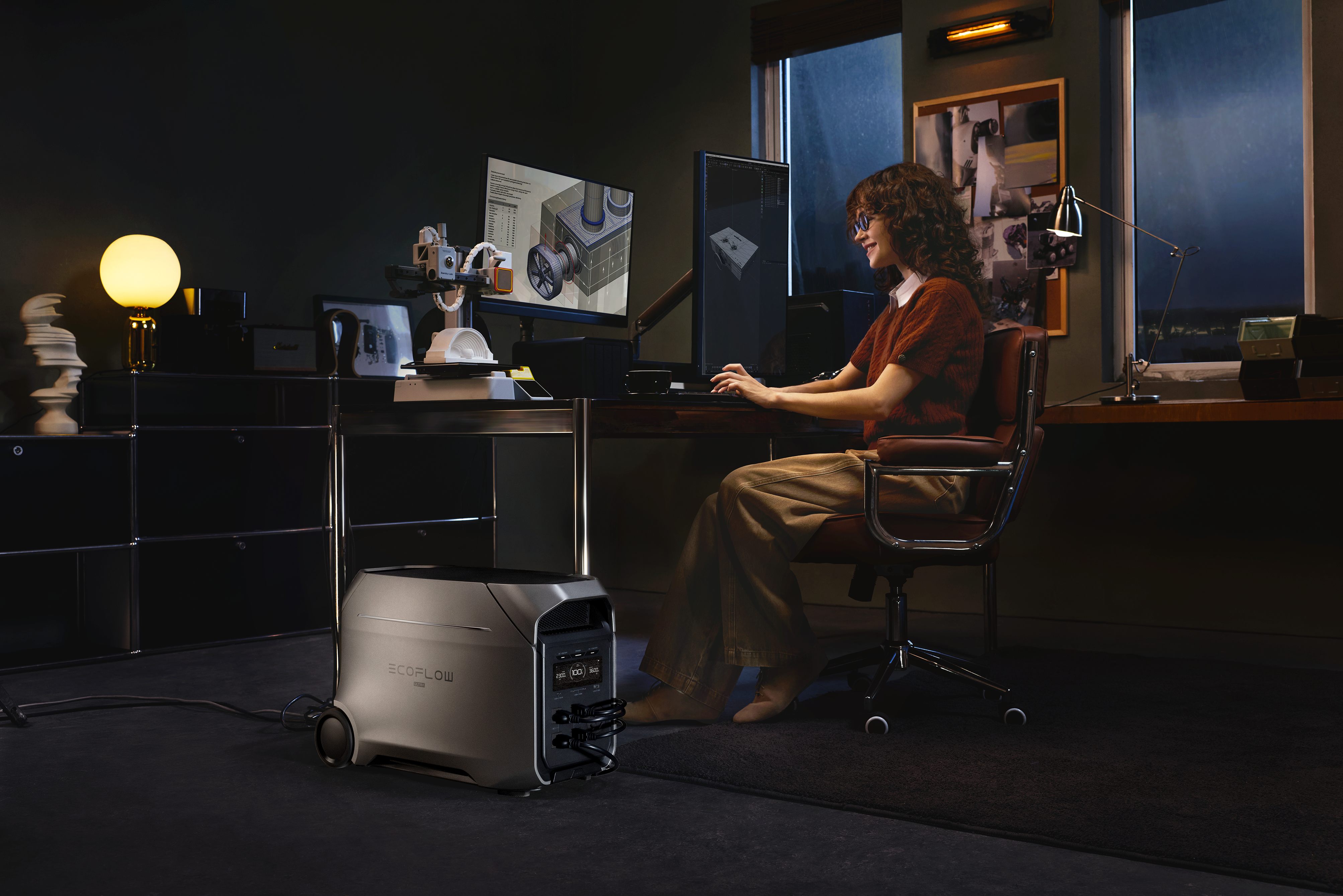
Every projector needs a Battery Backup (UPS). Not only does this keep the show continuing, but it also protects the hardware. If the grid fails, the projector's cooling fans must keep running to pull heat away from the expensive optical engine. A portable power station can also serve as a "hot-swappable" backup for your media servers, ensuring the clock keeps ticking even if the main generator hiccups.
On-Site Testing and Final Safety Walkthrough
After you set up the gear, you need to make sure that the system can handle the stress of the show. Testing individual components one by one isn't enough to ensure a stable event.
The "Full Load" Test
Run a "blackout" test where you turn on every single piece of equipment at once. This includes the projectors at 100% brightness, the audio system at full volume, and all enclosure heaters. If your power distribution box is going to fail, you want it to happen during the Tuesday rehearsal, not during the Friday night countdown.
The "Dark" Walk
Wait until the sun goes down and perform a walk-through with a flashlight. Look for cables that have shifted or ramps that have become slippery with ice. Identifying these trip hazards while the area is empty prevents accidents once the crowd arrives. Ensure that no cables are pinched under heavy equipment, which is a leading cause of a short circuit and subsequent electric fire.
Monitoring Protocols During the Event
Your job isn't over once the show starts. Constant monitoring is required to react to environmental changes or equipment shifts as the night gets colder and the crowd grows.
Assigning a Power Watcher
Designate one person to stay at the main power hub. Their only job is to watch the voltage meters. If they see the voltage dipping during a bass drop or a bright scene, they can alert the technical director to dim the lights or adjust the audio before a breaker trips. Stability is the goal for a smooth projection mapping display.
Audience Exclusion Zones
People are curious and will often lean on equipment or try to find a warm spot near a generator. Use "hard" barriers like steel fencing or heavy-duty barricades around your power distribution box and projector towers. This keeps the public away from high-voltage areas and prevents accidental unplugging by a stray hand.
Post-Event Shutdown and Equipment Care
The final countdown may be over, but the technical work continues well after the last guest leaves. How you turn things off determines whether your gear will work for the next event or end up in the repair shop.
The Cool-Down Rule
Never pull the plug immediately after the show. Projectors generate intense heat. When you hit the "off" button, the lamp stops, but the fans must run for 5 to 10 minutes to cool the internal glass components. Cutting power prematurely can crack the lenses or the light engine. Use your UPS or portable power station to keep those fans spinning if you must move the gear quickly.
Handling Stiff Cables
In sub-zero temperatures, cables become like glass. If you try to coil them tightly while they are frozen, the internal copper or the outer insulation can crack. If possible, move cables into a heated tent or vehicle to let them warm up before coiling. If you must pack up in the cold, use large, loose loops to avoid putting stress on the wires.
Securing Your Show with Reliable Power
A flawless New Year Eve production relies on the invisible work happening behind the scenes. While the crowd cheers for the visuals, your success is anchored in steady voltages and dry connections. If you respect the cold and follow all safety rules strictly, you can turn what could have been a technical disaster into a seamless, memorable performance. Make sure your circuits are balanced and your gear is cool so that the midnight countdown is remembered for all the right reasons.
FAQs About Power Safety for Projection Mapping
Q1: Why do I need a UPS for my projector?
High-output lamps generate extreme heat during a show. If the electricity cuts out abruptly, the internal fans stop immediately, trapping heat inside the chassis. This thermal shock can crack the expensive lens or melt internal components. A UPS provides enough runtime to let the fans complete a proper cooling cycle.
Q2: How does cold weather affect my power setup?
Low temperatures reduce the rate of chemical reactions in batteries, so a portable power station or UPS loses capacity quickly. The rubber jackets of cables become brittle and may break when bent. In addition, heaters inside equipment housings draw additional current, which can unexpectedly overload your circuits during the night.
Q3: Can I run a 20,000-lumen projector on a standard wall outlet?
Most large projectors require more current than a standard 15-amp home outlet provides. These high-brightness units usually need 20-amp or 30-amp dedicated lines. You must use a heavy-duty power distribution box to split high-voltage feeder cables into smaller, safe branches that meet the specific amperage needs of your hardware.
Q4: What is the difference between surge protection and power conditioning?
A surge protector acts like a fuse to stop sudden, massive voltage spikes from lightning or grid failures. A power conditioner works differently by smoothing out small, constant ripples in the electrical current. This steady flow prevents digital glitches, flickering, or unexpected reboots in sensitive media servers and projection gear.
Q5: How do I prevent an electric fire in the snow?
Moisture from melting snow creates a high risk for an electric fire or short circuit. You must plug all outdoor equipment into a GFCI outlet to trip the power if a leak occurs. Keep every connection point inside a weather-rated box and lift all cables off the wet ground.
For press requests or interview opportunities, reach out to our media team
media.na@ecoflow.com