How to Watch FIFA World Cup 2026: TV Channels & Outdoor Viewing Setup Tips
- Where Can You Watch the FIFA World Cup 2026 in the U.S.?
- How Can You Set Up a Great Home Viewing Experience for the World Cup?
- How Can You Build a World Cup Outdoor Viewing Setup?
- What Problems Can You Face When Watching the World Cup Outdoors?
- What Essentials Do You Need for a World Cup Viewing Party?
- Conclusion
- FAQ
The FIFA World Cup 2026 is currently capturing attention across North America, with the United States, Canada, and Mexico jointly hosting the tournament. Soccer fever is sweeping across the States as fans prepare to follow the biggest global football event. If you plan to catch the high-stakes matches from the comfort of your living room or host an epic backyard viewing party, you’ll need the right setup. This comprehensive guide covers everything you need to know about official US broadcast channels and top streaming platforms. Plus, it provides you with practical tips for setting up the ultimate indoor or outdoor viewing experience so you don’t miss a single minute of the action.
Where Can You Watch the FIFA World Cup 2026 in the U.S.?
Figuring out the right sports channel to use can be a bit overwhelming with so many networks competing for screen time. To make sure you have an uninterrupted viewing of the games, you need to know which networks hold the broadcasting rights and how you can access them across the country. This is especially vital when matches reach the intense World Cup knockout stage, where a single broadcast delay means missing a crucial sudden-death goal.
Official Broadcast Channels in US
For traditional TV viewers in the U.S., FOX Sports is the English-language broadcaster for the FIFA World Cup 2026, with all 104 tournament matches airing live across FOX (70) and FS1 (34). If you prefer Spanish-language commentary, NBCUniversal’s Telemundo and Universo provide live coverage of the tournament.
Major Streaming Platforms Available
For those with streaming services, there are plenty of reliable options to stream the matches live on various smart devices. Streaming services like FuboTV, YouTube TV, Hulu + Live TV, and DirecTV Stream carry both FOX and Telemundo, while NBC’s Peacock will stream Spanish broadcasts live throughout the tournament.
Free and Paid Viewing Options
Premium streaming subscriptions offer the most robust coverage, but cost more. However, there are budget-friendly options widely available. You can access local FOX TV and Telemundo network broadcasts completely free of charge using a quality over-the-air (OTA) digital antenna. This is an incredibly cost-effective way to enjoy matches in crisp high definition.
Quick Reference: World Cup 2026 Viewing Options in the U.S.
| Viewing Method | English Broadcast | Spanish Broadcast | Cost | Best For |
|---|---|---|---|---|
| OTA Antenna | FOX | Telemundo | Free | Budget-conscious fans seeking high quality connection |
| Cable/Satellite | FOX, FS1 | Telemundo, Universo | Included in base cable package | Traditional TV viewers |
| Live TV Streaming Services | FOX, FS1 (Fubo, YouTube TV, Hulu + Live TV, etc.) | Telemundo, Universo (service dependent) | Subscription Required | Viewers with streaming subscriptions |
| Streaming App | — | Peacock | Subscription Required | Streamers looking for full standalone Spanish coverage without a TV plan |
How Can You Set Up a Great Home Viewing Experience for the World Cup?
Once you know where to find the games, the next step is optimizing your viewing space for maximum enjoyment. Turning your living room into a stadium-like environment requires choosing the right screen and location, good audio performance, and equipment configuration.
Choosing the Right TV Screen Size
The right screen size depends heavily on your viewing distance to prevent eye strain and close enough to avoid missing details. A solid rule of thumb for a native 4K TV is to sit approximately 1 to 1.5 times the diagonal length of the screen away. This means for a 75-inch or 85-inch display, the best viewing will be 7 to 10 feet from the screen. This works out very well for most American living rooms during large group gatherings.
Improving Sound for Match Atmosphere
Built-in TV speakers rarely capture the true roars of a stadium crowd or the clarity of the commentators. You can easily upgrade your audio using a dedicated soundbar with a wireless subwoofer. Or even better yet, invest in a multi-channel home theater system supporting Dolby Atmos. This will instantly provide that authentic, surround sound, to match the atmosphere directly in your home.
Optimizing Streaming Device Setup
A clean and clear 4K stream requires stable hardware configuration behind the scenes. For the best results, connect your streaming device (like a Roku Ultra, Apple TV 4K, or Amazon Fire TV Stick 4K) directly to your router via an Ethernet cable. If not connected by cable, make sure it communicates over a clear 5GHz Wi-Fi band with minimal interference from other household electronics.
.webp)
.webp)
How Can You Build a World Cup Outdoor Viewing Setup?
The tournament takes place during the beautiful summer months, and watching the games outside in the fresh air is a fantastic way to celebrate. However, a functional outdoor theater space requires a bit more planning than a standard indoor living room setup.
Choose the Right Location
Finding the right spot is a core step when planning your backyard party power solutions for an optimal entertainment environment. The ideal location should provide enough space for your screen, seating, and equipment while reducing direct sunlight and distractions. Shaded patios, open-faced garages, covered deck areas, driveways, campsites, and RV areas can all work well depending on your setup. Choosing a location with nearby access to power, shade, and weather protection helps create a more reliable viewing environment.
Keep Your Outdoor Viewing Area Powered and Comfortable
During the FIFA World Cup 2026, many fans will turn their backyards, patios, and garages into outdoor watch party spaces. Since the tournament takes place during the summer, afternoon matches can bring high temperatures that make outdoor gatherings uncomfortable, especially when friends and family are watching together for several hours.
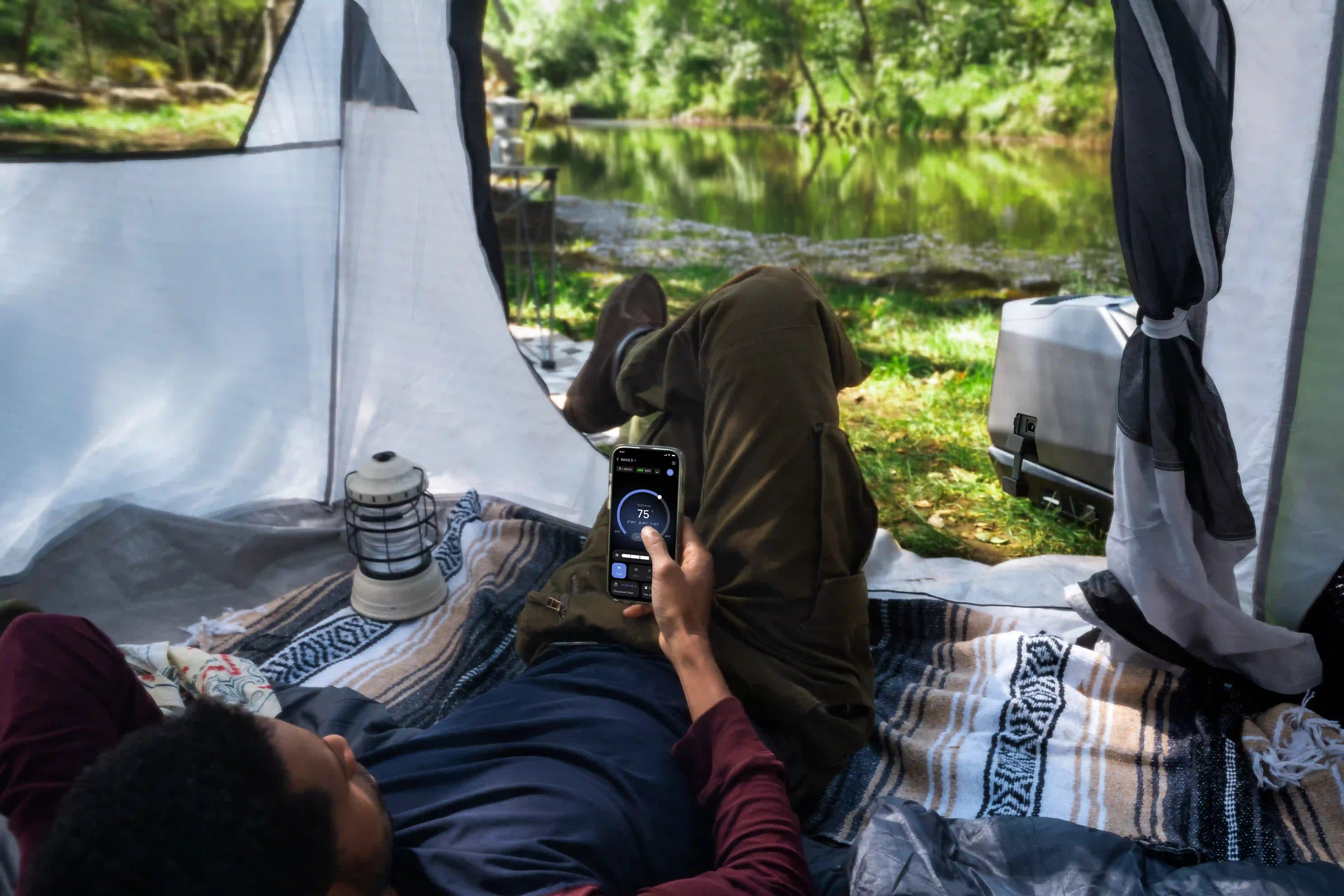
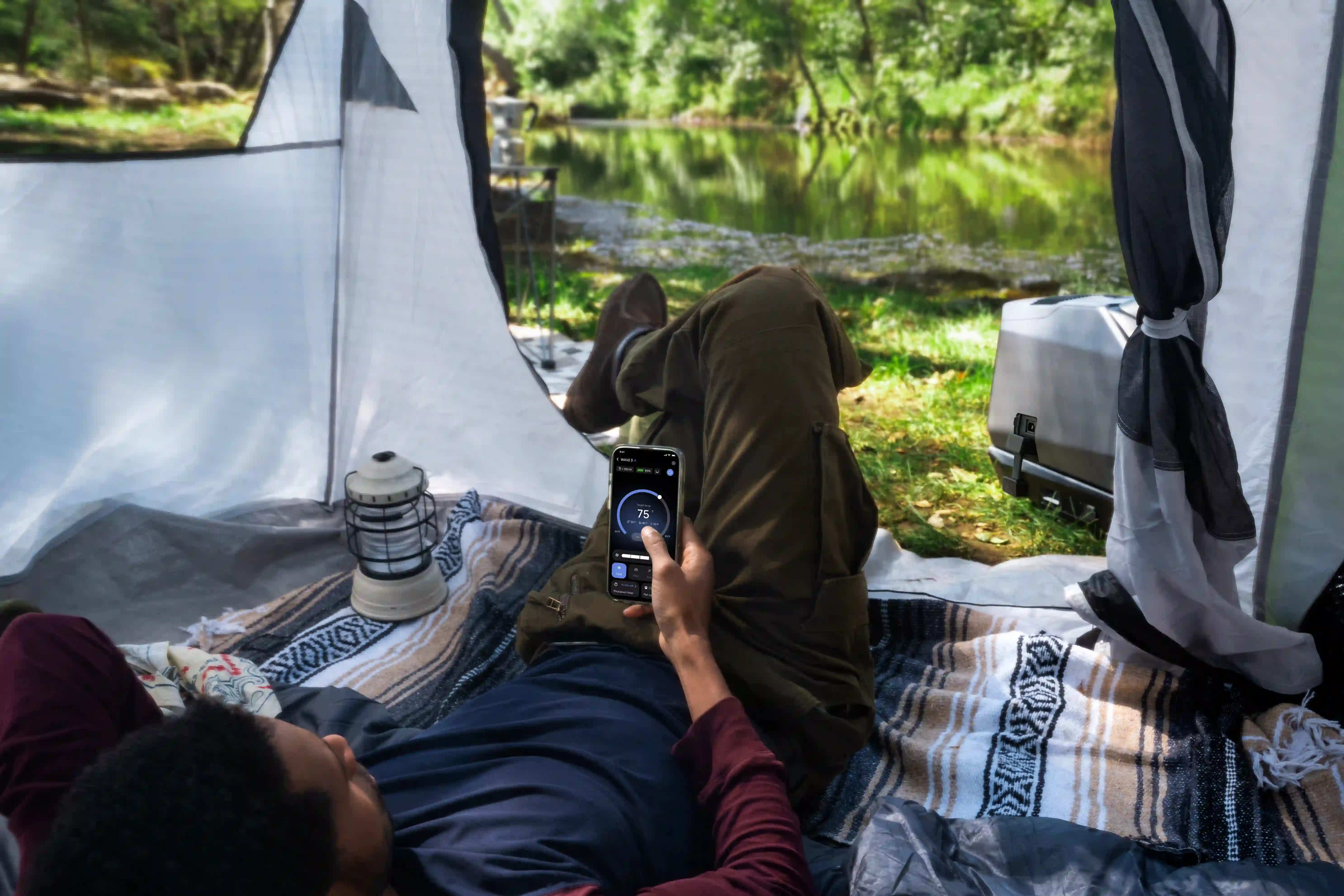
To keep your viewing area comfortable without installing a permanent cooling system, a portable air conditioner can be a practical solution for enclosed or semi-enclosed spaces such as garages, covered patios, or outdoor tents. The EcoFlow WAVE 3 Portable Air Conditioner offers flexible cooling for World Cup watch parties, delivering 6100 BTU cooling capacity, rapid temperature adjustment, and up to 8 hours of wireless operation to help maintain a comfortable environment throughout the match.
Design the Viewing Layout
Arrange your outdoor seating in a wide, staggered semi-circle to ensure every single guest gets a clear view of the screen without blocking others. Position larger patio chairs and loungers carefully, and leave clear pathways to food and drink stations so people can move around naturally during half-time breaks.
Manage Outdoor Comfort and Conditions
True outdoor comfort requires more than just cooling. It also means preparing for common outdoor challenges such as bugs, airflow, and changing weather conditions. Add practical details like bug protection, outdoor lighting, and small accessories to make your viewing area more enjoyable. A portable solar generator can provide quiet, reliable power for these low-energy devices without the noise or fumes of traditional generators.
What Problems Can You Face When Watching the World Cup Outdoors?
Even the best-planned backyard events can hit unexpected snags once the whistle blows. Anticipating common outdoor technical issues ahead of time allows you to put together smart solutions before they ruin a critical goal. Whether you are setting up a stationary backyard theater or prepping a mobile tailgate power setup, being ready for unexpected power drops is key.
Poor Internet Connection Issues
Wi-Fi signals often degrade rapidly when passing through exterior residential brick or stucco walls. This can cause annoying delays and buffering loops. You can eliminate this completely by setting up a dedicated outdoor Wi-Fi mesh node closer to the patio or garage. You can also try using a high-quality outdoor-rated Wi-Fi extender to keep the data stream seamless.
Power Supply Failures Outdoors
One of the biggest hurdles when taking your viewing party outside is keeping multiple devices like projectors, soundbars, and fans running simultaneously without overloading your home’s exterior outlets. To reduce the risk of power interruptions during the game, the EcoFlow DELTA 3 Max Plus can serve as a portable power hub. It can help keep essential entertainment devices running. Better yet, if you are taking the game on the road for an authentic tailgating experience or an RV road trip, you can combine it with the 800W Alternator Charger. This way you can recharge the power station while driving. Together, the EcoFlow DELTA 3 Max Plus (2048Wh) + 800W Alternator Charger can help extend your available power when camping or watching events away from traditional hookups.
Screen Visibility and Lighting Issues
The bright afternoon sun can easily wash out low-lumen projectors or standard television screens. To maintain a clear picture on the screen, position your display completely away from direct sunlight. For projectors, use a dark, high-gain projector screen. Alternatively, you can simply schedule your main viewing events closer to twilight when the natural lighting conditions are much better.
What Essentials Do You Need for a World Cup Viewing Party?
A successful World Cup viewing party requires more than just a good screen setup. Prepare the essentials below to keep guests comfortable and the match running smoothly:
Food: Choose easy-to-serve game day snacks like sliders, wings, and nachos that guests can enjoy while watching without interrupting the match.
Beverage: Set up a nearby drink station with coolers, water, and cold beverages to reduce trips indoors during the game.
Backup Plans: Prepare extra HDMI cables, a secondary streaming option, and a covered or indoor space for unexpected issues. A portable power station can also backup power to help keep essential viewing equipment running if a temporary electrical issue occurs.
Conclusion
The FIFA World Cup 2026 is a historic sporting event, and with a little bit of thoughtful preparation, your home can become the ultimate destination for every match. Identify and test the right broadcast feeds and optimize your indoor audio-visual configurations. For outdoor viewing it’s best to use a reliable setup backed by dependable portable power and cooling solutions. If you do, you will create lasting summer memories for friends and family alike. Dust off your team jerseys, test your equipment early, and get ready to experience the beautiful game in peak comfort!
FAQ
Is a Projector or TV Better for Outdoors?
A television is generally better for daytime viewing due to its superior brightness, whereas a projector offers a far bigger, more authentic stadium experience after sunset. TVs handle ambient glare much better during afternoon matches, but a high-quality outdoor projector gives you that massive screen feel once the sun goes down.
What Kind of Projector Do I Need to Watch Soccer?
You need a high-brightness projector with at least 3,000 ANSI lumens and a fast refresh rate to handle fast-moving sports action. High lumens counteract outdoor ambient light, while a fast response time ensures the soccer ball moves smoothly across the screen without leaving distracting motion trails.
What Size Generator Do I Need for My Event?
A portable power station or inverter generator providing between 1,000W and 2,000W of continuous output is typically perfect for a backyard viewing party. This power capacity comfortably runs a large screen or projector, a dedicated soundbar, small cooling fans, and multiple mobile device chargers simultaneously without breaking a sweat.
Do I Need a License for a World Cup Watch Party?
No, you do not need a special license as long as your watch party is hosted at a private residence for friends and family without charging an admission fee. If you plan to host the event in a commercial venue or charge the public for entry, you must secure official public exhibition commercial rights from the broadcasters.
How Many GB Is 4 Hours of Streaming?
Streaming for four hours will consume approximately 4GB to 12GB of data for standard High Definition (HD), but can skyrocket up to 28GB or more if you are streaming in full 4K Ultra HD. Keep these data thresholds in mind if you are running your outdoor setup off a limited mobile hotspot plan rather than unlimited home Wi-Fi.
How to Watch TV Outside Without Glare?
To eliminate outdoor glare, place your screen inside a fully shaded area facing completely away from the sun and utilize a specialized anti-glare screen protector. Adjusting your display’s internal brightness and contrast settings to maximum levels will also help cut through persistent ambient outdoor reflections.
For press requests or interview opportunities, reach out to our media team
media.na@ecoflow.com