How to Set Up a Home Office: Step-By-Step Guide
Working from home might seem simple at first, but a bad setup can hurt your focus and productivity. A messy desk, poor lighting, or an uncomfortable chair can slow you down more than you think. Reliable power solutions, such as solar batteries, can also help keep your devices running smoothly during outages, ensuring your workflow stays uninterrupted. This guide shows you easy steps on how to set up a home office to create a clean, comfortable, and efficient workspace. You'll also find budget-friendly ideas, so you don't need to spend a lot to get started.
What is a home office?
A home office setup is a spot in your house set aside for work, study, or handling tasks without distractions. It could be a whole room or just a small corner made for focus and comfort. A good setup has basic furniture, good lighting, and the tools you need for daily work. Planning your space well helps you get more done and keeps work apart from your personal life.
What does a home office do?
A home office gives you a set place to handle your daily tasks and work goals. It helps you stay organized, manage your time, and cut down on distractions at home. With the right setup, you can focus better, feel more comfortable, and do better work. Having a clear work area also helps you keep work and home life separate.
How to set up a home office effortlessly?
Setting up a home office can be simple and affordable. With some smart choices and practical tips, you can make a space that's comfortable and productive. Here's how to design a home office with the best furniture, equipment, and work environment:
Step 1: Choose the right location
Choosing the right spot is the first step in setting up your home office. Look for a quiet area with few distractions, and try to be near natural light to help your eyes and boost your mood. Stay away from busy places like the living room or kitchen, since constant activity can break your focus and reduce overall productivity significantly.
The location also sets the tone for your daily productivity and comfort. Make sure there is enough space for essential furniture, storage solutions, and personal touches, so your home office feels spacious and organized. Choosing a consistent spot signals your brain that it's time to work, significantly improving focus, efficiency, and overall mental clarity.
Step 2: Select essential furniture
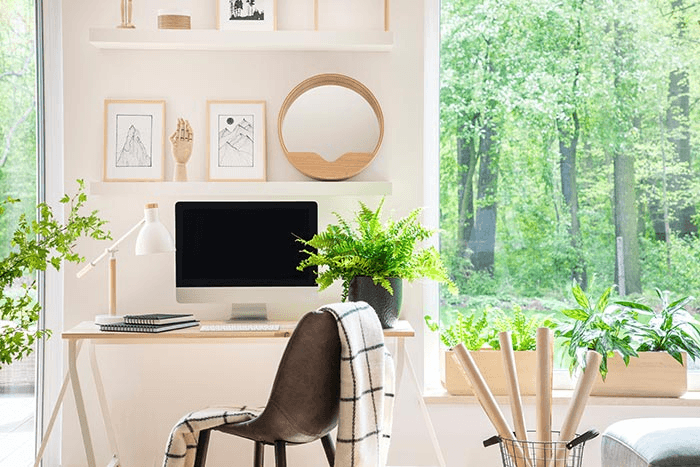
A comfortable desk and chair form the core of any home office setup. Invest in an ergonomic chair that fully supports your posture and a desk that suits your workflow, whether it's for a laptop, dual monitors, or paperwork. Avoid cluttered or oversized furniture, as it can make the space feel cramped and mentally stressful over time.
Storage solutions like shelves, filing cabinets, or organisers help keep everything within reach while maintaining a neat, professional look. A well-thought-out setup ensures you can work efficiently without constantly adjusting your environment or searching for misplaced items. Proper furniture selection also contributes to your overall comfort and long-term productivity.
Step 3: Set up your work equipment
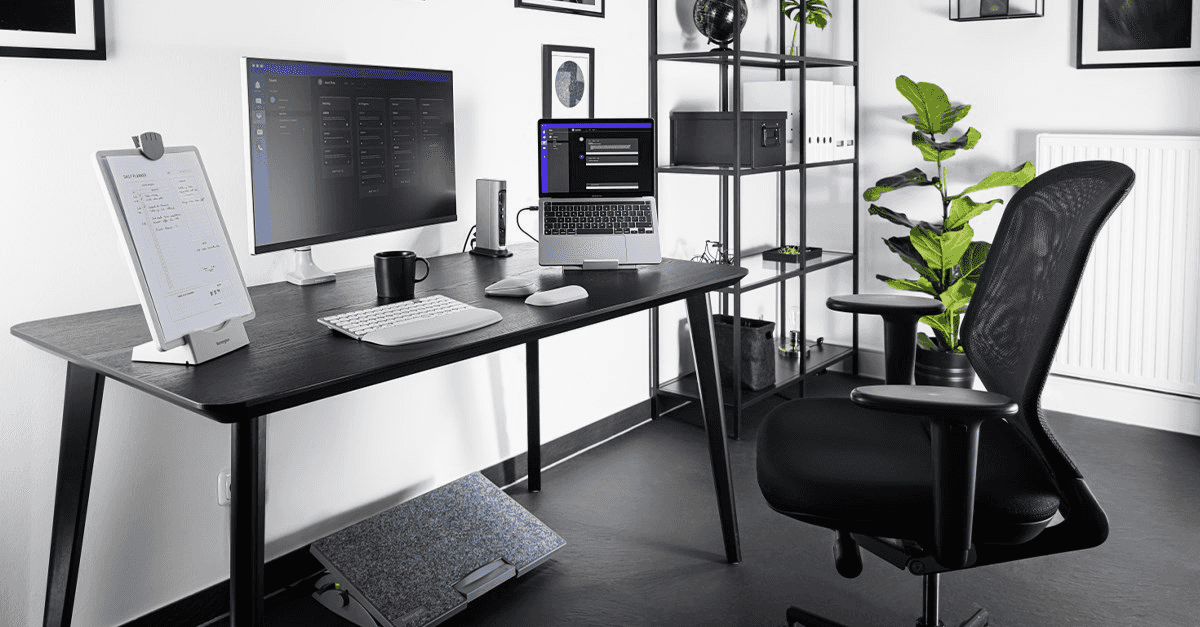
Technology plays a major role in any modern home office setup. Equip your workspace with a reliable computer or laptop, essential peripherals like a keyboard, mouse, and printer, and noise-canceling headphones if needed. Arrange all devices ergonomically to reduce strain on your eyes, neck, and wrists during long work hours, ensuring comfort and efficiency.
Organize cables, chargers, and accessories to avoid clutter using cable holders or under-desk trays for a cleaner, safer look. Proper equipment arrangement makes your home workspace more functional and productive, letting you focus entirely on tasks without unnecessary technical distractions. Regularly check and maintain your devices to keep them running smoothly.
Step 4: Focus on lighting and the environment
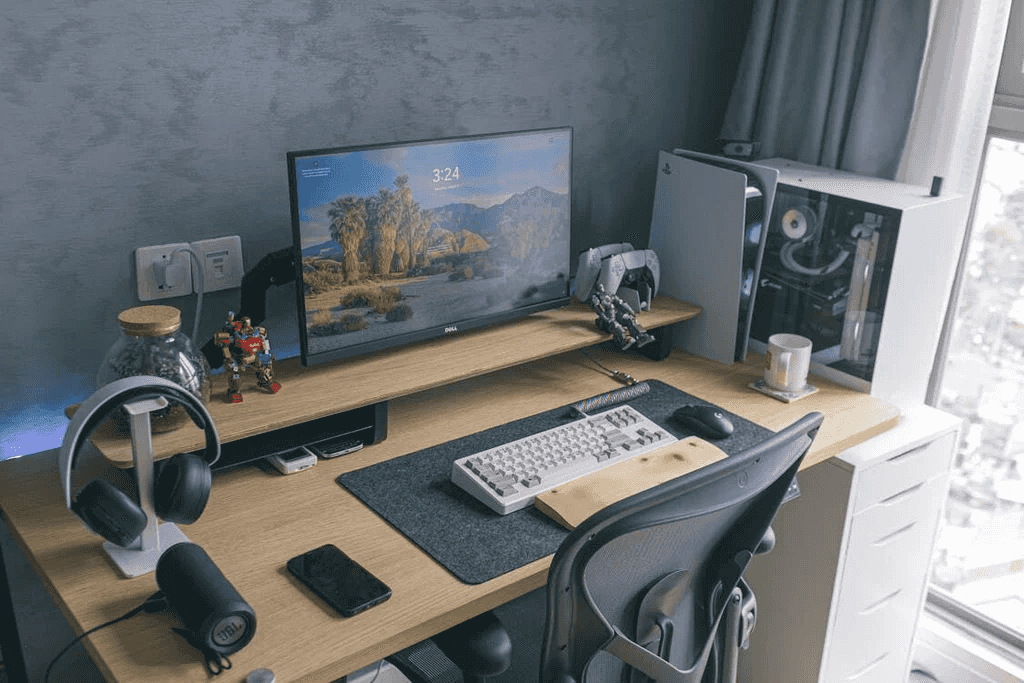
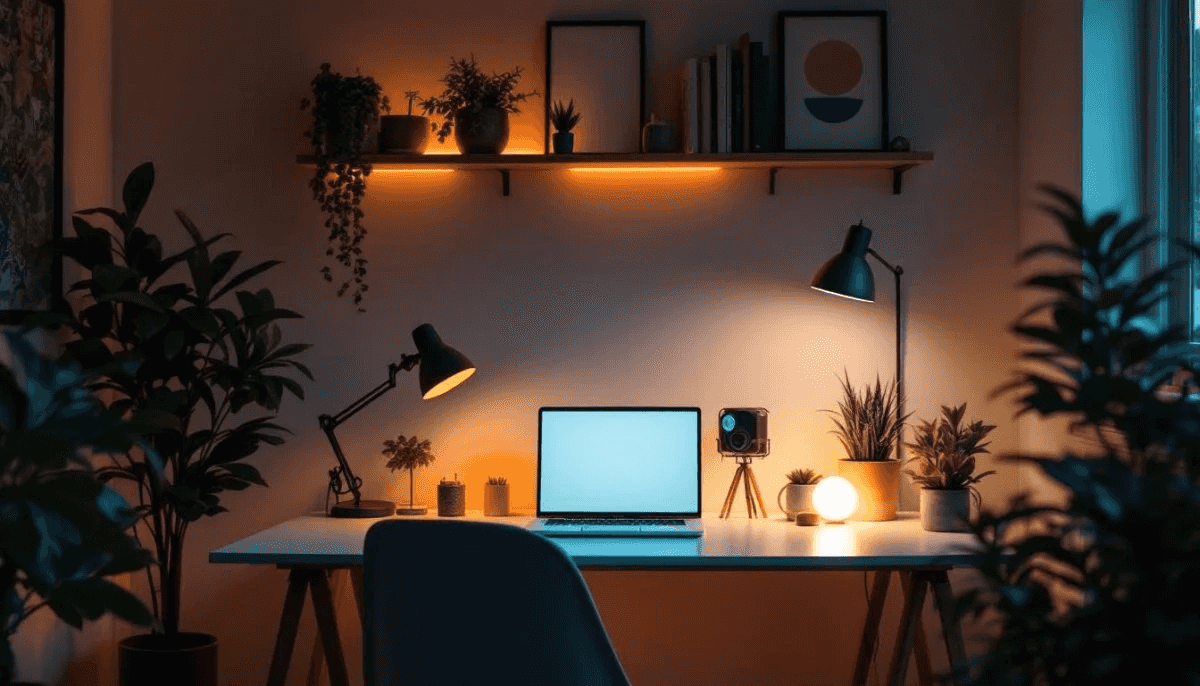
For home office setups, good lighting is key. Natural light is best, but if you don't have it, use a combination of ambient and task lighting to minimize eye strain. Orient your desk so that light comes from the side, avoiding glare on screens and paper as well as improving overall comfort and creating a more productive, pleasant working environment.
Environmental factors like temperature, noise, and ventilation also matter for long-term productivity. Add a small fan, plants, or a diffuser to create a comfortable and pleasant atmosphere. A well-lit, peaceful environment makes your home office inviting and boosts focus throughout the workday consistently. Small adjustments in lighting and airflow can significantly improve your workflow.
Step 5: Optimise the internet and connectivity
Strong internet and reliable connectivity are critical in home office setups. Test your Wi-Fi strength and consider a wired connection for stable performance, especially for video calls or transferring large files efficiently without delays. Make sure your network supports all devices you use simultaneously, including laptops, phones, printers, and other necessary equipment.
Organize essential apps, cloud storage, and backup solutions to manage work seamlessly and maintain efficiency. By setting up online smoothly, your workspace will run efficiently without interruptions that could slow productivity or add unnecessary pressure. Frequent updates and security practices keep your data secure while delivering optimal performance.
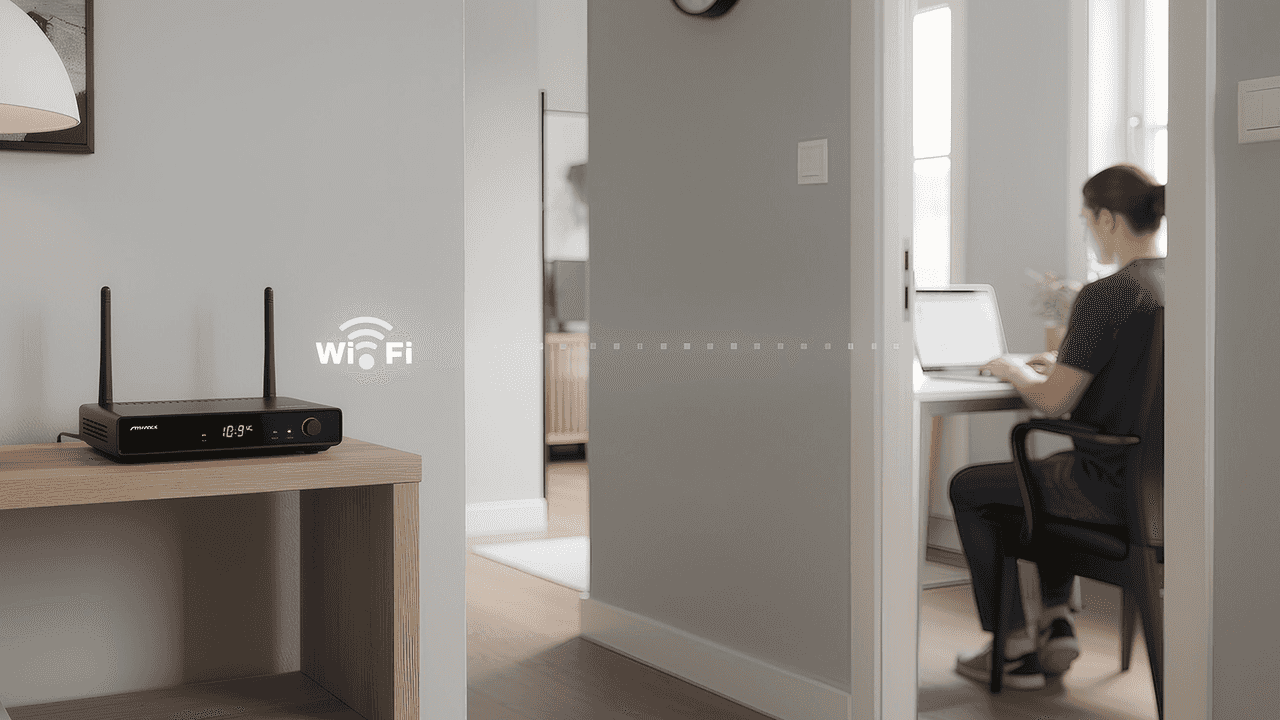
Step 6: Manage power for uninterrupted work
A reliable power setup is an important part of learning how to set up a home office, especially if your work depends on computers, Wi-Fi, and other essential devices. Power interruptions or unstable electricity can disrupt meetings, delay tasks, and reduce productivity. Adding backup solutions such as portable power stations or solar-compatible battery systems from brands like EcoFlow can help keep your workspace running smoothly. With dependable power support in place, you can stay focused on your work without worrying about unexpected outages.
Option 1: 450W Solar Panel with STREAM Ultra X
The 450W Rigid Solar Panel + STREAM Ultra X creates a self-sustaining power setup that fits well into modern home office environments. By converting sunlight into usable electricity and storing unused energy, the system helps reduce daily grid consumption while ensuring devices stay powered during unexpected outages. This makes it especially useful for remote workers who rely on continuous internet and device access.
Key highlights
Efficient solar charging in different weather conditions
With up to 2000W solar input and 4 MPPT trackers, the system improves sunlight capture efficiency and continues charging effectively even during cloudy or low-light periods.
Reliable power for multiple office devices
Delivering 1200W AC output, the system can support laptops, monitors, Wi-Fi routers, desk lighting, and other daily office equipment at the same time.
Large-capacity battery for day-to-night power use
The built-in 3.84kWh LFP battery stores unused solar energy during the day, so it can be used in the evening or during temporary outages.
Long-lasting battery performance for years of use
Designed for durability, the battery supports around 6000 charge cycles and offers a lifespan of up to 15 years, helping reduce replacement and maintenance costs.
Seamless smart home integration
The system supports compatibility with devices using Tiber, Matter, and Shelly protocols, making it easier to connect with existing smart home systems and manage energy usage more efficiently.
Option 2: STREAM Ultra with AC Pro Expansion
For home offices with higher energy usage—such as setups with multiple monitors, printers, or shared household equipment—the STREAM Ultra + AC Pro provides additional capacity and improved energy flexibility. This expanded configuration follows the same principle of storing solar power when available and supplying it during peak-demand periods, helping balance power usage and reduce electricity expenses.
Key highlights
Reliable energy storage for daily office use: The STREAM Ultra includes a 3.84kWh battery capacity, allowing solar energy collected during the day to be stored and used later to keep devices running consistently.
Stable power output for essential equipment: With 1200W continuous output from the main unit, the STREAM Ultra supports key home office devices such as laptops, monitors, and networking equipment throughout working hours.
Expandable storage for longer runtime: Adding the STREAM AC Pro provides an additional 3.84kWh of storage, effectively increasing total capacity and supporting extended usage during busy workdays or outages.
Higher output to support multiple devices: When expanded, the system delivers up to 2300W output, enabling several appliances or office tools to operate simultaneously without overloading the system.
Flexible setup for different home layouts: The system is designed to be installed without stacking requirements, making it easier to place in home offices, utility areas, or shared spaces.
Smart energy usage to reduce electricity costs: By storing solar energy and using it during peak-demand periods, the system helps reduce reliance on grid electricity and lowers long-term energy expenses.
Step 7: Ensure proper ergonomics
A comfortable setup helps you avoid strain during long work hours. Your chair should support your lower back, and your desk should let your arms rest naturally while typing. Keep your monitor at eye level to prevent neck pain, and place things you use often within easy reach. Small changes in how you sit and arrange your furniture can help prevent tiredness and keep you healthy over time.
Good ergonomics also helps you work better and stay focused by making your workspace more comfortable and efficient. Buying things like a footrest, keyboard tray, or adjustable chair can improve your workday. Even in a basic home office, these small changes can really help. Taking regular breaks and stretching also supports a healthy, stress-free routine.
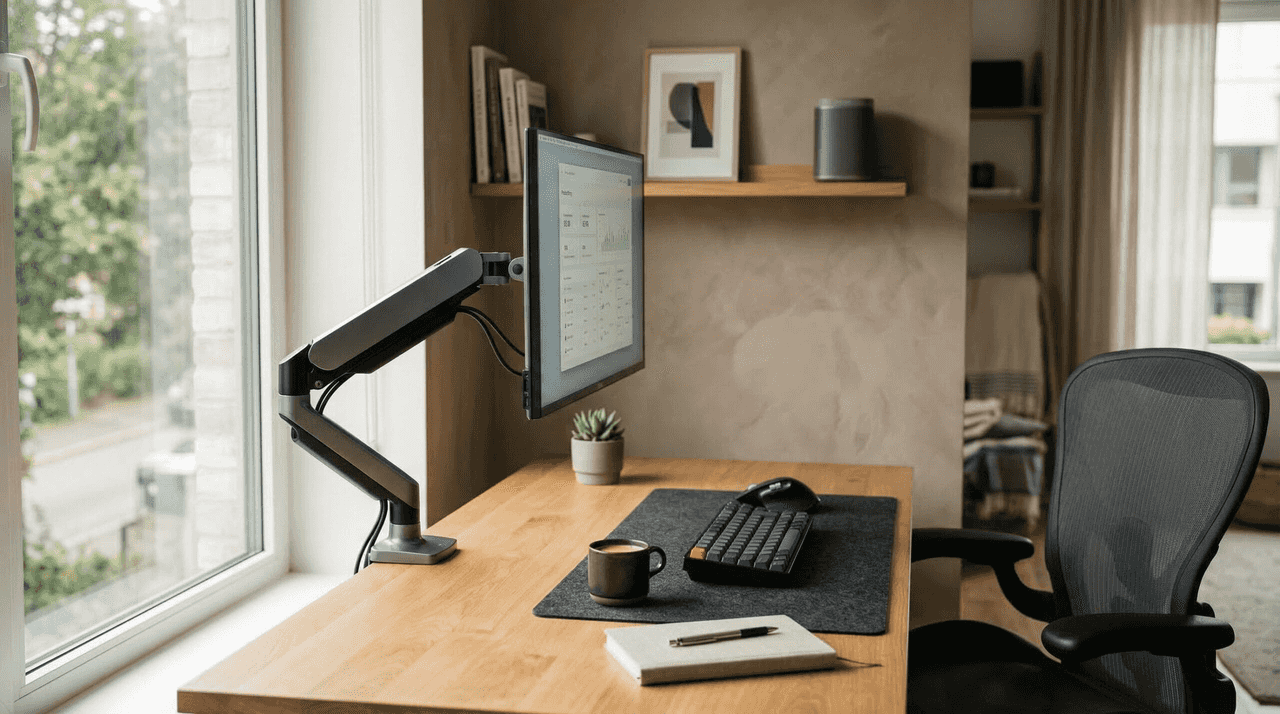
Step 8: Organise your workspace
A clutter-free and well-organized workspace is essential for the best home office setup. Use drawers, shelves, and organizers to keep documents, stationery, and gadgets in order. A tidy space reduces distractions and allows you to focus fully on your tasks. Personal items or décor can add comfort, but should not overwhelm the functional area.
Digital organization is equally important; keep files, apps, and cloud storage neatly arranged for quick access. Labeled storage and cable management prevent chaos and save time when looking for important items. A well-structured workspace promotes efficiency, reduces stress, and helps maintain a professional mindset even while working from home.
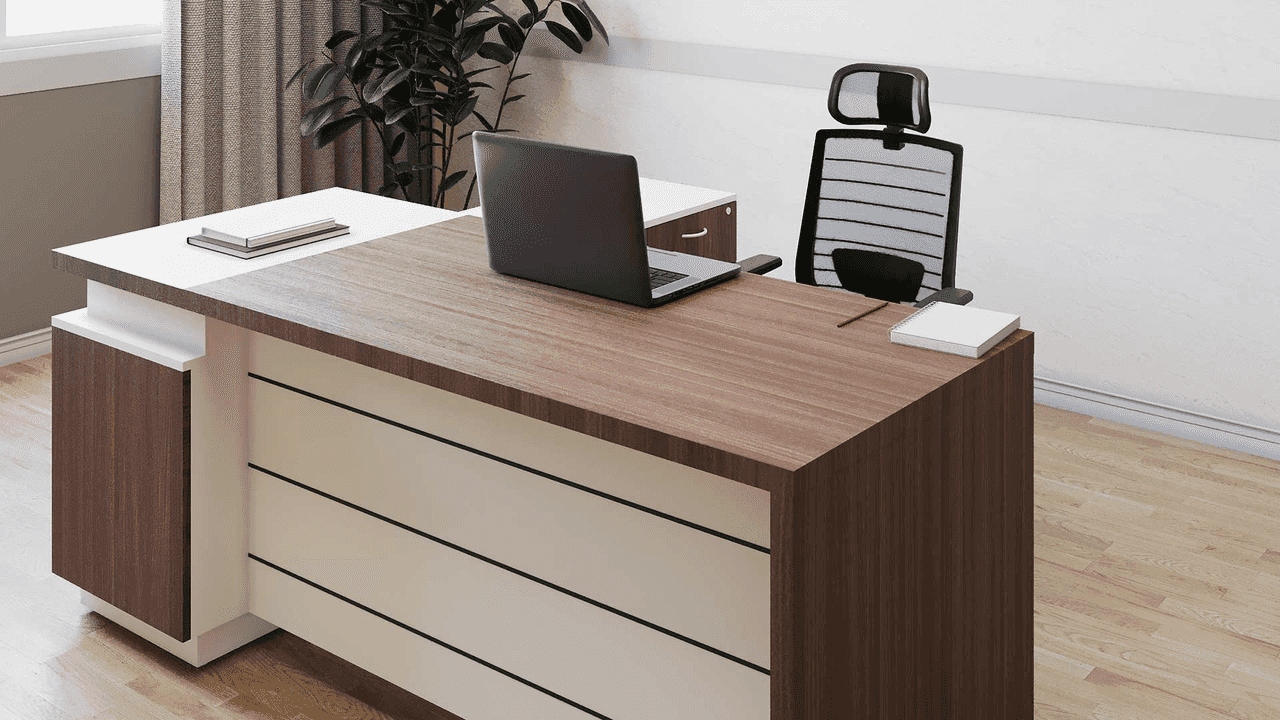
Step 9: Create a productive work environment
To make your home office productive, combine comfort, focus, and motivation. Pick a quiet spot, set up good lighting, and adjust the temperature so you feel comfortable. Use soundproofing or headphones to cut down on background noise and help you concentrate. Adding things like plants or motivational items can make your space more inviting.
A good work environment also supports your routine and mental health. Set a schedule, decide on your work hours, and use tools or apps to keep track of your tasks. Simple habits like keeping your desk tidy, playing quiet music, or keeping a water bottle nearby can help you focus and get more done. Arranging your space thoughtfully helps you work well and feel less stressed at home.
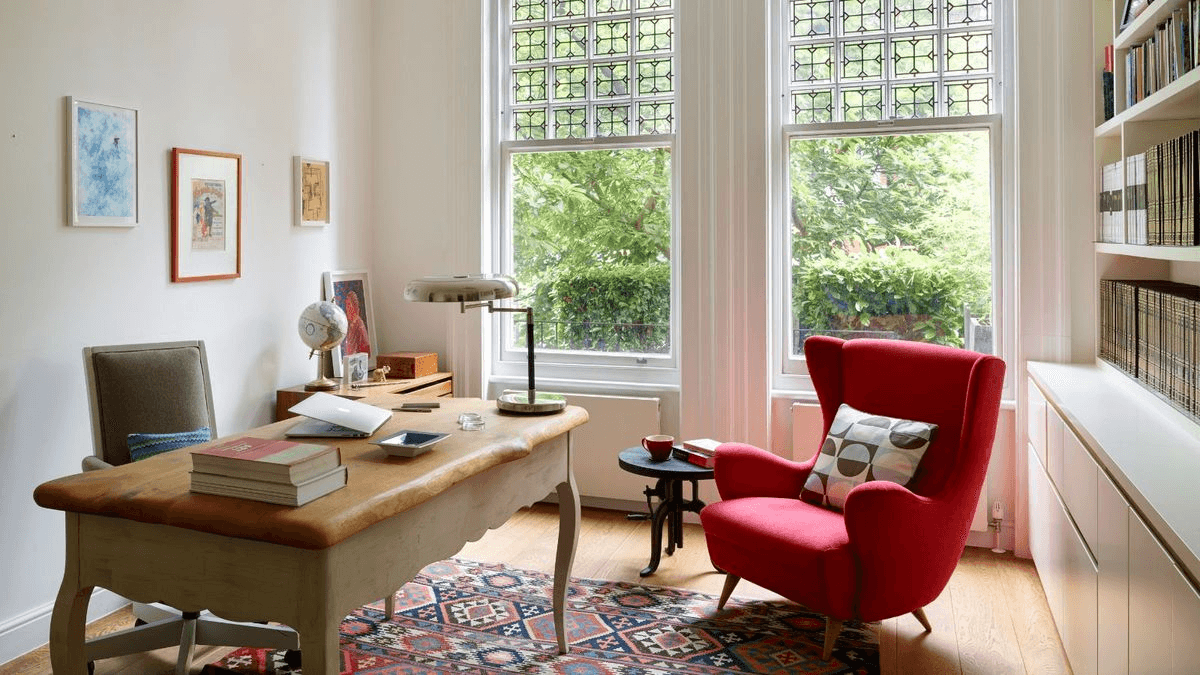
Where's the best place to set up your home office?
Picking the right spot for your home office can really affect how productive, comfortable, and balanced you feel. Every space has its own pros and cons, so think about them before you decide. Here's a look at some common home office locations and what's good or not so good about each one.
Home office in a spare room
A spare room is often the most straightforward option for creating a dedicated workspace. It allows you to fully separate work from daily household life, making it easier to stay focused and organized. With the right setup, it can become a long-term productivity zone tailored entirely to your needs.
Advantages
Offers privacy and quiet, perfect for concentrated work.
It can be fully customized to your needs.
Minimizes interruptions from other household activities.
Consideration
You may need extra lighting if natural light is limited.
Smaller spaces can restrict furniture choices.
Could feel isolated from other family members.
Home office in a living room
Using the living room as a workspace is a practical solution for homes with limited space. It allows you to work within an already established area, making setup quick and cost-effective. However, balancing work and leisure in the same space requires good discipline.
Advantages
Utilizes an existing area without major changes.
Easy access to household amenities.
Blends into home decor with minimal effort.
Consideration
Higher risk of noise and distractions.
Harder to separate work from personal life.
Limited privacy during video calls or meetings.
Home office in a dining room
A dining room can easily be transformed into a functional workspace thanks to its open layout and table space. It works especially well for flexible or part-time work setups, but requires daily organization to switch between functions.
Advantages
Often spacious with a large table for working.
Convenient access to the kitchen.
It can double as a workspace without a permanent setup.
Consideration
Shared space may lead to interruptions during meals.
Requires daily clearing and setup, which can be inconvenient.
Hard to maintain a professional look for video calls.
Home office in a garden
A garden workspace offers a refreshing and natural working environment that can boost creativity and reduce stress. It is ideal for those who enjoy working in open-air conditions, though it may require additional setup for comfort and connectivity.
Advantages
Natural light and fresh air boost mood and focus.
Peaceful and inspiring environment.
Helps separate work from indoor distractions.
Consideration
Weather-dependent, not suitable year-round.
Needs outdoor furniture and possibly Wi-Fi extension.
Potential for insects, noise, and extra maintenance.
Home office in a loft
A loft provides a quiet and separated area that can be turned into a highly efficient workspace. It is especially suitable for long-term setups where privacy and focus are priorities, though comfort adjustments may be needed.
Advantages
Provides privacy and quiet, away from the main living areas.
Often spacious and easy to customize.
Ideal for creating a dedicated work area.
Consideration
May need insulation or heating adjustments.
Limited natural light in some lofts.
Accessibility can be tricky if stairs are steep or narrow.
Tips for creating a home office
Creating a home office that's both functional and inviting is key to staying productive and motivated. Small changes can make a big difference in comfort, focus, and overall work experience. Here are some practical home office setup ideas to design an efficient and stylish workspace that suits your needs:
Choose a quiet spot
Finding a peaceful area is vital for a productive office setup. Avoid noisy corners like kitchens or hallways, and pick a space where interruptions are minimal. Even a small nook in a calm room can serve as a focused workspace. Adding rugs, curtains, or noise-canceling devices can further reduce distractions.
Use natural light
Sunlight can energize your mind and improve focus while reducing eye strain. Position your desk near a window to benefit from daylight and a pleasant view. Adjustable blinds or curtains let you control glare throughout the day. Incorporating natural light is a simple way to enhance an aesthetic home office setup.
Keep it simple
A clean, uncluttered environment improves concentration and reduces stress. Limit items on your desk to essential tools and supplies. Use organizers, trays, and cable management solutions to keep everything in order. Simplicity not only boosts efficiency but also adds a modern, polished look to your home office.
Get a comfortable chair
A supportive chair is crucial for long working hours, helping prevent back pain and fatigue. Look for adjustable seating with good lumbar support and cushioning. Comfort encourages better posture and sustained productivity. Choosing the right chair is a key element in creating a basic home office setup.
Add personal touches
Adding decor or meaningful items can make your workspace feel welcoming and motivating every day. Small plants, artwork, or family photos create a pleasant environment that sparks creativity naturally. Personalization makes the office feel uniquely yours without cluttering it unnecessarily.
Conclusion
Understanding how to set up a home office is key to staying focused and productive. A well-organised, comfortable space supports daily tasks and encourages efficiency. Small changes in ergonomics and the environment can make a big difference in performance and mindset.
EcoFlow STREAM Ultra X and Ultra keep your home office powered and running smoothly. With smart monitoring, solar integration, and reliable energy, these systems ensure uninterrupted work. Incorporating them helps create a stress-free, efficient workspace ready for any situation.
FAQs
What are the pros and cons of the home office?
A home office provides flexibility, saves commuting time, and allows for a personalised work environment. It can improve work-life balance if managed well. On the downside, it may lead to distractions, blurred boundaries between work and personal life, and feelings of isolation if not planned carefully.
What makes a good home office?
A good home office combines comfort, functionality, and organisation. Essential elements include ergonomic furniture, proper lighting, and easy access to work tools. Personal touches, minimal distractions, and a tidy environment further enhance productivity and focus.
What is the best color for a home office?
Neutral and soft colors, like light grey, beige, or pale blue, promote calm and concentration. Brighter accents can boost energy and creativity without overwhelming space. The ideal color depends on your personal preferences and the type of work you do, balancing focus and inspiration.