How to Set Up a Gaming Room for Comfort and Performance
A well-planned gaming room setup can greatly improve both comfort and performance during long gaming sessions. It helps create an organized and immersive space where everything is placed efficiently for better focus and gameplay. Even a small room gaming setup can feel premium with the right layout and design choices, especially when supported by reliable power solutions such as solar batteries for backup during outages.
Good lighting, proper seating, and smart use of space play an important role in enhancing the overall experience. In this guide, you'll explore practical gaming room setup ideas to build a comfortable and efficient space that suits your style and gaming needs.
Planning your gaming room setup
Before creating your ideal space, proper planning is essential for a balanced and efficient gaming room setup. It helps you organize your space, control your budget, and choose the right equipment without clutter or confusion. Good planning ensures your game room setup ideas match both performance needs and available space.
1. Choosing the right space
Selecting the right room or corner is the foundation of a comfortable setup. A quiet, well-ventilated area helps improve focus and prevents overheating of equipment. Make sure there is enough room for your desk, chair, and movement. A smart location enhances your overall gaming experience.
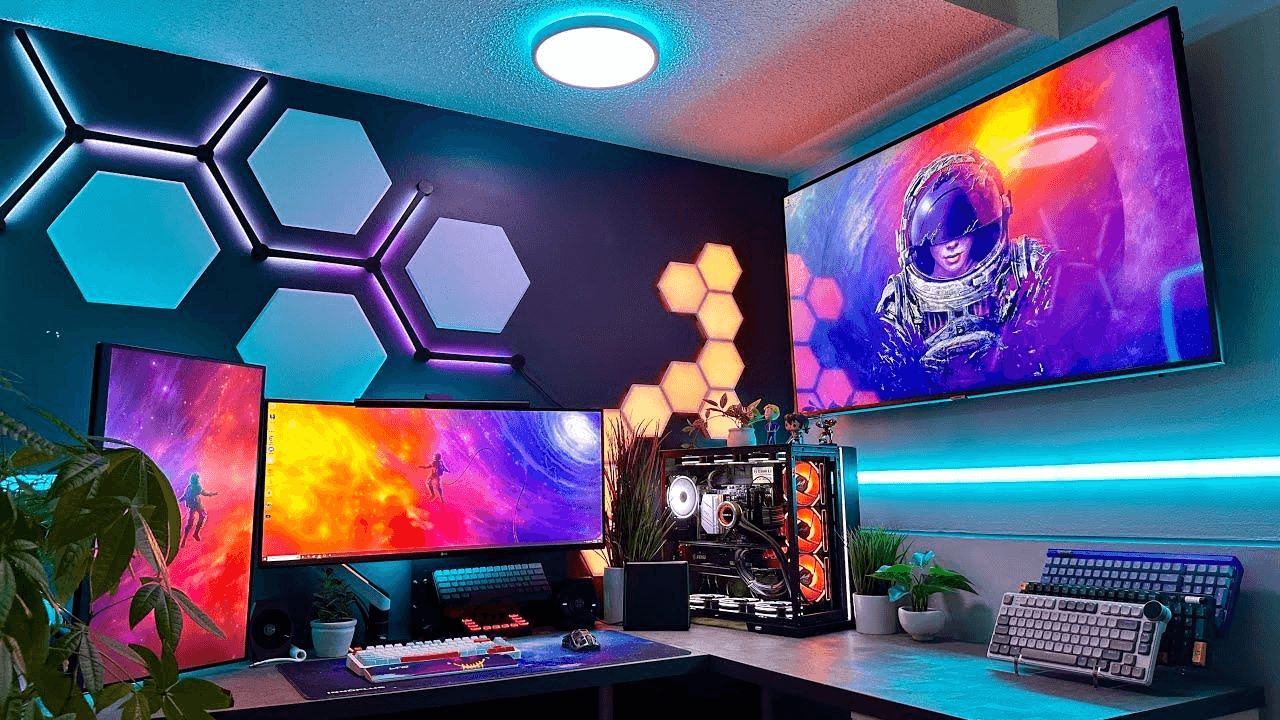
2. Setting a budget
A clear budget helps you decide what to prioritize in your setup. It ensures you don't overspend on unnecessary accessories while missing out on essentials. You can gradually upgrade your setup over time based on your budget. This approach makes your building more practical and manageable.
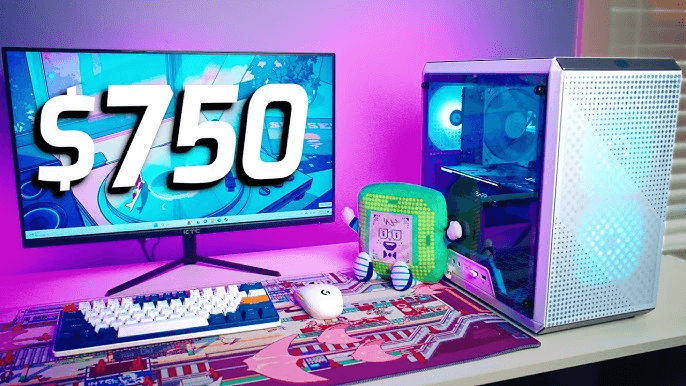
3. Defining your gaming style
Your gaming style determines how your setup should be designed. Competitive gamers may focus on performance, while casual players prioritize comfort and visuals. Streamers may need lighting, cameras, and extra desk space. Understanding your style helps you build a more personalized setup.
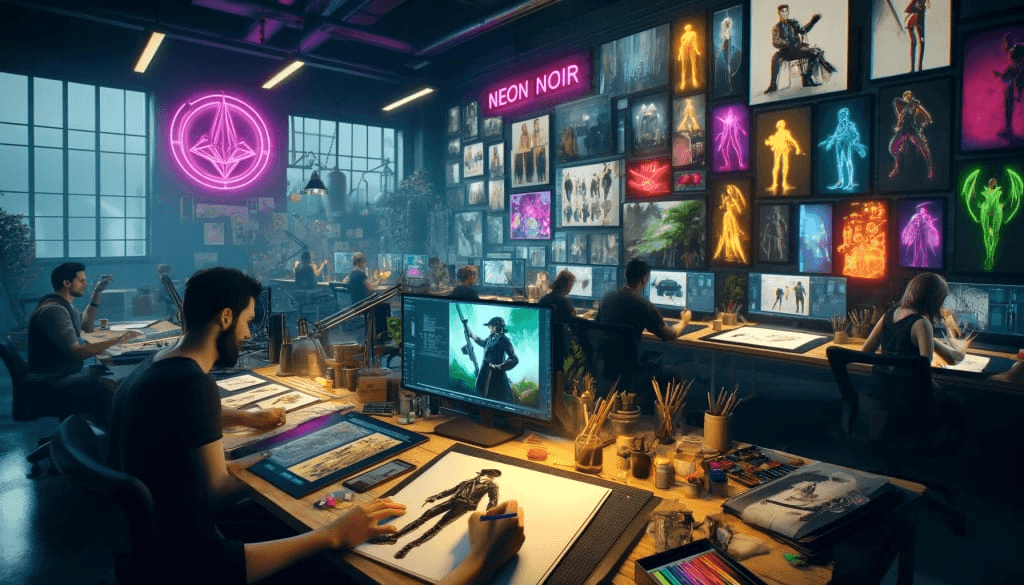
4. Essential gaming room equipment
A complete gaming room setup requires the right combination of hardware and accessories. Each item contributes to performance, comfort, and immersion. Below is a breakdown of essential equipment and how to choose it effectively.
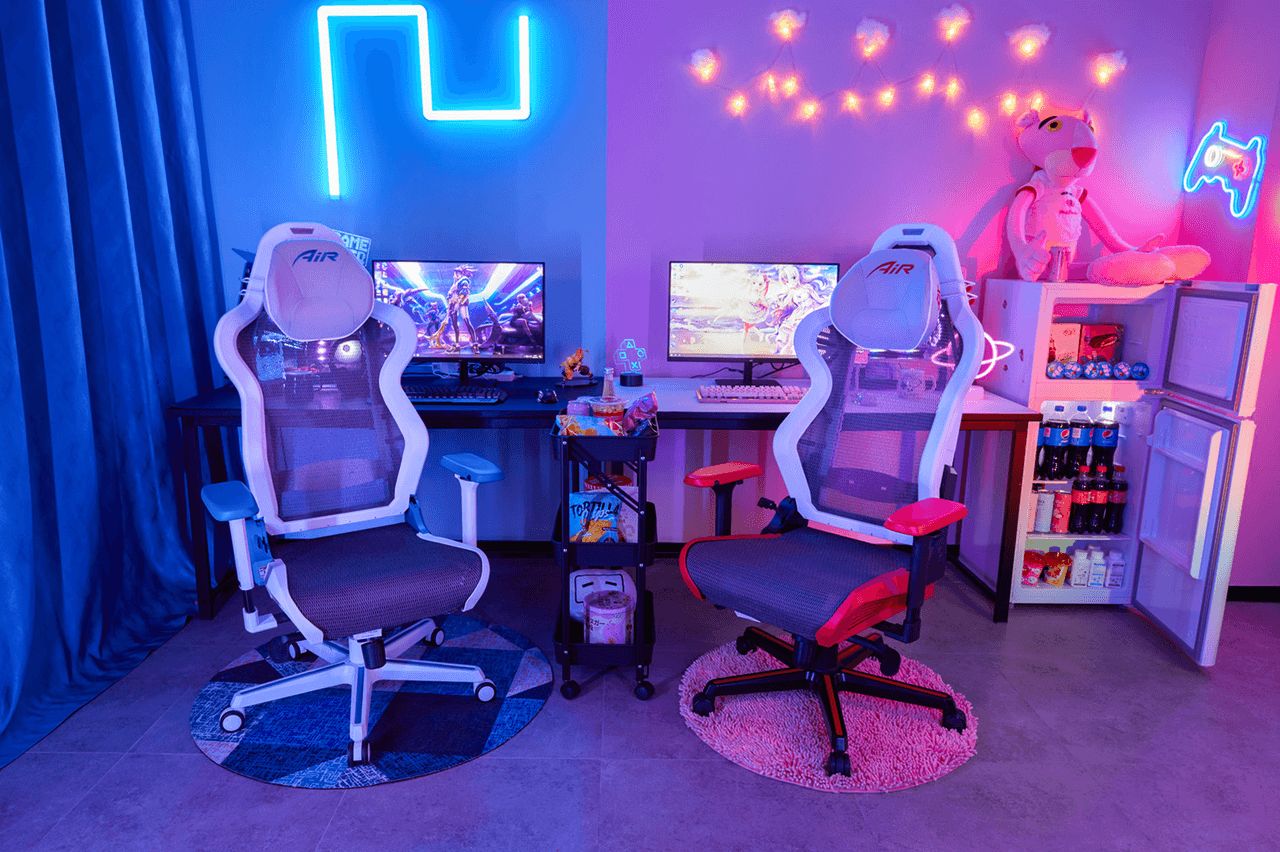
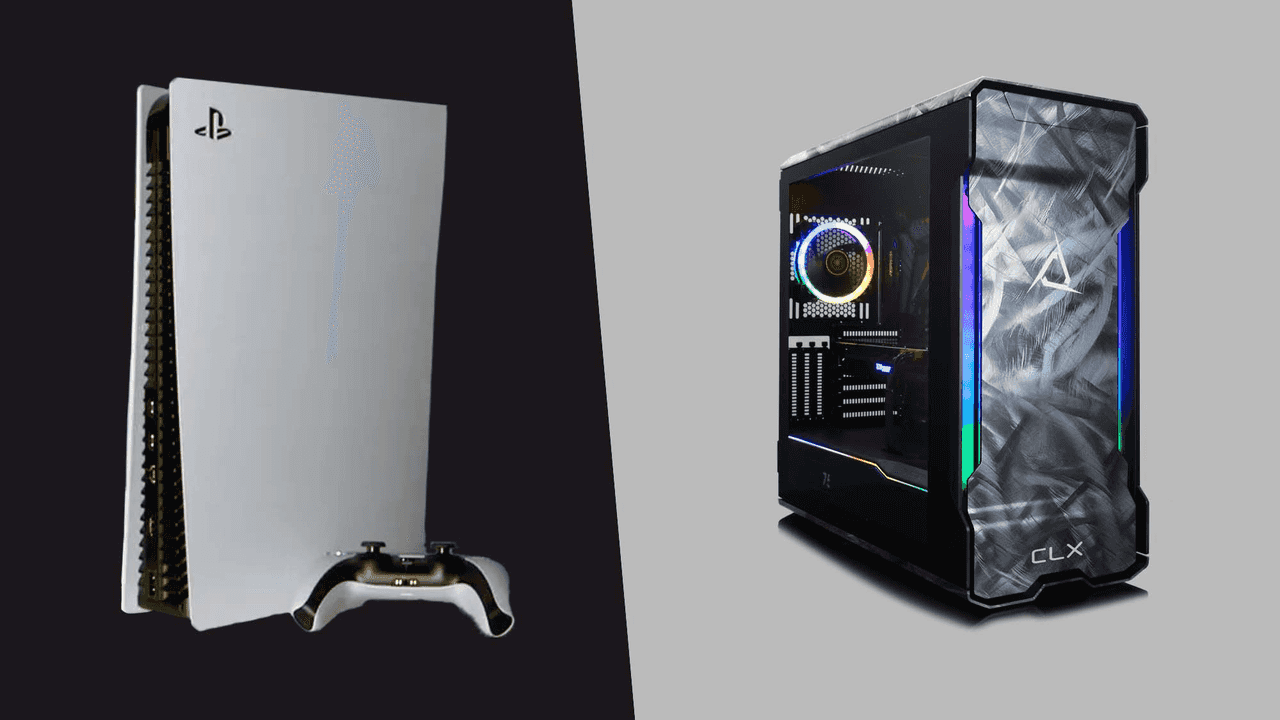
5. Gaming PC or console
Your main system defines your entire gaming experience. A gaming PC offers higher performance, customization, and upgrade options. A console is easier to set up and more budget-friendly. Choose based on your gaming needs and long-term goals.
Option | Performance Level | Best For | Experience Type |
Gaming PC | High (customizable) | Competitive & AAA gaming | Advanced & flexible |
Console | Moderate (optimized) | Casual & exclusive titles | Simple & plug-and-play |
6. Monitor or TV setup
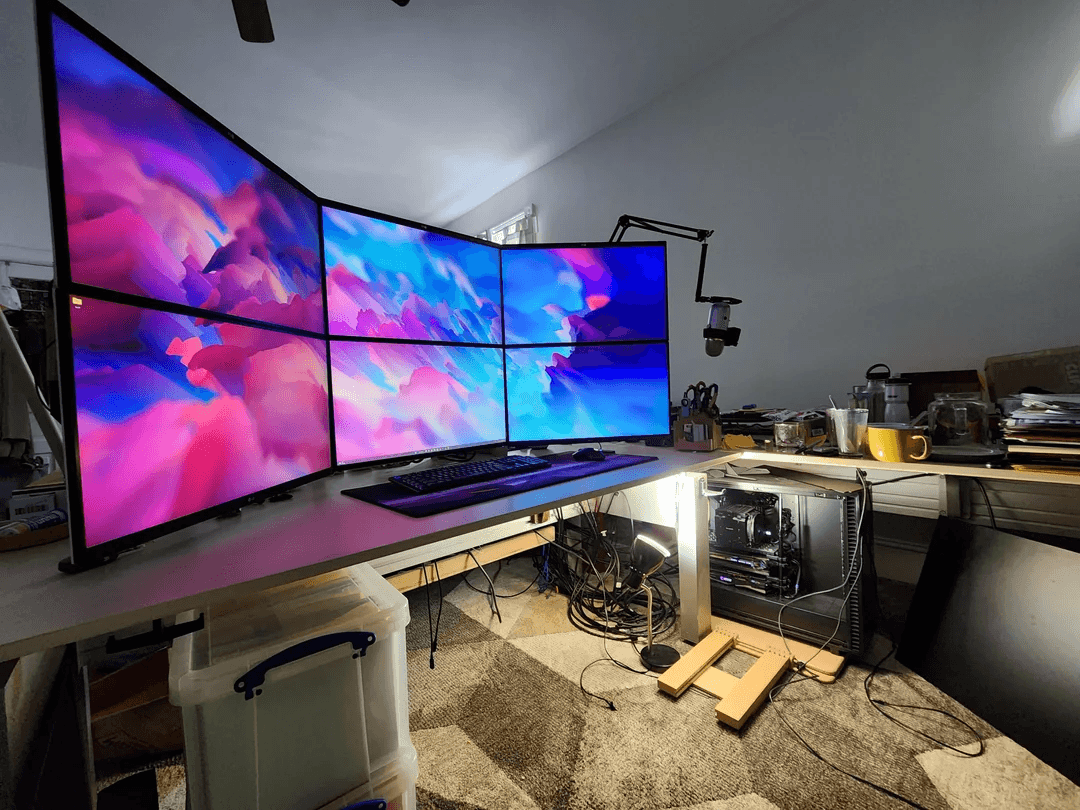
Monitors are ideal for fast-paced games due to better responsiveness. TVs provide a more cinematic experience with larger visuals. Your choice depends on space availability and gaming preference. Both options can enhance your gaming room setup.
Option | Key Features | Best For |
Monitor | High refresh rate, low input lag | Competitive gaming |
TV | Large screen, immersive visuals | Casual or console play |
7. Gaming desk and ergonomic chair
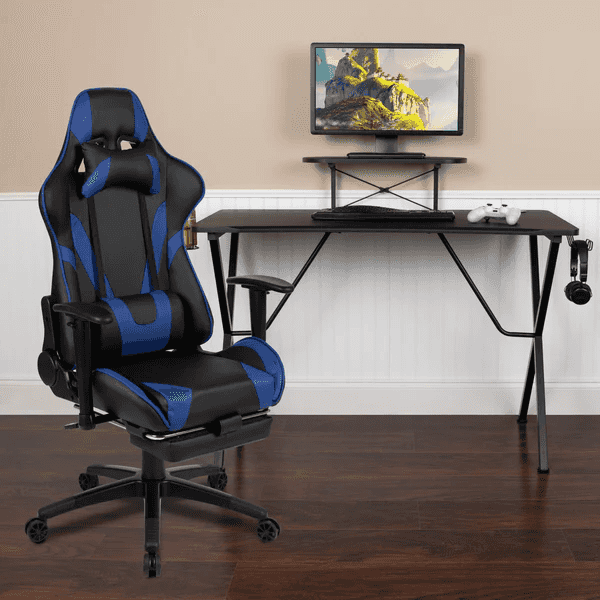
A strong desk and comfortable chair form the base of any setup. An ergonomic chair supports posture and reduces strain during long sessions. A spacious desk helps organize your monitor, PC, and accessories neatly. Together, they ensure comfort and better focus during gameplay.
8. Peripherals (keyboard, mouse, headset)
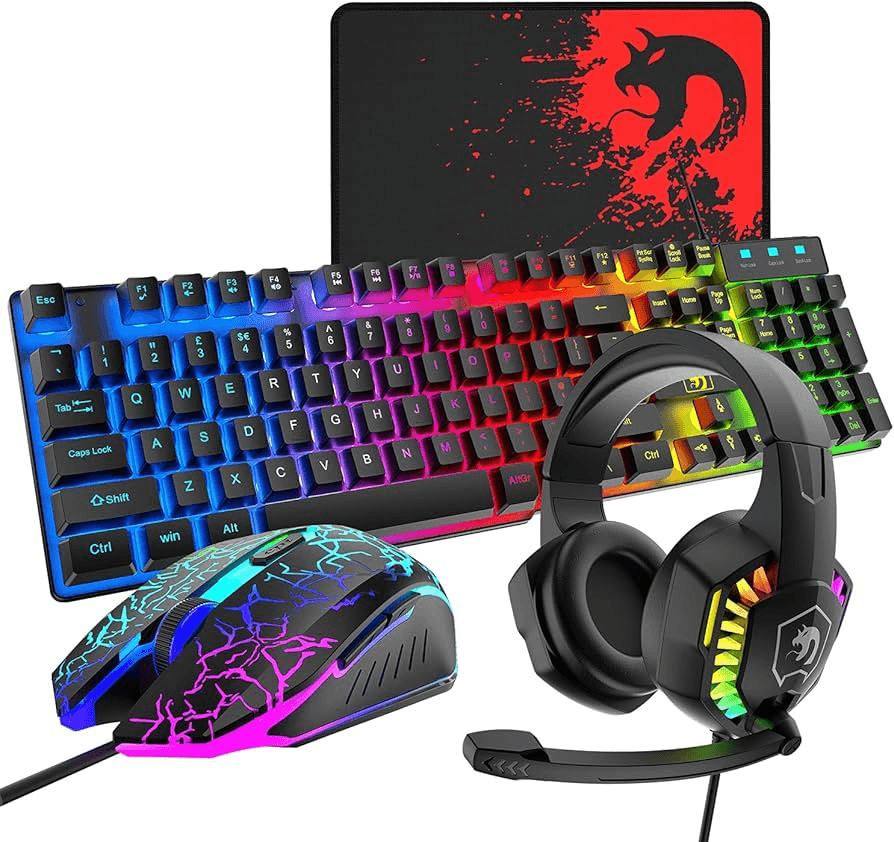
Peripherals directly impact gameplay performance and experience. A responsive keyboard and precise mouse improve control and reaction time. A good headset enhances audio clarity and team communication. These essentials complete your gaming room setup for a fully immersive experience.
Peripheral | Importance in Gaming | Ideal Choice Type |
Keyboard | Fast response & control | Mechanical preferred |
Mouse | Accuracy & precision | High DPI gaming mouse |
Headset | Communication & immersion | Surround sound headset |
Gaming room layout and design
A well-planned gaming room layout plays a key role in improving comfort, performance, and overall experience. Good design ensures your space feels organized, efficient, and visually appealing. Below are important aspects to consider when designing your gaming room setup.
1. Desk placement and positioning
Your desk placement directly affects comfort and screen visibility. Position it in a way that reduces glare from windows and provides enough space for movement. Ideally, the monitor should be at eye level to avoid strain during long sessions. Proper positioning improves focus and gameplay performance.
2. Cable management and organization
Good cable management keeps your setup clean, safe, and visually appealing. Use cable ties, clips, or trays to organize wires behind the desk. This prevents clutter and reduces the risk of accidental disconnections. A neat setup also makes maintenance and upgrades easier.
3. Space optimization for small rooms
In a small room gaming setup, maximizing space is essential for comfort and functionality. Use compact desks, wall-mounted shelves, and vertical storage solutions. Multi-functional furniture can also help save space without sacrificing performance. A smart organization makes even small areas feel efficient and spacious.
Lighting for a gaming room
Lighting plays a key role in creating an immersive and comfortable gaming environment. It not only enhances the visual appeal of your space but also improves focus and mood during gameplay. Below are some important gaming room setup ideas for effective lighting design.
1. RGB lighting setups
RGB lighting adds a dynamic and colorful effect to your gaming space. You can sync lights with your PC, keyboard, or games for a more immersive experience. It helps create a personalized atmosphere that matches your style. RGB setups are popular in modern gaming environments for their visual impact.
2. Ambient and accent lighting
Ambient lighting provides overall room brightness without causing screen glare. Accent lighting highlights specific areas like shelves, desks, or gaming gear. Together, they create depth and balance in your setup. This combination improves both aesthetics and comfort.
3. Reducing eye strain
Proper lighting helps reduce eye strain during long gaming sessions. Avoid overly bright or harsh lights that directly reflect on your screen. Soft, indirect lighting is ideal for maintaining visual comfort. Good lighting balance improves focus and long-term gaming comfort.
Creating an immersive gaming environment
Creating an immersive gaming environment goes beyond just hardware; it's about building a space that feels engaging, comfortable, and visually exciting. A well-designed gaming room setup combines audio, visuals, and aesthetics to fully enhance your experience.
1. Sound setup (speakers or headset)
High-quality audio is essential for immersion in any game. A good headset provides clear communication and directional sound for competitive play. Speakers, on the other hand, create a more open and cinematic experience. Choosing the right option depends on your gaming style and gaming setup room preference.
2. Wall decor and themes
Wall decor helps personalize your gaming space and reflect your style. Posters, LED signs, or themed artwork can enhance the overall atmosphere. A consistent theme makes your setup more visually appealing and immersive. It transforms a simple room into a dedicated gaming environment.
3. Multi-monitor or ultrawide setups
Multi-monitor or ultrawide displays improve the field of view and productivity. They are especially useful for simulation, racing, and multitasking during gameplay. This setup enhances immersion by expanding visual coverage. It is a popular choice for advanced gaming room setup ideas.
Smart power setup for gaming rooms
To build a truly reliable gaming environment, stable power is just as important as strong hardware. A smart power setup ensures uninterrupted performance and protects your system from unexpected failures. EcoFlow offers advanced energy storage and backup solutions designed to deliver consistent power for gaming setups, helping reduce downtime during outages or power fluctuations. Below are two advanced power solutions from EcoFlow designed to keep your gaming room setup running smoothly without interruption.
EcoFlow STREAM Ultra X – Reliable solar-powered backup for gaming rooms
A dependable smart power setup for gaming rooms requires stable energy that can support long sessions without interruptions. The STREAM Ultra X helps achieve this by capturing surplus solar energy during the day and storing it for use at night, reducing reliance on grid electricity. With up to 1200W AC output from a single unit, it provides steady power for gaming PCs, monitors, routers, RGB lighting, and other essential gaming equipment.
Designed to maximize solar efficiency, the system supports 2000W solar input, along with four MPPT trackers and advanced low-light cell technology, allowing it to continue generating power even in cloudy or dim conditions. When paired with a 450W rigid solar panel, it delivers more consistent energy harvesting throughout the day—helping gaming setups stay powered for longer periods without interruption.
For growing gaming environments, the STREAM Ultra X offers flexible scalability, expanding from 3.84kWh up to 23kWh, making it suitable for everything from single gaming desks to fully equipped gaming rooms. It also integrates smoothly with smart home ecosystems using Tiber, Matter, and Shelly protocols, ensuring compatibility with smart plugs, lighting, and automation systems commonly used in modern gaming spaces.
Built for durability and long-term performance, the system features a 15-year lifespan, providing consistent operation, enhanced safety, and reduced maintenance over time. This makes STREAM Ultra X a practical choice for gamers who want a stable, efficient, and future-ready smart power setup for gaming rooms.
DELTA 3 Max Plus – High-performance backup for gaming room power
For a smart power setup in gaming rooms, the EcoFlow DELTA 3 Max Plus delivers the performance needed to keep high-end gaming systems running without interruption. Designed for demanding setups, it features an industry-leading 3000W AC output with a 6000W surge capacity, providing stable power for gaming PCs, monitors, lighting, routers, and other accessories at the same time. This strong output helps prevent sudden shutdowns during intense gameplay or streaming sessions.
Built with industry-first full-tab LFP battery cells and an advanced smart BMS (Battery Management System), the unit provides 24/7 protection against overheating, overcharging, and power instability—critical for protecting sensitive gaming hardware. During outages, the system's <10ms UPS auto-switch ensures nearly instant transition to battery power, allowing gaming PCs and connected devices to continue running smoothly without noticeable interruptions.
The Smart Output Priority technology allows users to decide which devices stay powered during outages, ensuring essentials like gaming PCs, Wi-Fi routers, or streaming equipment remain active. Through the EcoFlow Oasis smart app, users can monitor power usage, adjust settings, and manage energy flow directly from their smartphone, creating a more intelligent and controlled gaming environment.
With an expandable capacity ranging from 2kWh to 10kWh, the DELTA 3 MAX PLUS adapts easily as your gaming setup grows, supporting everything from casual gaming rooms to full multi-device streaming stations. This scalability makes it a reliable long-term solution for gamers who demand stable, uninterrupted performance and efficient energy management.
Cooling and ventilation considerations
Proper cooling and ventilation are essential for maintaining performance and extending the life of your gaming equipment. A well-balanced gaming room setup helps keep temperatures stable even during long gaming sessions.
1. Managing heat from gaming equipment
Gaming PCs, consoles, and monitors generate significant heat during intensive use. High-performance GPUs and CPUs especially require proper heat dissipation to maintain stable performance. Using efficient cooling solutions like fans or liquid cooling helps reduce thermal stress on components.
2. Airflow and room ventilation
Good airflow ensures that hot air is continuously replaced with cooler air in the room. Positioning your desk away from walls and keeping vents unblocked improves circulation. Adding exhaust fans or open ventilation paths can further enhance overall cooling efficiency.
3. Preventing overheating
Overheating can lead to system slowdowns, crashes, or long-term hardware damage. Regular cleaning of dust from fans and vents helps maintain cooling performance. Maintaining a balanced temperature environment ensures your gaming setup room stays stable and reliable during heavy use.
Tips to improve your gaming experience
Here are some practical ways to enhance your overall gaming performance and comfort. Small improvements in your gaming room setup can make a big difference in immersion and efficiency.
1. Keep your setup organized
A clean and organized setup reduces distractions and improves focus during gameplay. Proper cable management also prevents clutter and improves airflow around your equipment. Keeping essentials within reach makes your gaming setup room more efficient and enjoyable to use.
2. Upgrade components gradually
Instead of replacing everything at once, upgrading parts step by step is more cost-effective. Start with high-impact components like GPU, RAM, or storage for better performance gains. This approach keeps your system balanced while improving overall gaming quality over time.
3. Optimize lighting and sound
Good lighting reduces eye strain and enhances the visual atmosphere of your setup. RGB or ambient lighting can improve immersion without being distracted. Pairing it with quality audio creates a more engaging and realistic gaming experience.
Conclusion
A great gaming room setup combines smart planning, comfort, and performance-focused design. From layout and lighting to cooling and organization, each element helps create a smoother and more immersive gaming experience.
Stable and reliable power is essential to protect your system and maintain uninterrupted gameplay. Solutions like the EcoFlow STREAM Ultra X, EcoFlow DELTA 3 Max Plus, and EcoFlow DELTA Pro 3 ensure consistent energy, safety, and long-term performance for your gaming setup.
FAQs
How much does a gaming room cost?
The cost of a gaming room setup depends on your equipment, space, and design choices. A basic setup can start from a few hundred dollars, while high-end rooms with premium PCs, desks, and lighting can go into several thousand. Adding accessories like sound systems and ergonomic furniture increases the overall budget.
What is the best layout for a gaming setup?
The best layout focuses on comfort, screen positioning, and easy movement within the space. Your monitor should be at eye level, with the desk placed to reduce glare and distractions. Keeping cables managed and leaving space for airflow improves both performance and aesthetics in your gaming setup room.
How can I improve my gaming room on a budget?
You can improve your gaming room setup by upgrading small elements like lighting, cable organization, and seating comfort. Adding LED strips or repositioning your desk can make a big visual difference without high costs. Prioritizing upgrades like peripherals or second-hand furniture also helps enhance performance affordably.