Outdoor Camera Guide: Features, Power, and Installation Tips
From the freezing winters of the Canadian Prairies to humid summer weekends at an Ontario cottage, keeping an eye on your property brings real peace of mind. Outdoor security cameras have moved well past basic surveillance—these days they double as smart hubs for tracking wildlife, keeping your family safe, and managing your property from afar.
In this guide, we’ll look at why outdoor cameras make sense in Canada, which hardware features matter, dependable power options that work off-grid, and the installation and upkeep habits that keep everything running.
Why Do You Need an Outdoor Camera in Canada?
Canada’s wide-open landscapes, its sharp seasonal swings, and the way people actually live here create monitoring needs that indoor devices just can’t meet.
Support Outdoor Activity Monitoring
Maybe your kids are out playing street hockey on the driveway in Calgary. Or you’re hosting a fall backyard barbecue in Quebec. Either way, an outdoor camera keeps you plugged into daily family life. The two-way audio is clear enough that you can call everyone in for dinner without stepping into the cold, and the wide-angle lens lets you keep tabs on delivery drivers, contractors, and vehicles parked in open driveways.
Protect Cottages and Remote Properties
Walk away from a lakeside cottage in Muskoka or a cabin in the BC interior for the off-season, and you’ll worry about damage, frozen pipes, unauthorized trespassers, and snow buildup. A remote outdoor camera gives you a live feed and pushes alerts straight to your phone, so you don’t have to drive hours just to check the place held up after an ice storm. For remote sites without dependable outlets, a portable power station can keep the camera and networking equipment running.
Observe Wildlife Around Properties
Living alongside Canada’s diverse wildlife is rewarding—until a black bear, raccoon, deer, coyote, or moose shows up uninvited. A perimeter camera placed in the right spot lets you watch what the local animals are doing from inside, flags you when a curious bear is nosing around your compost bin or garbage shed, and helps you avoid a surprise run-in when you let the dog out after dark.
What Features Should You Look for in an Outdoor Camera?
With so many models out there, focusing on the specs that actually survive a Canadian climate helps a lot with long-term reliability.
Check Weather Resistance Ratings
Canadian weather pushes electronics hard. Look for an Ingress Protection (IP) rating of at least IP65 to handle dust and water jets, or IP67 if you want it to survive brief submersion. The operating temperature rating matters just as much—pick a model rated for the coldest temperatures you’d reasonably see in your area. In the colder parts of Canada, something rated to -30°C or below gives you a bit of extra cushion during a brutal winter.
Choose Night Vision Capabilities
In Canadian northern latitudes, winter nights can run past 16 hours. So dependable low-light performance is non-negotiable.
Infrared (IR) Night Vision: Sends out invisible light up to 30 metres, giving you high-contrast black-and-white footage without spooking anything nearby.
Color Night Vision with Integrated Spotlights: Built-in motion-activated LEDs to light up the scene. You’ll catch details that matter—vehicle colors and clothing patterns while simultaneously deterring prowlers.
Compare Storage and Connectivity Options
Off-grid cottages and rural properties often don’t have decent broadband. For these locations, planning reliable off-grid cottage power alongside connectivity options is essential for keeping cameras online. Suburban homes usually thrive on dual-band 2.4GHz / 5GHz Wi-Fi, while remote spots are better off with 4G LTE cellular-enabled cameras. On storage:
Local MicroSD / NVR Storage: Keeps records continuously with no monthly fee, and keeps working even if your internet goes down.
Cloud Storage: Secures your footage off-site, so it stays safe even if someone tampers with or damages the physical camera itself.
Evaluate Motion Detection Features
Traditional pixel-based motion sensors fire off false alerts every time a pine branch sways in high winds or a snowflake drifts by. Modern units run on-device AI algorithms, so they can tell the difference between a person, a vehicle, a pet, and stray animals. Draw your own activity zones and the camera only watches what you care about—your gate, the driveway, the shoreline dock.
How Can You Power an Outdoor Camera Reliably?
A camera is only useful if it stays powered—especially off-grid or anywhere the grid tends to fail in winter.
Estimate Outdoor Camera Energy Needs
How much power an outdoor camera draws depends on the model, resolution, recording mode, connection type, and extra functions like IR night vision, spotlights, and motorized pan-tilt. If you’re wondering how many watts a camera uses, check the manufacturer’s rated power consumption and consider your actual usage patterns. Don’t rely on a generic estimate when calculating daily energy needs.
Say a camera pulls a steady 5W—that’s about 120Wh per day (5W × 24 hours). Double it to 10W and you’re looking at roughly 240Wh per day. If your system also includes equipment such as a 4G LTE router or PoE switch, add that energy consumption to estimate the total power requirement.
Choose Portable Power Solutions
A dedicated portable power station bridges this gap by delivering stable, quiet, and plug-and-play energy anywhere on your lot.
Before choosing a power station, estimate your camera system's daily energy consumption and determine how many hours or days of backup power you need. The required battery capacity will depend on the number of cameras, their average power draw, additional networking equipment, and the desired runtime.
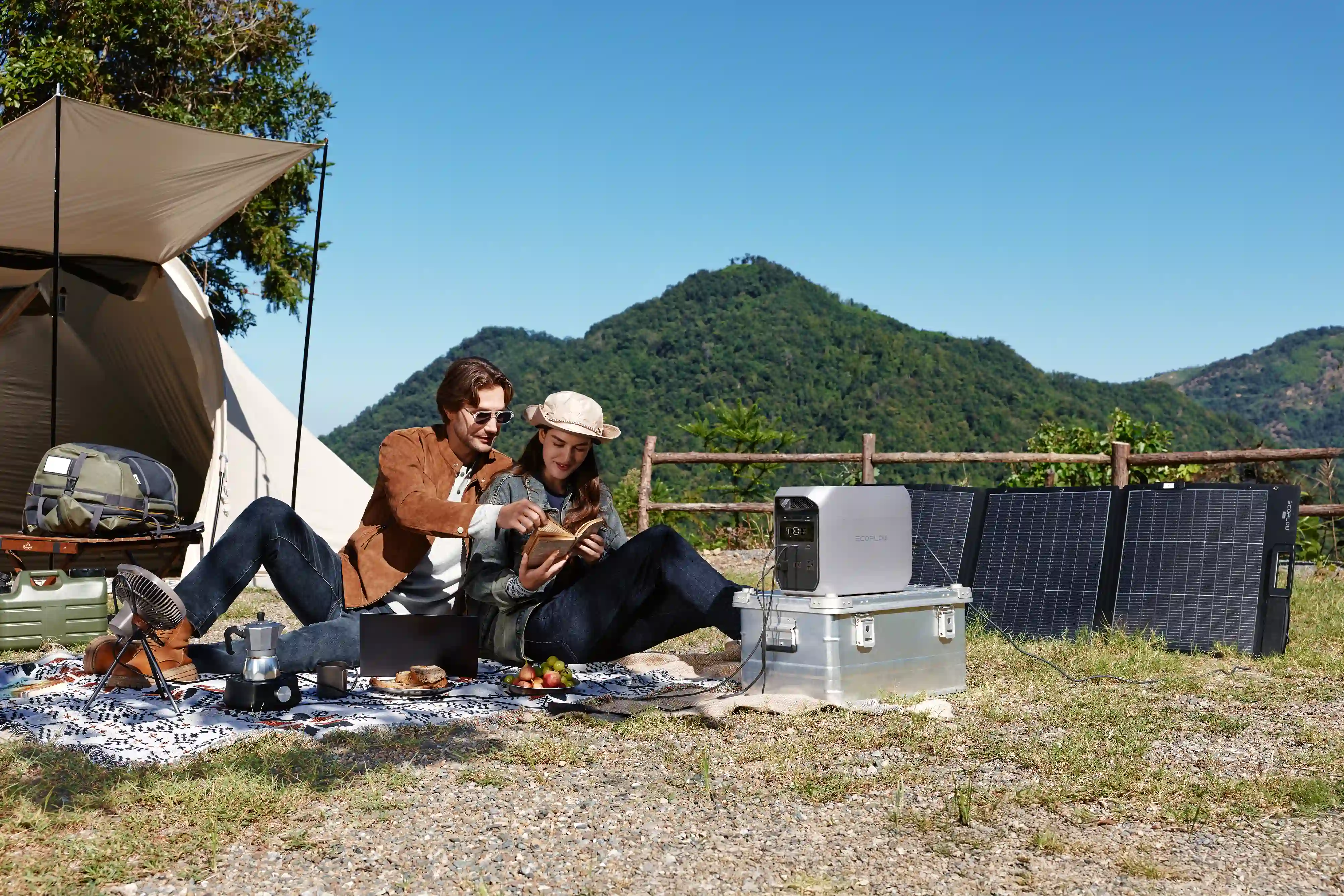
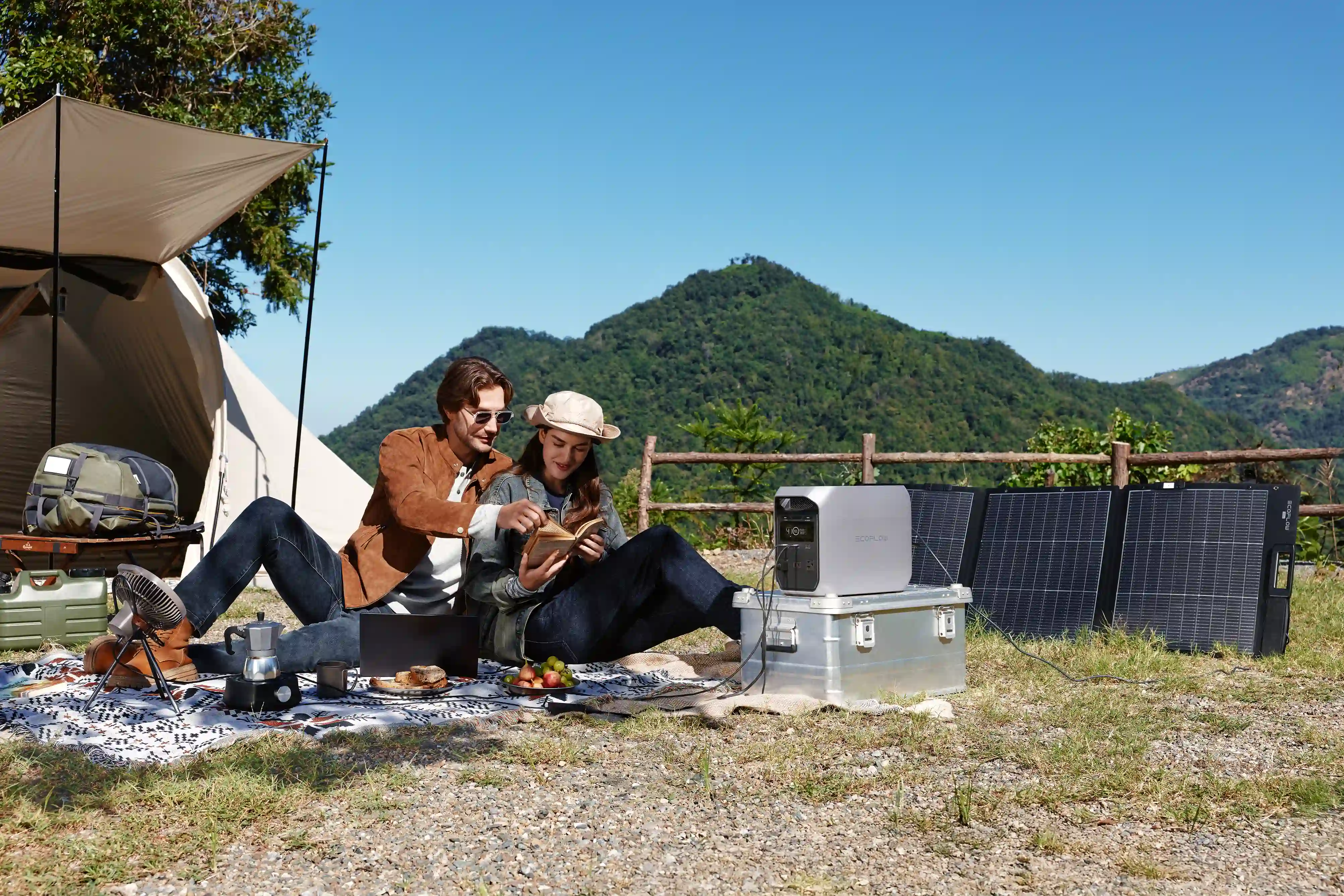
For a single camera or a small setup, a compact power station like the EcoFlow DELTA 3 Classic works well as a convenient power backup. Its durable LiFePO4 battery and portable build make it well-suited for powering localized monitoring gear—cameras, 4G cellular modems, even a few outdoor lights.
Prepare Backup Power for Higher Energy Needs
Run several cameras across a big property, continuously record to a 24/7 NVR recording system, or leave a cabin hooked up for the season, and you need robust energy resilience that won’t quit during a multi-day storm or a grid blackout.
For bigger multi-camera systems or longer outages, the EcoFlow DELTA 3 Max Plus steps up with more capacity and higher power output. It serves as a solid backup foundation for continuous recording, local storage, alarms, and other essential electronics during extended outages.
How Do You Install an Outdoor Camera Effectively?
Plan before you drill holes. A little thought up front gets you better viewing angles, fewer blind spots, and gear that lasts.
Select Suitable Camera Locations
Mount cameras about 2.5 to 3 metres (8 to 10 feet) above the ground. High enough that nobody’s tempted to mess with them, low enough to catch faces clearly. Keep the lens out of direct morning or evening sun so you don’t get flare, and tuck the unit under a roof eave, soffit, or porch roof to shield it from sleet.
Consider Wireless Installation Methods
Battery and cellular-powered cameras skip cable clutter, which makes them a good fit for heritage homes, wood cabins, or detached garages. When you’re screwing a mount into cedar siding, brick, or vinyl, seal around the screws with outdoor silicone so water doesn’t work into the wall. And check the Wi-Fi signal strength first—you want at least -65 dBm where you plan to mount it, before the final fastening.
Optimize Solar Charging Placement
Pair a wireless camera with a small solar panel and you’ll recharge it by hand far less often. That said, real-world solar performance swings with daylight hours, weather conditions, panel orientation, shading, and snow accumulation. Across most of Canada, pick a south-facing orientation and you’ll get strong year-round solar exposure; tilt it steeper and winter output improves while snow slides off. The ideal angle depends on your latitude, where you’re mounting, what’s shading it, and whether you care more about summer or all-year output. Keep panels clear of overhanging spruce branches and wipe away heavy snow crusts periodically to sustain the charging current.
.webp)
.webp)
How Can You Maintain a Reliable Outdoor Camera System?
Stay on top of maintenance and you’ll dodge most dropouts—and your footage tends to be sharp when you need it most.
Monitor Camera Performance Regularly
Dust, cobwebs, pollen, and even salt spray can slowly fog the lens and cause night vision glare from IR bounce-back. Gently wipe the lens housing once a month with a soft microfiber cloth and lens cleaner. And glance at the live feed now and then to make sure the viewing angle has not shifted due to heavy wind or ice accumulation.
Manage Data Storage Effectively
MicroSD cards get written and rewritten constantly, which wears down the flash memory. Use high endurance, surveillance-grade memory cards and reformat them through the camera app every few months to clear out bad sectors. On cloud storage, set auto-delete for the unimportant motion clips that don’t matter so you don’t blow past your limit.
Plan Future Camera Expansion
When your needs grow, adding secondary camera units along the property line, the driveway, or the garden shed is easy—if you started with a modular system. Pick a platform that shares app access, groups cameras cleanly, and manages power in one place, and expanding your coverage down the road requires zero structural overhaul.
Conclusion
Get the plan right and an outdoor camera setup gives you protection and everyday convenience through all of Canada’s dynamic seasons. Focus on weatherproofing that holds up, night vision that’s actually sharp, and power that fits your site—a portable power station, a well-placed solar panel—and you can put together a network that keeps your home, farm, or remote cottage covered year-round.
FAQ
Are Outdoor Cameras Worth It for a Cottage?
Yes, outdoor cameras are definitely worth the investment for a cottage because they provide continuous remote oversight, instant storm damage verification, and deterrence against break-ins during vacant off-season months.
How Much Power Does an Outdoor Camera Use per Hour?
A typical outdoor security camera draws between 2W and 8W of continuous power, depending on resolution, Wi-Fi activity, and features like motorized pan-tilt or infrared spotlights. In terms of daily energy consumption, a camera drawing an average of 5W consumes approximately 5 watt-hours (Wh) each hour, or 120Wh per day during continuous 24/7 recording. Battery-powered, motion-activated units consume significantly less by staying in low-power standby mode until triggered.
How Long Does an Outdoor Wireless Camera Battery Last?
Most wireless camera batteries last between 1 and 6 months on a single charge, depending heavily on motion trigger frequency, live view usage, and ambient temperatures (freezing Canadian winters will noticeably reduce lithium-ion battery discharge life).
Do Any Outdoor Security Cameras Work Without Wi-Fi?
Yes, 4G LTE cellular security cameras operate without any local Wi-Fi network by using a dedicated cellular SIM card to stream footage and send push notifications directly to your phone. Alternatively, standard cameras with onboard MicroSD cards can record locally without any internet connection.